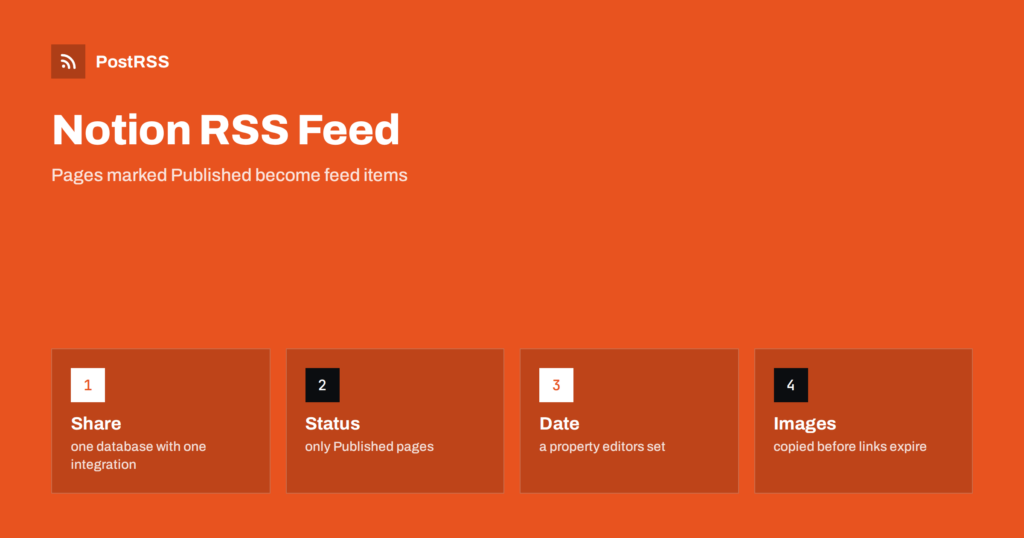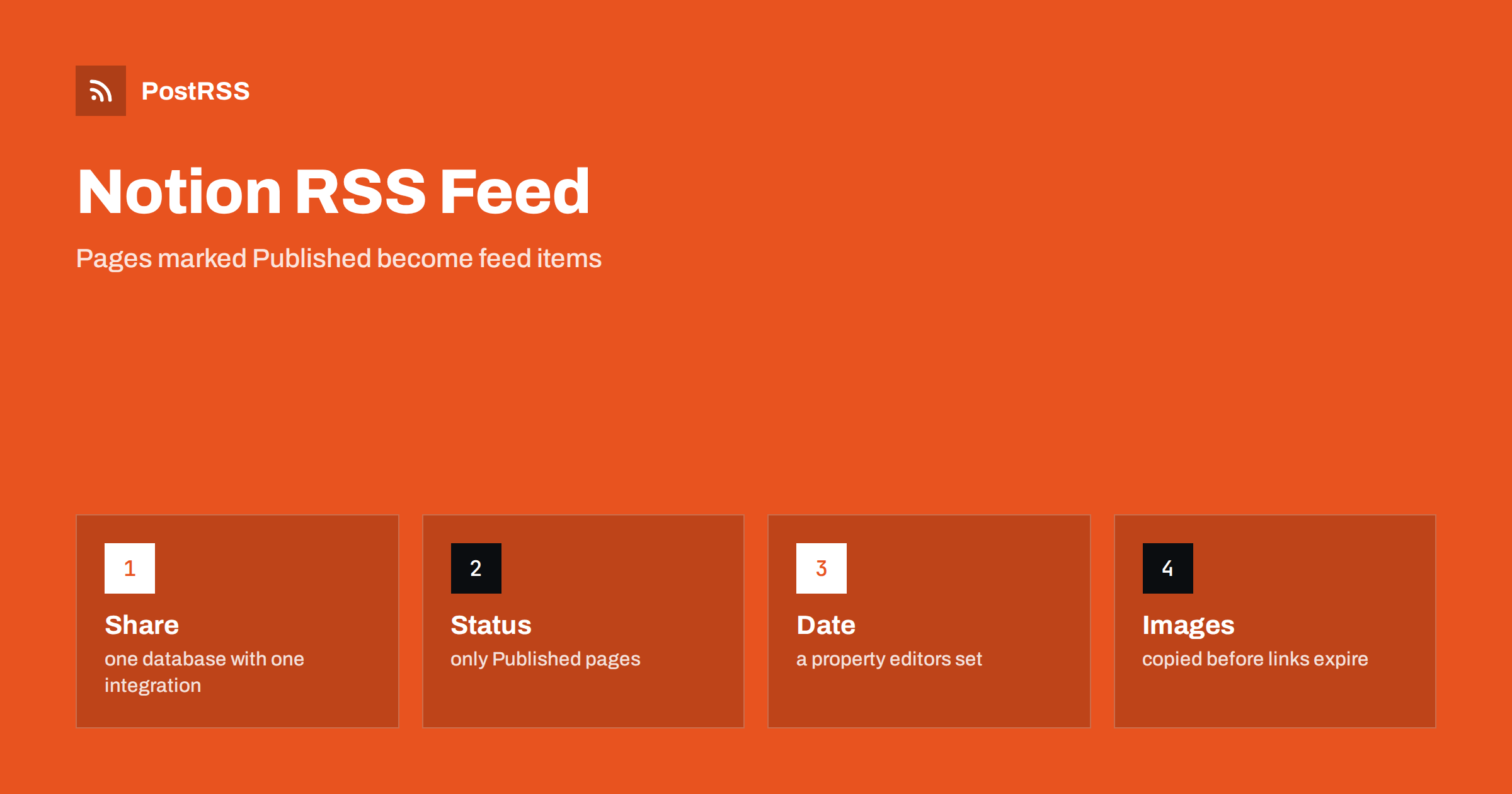
Short answer: A Notion database can drive an RSS feed, but Notion does not create one for you. Share the database with an integration, query it through the API for pages whose status is Published, sorted by a date property, and turn each page into an item with an absolute link, a stable identifier, a real date and a summary. Escape the text, return the RSS content type with a cache validator, copy images to your own storage and test the live address. Then connect the address to an auto-poster, so that every page you mark as published is shared on your social channels.
Many small teams plan their content in Notion: a database with one page per article, a status column, an owner and a date. It is a pleasant place to write and to organize, but it is not a website, and its pages are not a feed. If you want social networks to follow the database, a small piece of server code has to read the pages and write them out as XML. This guide builds that code, explains which properties are needed and points out the traps that are specific to Notion, such as property types, temporary file addresses and API versions.
A feed item needs a title, a permanent address, a date and a summary. In a Notion database each of them should be a property of its own, so that the person who edits the page knows exactly what will be public.
| Feed element | Notion property | Rule |
|---|---|---|
| Title | Name (the title property) | Plain text |
| Link and identifier | URL property | Absolute, https, never changes |
| Publication date | Date property | Filled in by hand, not the last edited time |
| Description | Text property named Summary | One or two complete sentences |
| Visibility | Status or select property | A value such as Published, set on purpose |
Do not use the automatic last edited time as the item date. Every small correction changes it, and a feed that used it would move old pages to the top and make an auto-poster share them again. A separate date property that an editor fills in once is the safe choice. The causes and cures of repeated posts are covered in why a feed auto-posts the same article twice.
Create an internal integration in your Notion settings, copy its secret into an environment variable on the server and share the database with the integration from the menu of the database. An integration can read only what has been shared with it, which is a useful safety limit: share the one database that feeds the feed, and nothing else. Never place the secret in code that runs in a browser, because anyone who opens the page could copy it.
The API accepts a POST request with a filter and a sort. The code below asks for the twenty newest pages whose status is Published, and it sends the version header that Notion requires.
// feed.js (server side, Node 18 or later)
const DB = process.env.NOTION_DATABASE_ID;

export async function loadPages() {
  const res = await fetch(`https://api.notion.com/v1/databases/${DB}/query`, {
    method: "POST",
    headers: {
      Authorization: "Bearer " + process.env.NOTION_TOKEN,
      "Notion-Version": "2022-06-28",
      "Content-Type": "application/json",
    },
    body: JSON.stringify({
      filter: { property: "Status", status: { equals: "Published" } },
      sorts: [{ property: "Publish date", direction: "descending" }],
      page_size: 20,
    }),
  });
  if (!res.ok) throw new Error("Notion returned " + res.status);
  const data = await res.json();
  return data.results;
}
The property names are case sensitive, and a renamed property breaks the filter, so keep the names stable and test after every change. Notion has been evolving how databases are exposed through the API, and newer versions introduced new concepts for the data behind a database, so pin the version header and read the documentation of the version you choose before you copy anything. The API also limits the number of requests per second, so cache the result instead of calling it for every visitor of the feed. A broader look at no-code sources is in auto-posting from Notion, Airtable or a headless CMS.
Notion returns each property as a structure with its type, so a title is a list of text fragments and not a string. Join the fragments into plain text before you use them.
const plain = (parts) => (parts || []).map((p) => p.plain_text).join("");

export function toItem(page) {
  const p = page.properties;
  return {
    title: plain(p["Name"].title),
    url: p["URL"].url,
    date: p["Publish date"].date?.start,
    summary: plain(p["Summary"].rich_text),
  };
}
If a required property is empty, skip the page and log a warning instead of writing a broken item. An item without a link or a date is worse than no item, because an auto-poster may share it in a broken form. Dates may contain only a day without a time. A day alone is read as midnight, which may fall on the wrong day in some time zones, so include the time in the property if the exact hour matters and say which time zone your team uses.
Text typed into a page can contain ampersands, angle brackets and quotation marks, and any of them can break an XML document. Escape every value before it goes into the template.
const SITE = "https://example.com";
const ENT = {
  "&": "&" + "amp;",
  "<": "&" + "lt;",
  ">": "&" + "gt;",
  '"': "&" + "quot;",
  "'": "&" + "apos;",
};
const esc = (s) => String(s ?? "").replace(/[&<>"']/g, (c) => ENT[c]);

export function render(items) {
  const newest = items.length ? new Date(items[0].date) : new Date(0);
  const body = items.map((i) => `<item>
      <title>${esc(i.title)}</title>
      <link>${esc(i.url)}</link>
      <guid isPermaLink="true">${esc(i.url)}</guid>
      <pubDate>${new Date(i.date).toUTCString()}</pubDate>
      <description>${esc(i.summary)}</description>
    </item>`).join("\n");
  return `<?xml version="1.0" encoding="UTF-8"?>
<rss version="2.0"><channel>
  <title>Example Journal</title>
  <link>${SITE}</link>
  <description>News and guides from Example Journal.</description>
  <lastBuildDate>${newest.toUTCString()}</lastBuildDate>
  ${body}
</channel></rss>`;
}
The channel date comes from the newest page and not from the clock, so the file stays the same when nothing changed. The identifier of each item is its permanent address, which must be the address of a real public page, for example the page on your website that you publish from the Notion text. Notion’s own page addresses require a sign-in unless you share the page publicly, and they are not a good identifier for a feed.
The handler caches the XML for a few minutes, sets the content type and a validator and answers with a 304 status when the client already holds the current version.
import { createHash } from "node:crypto";

let cache = { xml: "", at: 0 };

export async function handleFeed(req, res) {
  if (Date.now() - cache.at > 5 * 60 * 1000) {
    const pages = await loadPages();
    cache = { xml: render(pages.map(toItem).filter((i) => i.url && i.date)), at: Date.now() };
  }
  const etag = '"' + createHash("sha1").update(cache.xml).digest("hex") + '"';
  res.setHeader("Content-Type", "application/rss+xml; charset=utf-8");
  res.setHeader("Cache-Control", "public, max-age=300");
  res.setHeader("ETag", etag);
  if (req.headers["if-none-match"] === etag) {
    res.statusCode = 304;
    return res.end();
  }
  res.end(cache.xml);
}
The in-memory copy keeps the number of API calls low, which protects the rate limit and makes the feed fast. The mechanism of the validator is explained in the guide to ETags and conditional requests.
Auto-posters build the best social posts from a feed that gives them a picture. Files that you upload to Notion are served from addresses that are signed and expire after a short time, so a feed that copied them would send broken images to social networks within hours. Download the file when the page is published and save it on your own storage, then use that permanent address in the feed as an enclosure with a type and a length. Images that are linked from another site keep their own address and do not expire, but you depend on that site. This is a common cause of missing previews, described in what happens when an auto-posted image address returns 404.
Notion makes it easy to move a page between statuses, and the feed follows the status exactly. If a page returns to draft after publication, the item leaves the feed, but a post that was already shared on a social network stays there, so remove it by hand if it must go. Corrections to the text of a published page do not create a second post as long as the address of the item stays the same, because auto-posters recognise items by their identifier. Decide these rules in advance and write them on the first page of the database, so that nobody on the team is surprised by the way the feed behaves. A scheduled date in the future should not make an item appear early, so filter on the date as well as the status.
Test the deployed address from outside, because a local test says nothing about the hosting platform and the certificate in front of your application.
curl -i https://example.com/feed.xml
curl -i -H 'If-None-Match: "paste-the-etag-here"' https://example.com/feed.xmlA longer routine is in the feed validation guide, and a shorter one in debugging a feed with curl.
PostRSS has been publishing RSS and Atom feeds to social networks since 2014. Paste the address of your feed, connect your accounts and choose how each post is built from the title, the description or the page title. PostRSS checks the feed as often as every minute and shares each new entry, with its image and link, to the channels you choose among 66 supported networks, messengers, team chats and blogs, including LinkedIn, X, Bluesky, Mastodon and Telegram. Keyword filters, UTM parameters and posting windows let you tune each channel. See the PostRSS features page and the plan limits on the pricing page. More developer guides are under the Technical Guide tag.
A Notion feed is a short handler that reads a database and writes XML, and it has to get the details right: an integration that sees only one database, a status property and a real date, a public address for every page, plain text from rich text fragments, escaped text, copied images, absolute links, the correct content type and a validator that lets clients skip unchanged files. Cache the result, test the live address with curl and a validator, then connect it to an auto-poster. After that, every page your team marks as published reaches your readers and your social channels without extra work.
No. Notion stores pages and offers an API, so you build the feed in your own code from the pages that the API returns.
A date property that your team fills in on purpose. The last edited time changes with every correction and would push old pages to the top.
Only if the pages are public and you want readers to land there. Most teams publish the text on their own website and use that address in the feed.
Files uploaded to Notion are served from signed addresses that expire. Copy each file to your own storage when the page is published.
Yes. PostRSS reads any valid RSS or Atom address that is reachable without a login. Paste the address, connect your channels and new pages are shared as soon as they appear.
What changed in the networks, what broke, and how to fix it before it costs you reach.
Dibuat oleh Internet Solutions, tim di balik PostRSS. Masing-masing menghemat waktu Anda dengan caranya sendiri.
 English
 Lietuviškai
 Deutsch
 Français
 Русский
 Español
 Polski
 Italiano
 Українська
 Čeština
 Português
 日本語
 Latviešu valoda
 Eesti
 Magyar
 Bahasa Indonesia
 Türkçe
 हिन्दी
 Ελληνικά
 العربية
 ไทย
 Tiếng Việt
 Română
 Bahasa Melayu
 বাংলা