RSS 66 közösségi hálózatra: Facebook, Instagram, X, LinkedIn, Telegram és további platformok Blog Partnerprogram Kapcsolat
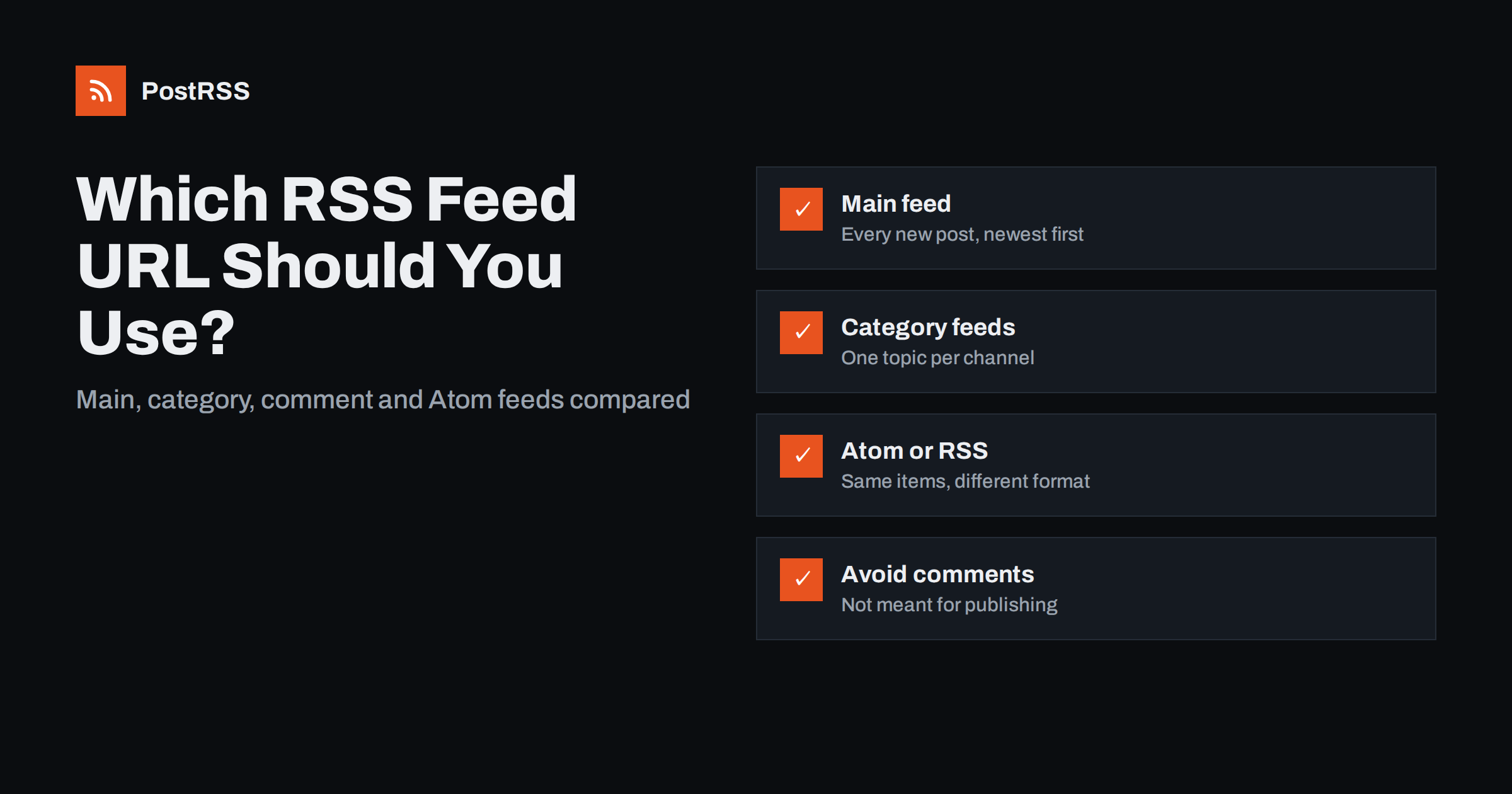
Short answer: For most sites, use the main posts feed: /feed/ on WordPress, /rss/ on Ghost, /feeds/posts/default on Blogger, or the blog’s .atom feed on Shopify. Use a category or tag feed when a channel should only receive one topic, prefer RSS or Atom versions that you can validate, and never connect a comments feed or a search feed to social auto-posting. Whatever you choose, use the final HTTPS address without redirects.
If you have ever looked for your site’s RSS feed, you may have found several candidates: /feed/, /rss/, /feed/atom/, /comments/feed/, /category/news/feed/, and perhaps a feed.xml vagy index.xml as well. They are not duplicates by accident. Content management systems generate a feed for almost every list of content they can produce: all posts, one category, one tag, one author, comments, search results, and sometimes the same list in two or three formats.
That flexibility is useful, but it creates a practical question whenever you set up a feed reader, a newsletter digest or a social media auto-posting tool: which URL is the right one? Choosing the wrong feed is one of the most common reasons automation behaves strangely. Posts appear twice, comments get published as if they were articles, some items are missing, or nothing happens at all.
This guide explains the main feed types, lists the usual URLs on popular platforms and gives a simple way to decide.
Here are the usual addresses on popular platforms. Replace example.com with your domain, and always open the URL in a browser to confirm it returns XML.
| Platform | Main feed | Topic feeds and notes |
|---|---|---|
| WordPress | /feed/ (RSS 2.0), /feed/atom/ (Atom) | /category/slug/feed/, /tag/slug/feed/, /author/name/feed/; comments at /comments/feed/ |
| Blogger | /feeds/posts/default (Atom), add ?alt=rss for RSS | Label feeds at /feeds/posts/default/-/LabelName |
| Ghost | /rss/ | Tag feeds at /tag/slug/rss/, author feeds at /author/slug/rss/ |
| Shopify | /blogs/news.atom (blog handle may differ) | Collection feeds such as /collections/all.atom for products |
| Squarespace | Blog page URL plus ?format=rss | Each blog page has its own feed |
| Jekyll (jekyll-feed) | /feed.xml | Category feeds depend on configuration |
| Hugo | /index.xml | Sections and taxonomies get their own index.xml |
| Substack | /feed | One feed per publication |
If your platform is not listed, look at the page source for a link rel="alternate" tag with type="application/rss+xml" vagy application/atom+xml. That is the feed the site itself advertises. Our guides to finding feeds on WordPress and on Blogger go into more detail.
When a platform offers both, the choice is usually less important than people expect. Both formats carry titles, links, summaries, dates and unique identifiers, and every serious feed reader and auto-posting service supports both. There are a few practical differences worth knowing:
Tue, 29 Sep 2026 08:00:00 +0000; Atom uses ISO 8601 dates such as 2026-09-29T08:00:00Z. Atom dates are harder to get wrong.updated element for each entry, which some tools use to spot edits./feed/rss/ and RDF at /feed/rdf/. Avoid these for new setups; they carry less information.The rule of thumb: pick the format that contains the most complete data for your items, usually the platform’s default, and stick with it. Switching formats later can change item identifiers and cause re-posting. For a deeper comparison, read Atom feed vs RSS feed.
For publishing new content to social networks, apply these rules in order:
Some tools also offer keyword filters that include or exclude items by words in the title or description. That can replace category feeds when your site does not categorise posts cleanly. See category filtering for social accounts for examples.
Many sites have several addresses that all end up at the same feed: http:// és https://, with and without www, /feed és /feed/, or an old FeedBurner address. Each redirect adds a request, and some automation tools, caches and security layers treat redirects inconsistently. Worse, if a redirect is removed during a site migration, the feed stops working silently.
Open your candidate URL, follow any redirects and use the final address, the one that returns XML directly with an HTTP 200 status. If you are unsure, a command such as curl -sIL https://example.com/feed shows every hop. Also make sure the final URL uses the same domain as your articles; tools sometimes use the feed’s domain to build absolute links.
Most platforms show the latest 10 items by default. WordPress controls this with the “Syndication feeds show the most recent” setting under Reading. For auto-posting, 10 to 20 items is usually enough, as long as you do not publish more than that between checks. If you publish many posts in a burst, a very short feed can cause items to fall off the list before a tool sees them. On the other hand, a feed with hundreds of items is slow to download and parse. Our article on how many items to include covers the trade-offs.
Also check full text versus summary. WordPress has a setting to include the full text or only an excerpt. For social auto-posting, the excerpt is usually enough, and it keeps the feed small; for feed readers, many subscribers prefer full text.
Before you paste a URL into any tool, run through this list:
Five minutes spent here prevents most of the problems people later attribute to the auto-posting tool.
Changing the feed URL connected to an existing channel is safe if you understand one detail: tools remember which items they have already posted, usually by the item’s GUID or link. If the new feed uses the same identifiers, nothing is reposted. If it uses different identifiers, for example because you switched from RSS to Atom and the platform formats IDs differently, older items may look new and be posted again. To be safe, set a start date or limit posts to items published after the switch.
Typical situations where people change feeds, and what to watch in each case:
In every case, watch the first few automated posts after the change and check the posting log. Problems show up immediately, which makes them easy to fix before followers notice.
PostRSS accepts any RSS 2.0 or Atom feed and checks it every 5 minutes on all plans, or every minute on Enterprise plans. You can connect several feeds to one account, send one feed to many targets, and give each source its own keyword filters to include or exclude items by words in the title and description. Posts can be built from the item title, the description, the page title or your own static text, and images come from the feed item or the page’s Open Graph tags. You can also choose the date to start from, so switching feeds does not repost your archive. See the features page for details and the pricing page for plans.
Most sites need only one feed for automation: the main posts feed in the platform’s default format. Use category, tag or author feeds when channels need different content, avoid comment and search feeds, never connect overlapping feeds to the same channel, and always use the final HTTPS URL. Check the feed once before connecting it, and it will keep working quietly in the background.
The main feed is your domain followed by /feed/, for example https://example.com/feed/. WordPress also offers /feed/atom/ for Atom, /comments/feed/ for comments, and category feeds such as /category/news/feed/.
Either works with modern tools. Choose the one that includes the most complete data for your items, usually the platform default, and avoid switching later because identifiers may change and cause reposting.
You have probably connected a comments feed instead of the posts feed. Replace it with the main posts feed or a category feed, and check that no comment feed URL remains connected.
Yes. Connect each account to its own category or tag feed, or use keyword filters if your tool supports them. Make sure one account does not receive two overlapping feeds, or posts may appear twice.
Often it still works, but redirects add delay and can break silently after a site migration. Use the final HTTPS address that returns XML directly with an HTTP 200 status.
What changed in the networks, what broke, and how to fix it before it costs you reach.
Az Internet Solutions, a PostRSS mögött álló csapat fejlesztései. Mindegyik a maga módján spórol időt.
 English
 Lietuviškai
 Deutsch
 Français
 Русский
 Español
 Polski
 Italiano
 Українська
 Čeština
 Português
 日本語
日本語 Latviešu valoda
 Eesti
Eesti Magyar
 Bahasa Indonesia
 Türkçe
 हिन्दी
 Ελληνικά
 العربية
 ไทย
ไทย Tiếng Việt
 Română
 Bahasa Melayu
 বাংলা
বাংলা