RSS 66 közösségi hálózatra: Facebook, Instagram, X, LinkedIn, Telegram és további platformok Blog Partnerprogram Kapcsolat
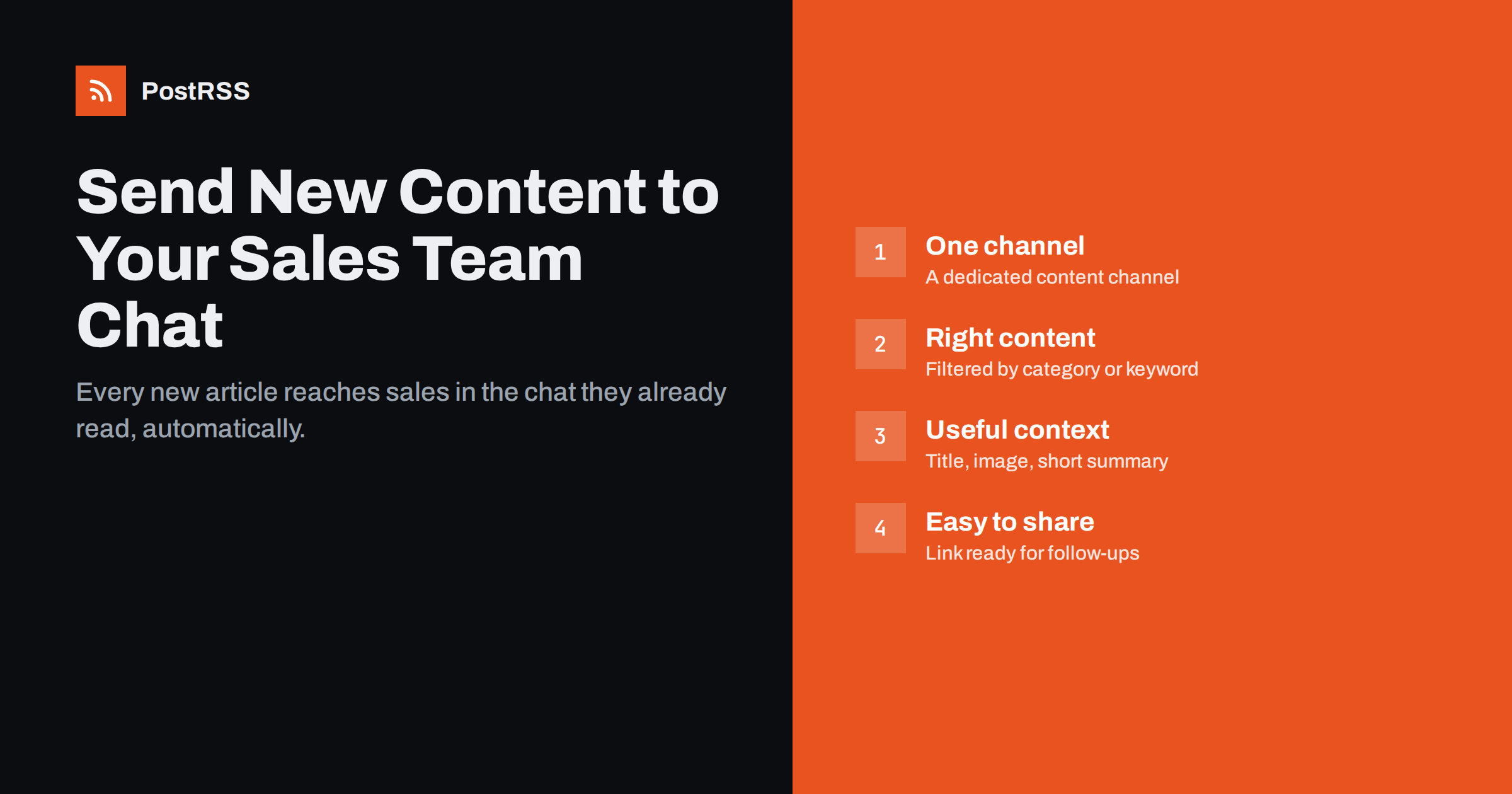
Short answer: The simplest way to make sure your sales team knows about new content is to post every new article, product update and customer-facing page automatically into a dedicated channel in the team chat they already use, such as Slack, Microsoft Teams, Google Chat or Mattermost. An RSS feed from your website plus an auto-posting tool or webhook does this without anyone remembering to send a message. Filter the feed so only sales-relevant content arrives, and add a short routine for discussing how to use it.
In many companies, marketing publishes useful material every week: articles that answer common customer questions, comparison pages, product update notes, guides, webinars and customer stories. Meanwhile, sales people write the same explanations again and again in emails, because they do not know the material exists or cannot find it when they need it.
The cause is rarely unwillingness. Sales teams are busy, and a newsletter from the marketing department or a monthly meeting slide is easy to miss. Content that could answer a prospect’s objection sits unused on the website, while a sales rep spends twenty minutes writing an answer from scratch.
The cost of this gap is easy to underestimate. Every time a rep writes an explanation from scratch, the answer is slightly different, sometimes out of date, and never as polished as the article marketing spent days on. Prospects comparing vendors notice when one company sends a clear, well-structured guide and another sends a long, hurried email. Consistent, accurate answers are part of the buying experience.
Closing that gap does not need an expensive sales enablement platform for most small and mid-sized teams. It needs new content to show up, reliably and immediately, in the place where the sales team already spends its day. For most teams today, that place is the team chat.
Email announcements about new content compete with customer emails, which always win. A dedicated chat channel has several advantages:
There is also a timing advantage. A rep who sees a new comparison page on the morning it is published can use it in a call that afternoon. When the same information arrives in a monthly round-up, the moment has often passed, and the rep has already written their own version.
The channel becomes a living library of sales-ready content, ordered by date and easy to scan. New team members can scroll back through it to learn what material exists.
Not everything on your website helps sales. A channel that fills up with irrelevant posts will be muted within a week. Good candidates are:
Content that usually does not belong: internal company news, job adverts, purely SEO-driven articles far from the product, and posts aimed at a completely different audience.
The mechanism is the same one publishers use for social media distribution:
Timing is worth a thought. Many auto-posting tools let you limit posting to certain hours. If marketing publishes late in the evening, a posting window that starts at the beginning of the working day means the item arrives when the team is online rather than disappearing under overnight messages. If your sales team works across time zones, a single morning window in the main office’s time zone is usually a reasonable compromise.
No custom code is needed. Setting up an incoming webhook in a chat tool usually means creating it in the channel settings or the admin area and copying its URL into the automation tool. Check your organisation’s policy first: some companies restrict who can add integrations.
Filtering is what makes the channel useful rather than noisy. There are three common approaches, and they can be combined:
A tag-based approach has a pleasant side effect: it makes marketing think about sales relevance while writing. If a writer cannot decide whether a new piece deserves the sales tag, that is often a sign the piece needs a clearer purpose or a clearer audience.
Start strict. It is easier to add more content later than to win back a team that muted the channel because it was full of noise.
A message that only says “New post” with a link gets ignored. A better message helps a busy rep decide in five seconds whether the piece is relevant. Consider:
sales-chat, lets marketing see how often shared links are opened by prospects. Tell reps whether to use these links or clean ones in their emails.Automation delivers the content. A small human routine turns it into a habit:
It also helps to show the channel to every new sales hire in their first week. Scrolling through a few months of posts is a fast way to learn the product, the typical customer questions and the language the company uses. Some teams ask new reps to pick three pieces from the channel and explain in a practice call how they would use each one with a prospect.
Over time, this loop improves both sides. Marketing writes content that answers real questions, and sales has better material to send.
PostRSS checks an RSS or Atom feed every 5 minutes (every minute on Enterprise plans) and posts each new item with its title, text, image and link. According to the features page, its 66 networks include team chats such as Google Chat, Microsoft Viva Engage, Zoom Team Chat, Mattermost, Rocket.Chat, Zulip, Webex, Pumble, Flock, RingCentral, Zoho Cliq, Twist and Chatwork, and a webhook option covers Slack, Microsoft Teams, Zapier and n8n.
For sales channels, the useful controls are keyword filters to include or exclude items, message formats built from the title, description or your own static text, UTM parameters on every link, and the ability to send one feed to several targets with different settings, such as the social networks and the sales channel at the same time. Details are on the PostRSS features page.
Good content only helps sales if the sales team knows it exists at the moment a prospect asks. Posting new, filtered content automatically into a dedicated team chat channel is one of the simplest ways to make that happen. Set up a category or keyword filter, write titles and summaries that answer real questions, and add a small weekly routine. The result is a searchable library of sales-ready material that grows by itself, and a direct feedback line from the people who talk to customers every day back to the people who write for them.
Not for the basic need of knowing what content exists. A filtered feed posted into a team chat channel covers that for many small and mid-sized teams. Dedicated platforms add features such as content analytics per rep and approval workflows, which larger teams may want later.
Most popular ones. Slack and Microsoft Teams accept incoming webhooks, and tools such as Google Chat, Mattermost, Zulip and Webex can receive posts through integrations or webhooks. Check your organisation’s rules for adding integrations first.
Use a category or tag feed dedicated to sales content, or keyword filters that include and exclude specific words. Start with a strict filter and widen it only if sales asks for more.
Yes, that is the point, but agree on tracking first. Either reps use links with UTM parameters so marketing can measure opens, or they use clean links; mixing both makes analytics confusing.
Yes. Many auto-posting tools let one feed go to several targets with different settings. The social networks can receive every post while the sales channel receives a filtered subset.
What changed in the networks, what broke, and how to fix it before it costs you reach.
 English
 Lietuviškai
 Deutsch
 Français
 Русский
 Español
 Polski
 Italiano
 Українська
 Čeština
 Português
 日本語
日本語 Latviešu valoda
 Eesti
Eesti Magyar
 Bahasa Indonesia
 Türkçe
 हिन्दी
 Ελληνικά
 العربية
 ไทย
ไทย Tiếng Việt
 Română
 Bahasa Melayu
 বাংলা
বাংলা