RSS 66 közösségi hálózatra: Facebook, Instagram, X, LinkedIn, Telegram és további platformok Blog Partnerprogram Kapcsolat
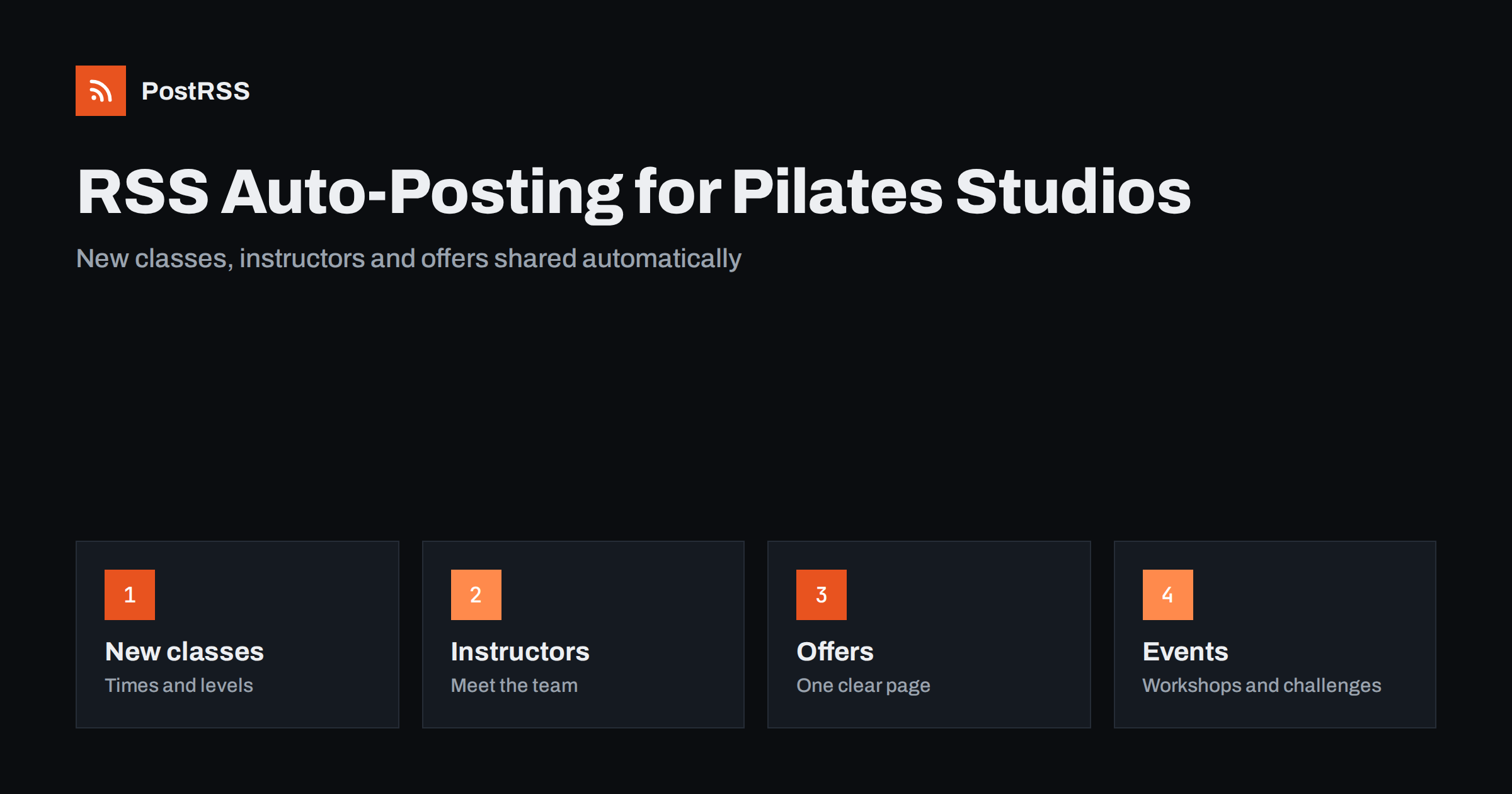
Short answer: RSS auto-posting lets Pilates and boutique fitness studios share new classes, timetable changes, instructor profiles, introductory offers and event announcements on social media automatically. Publish each announcement as a page on your website, let an auto-poster read the RSS feed, and it appears on your Facebook Page, Pinterest boards and other channels with its photograph and link. Instructors keep teaching and members keep their attention on the class, while your news reaches new clients at exactly the right moment.
A boutique studio lives on a small, loyal community and a steady trickle of newcomers. People find a studio by looking at what it actually offers: who teaches, what the room feels like, which classes suit a beginner and how to book the first one. The owner is often also an instructor, a manager and the person answering messages, so social media tends to be posted in bursts and then forgotten. Because a website can hold a short page for every class, instructor and event, automation can carry those pages to the networks without a second job. This guide explains how to set it up and where personal care and professional responsibility must stay in human hands.
A studio produces a steady stream of content, if it is written down in the right place:
Each of these can be a short page on your own website. When the page is published, the feed announces it. You write it once, in a place that you own, and the automation spreads it to the networks where people look for a studio. Pages on your site also appear in local search results when someone looks for a class nearby, which social posts alone do not achieve.
Most studio websites run on platforms that publish feeds without extra work:
/feed/ and a feed for every category, such as /category/new-classes/feed/. If you are unsure of the address, see how to find your WordPress feed link.Use categories to separate the audiences: new classes, instructors, offers, events and articles. Each category has its own feed, and each feed can go to the channel where it works best. Routing by category is explained in category filtering for auto-posting.
| Content | Automate? | Notes |
|---|---|---|
| New classes and timetables | Yes | Publish on the website, link to the booking page |
| Instructor introductions | Yes | One page per teacher, with their consent |
| Offers and memberships | Yes | Keep terms on one permanent page |
| Events and workshops | Yes | Schedule well ahead |
| Cancelled or full classes | By hand | Tell people immediately, in the channel they use |
| Questions about injuries or health | By hand | Answer personally and refer to a qualified professional |
A simple rule: if it is a plan, automate it. If it concerns today’s class or one person’s body, tell them yourself.
When the timetable changes, regular members find out from a notice at the door, but potential members never see it. Write a page for every new class or new time slot, with the day, the time, the level, the instructor, what to bring and how to book. Add a sentence for beginners, because the first visit is the hardest decision. If the studio publishes a new term timetable, give it its own page and link the class pages from it. Set the publication date a week or two before the start, and the feed shares the news when people plan their month. Avoid listing prices in scheduled posts unless they are fixed; link to the offers page instead, where one update corrects everything.
People choose a studio largely because of its teachers. A short page for each instructor, with a clear photograph, qualifications, the classes they teach and a few honest sentences about their approach, helps a newcomer feel that they know someone before the first visit. Ask each instructor to approve the text and the picture, and update the page when they leave or change classes. State qualifications exactly as they are written on the certificate, and avoid superlatives you cannot prove. A monthly introduction published through the feed keeps the studio visible and gives members a reason to share the page with a friend.
Many searches begin with a question: what is the difference between mat and reformer, what should I wear, is it suitable after a break from exercise, how often should I come. Write one page for each such question, in plain language, with photographs of the room and equipment. These evergreen pages bring in visitors from search engines long after the post itself is forgotten. Keep the advice general. You can describe what a class involves and who it often suits, but you should not diagnose conditions or promise outcomes. Invite readers to contact the studio before booking if they have an injury, are pregnant or have been told by a doctor to avoid certain movements.
An introductory offer is the most direct way to turn a reader into a client, and it is also where mistakes cost money. Describe each offer on one permanent page: what is included, how long it lasts, who can use it, how to book and what the cancellation rules are. Then link to that page from every post, instead of repeating terms in each one. When an offer ends, update the page the same day so that older posts never promise something that is gone. If you run a seasonal campaign, give it its own page with a clear start and end date, and schedule the closing reminder along with the opening notice.
Fitness marketing is full of exaggeration, and customers notice. Keep the studio’s voice accurate:
Advertising and health-claims rules differ by country, so check the requirements that apply to you. A calm, factual page protects the studio and respects the people who read it.
Keep file sizes reasonable so pages load quickly; see image optimization for RSS auto-posting. If a network shows the wrong picture, check the Open Graph tags of the page as described in why auto-posted links show the wrong image.
Most studios do best with a Facebook Page and one more channel. Add others only if you can keep them active.
/feed/, and check that it lists recent items.PostRSS has been automating RSS posting since 2014. It checks your website feeds as often as every minute and publishes each class announcement, instructor page and article, with its real image and link, to the channels you connect, from Facebook Pages and Pinterest to LinkedIn, Telegram, Bluesky and many more among its 66 supported networks. You can choose how each post is built, filter items by keywords, add UTM parameters and post only within chosen hours or at exact times in your time zone. See the PostRSS features page for everything it does and the pricing page for plan limits. More ideas for small businesses are under the Local Business tag.
Pilates and boutique fitness studios already have what newcomers want to see: teachers, classes and a welcoming room. RSS auto-posting shares each new class, instructor introduction, offer and event automatically on Facebook, Pinterest and your other channels, on time and with the right image, while instructors keep teaching. Give every class and teacher their own page, keep offer terms on one permanent page, avoid promises about results, get consent for every photograph, route content by category and handle cancellations and health questions personally.
Yes. If your website has a news or classes section, its RSS feed can be connected to an auto-poster that shares each new page on your Facebook Page, Pinterest and other channels. Cancellations and health questions are still best handled personally.
New classes, timetable changes, instructor introductions, introductory offers, events and helpful articles for beginners. Each item should have its own page on your website so the feed can share it.
No. Keep the terms on one permanent page and link to it from each post. When an offer changes, you update one page and every earlier post still leads to the correct information.
A Facebook Page reaches local clients, who also look for reviews and hours there, and Pinterest suits technique guides and routines. Most studios do well with a Facebook Page plus one other channel.
One page for each new class, instructor, offer or event is enough for most studios. Prepare pages in advance and schedule them on your website so the feed keeps posting when the team is busy teaching.
What changed in the networks, what broke, and how to fix it before it costs you reach.
Az Internet Solutions, a PostRSS mögött álló csapat fejlesztései. Mindegyik a maga módján spórol időt.
 English
 Lietuviškai
 Deutsch
 Français
 Русский
 Español
 Polski
 Italiano
 Українська
 Čeština
 Português
 日本語
日本語 Latviešu valoda
 Eesti
Eesti Magyar
 Bahasa Indonesia
 Türkçe
 हिन्दी
 Ελληνικά
 العربية
 ไทย
ไทย Tiếng Việt
 Română
 Bahasa Melayu
 বাংলা
বাংলা