RSS 66 közösségi hálózatra: Facebook, Instagram, X, LinkedIn, Telegram és további platformok Blog Partnerprogram Kapcsolat
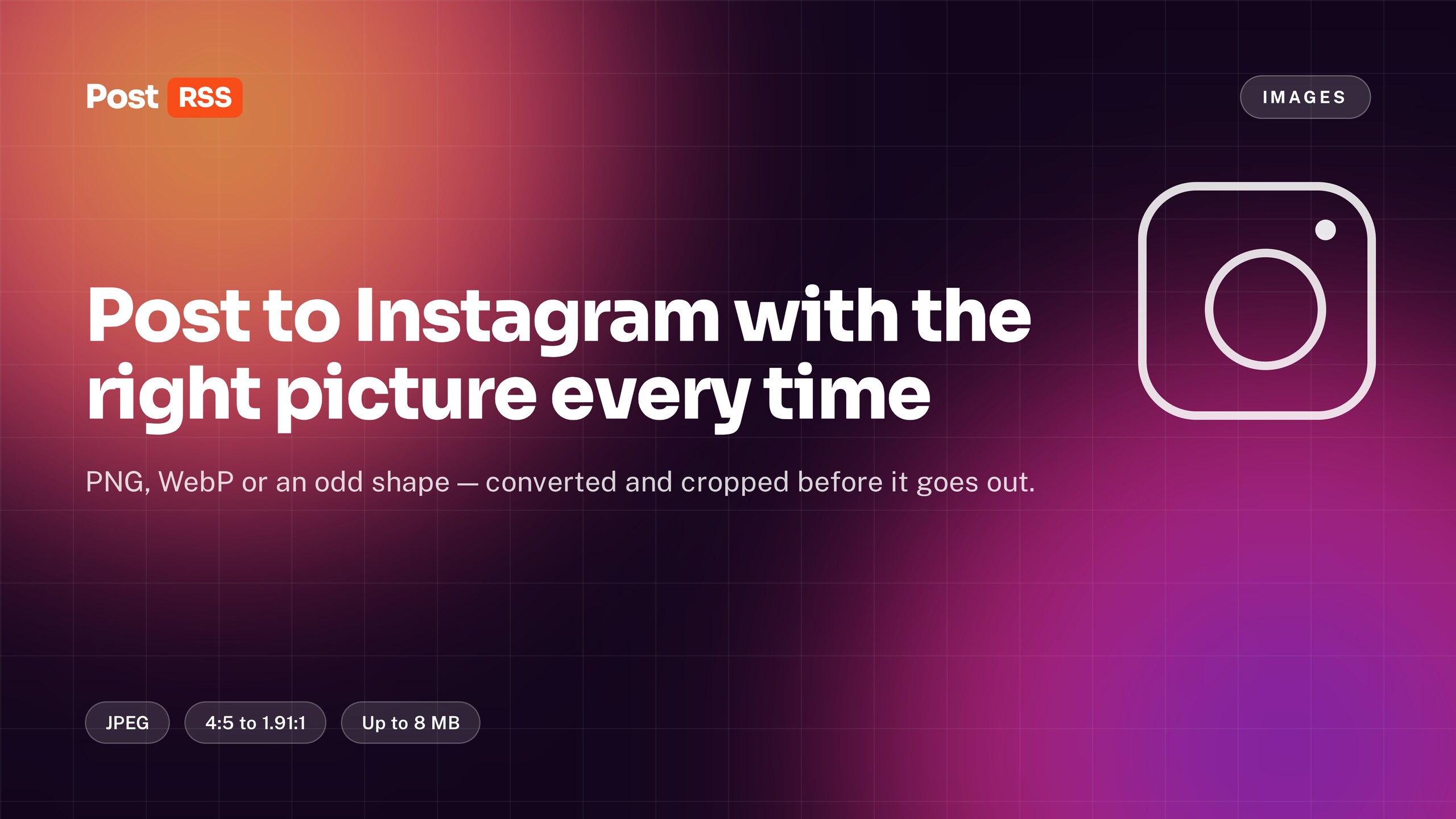
Instagram does not accept text-only posts, and it is fussy about the pictures it does accept. PostRSS takes the picture from your feed item and prepares it — format, shape and size — before publishing, so you never have to open an image editor to get an article onto Instagram. Our auto-post RSS to Instagram page is the place to start if you are setting this up now.
Instagram publishing is currently in testing while approval from Meta is pending.
These are Meta’s own rules for a published picture, not our preferences:
The shape rule is the one that catches people out, because Instagram does not fix it for you. A banner-shaped header image from a blog post is usually far too wide, and a tall infographic is far too tall.
Every picture goes through the same steps before the post is created:
Once Instagram has taken the file, the temporary copy on our server is deleted. We do not keep an archive of your pictures.
Cropping always loses something, and there is no perfect rule. Taking the middle is the choice that is wrong least often: logos, faces and products in article images tend to sit centrally, while the edges are usually background. If a particular image matters, the reliable fix is to give the feed item a picture that is already close to square.
If a feed item has no image, there is nothing to publish — Instagram will not take a text-only post from any tool. PostRSS skips the item for Instagram, tells you why, and carries on publishing it to the other networks in your target list. Nothing is lost anywhere else.
PostRSS will fix the format, size and shape of any reasonable picture, but a little care on your side means the crop never removes anything important. A few habits help:
None of this is required. It simply gives you control over the result instead of leaving it to the centre crop.
If the image that reaches Instagram is not the one you expected, the answer is almost always in the feed itself. Open your feed address in a browser and look at the item: PostRSS uses the enclosure, the media element or the first image in the content. A theme or plugin that puts a small icon or an advertising banner first can change which picture is picked. Our guide on controlling which image gets auto-posted from your RSS feed explains how to make the right picture come first.
It is worth checking one or two items before connecting Instagram, especially on a site that has recently changed theme, image plugin or CDN settings.
Instagram is the strictest network, but it is rarely the only one in a target list. The same feed item can go to a Facebook Page, a Pinterest board or a Telegram channel at the same time, each with its own settings. On those networks PostRSS takes the image from the feed item or from the Open Graph tags of the linked page, so the post carries the real picture there too. If an item has no picture and is skipped for Instagram, it is still published everywhere else, as described above. The full list of supported networks is on our features page.
No. Anything reasonable works. A picture that is already between square and landscape will simply survive cropping untouched.
It is converted to JPEG automatically. Most modern sites serve WebP, which is exactly why the conversion exists.
Conversion uses a high JPEG quality setting. On a normal article image the difference is not visible at Instagram’s display size.
That is coming. Today such items are skipped for Instagram with an explanation rather than published without an image, which Instagram would refuse anyway.
Instagram publishing is currently being tested: the integration is built and working on our side, and publishing is waiting for approval from Meta.
Create a free PostRSS account, connect Instagram, and stop resizing images by hand.
What changed in the networks, what broke, and how to fix it before it costs you reach.
Az Internet Solutions, a PostRSS mögött álló csapat fejlesztései. Mindegyik a maga módján spórol időt.
 English
 Lietuviškai
 Deutsch
 Français
 Русский
 Español
 Polski
 Italiano
 Українська
 Čeština
 Português
 日本語
 Latviešu valoda
 Eesti
 Magyar
 Bahasa Indonesia
 Türkçe
 हिन्दी
 Ελληνικά
 العربية
 ไทย
 Tiếng Việt
 Română
 Bahasa Melayu
 বাংলা