RSS 66 közösségi hálózatra: Facebook, Instagram, X, LinkedIn, Telegram és további platformok Blog Partnerprogram Kapcsolat
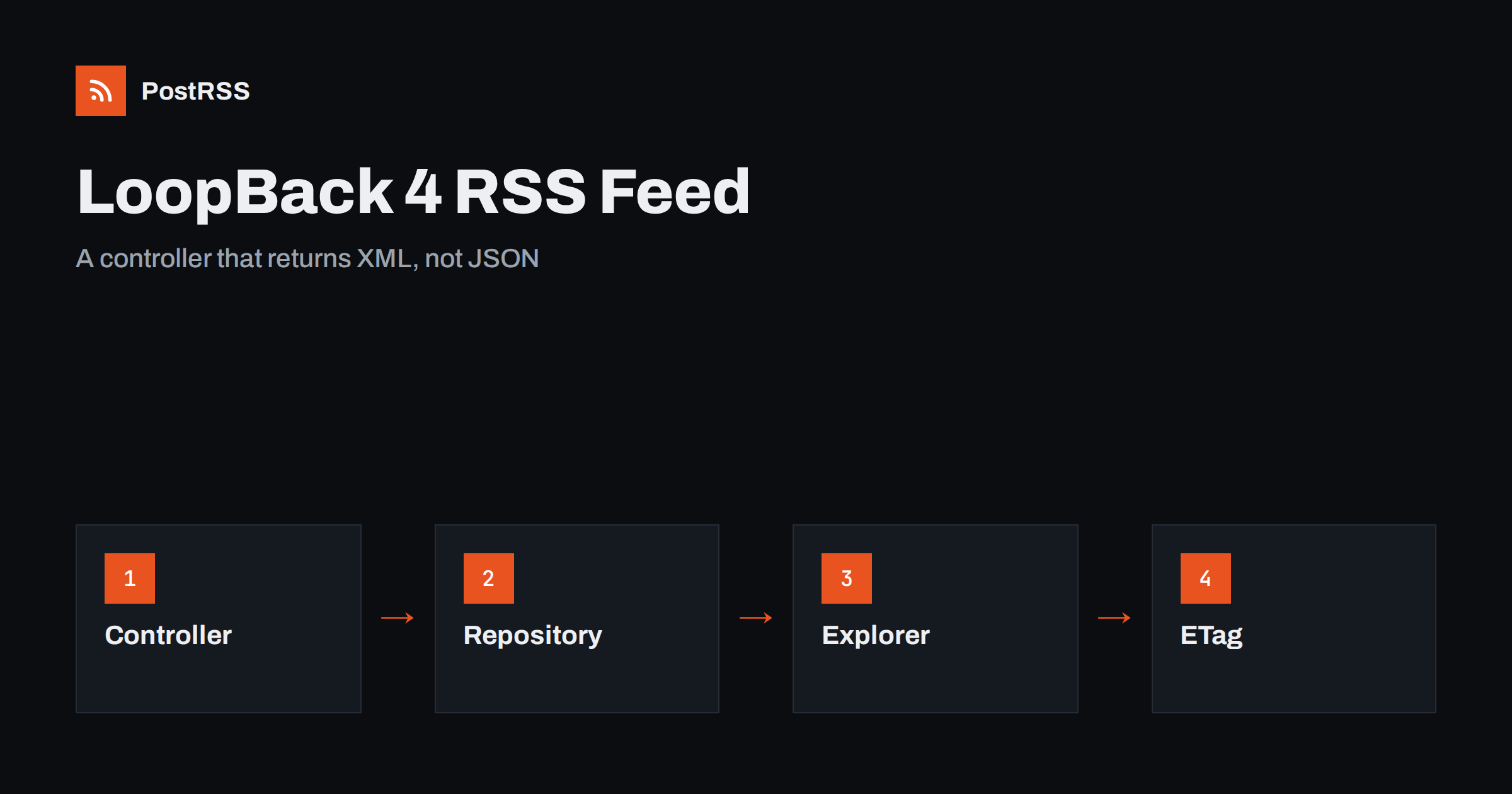
Short answer: In a LoopBack 4 application, an RSS feed is a controller method that returns XML instead of JSON. Inject the response object, read the newest published posts through a repository, build the document with escaped text and absolute links, set the RSS content type and a cache validator, hide the route from the generated API explorer and test the live address with curl and a validator. When the address, the links and the dates stay stable, an auto-poster can read the feed and share every new post on your social networks.
LoopBack 4 is a TypeScript framework for building APIs. It is strict about describing every operation: decorators declare the path, the parameters and the response, and the framework generates an OpenAPI document from them. That discipline is excellent for JSON endpoints, but a feed does not fit the usual pattern. Its response is XML, its consumers are readers and auto-posters, and it should not appear in the documentation that you give to API users. This guide shows how to add such an endpoint without fighting the framework, and how to make it reliable.
A controller is a class with decorated methods. For a feed, the method needs the repository of your posts and the raw response object, which the framework can inject for you.
// src/controllers/feed.controller.ts
import { inject } from "@loopback/core";
import { repository } from "@loopback/repository";
import { get, oas, OperationVisibility, Response, RestBindings } from "@loopback/rest";
import { PostRepository } from "../repositories";

const SITE = "https://example.com";

export class FeedController {
  constructor(
    @repository(PostRepository) private posts: PostRepository,
    @inject(RestBindings.Http.RESPONSE) private response: Response,
  ) {}

  @get("/feed.xml")
  @oas.visibility(OperationVisibility.UNDOCUMENTED)
  async feed(): Promise<Response> {
    // the code from the next sections goes here
    return this.response;
  }
}
The visibility decorator keeps the route out of the generated documentation and the explorer, so API users are not confused by an endpoint that returns XML. The route itself still works for everybody who knows the address. The same idea in other Node.js frameworks is covered in the NestJS feed guide és the Fastify feed guide.
A feed item needs a title, a permanent address, a publication date and a summary. The repository returns model instances, so ask for the newest published records and nothing else.
const posts = await this.posts.find({
  where: { published: true, publishedAt: { lte: new Date() } },
  order: ["publishedAt DESC"],
  limit: 20,
  fields: { slug: true, title: true, summary: true, publishedAt: true },
});
The query has three jobs: leave out drafts and future posts, put the newest first and keep the document short. Twenty items are enough for a reader or an auto-poster, and a short file is fetched quickly. The date field should be a real date type in the model, so that the database sorts it correctly, and the slug should be generated once when the record is created and never changed afterwards.
Text from a database can contain ampersands, angle brackets and quotation marks, and any of them can break an XML document. Escape every value before it goes into the template.
const ENT: Record<string, string> = {
  "&": "&" + "amp;",
  "<": "&" + "lt;",
  ">": "&" + "gt;",
  '"': "&" + "quot;",
  "'": "&" + "apos;",
};
const esc = (s?: string) => (s ?? "").replace(/[&<>"']/g, (c) => ENT[c]);

function render(posts: Post[]): string {
  const newest = posts.length ? posts[0].publishedAt : new Date(0);
  const items = posts.map((p) => {
    const url = `${SITE}/blog/${p.slug}`;
    return `<item>
      <title>${esc(p.title)}</title>
      <link>${esc(url)}</link>
      <guid isPermaLink="true">${esc(url)}</guid>
      <pubDate>${new Date(p.publishedAt).toUTCString()}</pubDate>
      <description>${esc(p.summary)}</description>
    </item>`;
  }).join("\n");
  return `<?xml version="1.0" encoding="UTF-8"?>
<rss version="2.0"><channel>
  <title>Example Journal</title>
  <link>${SITE}</link>
  <description>News and guides from Example Journal.</description>
  <lastBuildDate>${new Date(newest).toUTCString()}</lastBuildDate>
  ${items}
</channel></rss>`;
}
Several details are deliberate. The date method of the language writes the format that the RSS specification expects. The channel date comes from the newest post and not from the clock, so the file does not change when nothing was published. The identifier of each item is its permanent address, which does not change when the title does. And the address is built from a fixed constant, so every link is absolute.
The method sets the content type, a cache lifetime and a validator, and it answers with a 304 status when the client already holds the current version.
import { createHash } from "crypto";

const body = render(posts);
const etag = '"' + createHash("sha1").update(body).digest("hex") + '"';

this.response.setHeader("ETag", etag);
this.response.setHeader("Cache-Control", "public, max-age=300");
if (this.response.req.headers["if-none-match"] === etag) {
  this.response.status(304).end();
  return this.response;
}
this.response.type("application/rss+xml; charset=utf-8");
this.response.status(200).send(body);
return this.response;
Returning the response object tells the framework that the method has already written the answer, so it does not try to serialise a return value as JSON. The validator is a hash of the finished document, so it changes exactly when the content changes. A 304 answer saves bandwidth for you and for every tool that polls the feed; the mechanism is explained in the guide to ETags and conditional requests, and the status codes in the guide to feed status codes.
| Feed element | Source in the code | Rule |
|---|---|---|
| Title | title property | Plain text, escaped |
| Link and identifier | SITE and slug | Absolute, https, never changes |
| Publication date | publishedAt | In the past, never the current time |
| Description | summary property | One or two complete sentences |
| Channel date | Newest publishedAt | Changes only when a post is added |
| Validator | Hash of the document | Changes only when content changes |
The identifier deserves the most attention. If the slug follows the title and someone corrects a typo, the address changes, and an auto-poster that stores identifiers will treat the old and the new address as two different posts. The causes and cures are covered in why a feed auto-posts the same article twice.
Many LoopBack projects add authentication globally, and a feed that asks for a token is useless to an auto-poster. Check that your authentication component does not apply to this method, and mark the route as public in the way your project does for other open endpoints. Test it from a clean terminal without any credentials, because a request from your development machine may carry a cookie or a header that hides the problem. Also check any middleware that adds a rate limit; a feed is polled regularly, and a limit that is too tight will make a perfectly good feed return errors.
The query already keeps drafts and future posts out. That matters, because a draft that leaks into the feed is shared on social networks before it exists on your website. If you import old posts, give them their original dates, because a feed full of items with today’s date makes an auto-poster share your whole archive in one afternoon. For the effect of old dates see the guide to feed order and backdated posts.
Auto-posters build the best social posts from a feed that gives them a short summary and a picture. Write a real summary for every post instead of cutting the text automatically, because an automatic cut can end in the middle of a sentence and that is exactly what the auto-poster will copy. If a post has an image, add it as an enclosure with an absolute address, a type and a length. Text arrives from the database as Unicode and the response declares UTF-8, but control characters that XML forbids can still come from pasted content, so strip them when you save a record. See why special characters and emoji break feeds.
People and tools should not have to guess where the feed is. If your LoopBack project also serves a website or a landing page, add a link element to the head of its pages, with the relation set to alternate, the type set to the RSS media type and the absolute address of the feed. If the site is built separately, add the element there. A person or a tool that only knows your home page can then find the feed on its own. The full explanation is in the guide to feed autodiscovery. It also helps to write a small automated test that calls the method with a post containing an ampersand and an emoji and parses the result as XML, because that test catches the most common failure before it reaches production.
Start the application and request the route locally, then test the deployed address from outside, because a local test says nothing about the proxy and the certificate in front of your application.
npm start
curl -i http://localhost:3000/feed.xml
curl -i https://example.com/feed.xml
curl -i -H 'If-None-Match: "paste-the-etag-here"' https://example.com/feed.xmlA longer routine is in the feed validation guide, and a shorter one in debugging a feed with curl.
PostRSS has been publishing RSS and Atom feeds to social networks since 2014. Paste the address of your feed, connect your accounts and choose how each post is built from the title, the description or the page title. PostRSS checks the feed as often as every minute and shares each new entry, with its image and link, to the channels you choose among 66 supported networks, messengers, team chats and blogs, including LinkedIn, X, Bluesky, Mastodon and Telegram. Keyword filters, UTM parameters and posting windows let you tune each channel. See the PostRSS features page and the plan limits on the pricing page. More developer guides are under the Technical Guide tag.
A LoopBack 4 feed is one controller method that bypasses the usual JSON handling, but it has to get the details right: a repository query that returns only published posts with stable slugs, escaped text, absolute links, a channel date taken from the newest post, the correct content type and a validator that lets clients skip unchanged files. Keep the route public and out of the documentation, test the live address with curl and a validator, then connect it to an auto-poster. After that, every post you publish reaches your readers and your social channels without extra work.
Inject the response object, set the content type to the RSS media type, send the XML string and return the response object so that the framework does not serialise anything else.
Yes. Mark the operation as undocumented with the visibility decorator, and the route stays available but disappears from the generated documentation.
The method probably returned a string, and the framework converted it to JSON. Write to the response object and return that object instead.
The method sends a hash of the document as the ETag header. When the client sends the same value back, the method answers with a 304 status and no body.
Yes. PostRSS reads any valid RSS or Atom address that is reachable without a login. Paste the address, connect your channels and new posts are shared as soon as they appear.
What changed in the networks, what broke, and how to fix it before it costs you reach.
Az Internet Solutions, a PostRSS mögött álló csapat fejlesztései. Mindegyik a maga módján spórol időt.
 English
 Lietuviškai
 Deutsch
 Français
 Русский
 Español
 Polski
 Italiano
 Українська
 Čeština
 Português
 日本語
日本語 Latviešu valoda
 Eesti
Eesti Magyar
 Bahasa Indonesia
 Türkçe
 हिन्दी
 Ελληνικά
 العربية
 ไทย
ไทย Tiếng Việt
 Română
 Bahasa Melayu
 বাংলা
বাংলা