RSS 66 közösségi hálózatra: Facebook, Instagram, X, LinkedIn, Telegram és további platformok Blog Partnerprogram Kapcsolat
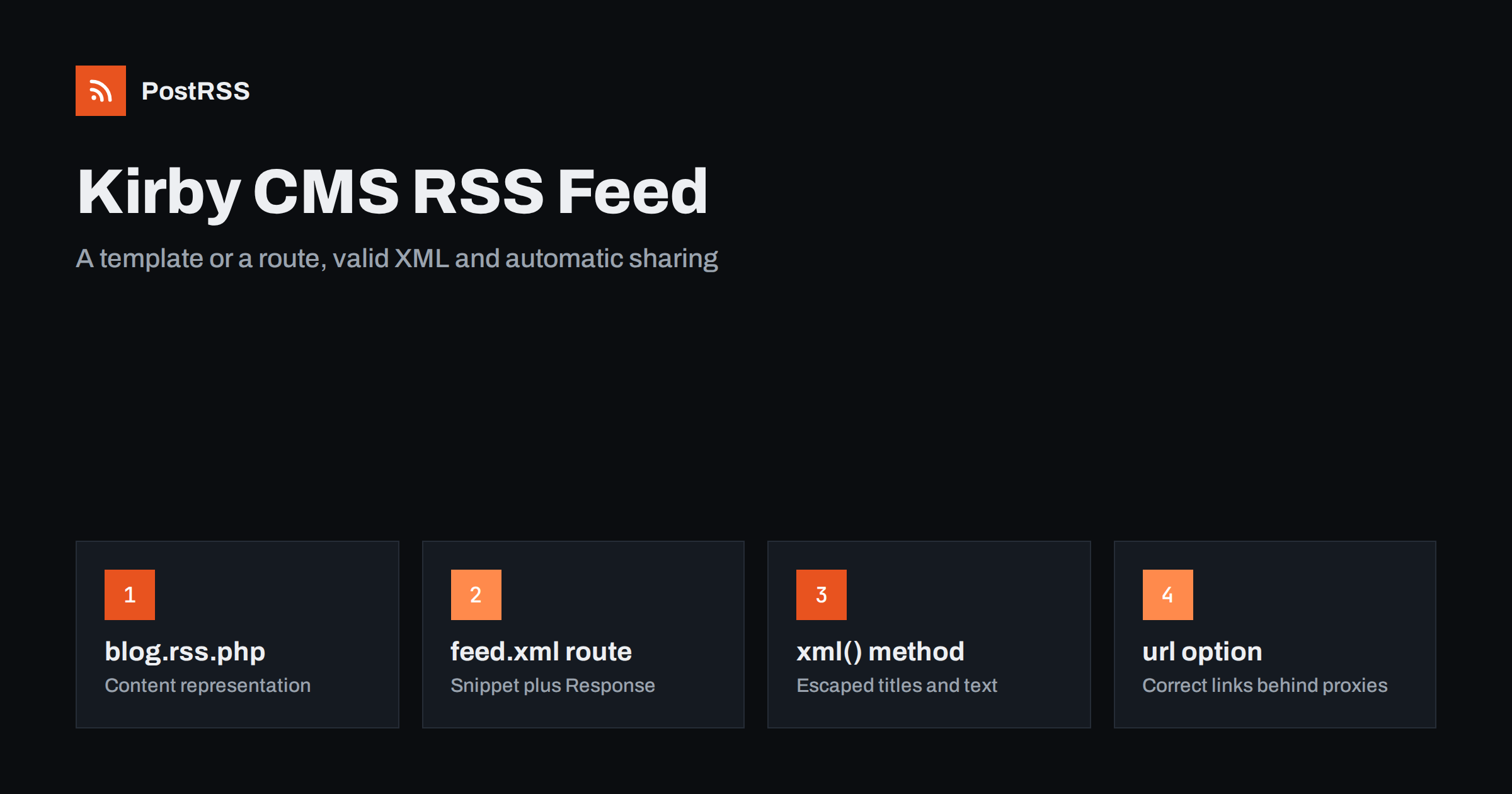
Short answer: Kirby CMS does not ship an RSS feed, but you can add one in a few lines. Either create a content representation template such as site/templates/blog.rss.php, which Kirby serves at /blog.rss, or register a feed.xml route in site/config/config.php that renders a snippet and returns it with the application/rss+xml type. Use $page->url() for absolute links, toDate('r') for dates and the xml() field method for escaping. Then an RSS auto-poster can share every new post automatically.
Kirby is a flat-file CMS loved by designers and developers for its clean panel and its flexible, file-based content model. It powers portfolios, studio websites, magazines, small company sites and personal blogs. Because Kirby gives you full control over templates, there is no built-in feed; you decide what the feed contains and how it looks. This guide shows two clean ways to add one, the settings that most often produce broken links or invalid XML, and how to use the feed for automatic social sharing.
Agree on the target before writing code. A feed that works well for readers and automation tools:
guid;For a refresher on the elements, see what guid and pubDate actually do.
Kirby can serve the same page in different formats. If your blog page uses the blog template, a file called site/templates/blog.rss.php becomes available at /blog.rss. Kirby sets the content type from the extension, and you can override it in the template.
<?php
$posts = $page->children()->listed()->sortBy('date', 'desc')->limit(30);
kirby()->response()->type('application/rss+xml');
echo '<?xml version="1.0" encoding="UTF-8"?>';
?>
<rss version="2.0" xmlns:atom="http://www.w3.org/2005/Atom">
  <channel>
    <title><?= $site->title()->xml() ?></title>
    <link><?= $site->url() ?></link>
    <description><?= $page->description()->xml() ?></description>
    <atom:link href="<?= $page->url() ?>.rss" rel="self" type="application/rss+xml"/>
    <?php foreach ($posts as $post): ?>
    <item>
      <title><?= $post->title()->xml() ?></title>
      <link><?= $post->url() ?></link>
      <guid isPermaLink="true"><?= $post->url() ?></guid>
      <pubDate><?= $post->date()->toDate('r') ?></pubDate>
      <description><?= $post->text()->excerpt(200)->xml() ?></description>
    </item>
    <?php endforeach ?>
  </channel>
</rss>
The xml() field method converts special characters to valid XML entities, so a title with an ampersand does not break the feed. The excerpt() method strips markup and cuts the text, which gives readable descriptions. Replace text és date with the field names from your blueprint.
Content representations are elegant because the feed lives next to the page it belongs to. If you have several sections, such as a journal and a news page, each can have its own representation.
Many people expect a feed at a predictable address such as /feed.xml vagy /feed. A route in site/config/config.php gives you that, and keeps the XML in a snippet:
<?php
use Kirby\Cms\Response;

return [
    'url' => 'https://example.com',
    'routes' => [
        [
            'pattern' => 'feed.xml',
            'action'  => function () {
                $posts = page('blog')->children()->listed()->sortBy('date', 'desc')->limit(30);
                $xml = snippet('rss', ['posts' => $posts], true);
                return new Response($xml, 'application/rss+xml');
            },
        ],
    ],
];
The snippet site/snippets/rss.php contains the same XML as the template above, using $posts és site(). Passing true as the third argument to snippet() returns the output as a string instead of printing it, so the route can wrap it in a response with the right content type.
If you prefer not to write XML yourself, community plugins for Kirby can generate RSS, Atom and JSON feeds from a page collection. They are a good option when you need several formats; check that the plugin supports your Kirby version.
Kirby detects the site URL from the request, which works well on a simple server. Behind a reverse proxy, a load balancer or certain hosting setups, the detected URL can be wrong: plain http, an internal host name or a missing subfolder. Because the feed uses $post->url(), every item link would then be wrong too.
Set the 'url' option in the production config, as in the route example, to the exact public address. You can keep a different config per environment with Kirby’s host-specific config files, such as config.example.com.php. After deploying, open the feed and click the first link; it should open the post exactly as visitors see it. More on this class of problem is in relative URLs in RSS feeds.
The toDate('r') call formats a date field in RFC 2822 style, for example Sun, 11 Oct 2026 05:15:00 +0000, which RSS expects. Make sure:
date field includes a time if you publish several posts a day, otherwise they share the same timestamp;date.timezone PHP setting or date_default_timezone_set(), matches what editors expect;listed() pages are included, so drafts and unlisted pages never appear in the feed.Kirby has no built-in “publish later” status. If your editors set future dates to schedule posts, filter them out of the feed with a condition such as ->filter(fn ($p) => $p->date()->toDate() <= time()), so a post appears only when its date has passed. Our article on RSS date format errors covers more date pitfalls.
When the feed drives social posts, the image decides how each post looks. Add an enclosure for posts with a cover image:
<?php if ($cover = $post->cover()->toFile()): ?>
  <enclosure url="<?= $cover->url() ?>" type="<?= $cover->mime() ?>" length="<?= $cover->size() ?>"/>
<?php endif ?>
Many auto-posters also read the post page’s og:image, so output it in your header snippet from the same cover field, ideally as a resized version of at least 1200 pixels in width using Kirby’s thumbnail methods. Tags from a tags field become <category> elements, which help route topics and generate hashtags. For full content, add the content namespace and output $post->text()->kirbytext() inside a CDATA section in content:encoded, while keeping the description short. See how to control which image gets auto-posted.
Kirby’s page cache can store rendered pages, including content representations, which makes feeds very fast. Kirby clears the cache when content changes in the panel, so a new post appears in the feed straight away. Two things to watch:
Routes are not cached by the page cache, so the route option is always fresh but rebuilds on every request. For small sites that is no problem. For busy ones, cache the snippet output yourself with Kirby’s cache API. See RSS feed caching explained.
Kirby has strong multi-language support, and many Kirby sites publish in two or more languages. Each language should get its own feed, because a subscriber or a social account for one language expects items only in that language.
/en/blog.rss és /de/blog.rss render the template in the matching language, and $post->url() returns language-specific URLs.language option, or you can read the language from the URL and call site()->visit() with it before building the feed.en vagy de.Then connect each language’s feed to the accounts for that audience. For strategy ideas, see automating multi-language website content.
Add an autodiscovery link to your header snippet so browsers, readers and tools can find the feed from any page:
<link rel="alternate" type="application/rss+xml"
      title="<?= $site->title()->html() ?>" href="<?= url('feed.xml') ?>">
A visible RSS link in the footer or on the blog page helps human subscribers too.
curl -sI https://example.com/feed.xml and confirm a 200 response with the RSS content type;The Kirby guide to content representations explains the template approach in more depth.
| Symptom | Cause | Fix |
|---|---|---|
| Feed served as text/html | Route returns a plain string | Return a Response with application/rss+xml |
| XML error after one post | Unescaped title or text | Use the xml() field method |
| Links use http or an internal host | URL auto-detection behind a proxy | Set the url option |
| Drafts in the feed | Using children() without listed() | Filter with listed() |
| Future posts appear early | No date filter | Filter by date up to now |
| Whole archive reshared | Page slugs or domain changed | Keep URLs stable; redirect old ones |
Changing page slugs in the panel changes URLs, and because the guid is the URL, tools see the post as new. Read duplicate guid fixes before renaming many pages.
Kirby has hooks that fire when a page changes status, and you could call social network APIs from them. In practice, every network has its own login flow, token refresh, rate limits and media rules. For a studio or agency maintaining client sites, that is a lot of fragile code. A feed-based auto-poster is simpler: the editor publishes in the panel, the feed shows the post, and the auto-poster shares it to the connected accounts.
PostRSS has been turning RSS and Atom feeds into social posts since 2014. Paste your feed address, connect your accounts and choose the post format. PostRSS checks the feed as often as every minute and publishes each new post, with its image and link, to the networks you choose among 66 supported networks, messengers, team chats and blogs, including Pinterest, Mastodon, Bluesky, Telegram and Tumblr. Keyword filters, UTM parameters, hashtags from categories and posting windows let you tailor each channel. See the PostRSS features page and the plan limits on the pricing page. More developer guides are under the Technical Guide tag.
A Kirby RSS feed takes either a content representation template or a small route with a snippet. Include only listed posts, escape every value with xml(), use url() for absolute links and toDate('r') for dates, and set the site URL explicitly in production. Keep caching short, validate once, and every new post can reach your social channels automatically.
No. Kirby leaves the feed to you, which is easy with a content representation template or a route. Community plugins can also generate RSS, Atom and JSON feeds from a collection of pages.
It is an alternative template for the same page, named with an extra extension such as blog.rss.php. Kirby serves it at the page URL plus that extension, for example /blog.rss.
Use the xml field method on every text value, for example on the title and the excerpt. It converts special characters to entities so the feed stays valid XML.
Kirby detects the URL from the request, and behind a proxy that can be the internal address. Set the url option in the production config to your public https address.
Yes. Once the feed is live and valid, an RSS auto-poster such as PostRSS can read it and publish each new post to the networks you connect, without custom hooks in Kirby.
What changed in the networks, what broke, and how to fix it before it costs you reach.
Az Internet Solutions, a PostRSS mögött álló csapat fejlesztései. Mindegyik a maga módján spórol időt.
 English
 Lietuviškai
 Deutsch
 Français
 Русский
 Español
 Polski
 Italiano
 Українська
 Čeština
 Português
 日本語
日本語 Latviešu valoda
 Eesti
Eesti Magyar
 Bahasa Indonesia
 Türkçe
 हिन्दी
 Ελληνικά
 العربية
 ไทย
ไทย Tiếng Việt
 Română
 Bahasa Melayu
 বাংলা
বাংলা