RSS vers 66 réseaux sociaux : Facebook, Instagram, X, LinkedIn, Telegram et plus Blog Affiliation Contacts
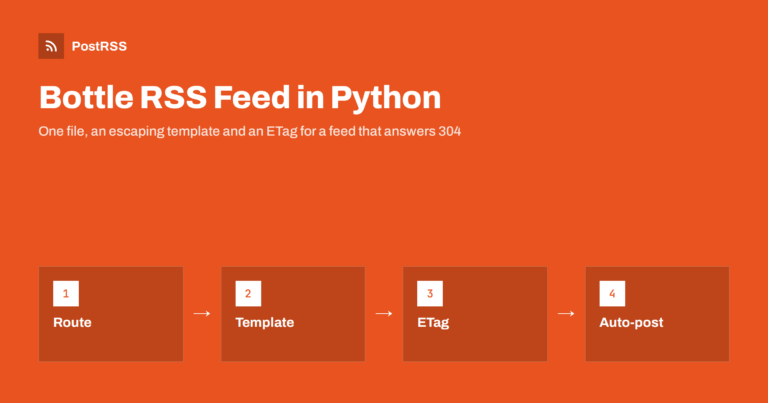
Short answer: To serve an RSS feed from a Bottle application, add a GET route for /feed.xml, read the newest published rows wit...
En savoir plus »
Short answer: To serve an RSS feed from a Rocket application, mount a GET route for /feed.xml, keep a database connection in ma...
En savoir plus »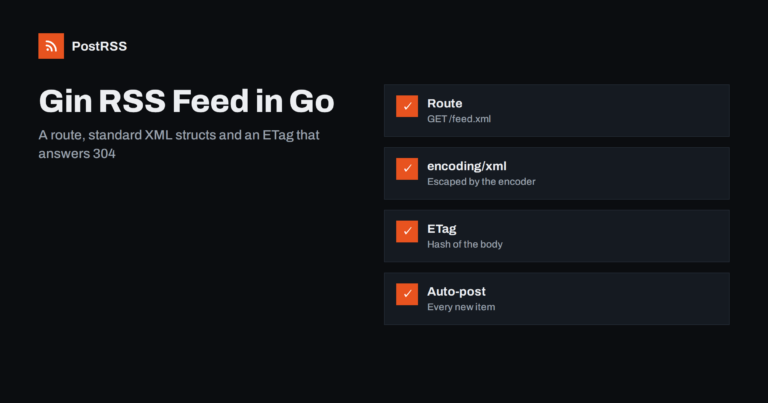
Short answer: To serve an RSS feed from a Gin application, register a GET route for /feed.xml, query the newest published rows ...
En savoir plus »
Short answer: To serve an RSS feed from a Laminas MVC application, install the laminas-feed component, add a literal route for ...
En savoir plus »
Short answer: To serve an RSS feed from a Tornado application, add a request handler for /feed.xml, load the newest published r...
En savoir plus »
Short answer: To serve an RSS feed from a Play Framework application written in Scala, add a route for /feed.xml, create a cont...
En savoir plus »
Short answer: To serve an RSS feed from a hapi application, add a GET route for /feed.xml, read the newest published rows from ...
En savoir plus »
Short answer: To serve an RSS feed from a Sanic application, add an async GET route for /feed.xml, read the newest published ro...
En savoir plus »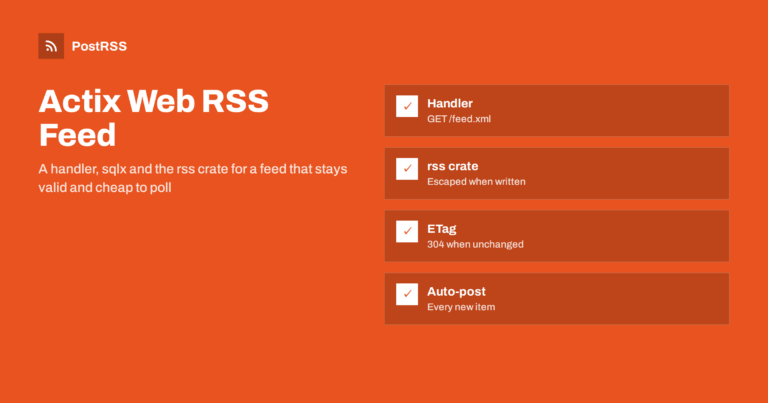
Short answer: To serve an RSS feed from an Actix Web application, add a GET handler for /feed.xml, read the newest published ro...
En savoir plus »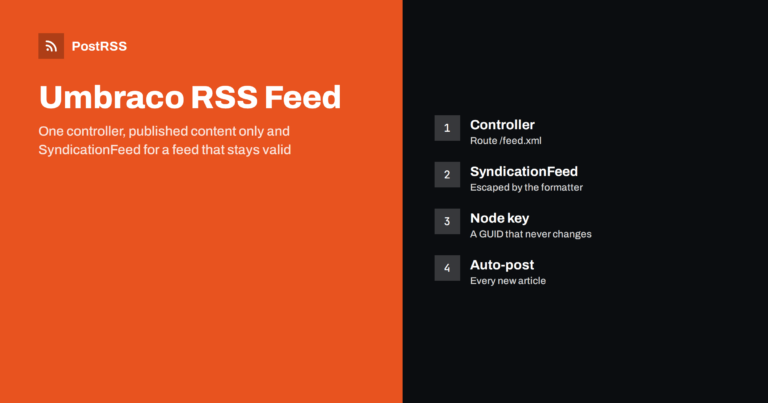
Short answer: To serve an RSS feed from an Umbraco website, add a controller that queries the published content of your news or...
En savoir plus »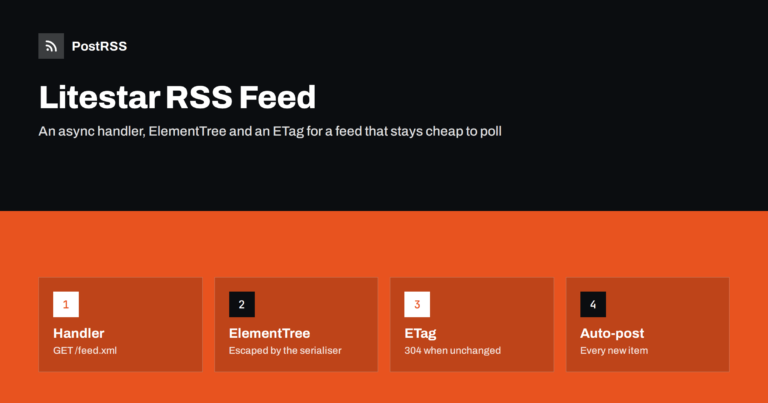
Short answer: To serve an RSS feed from a Litestar application, add a GET handler for /feed.xml, read the newest published rows...
En savoir plus »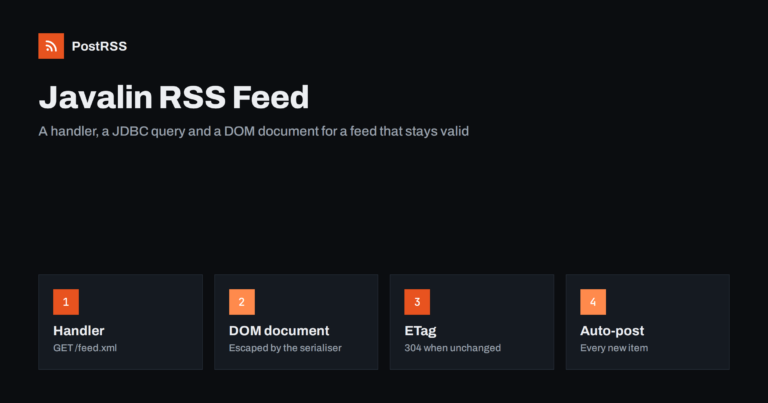
Short answer: To serve an RSS feed from a Javalin application, add a GET handler for /feed.xml, read the newest published rows ...
En savoir plus »Conçus par Internet Solutions, l'équipe derrière PostRSS. Chaque produit vous fait gagner du temps à sa façon.
 English
 Lietuviškai
 Deutsch
 Français
 Русский
 Español
 Polski
 Italiano
 Українська
 Čeština
 Português
 日本語
日本語 Latviešu valoda
 Eesti
Eesti Magyar
 Bahasa Indonesia
 Türkçe
 हिन्दी
 Ελληνικά
 العربية
 ไทย
ไทย Tiếng Việt
 Română
 Bahasa Melayu
 বাংলা
বাংলা