RSS vers 66 réseaux sociaux : Facebook, Instagram, X, LinkedIn, Telegram et plus Blog Affiliation Contacts
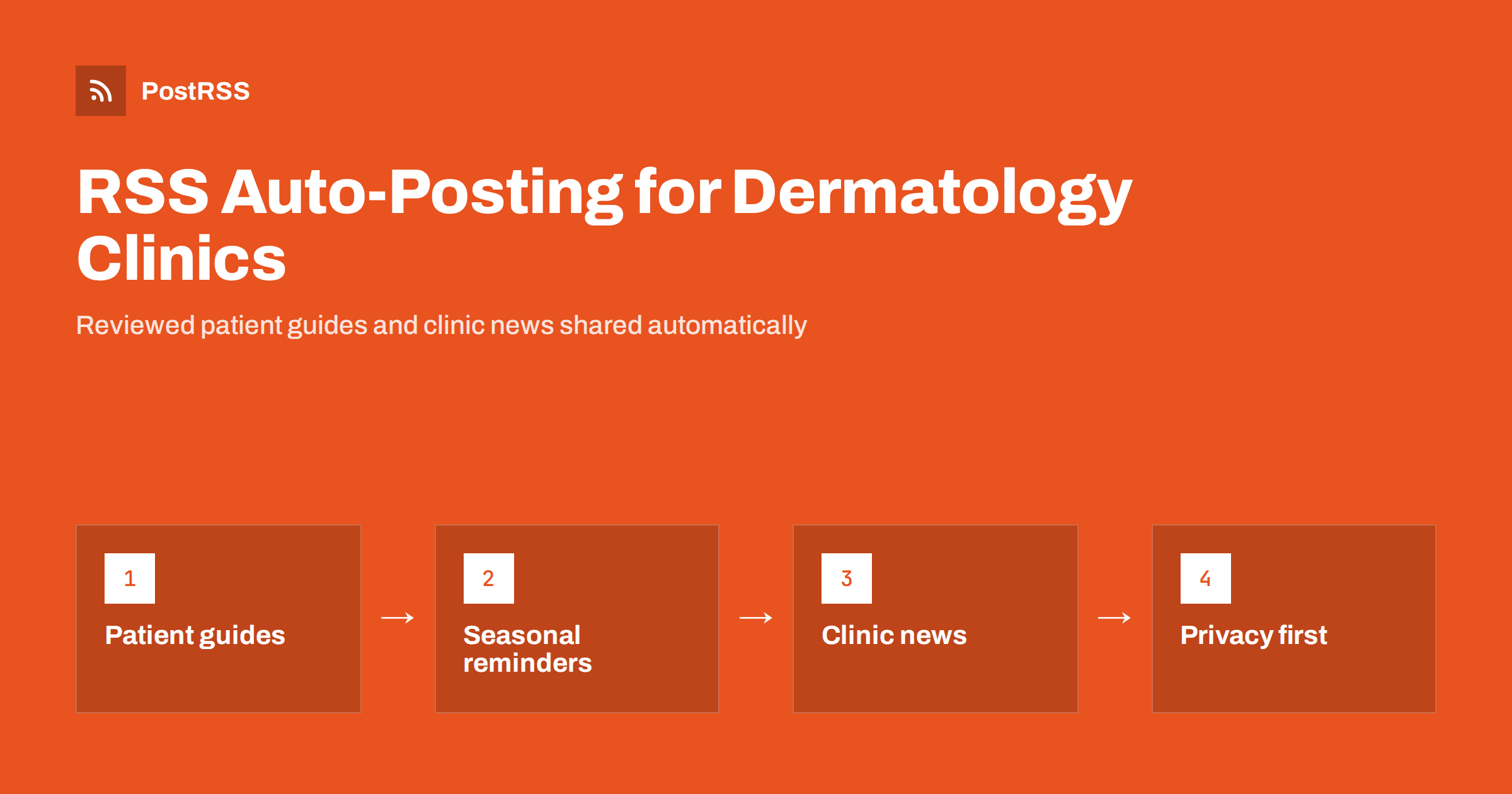
Short answer: RSS auto-posting lets dermatology clinics share every new patient guide, skin health article, seasonal reminder, clinic announcement and screening event on social media automatically. The clinic publishes reviewed content once on its website, an auto-poster reads the site’s RSS feed, and each page appears on the Facebook Page, LinkedIn page and other channels with its image and link. Because only approved website pages are shared, the clinic keeps control over medical accuracy and patient privacy, while doctors and staff spend their time with patients.
Patients research skin problems online long before they book an appointment. They search for moles that changed, adult acne, eczema flare-ups, rosacea, hair loss or sun protection, and they often check a clinic’s social pages to see whether it is active, trustworthy and easy to reach. A dermatology practice that publishes clear, accurate information builds that trust. Most clinics, however, do not have a marketing team. Doctors are fully booked, front desk staff handle calls and referrals, and social media is the task that slips. This guide explains how to keep your channels active with RSS automation, which content suits it and how to stay careful with medical and privacy rules.
A clinic website usually already holds most of the content patients need:
Turning each of these into posts on several networks by hand takes time nobody has. With RSS automation, the website stays the single, reviewed source of information, and every new page is shared everywhere else automatically, at the hours you choose.
Healthcare content needs more care than most industries. Rules differ by country, and in the United States health privacy is governed by HIPAA, so check your local requirements and your professional body’s guidance. Some principles apply almost everywhere:
The broader guide on how healthcare clinics automate compliant content distribution explains the review workflow in more detail.
Most clinic websites publish RSS feeds without extra work:
/feed/ and a separate feed for each category, such as /category/patient-guides/feed/ ou /category/clinic-news/feed/.Organise content in categories: patient guides, treatments, skin cancer awareness, seasonal tips, clinic news and events. Each category then has its own feed and can go to the channels where it fits best. See filtering your RSS feed by category before auto-posting for how to set this up.
| Content | Automate? | Notes |
|---|---|---|
| Doctor-reviewed patient guides | Yes | Clear language, reviewed date on the page |
| Treatment and procedure pages | Yes, when new or updated | Honest about suitability and recovery |
| Seasonal reminders | Yes, scheduled ahead | Sun protection, winter skin, allergies |
| Clinic news and opening hours | Yes, to all channels | Short, factual, with booking information |
| Questions about personal symptoms | Never in public | Move to a phone call or appointment |
| Reviews and comments | By hand | Thank, but never confirm someone is a patient |
A simple rule: if it is a reviewed page on your website, automate it. If it involves a person’s health, handle it privately and by hand.
Good patient education reduces anxiety, prepares people for appointments and brings visitors from search engines. Articles that patients look for include:
Write in plain language, show the date the page was last reviewed and name the reviewing doctor where appropriate. Trusted public sources such as the American Academy of Dermatology patient pages and the Skin Cancer Foundation can support your articles and give patients further reading.
Instagram is popular for skincare, but check the current status of automated Instagram posting on the features page before planning around it. A good start is a Facebook Page plus one more channel you can moderate properly.
Skin health follows the seasons, which makes it easy to plan content months ahead:
Awareness months, such as skin cancer and melanoma awareness campaigns, are good moments for screening events and self-check guides. Write and review these pages in quieter weeks, schedule them on the website, and the feed shares each one when it goes live. More ideas are in seasonal campaign planning with RSS automation.
Practical updates are some of the most useful posts for patients. A new dermatologist joining the team, a second location, longer opening hours on Thursdays, online booking or a holiday closure all deserve their own short page. Publish them in a clinic news category whose feed goes to every channel, including messengers, so patients do not miss them.
When something changes again, publish a new update rather than editing the old page, so followers see the latest information in their feed. Posting windows let announcements appear during the hours when the front desk can answer calls about them.
Clinics with several locations or a large referral network can go one step further. Give each location its own news category, so a change in one town reaches only that location’s Facebook Page or messenger channel, while shared patient guides go to all of them. Content for referring doctors, such as new services, referral criteria, waiting times or a new specialist in Mohs surgery or paediatric dermatology, fits a separate professional category whose feed goes to LinkedIn. Recruitment pages for nurses, medical assistants and receptionists work the same way. Each audience then sees only what is relevant to it, and nobody on the team has to remember which update belongs on which channel.
Images in dermatology need extra thought. Close-up photos of skin conditions can be useful on an educational page, but in a social feed they can look alarming. For the featured image that social networks show, prefer neutral pictures: a doctor at work, sunscreen on a beach bag, an illustration of the skin’s layers or the clinic’s reception. Keep clinical photos inside the article, with consent and a short explanation. The featured image should also be large enough and well compressed so previews look sharp; see why auto-posted links show the wrong image if a network picks the wrong one.
PostRSS has been automating RSS posting since 2014. It checks your website feeds automatically, as often as every minute on Enterprise plans, and publishes each new reviewed page, with its image and link, to the channels you connect, from Facebook Pages and LinkedIn to Pinterest, Threads, Bluesky, Mastodon, Telegram, Viber and many more among its 66 supported networks. Because it only shares what is already published on your website, your review process stays in control. You can choose the post format, filter items by keywords, set the maximum number of posts per update, add UTM parameters and post only within chosen hours or at exact times in your time zone. See the PostRSS features page for everything it does and the pricing page for plan limits.
Dermatology clinics already have what patients need: clear guides, seasonal advice, treatment information and practical clinic news. RSS auto-posting shares each reviewed page from your website on Facebook, LinkedIn and other channels automatically, while doctors keep control of accuracy and staff keep personal health questions private. Review once, publish once and let the feed keep your clinic visible and trusted all year.
Yes, if only reviewed website pages go into the feed. Automation then shares content that a doctor has already approved, and personal health questions are always handled privately rather than in public posts.
Patient guides, treatment pages, seasonal reminders, awareness campaigns, clinic news and events work well. Anything involving an individual patient should never be automated.
Only with the patient’s written consent and in line with local advertising rules. For the featured image shown in social feeds, a neutral picture is often a better choice than a clinical close-up.
A Facebook Page is usually the base for local patients, and LinkedIn helps with referring doctors and recruitment. Pinterest, Threads, Bluesky and messenger channels can add reach once the main channel runs smoothly.
Publish each change as a short clinic news page whose feed goes to all channels. Publishing a new update instead of editing the old one makes sure followers see the latest information.
What changed in the networks, what broke, and how to fix it before it costs you reach.
Conçus par Internet Solutions, l'équipe derrière PostRSS. Chaque produit vous fait gagner du temps à sa façon.
 English
 Lietuviškai
 Deutsch
 Français
 Русский
 Español
 Polski
 Italiano
 Українська
 Čeština
 Português
 日本語
日本語 Latviešu valoda
 Eesti
Eesti Magyar
 Bahasa Indonesia
 Türkçe
 हिन्दी
 Ελληνικά
 العربية
 ไทย
ไทย Tiếng Việt
 Română
 Bahasa Melayu
 বাংলা
বাংলা