RSS to 66 social networks: Facebook, Instagram, X, LinkedIn, Telegram and more Blog Affiliation Contacts
Updated: 2026-09-28
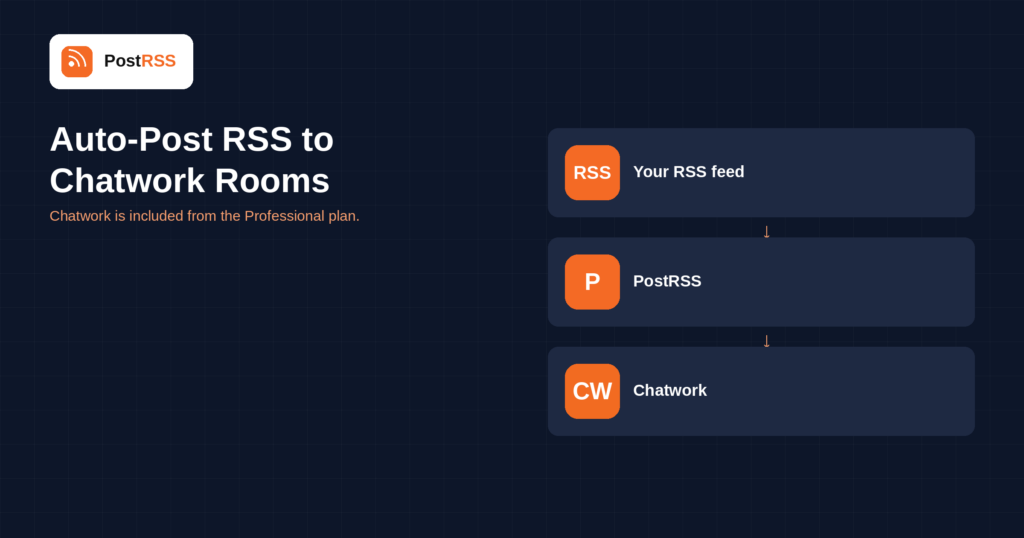
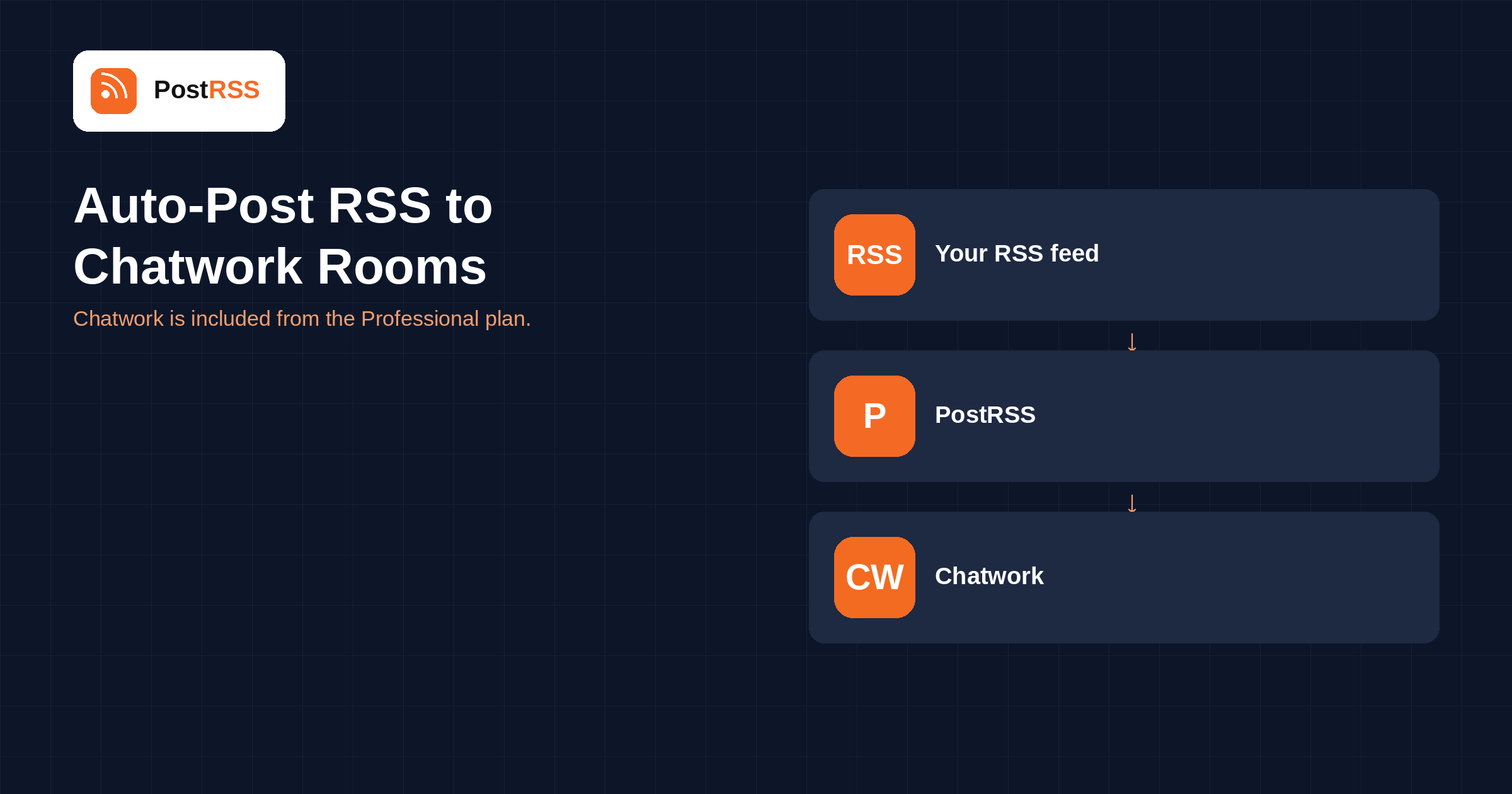
Short answer: create an API token in your Chatwork settings and paste it into PostRSS under Accounts → Add new Chatwork account. Then open Cibles → Add feed, choose Chatwork in Target settings, pick the room, and add your feed under Add source (Type = RSS feed, Link = your feed address). Each new item is posted as a message with its text and a link. Chatwork is included from the Professional plan.
Chatwork is the business chat tool that dominates in Japan the way Slack does elsewhere — used across hundreds of thousands of companies, and frequently the only chat application a Japanese organisation has. If your audience or your colleagues are there, it is the room your updates should reach. This guide is the long version; the auto-post RSS to Chatwork page has the short one.
Most team-chat destinations use an incoming webhook tied to one channel. Chatwork works differently: you create an API token in your own account settings, and the token acts on behalf of your account.
That difference has two consequences. First, you choose the room inside PostRSS rather than baking it into the credential, so changing the destination does not mean creating a new connection. Second, the token carries your account's permissions — it can reach the rooms you can reach — which makes it a more powerful credential than a single-channel webhook and worth protecting accordingly.
If your organisation is careful about this, the tidy arrangement is a dedicated account for automated posting, with access only to the rooms that should receive feeds. Revoking its token then affects nothing else.
The room is a Target setting, so different feeds can go to different rooms from the same connected account. In practice that maps neatly onto how Chatwork is used: a room per project or per client, and a feed pointed at the room it concerns.
Chatwork rooms are often shared with clients rather than being purely internal, which is worth remembering before connecting anything. A room containing a customer is a place for release notes and service announcements, not for the whole company blog.
The discipline is the same everywhere: send the room the feed it would have subscribed to, not everything you publish.
Outside Japan, Chatwork is almost unknown; inside it, assuming a partner uses Slack is frequently wrong. For companies doing business in both directions, the practical answer is not to choose — connect both, and let each audience read in the tool it actually opens.
The technical difference worth noting is the credential model. Slack, Mattermost, Zulip and most of the rest use a per-channel incoming webhook, so the destination is fixed inside the credential. Chatwork uses an account-level API token with the room chosen separately, which is more flexible and correspondingly more powerful — another reason a dedicated posting account is worth setting up in a larger organisation.
If your Japanese operation also runs a blog, the Japanese blogging platforms on the same plan — Hatena Blog, Livedoor Blog, FC2 Blog and Qiita — are worth connecting from the same feed.
Each new feed item is posted as a message with its text and a link back to your article.
PostRSS publishes items that appear in the feed after the Target starts running. It does not import the back catalogue — the alternative would be a destination flooded with years of archive on its first day.
When a destination goes quiet, the feed is the more likely cause. Open the feed URL in a browser first.
All four are fixed in your content system rather than at the destination.
Chatwork is included from the Professional plan. Each destination you connect counts as one Target, and your plan decides how many Targets and how many posts a month you get. An annual subscription is cheaper than paying monthly. Current limits per tier are on the pricing page, and the full lineup of 66 networks is on the supported networks page. The Chatwork page has the short version of the setup.
No. Chatwork uses an API token created in your own account settings, and the room is chosen inside PostRSS rather than being fixed in the credential.
For a small setup, your own is fine. In an organisation that is careful about access, a dedicated account with rights only to the rooms that receive feeds is tidier, because revoking its token affects nothing else.
Yes. The room is a Target setting, so one connected account can serve several rooms with different feeds.
Technically yes, editorially be careful. Client-facing rooms suit release notes and service announcements; they do not suit your whole blog.
No. PostRSS posts and nothing else.
No. Only items appearing after the Target starts running are published.
The Professional plan, alongside the other chat destinations and the Japanese blogging platforms.
Chatwork is the chat tool most Japanese companies actually use, and it connects with one API token rather than a per-channel webhook — which makes the room a setting you can change rather than a credential you have to recreate. It is included from the Professional plan.
What changed in the networks, what broke, and how to fix it before it costs you reach.
 English
 Lietuviškai
 Deutsch
 Français
 Русский
 Español
 Polski
 Italiano
 Українська
 Čeština
 Português
 日本語
日本語 Latviešu valoda
 Eesti
Eesti Magyar
 Bahasa Indonesia
 Türkçe
 हिन्दी
 Ελληνικά
 العربية
 ไทย
ไทย Tiếng Việt
 Română
 Bahasa Melayu
 বাংলা
বাংলা