RSS to 66 social networks: Facebook, Instagram, X, LinkedIn, Telegram and more Blog Affiliation Contacts
Updated: 2026-09-28
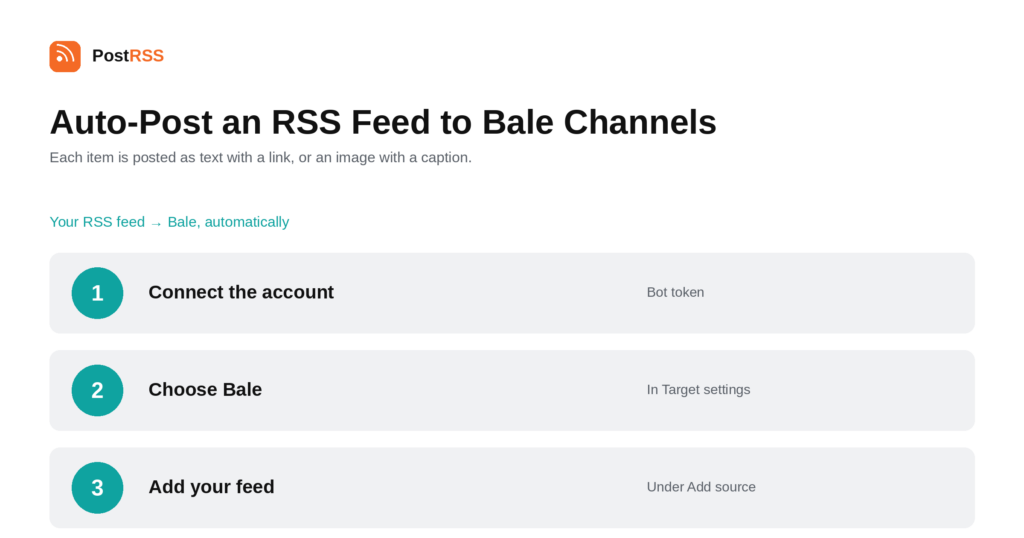
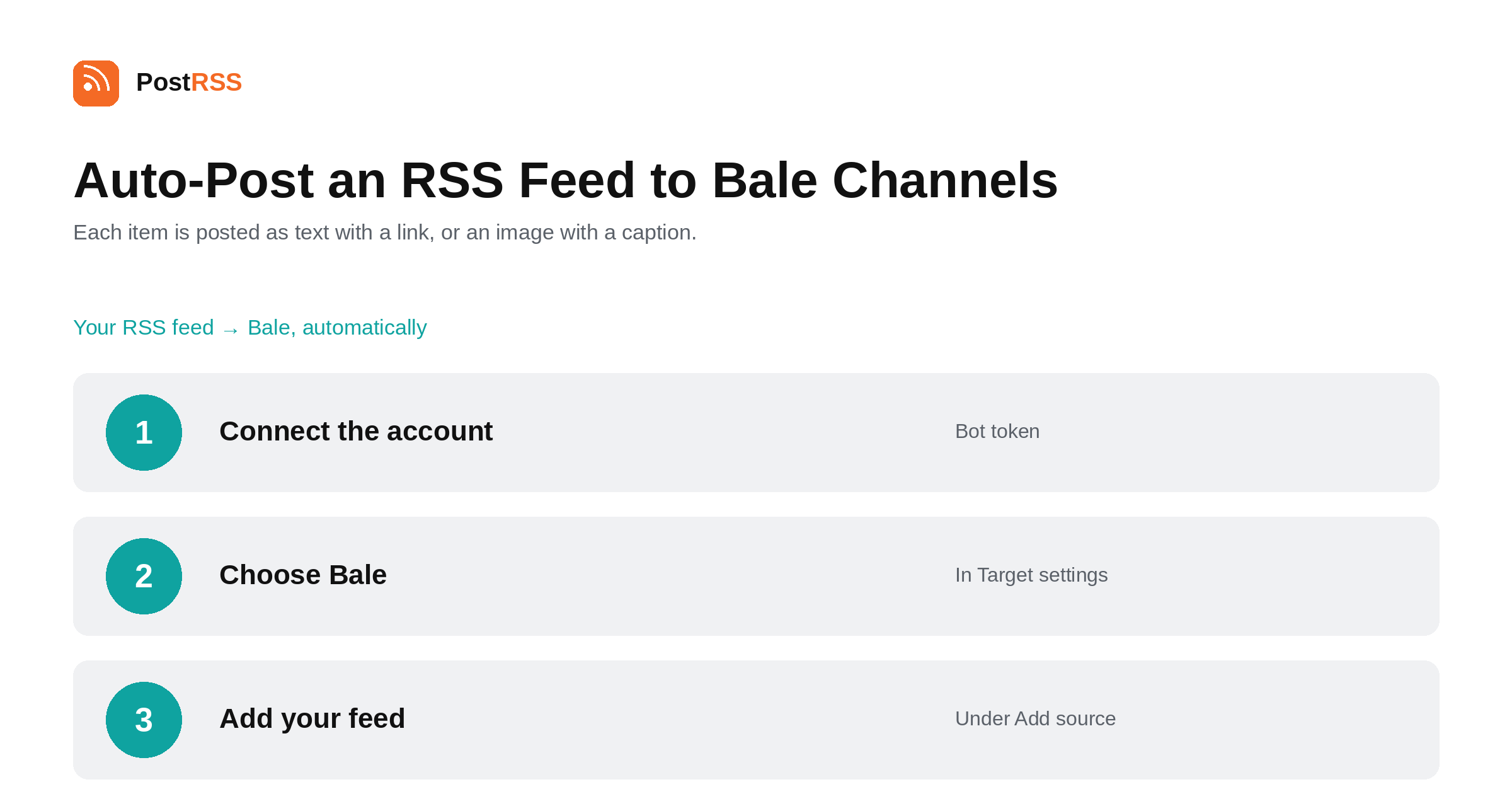
Short answer: create a bot with @BotFather inside Bale, add it to your channel as an admin, and paste the bot token ainsi que votre channel ID or @username into PostRSS under Accounts → Add new Bale account. Then open Cibles → Add feed, choose Bale in Target settings and add your feed under Add source (Type = RSS feed, Link = your feed address). Each new item is posted as plain text with a link, or as an image with the text as its caption. Persian right-to-left text is supported. Bale is included from the Professional plan.
Bale is an Iranian messaging platform with channels, and its bot interface will look immediately familiar to anyone who has set up a Telegram bot — including the name of the tool you use to create one. This guide is the long version; the auto-post RSS to Bale page has the short one.
Bale uses the same convention Telegram popularised: you talk to @BotFather inside the app, it creates a bot and gives you a token. The important detail is that this is Bale's own @BotFather, not Telegram's — the two are separate platforms and the tokens are not interchangeable.
After creating the bot, add it to your channel as an admin. A bot without administrator rights in the channel cannot post, and the failure is silent rather than reported.
PostRSS then posts through your own bot, using its token and your channel ID or @username. There is no registration with PostRSS on Bale's side and nothing to get approved.
Each item is posted one of two ways. When the feed item has a usable image, it goes out as a picture with the text as its caption. When it does not, it goes out as plain text with a link back to your article.
That means the feed decides the format. If your articles carry featured images and your CMS puts them in the RSS, the channel gets picture posts; if not, it gets text. Neither is wrong, but picture posts generally perform better in a channel feed, so it is worth checking which one you are producing.
Persian is written right to left, and that creates two problems for any tool posting text it did not compose.
The first is direction: mixing a right-to-left title with a left-to-right URL can render in a confusing order if the message is assembled carelessly. The second is truncation. Persian is written in a connected script, and cutting a message at an arbitrary byte can split a character in half, producing a broken glyph at the end of the post.
PostRSS supports right-to-left Persian text and never cuts a post in the middle of a character. If you publish in Persian, that is the detail that decides whether the channel looks professional or looks automated in the wrong way.
PostRSS supports three Iranian messengers, and they differ in how access works rather than in what they do:
All three are on the Professional plan, all three handle Persian correctly, and one feed can reach all three from three Targets. For a publisher with an Iranian audience that is usually the right answer, because the platforms are used by overlapping but distinct groups of people.
A channel is a notification surface, and every post is something arriving on somebody's phone. Three habits keep subscribers:
None of that is automation advice, but a muted channel is worth nothing however reliably it is fed, and these are decisions you make once when choosing which feed to connect.
PostRSS publishes items that appear in the feed after the Target starts running. It does not import the back catalogue — the alternative would be a destination flooded with years of archive on its first day.
When a channel goes quiet, the feed is usually the cause. Open its URL in a browser first.
Bale is included from the Professional plan. Each destination you connect counts as one Target, and your plan decides how many Targets and how many posts a month you get. An annual subscription is cheaper than paying monthly. Current limits per tier are on the pricing page, and the full lineup of 66 networks is on the supported networks page. The Bale page has the short version of the setup.
No. Bale has its own @BotFather inside its own app, and the tokens are not interchangeable between the two platforms.
Yes. A bot that is only a member of the channel cannot publish, and the failure is silent rather than reported as an error.
Either its channel ID or its @username. Both work.
Yes. Right-to-left Persian is supported, and posts are never cut in the middle of a character, which is the usual failure mode when a connected script is truncated by length.
When the feed item carries a usable one. Otherwise the item is posted as plain text with a link.
The Professional plan, alongside Eitaa and Rubika.
Bale follows the Telegram-style bot pattern closely: create a bot with @BotFather inside Bale, make it an admin of your channel, paste the token and the channel identifier. Persian text is handled correctly, including the truncation problem that catches most tools. It is included from the Professional plan.
What changed in the networks, what broke, and how to fix it before it costs you reach.
 English
 Lietuviškai
 Deutsch
 Français
 Русский
 Español
 Polski
 Italiano
 Українська
 Čeština
 Português
 日本語
日本語 Latviešu valoda
 Eesti
Eesti Magyar
 Bahasa Indonesia
 Türkçe
 हिन्दी
 Ελληνικά
 العربية
 ไทย
ไทย Tiếng Việt
 Română
 Bahasa Melayu
 বাংলা
বাংলা