RSS vers 66 réseaux sociaux : Facebook, Instagram, X, LinkedIn, Telegram et plus Blog Affiliation Contacts
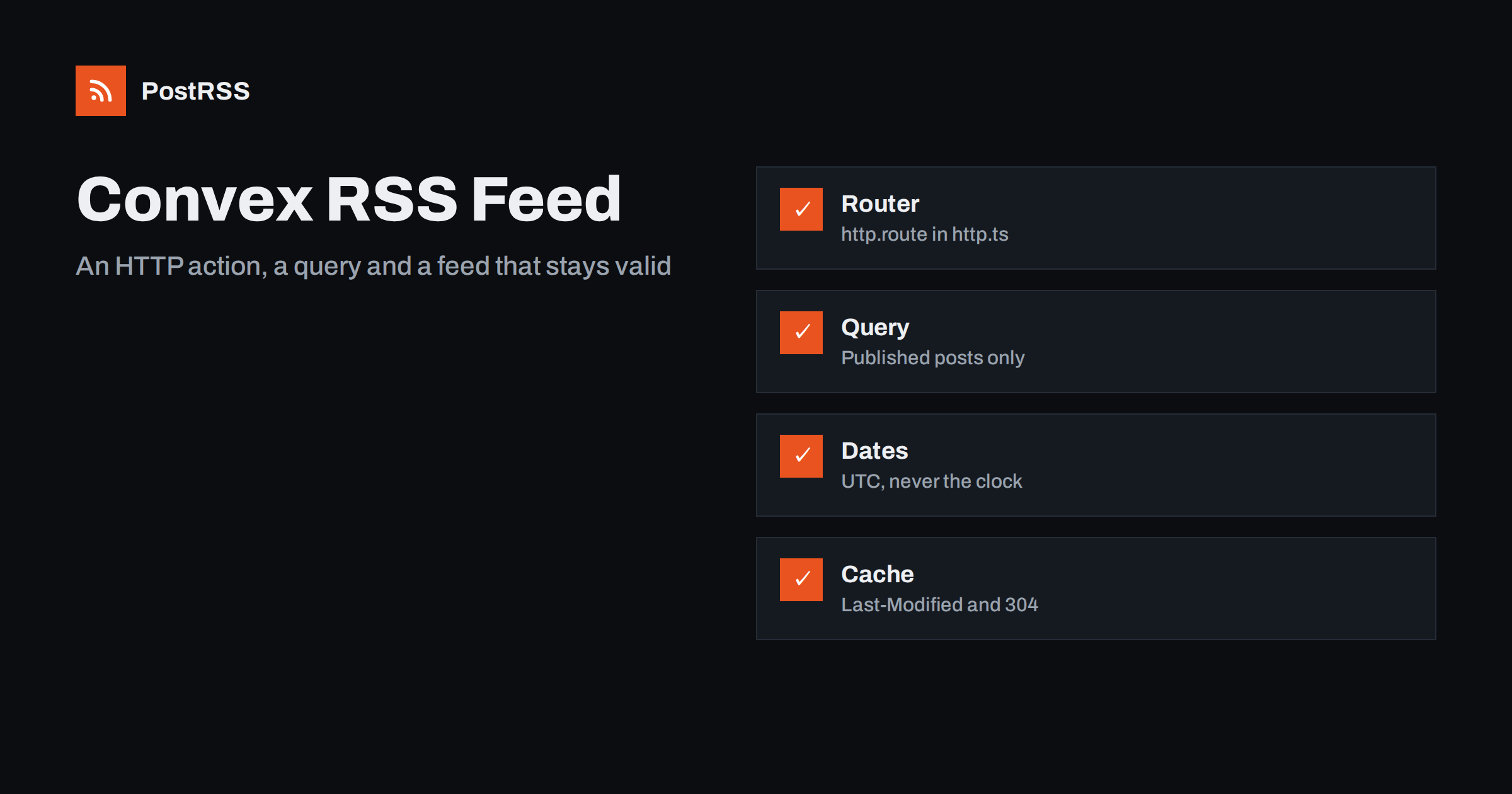
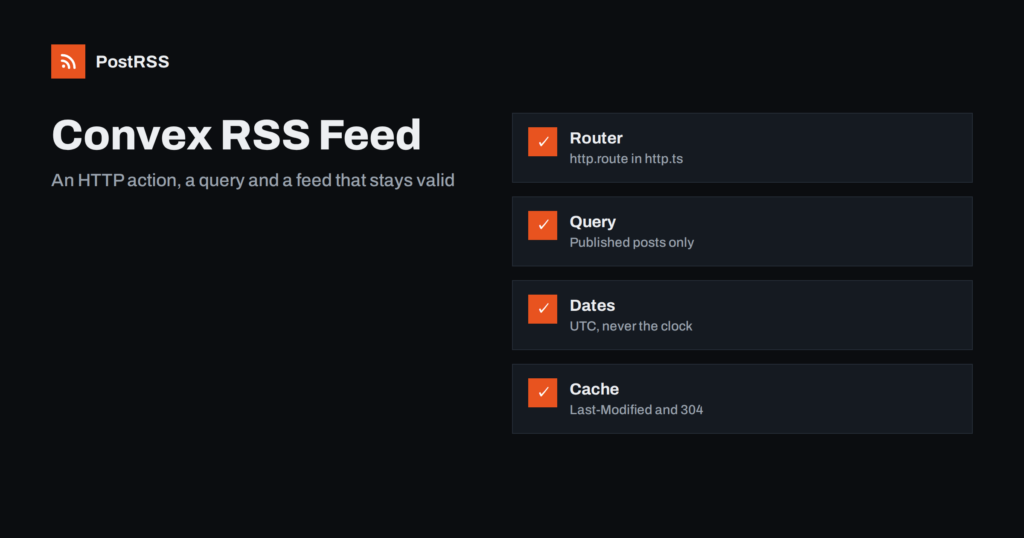
Short answer: To serve an RSS feed from Convex, create an HTTP action in convex/http.ts, register it with http.route on a GET path such as /feed.xml, and call a query that returns only posts whose publication time has passed. Build the XML with CDATA-wrapped text, stable GUIDs and UTC dates, send it in a Response with the application/rss+xml content type, answer If-Modified-Since with a 304, store the public site address in an environment variable, test the address of your deployment with curl and a validator and give it to an auto-poster so new posts are shared automatically.
Convex is a backend platform in which your data and your server functions live together and are written in TypeScript. Queries read the database, mutations change it and actions can do everything else, including talk to the outside world. HTTP actions are a special kind of action that receive a web request and return a web response, which is exactly the shape of a feed. If your blog, changelog or product listing is stored in Convex, you do not need a separate server to publish it: one query and one HTTP action produce a feed that readers, aggregators and auto-posters can follow. This guide builds a complete feed with correct dates, safe escaping and sensible caching, and ends with the checks that keep it dependable once other systems rely on it.
A feed is worth adding whenever new records appear on a schedule you do not control: articles, release notes, job listings or catalogue items. Readers who follow it get every item in order, search engines and aggregators discover new pages faster, and an auto-poster such as PostRSS can share each new item on social networks as soon as it is published. If your content already lives in a system that provides a feed, use that feed. Build your own when the records live in Convex and nothing else produces a feed for them. For other backends, the same pattern is described in the Supabase Edge Function guide, the PocketBase guide et the Firebase Cloud Functions guide.
Start with a table for posts and an index on the publication time. The index lets the query read only the newest published records instead of scanning the table. Store the time as a number of milliseconds, which is how Convex timestamps are usually kept.
// convex/schema.ts
import { defineSchema, defineTable } from "convex/server";
import { v } from "convex/values";

export default defineSchema({
  posts: defineTable({
    slug: v.string(),
    title: v.string(),
    summary: v.string(),
    publishedAt: v.number(),
  }).index("by_published_at", ["publishedAt"]),
});

// convex/posts.ts
import { query } from "./_generated/server";
import { v } from "convex/values";

export const listPublished = query({
  args: { now: v.number(), limit: v.number() },
  handler: async (ctx, args) => {
    return await ctx.db
      .query("posts")
      .withIndex("by_published_at", (q) => q.lte("publishedAt", args.now))
      .order("desc")
      .take(args.limit);
  },
});
The current time is passed in as an argument on purpose. Queries are cached and reactive, and their results are re-evaluated only when the data they read changes, so reading the clock inside a query would freeze the notion of now. By passing the time from the HTTP action, the condition on the publication time stays correct: a post scheduled for tomorrow will not appear in the feed today, and an auto-poster will not share it before it exists on the website.
HTTP actions are defined with the httpAction constructor, and they are exposed by exporting an HTTP router from convex/http.ts. The handler receives a context, which can run queries, and a standard Request. It returns a standard Response, so you control the body, the status and every header. The code below builds the document, wraps free text in CDATA sections so that special characters cannot break the XML, takes the last build date from the newest post and answers conditional requests.
// convex/http.ts
import { httpRouter } from "convex/server";
import { httpAction } from "./_generated/server";
import { api } from "./_generated/api";

const http = httpRouter();

function cdata(text: string): string {
  return "<![CDATA[" + text.split("]]>").join("]]]]><![CDATA[>") + "]]>";
}

http.route({
  path: "/feed.xml",
  method: "GET",
  handler: httpAction(async (ctx, request) => {
    const site = process.env.SITE_URL ?? "https://example.com";
    const now = Math.floor(Date.now() / 60000) * 60000;
    const posts = await ctx.runQuery(api.posts.listPublished, { now, limit: 20 });

    const newest = posts.length ? new Date(posts[0].publishedAt) : new Date(0);
    const headers = {
      "Last-Modified": newest.toUTCString(),
      "Cache-Control": "public, max-age=300",
    };

    const since = request.headers.get("If-Modified-Since");
    if (since && new Date(since).getTime() >= newest.getTime()) {
      return new Response(null, { status: 304, headers });
    }

    const items = posts
      .map((post) => {
        const url = site + "/blog/" + encodeURIComponent(post.slug) + "/";
        return (
          "<item>" +
          "<title>" + cdata(post.title) + "</title>" +
          "<link>" + url + "</link>" +
          '<guid isPermaLink="true">' + url + "</guid>" +
          "<pubDate>" + new Date(post.publishedAt).toUTCString() + "</pubDate>" +
          "<description>" + cdata(post.summary) + "</description>" +
          "</item>"
        );
      })
      .join("");

    const xml =
      '<?xml version="1.0" encoding="UTF-8"?>' +
      '<rss version="2.0" xmlns:atom="http://www.w3.org/2005/Atom"><channel>' +
      "<title>Example Journal</title>" +
      "<link>" + site + "/</link>" +
      "<description>News and guides from Example Journal.</description>" +
      "<language>en</language>" +
      "<lastBuildDate>" + newest.toUTCString() + "</lastBuildDate>" +
      items +
      "</channel></rss>";

    return new Response(xml, {
      status: 200,
      headers: { ...headers, "Content-Type": "application/rss+xml; charset=utf-8" },
    });
  }),
});

export default http;
Convex expects the router to be the default export of convex/http.ts, and the file must have exactly that name. After you deploy, open the functions page of the dashboard and check that an entry called http appears; if it does not, the router is not exported or the file is in the wrong place. Set the public address of your site once, with the command line tool or in the dashboard, as an environment variable named SITE_URL, so that every deployment writes the same links.
HTTP actions are served on a separate domain that ends in convex.site, not on the domain of your web application, which is why the feed address looks like your deployment name followed by /feed.xml. That is a perfectly good address for a feed, because readers and auto-posters follow it wherever it lives, and the links inside the items still point to your own site. If you want the feed to appear on your own domain, map the path on your front-end host with a rewrite that proxies to the deployment, or use a redirect if rewrites are not available. Decide on the public address once and keep it, because subscribers and auto-posters store it and a change silently breaks every connection. There is also an option to place all routes under a path prefix in the application configuration; if you use it, the prefix becomes part of the address.
| Feed element | Source | Rule |
|---|---|---|
| title | title field | Plain text inside CDATA |
| link | SITE_URL plus slug | Absolute, https, returns 200 directly |
| guid | Same address, or a stored identifier | Never changes after publication |
| pubDate | publishedAt field | UTC, never the current time |
| description | summary field | One or two sentences of plain text |
| lastBuildDate | Newest publishedAt | Changes only when content changes |
The identifier is the most important decision. An auto-poster remembers which items it has already shared by their GUID. If the value changes when someone edits a slug or republishes a post, the same story is shared again. If you may rename slugs, store a separate permanent identifier in the table and write it into the guid element with isPermaLink set to false. The effects of unstable identifiers are explained in why a feed auto-posts the same article twice.
Every date in the feed comes from the stored publication time and is written in UTC with the standard date string. The last build date is the newest publication time, not the clock, so the file does not change unless the content changes. That matters because the Last-Modified header and the 304 answer rely on it: if the value moved on every request, no client would ever receive a 304 and the validator would be useless. The Cache-Control header lets browsers and shared caches keep the response for five minutes, which protects the deployment from every poll and still lets a new post reach the feed quickly. A feed that lags behind the website by an hour defeats the purpose of automation. The background is explained in how auto-posting tools use ETags and conditional requests et why auto-posts are delayed and how to fix it.
HTTP actions run in the same kind of environment as queries and mutations, so Node.js-specific libraries are not available in them; the code above uses only standard web features. There is no specific limit on the size of a request, and responses are limited to a large size, but a feed of twenty items is a few dozen kilobytes. HTTP actions are not retried by Convex when an error occurs, so a client that gets a failure simply asks again later, which is what an auto-poster does anyway. If you ever need a library that requires Node.js, an HTTP action can call a Node action, but a feed rarely needs it.
Add a link element to the head of your web application so browsers, feed readers and tools can find the feed from any page. It needs a rel value of alternate, a type of application/rss+xml, a title and the address of the feed. With that in place, a visitor or an auto-poster that only knows your home page can locate the feed on its own. The details are in the guide to feed autodiscovery.
A few minutes of testing prevents days of confusion later. Test the address of the deployment, not only your development environment, and remember that development and production deployments have different addresses and different data.
curl -i https://your-deployment.convex.site/feed.xml and confirm a 200 status, the right content type and the Last-Modified header.There is a longer checklist in the feed validation guide and a short routine in the guide to debugging a feed with curl. If a reader reports the wrong content type, see the content type header guide.
PostRSS has been publishing RSS and Atom feeds to social networks since 2014. Paste the address of your feed, connect your accounts and choose how each post is built from the title, the description or the page title. PostRSS checks the feed as often as every minute and shares each new item, with its image and link, to the channels you choose among 66 supported networks, messengers, team chats and blogs, including LinkedIn, X, Bluesky, Mastodon and Telegram. Keyword filters, UTM parameters and posting windows let you tune each channel, and webhooks connect PostRSS to your own systems. See the PostRSS features page and the plan limits on the pricing page. More developer guides are under the Technical Guide tag.
Convex needs only a table with an index, one query and one HTTP action to serve a dependable RSS feed: select published posts dated in the past with a time passed in as an argument, wrap free text in CDATA, use a stable GUID, write every date in UTC, derive the last build date from the newest post and return a Response with the right content type. Answer If-Modified-Since with a 304, build links from a fixed site address in an environment variable, link the feed from your site, test the deployed address with curl and a validator, keep the address unchanged and connect it to an auto-poster. After that, every record you publish can reach your social channels automatically.
No. Convex stores your data and runs your functions, but an HTTP action that you write returns the XML. A query supplies the published records and a short builder produces valid RSS.
On the domain that ends in convex.site for your deployment, at the path you register in convex/http.ts, such as /feed.xml. You can map your own domain to it with a rewrite on your front-end host.
Queries are cached and re-evaluated only when their data changes, so reading the clock inside one freezes the idea of now. Passing the time from the HTTP action keeps the condition on the publication time correct.
Most often the body or the Last-Modified value changes between requests, for example because the last build date is the current time. Take that date from the newest post and it stays the same until the content changes.
Yes. PostRSS reads any valid RSS or Atom address that is reachable without a login. Paste the address, connect your channels and new items are shared as soon as they appear.
What changed in the networks, what broke, and how to fix it before it costs you reach.
Conçus par Internet Solutions, l'équipe derrière PostRSS. Chaque produit vous fait gagner du temps à sa façon.
 English
 Lietuviškai
 Deutsch
 Français
 Русский
 Español
 Polski
 Italiano
 Українська
 Čeština
 Português
 日本語
日本語 Latviešu valoda
 Eesti
Eesti Magyar
 Bahasa Indonesia
 Türkçe
 हिन्दी
 Ελληνικά
 العربية
 ไทย
ไทย Tiếng Việt
 Română
 Bahasa Melayu
 বাংলা
বাংলা