RSS vers 66 réseaux sociaux : Facebook, Instagram, X, LinkedIn, Telegram et plus Blog Affiliation Contacts
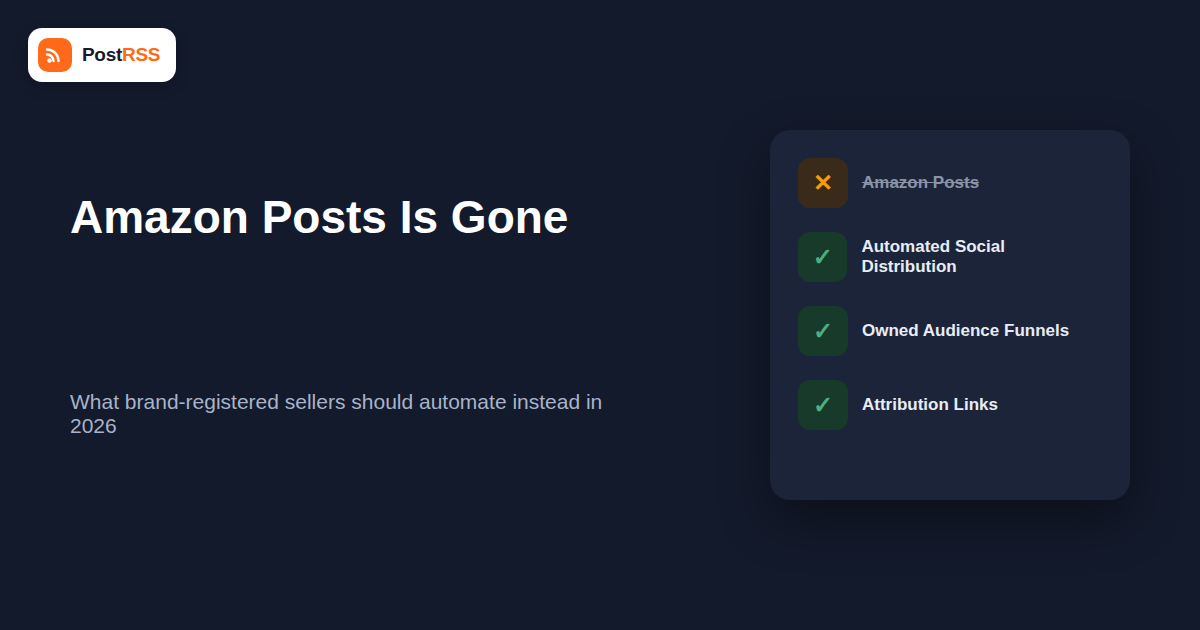
If you have been searching for how to fix, restore, or optimize your Amazon Posts strategy in 2026, here is the direct answer: Amazon Posts is gone. Amazon quietly disabled the ability to create new Posts in June 2025, and on July 31, 2025 it fully discontinued the entire Amazon Posts program. There is no dashboard to log back into, no support ticket that will bring it back, and no workaround. The feature that once let brand-registered sellers publish lifestyle images to a scrollable, Instagram-style feed on Amazon has been shut off for good. This article walks through what Amazon Posts actually was, why so many sellers are still confused about its status a year later, and — most importantly — what to actually do instead in 2026 to keep driving discovery and engagement toward your Amazon listings.
Amazon Posts launched as a free, Instagram-inspired content feature buried inside Seller Central and Vendor Central. The idea was simple: brands could upload lifestyle photography — product-in-use shots, styled flat lays, seasonal campaign imagery — tag the relevant ASINs, and have those images surface in two places. First, on the product detail pages of tagged items, usually in a “Related Posts” or “From the brand” carousel just below the buy box. Second, in a dedicated, browsable brand feed that shoppers could scroll through the way they would scroll a social media profile, discovering other products from the same brand along the way.
Access to Amazon Posts was never universal. To create Posts, a seller had to be enrolled in Amazon Brand Registry, and Brand Registry enrollment itself required an active, registered trademark for the brand (either registered with the relevant national trademark office or pending through Amazon’s IP Accelerator program in some cases). That single requirement excluded a huge share of the marketplace: resellers, unbranded private-label sellers who never registered a trademark, and anyone selling under someone else’s brand simply could not access the tool. On top of the trademark gate, Amazon Posts was only available to sellers and vendors operating in the United States storefront — brands selling exclusively on amazon.co.uk, amazon.de, amazon.ca, or other international marketplaces never had access to it at all, even if they held a US trademark.
For the brands that did qualify, Posts was genuinely useful as a zero-cost way to add a social-proof layer to the shopping experience without leaving Amazon’s ecosystem. It didn’t require an ad budget, it lived natively inside the shopping journey, and it gave brands with strong photography a way to look more established. Late in the feature’s life, Amazon even opened a limited Posts API that allowed a small number of approved third-party tools to publish content into Amazon Posts programmatically rather than requiring manual upload through Seller Central. That API is now entirely moot — there is no live endpoint to publish to, because the feature it fed no longer exists in any form.
Amazon Posts has been dead for well over a year at this point, yet questions about it keep surfacing in seller forums, Facebook groups, and search queries. There are a few concrete reasons for the lingering confusion, and understanding them helps explain why you might be reading this article in the first place.
The biggest culprit is search engine debris. Dozens of agency blogs, YouTube tutorials, and “ultimate guide to Amazon Posts” articles were published between 2020 and mid-2025, when the feature was actively growing and Amazon was encouraging brand-registered sellers to adopt it. Those pages were optimized well, earned backlinks, and continue to rank for queries like “how to use Amazon Posts” or “Amazon Posts strategy” — even though the feature they describe no longer exists. Search engines are slow to fully de-index and demote content that was once authoritative, and most of those articles were never updated with a retraction or a “this feature has been discontinued” notice at the top. A seller doing basic research in 2026 can easily land on a 2023-dated post that reads as current and walks through screenshots of an interface that has since been deleted from Seller Central entirely.
The second factor is that some sellers set up their Posts workflow years ago and simply stopped checking it. If a brand hasn’t logged into the Posts section of Seller Central since 2024, they may not have seen any in-app notice about the sunset, and their first real signal that something changed is when they go looking for the feature months later and find the menu option gone or grayed out. Screenshots and case studies showing Amazon Posts in action also continue to circulate on social media and in old sales decks from marketing agencies, reinforcing the impression that the tool is still an active part of the Amazon toolkit. Combine outdated content still ranking in search with sellers who haven’t touched the feature in a year, and the confusion in 2026 makes complete sense — even though the underlying fact is unambiguous: Amazon Posts is discontinued, full stop.
The good news is that losing Amazon Posts does not mean losing your ability to drive discovery, storytelling, and engagement around your listings — it just means that work has to happen through a different combination of tools. Below are the three categories worth building into your workflow now.
Amazon Posts served a specific function: it pushed fresh, visual brand content in front of people who were already browsing your product pages. You can’t replicate the “already on Amazon” part, but you absolutely can replicate — and arguably improve on — the “fresh content, distributed automatically, without you lifting a finger” part by shifting that distribution off-platform. This is where PostRSS fits in. PostRSS watches your blog’s or content hub’s RSS or Atom feed and automatically posts new items — new blog posts, product announcement pages, restock alerts, seasonal buying guides — to 66 networks, including Facebook, X, LinkedIn, Pinterest, Threads, Bluesky, Mastodon, Telegram, Discord, Tumblr, VKontakte, Matrix, Webhook and Instapaper, and other supported networks the moment they’re published, with no manual copy-pasting required.
It’s important to be direct about what this does and does not do. PostRSS cannot post directly onto Amazon. There is no public API that lets third-party tools publish content onto Amazon product pages, brand storefronts, or any equivalent of the old Posts feed on behalf of a seller — Amazon shut the relevant surface down along with the rest of the program, and nothing has replaced it for outside tools. What PostRSS does instead is handle the entire “drive outside traffic toward your Amazon listings” side of the equation: every time you publish a new piece of content on your own blog or site, it gets automatically distributed to your social channels with a link back to the relevant product or landing page, where you control the message and can point readers straight to your Amazon listing (or your own storefront, if you sell direct as well). That kind of always-on e-commerce automation means your social presence stays active and current without someone on your team manually drafting and scheduling a post every time you announce a new product, restock an item, or publish a buying guide.
Posts is gone, but Amazon has not abandoned brand storytelling entirely — it has simply consolidated its remaining tools elsewhere. Brand-registered sellers still have access to several on-platform levers worth using:
The deeper lesson of the Posts shutdown is a familiar one in e-commerce: any traffic or engagement channel you don’t own can be taken away without notice. Sellers who had built their entire discovery strategy around the Posts feed lost that channel overnight, with no migration path and no compensation. A blog with its own domain, an email list, and social media followings you built directly are different — they are assets you control, and they keep working regardless of what Amazon decides to sunset next.
This is really the strategic case for pairing content marketing with automated distribution rather than leaning on any single platform’s native feature. When you invest in product marketing content — new product launch posts, use-case guides, comparison articles, customer story roundups — publishing it to your own blog first and letting an RSS-based tool fan it out to social automatically means that content keeps compounding in value even if a platform changes its rules tomorrow. Your blog’s search rankings, your email subscriber list, and your social following are yours; Amazon’s internal feed features are not, and the Posts shutdown is the clearest recent proof of that.
| Function | What Amazon Posts Used to Do | What Replaces It Now |
|---|---|---|
| Brand storytelling | Lifestyle images with captions, published free inside Seller Central, shown on a brand feed | Brand Story and A+ Content on product detail pages, plus blog content distributed via PostRSS to social |
| Product photography feed | Scrollable, Instagram-style feed of tagged product images native to Amazon | Owned social media profiles (Instagram, Facebook, Pinterest) fed automatically from a blog RSS feed |
| Driving PDP (product detail page) engagement | Related Posts carousel appearing directly below the buy box | A+ Content modules, Amazon Live demos, and Attribution-tracked links from off-Amazon posts |
| Discovery of new products from a followed brand | Shoppers browsing a brand’s Posts feed inside Amazon | Email newsletters, social followings, and automated announcement posts published the moment new content or products go live |
| Real-time or timely announcements | Manually uploaded Posts, no automation, no direct API for most sellers | RSS-to-social automation (PostRSS) publishing instantly whenever a new blog post or announcement page is published |
| Measuring impact of content on sales | Limited native analytics inside Seller Central Posts dashboard | Amazon Attribution links tracking clicks and conversions from every outside channel |
| Eligibility requirements | Brand Registry enrollment, registered trademark, US store only | No special eligibility — any seller with a blog and social accounts can automate distribution, regardless of trademark status or marketplace |
Replacing the “automatic, always-on content distribution” function of Amazon Posts with an RSS-driven workflow is a one-time setup that then runs in the background indefinitely. Here’s how a typical seller does it.
Once this is running, you effectively have an automated, multi-platform announcement system that fires every time you have something new to say about your products — which is a fair trade for a feature that only ever reached shoppers already on Amazon’s site.
Yes. Amazon disabled new Post creation in June 2025 and fully discontinued the entire program on July 31, 2025. There is no way to create, edit, or manage Posts anymore, and the feature has been removed from Seller Central and Vendor Central.
Amazon has not announced any plans to relaunch Posts or a direct successor to it. Sellers should treat the shutdown as permanent and plan their content strategy accordingly rather than waiting for the feature to return.
Previously published Posts, along with any likes, follows, or engagement data associated with them, are no longer accessible. They have been removed from product detail pages and from brand feeds, and there is no export or archive tool for retrieving that historical content or data.
No. The browsable brand feeds and the Related Posts carousels on product detail pages have been removed site-wide, so neither your own nor any other brand’s Posts are viewable on Amazon anymore.
No, and it’s important to be clear about this. Amazon does not offer a public API that allows third-party tools to publish content directly onto Amazon product pages or storefronts. PostRSS distributes your content to off-Amazon social networks like Facebook, X, LinkedIn, and Pinterest, which in turn can drive outside traffic toward your Amazon listings — it does not and cannot post anything onto Amazon itself.
Many guides, blog articles, and videos about Amazon Posts were published while the feature was still active and have simply never been updated or removed. Search engines continue to surface that older, once-accurate content even though the feature it describes has since been discontinued, which is a major source of the ongoing confusion.
No. Amazon Live, A+ Content, and Sponsored Brands do still require Brand Registry enrollment, but building a blog, growing an email list, and automating social distribution with a tool like PostRSS require no special Amazon eligibility at all — any seller, trademarked or not, US-based or international, can use them.
Amazon Posts is not paused, hidden, or waiting for you to rediscover it — it was fully discontinued on July 31, 2025, and there is no path back to it. Rather than chasing a feature that no longer exists, the practical move in 2026 is to lean on the on-platform tools Amazon still supports, like A+ Content, Amazon Live, and Sponsored Brands, while building an owned content and social presence that automatically pushes fresh announcements toward your listings through RSS-based distribution. That combination gives you more control, better tracking, and none of the risk that comes with depending on a single platform’s feature that could disappear again tomorrow.
What changed in the networks, what broke, and how to fix it before it costs you reach.
Conçus par Internet Solutions, l'équipe derrière PostRSS. Chaque produit vous fait gagner du temps à sa façon.
 English
 Lietuviškai
 Deutsch
 Français
 Русский
 Español
 Polski
 Italiano
 Українська
 Čeština
 Português
 日本語
日本語 Latviešu valoda
 Eesti
Eesti Magyar
 Bahasa Indonesia
 Türkçe
 हिन्दी
 Ελληνικά
 العربية
 ไทย
ไทย Tiếng Việt
 Română
 Bahasa Melayu
 বাংলা
বাংলা