RSS 66 sotsiaalvõrgustikku: Facebook, Instagram, X, LinkedIn, Telegram ja teised Blogi Partnerprogramm Kontaktid
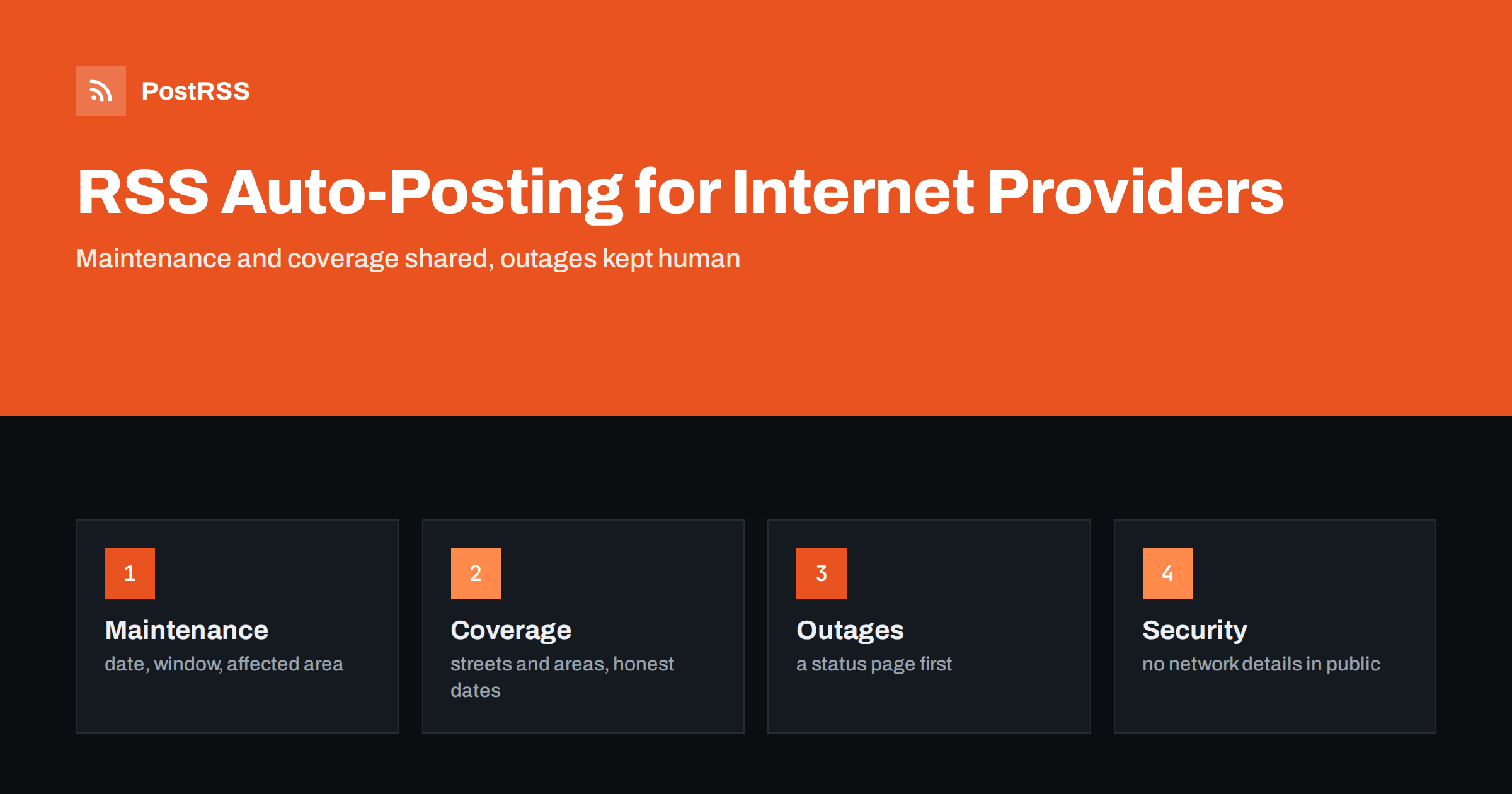
Short answer: RSS auto-posting lets independent internet service providers share planned maintenance, coverage expansions, installation updates, support hours, security notices and company news on social media automatically. Publish each item as a page on your website, let an auto-poster read the RSS feed, and every new page appears on your Facebook Page, Telegram channel and other networks with its link and image. Subscribers see what is changing without anyone retyping it, while live outage reports, account questions and every statement about speeds or availability stay with the support team and a dedicated status tool.
A small internet provider lives close to its customers. It may serve a rural valley, a few towns, an apartment complex or a city district, and its customers know the technicians by name. When something goes wrong, they notice at once and look for information first on social media. When something goes right, such as a new fibre route or a faster plan, they want to hear about it from the provider and not from a neighbour. The team is small, and the same people who answer the phone also climb the poles. Most of the general information can be written once, on a page of the website, and the page can be shared automatically. This guide explains what to publish, how to connect your website to an auto-poster and which topics must stay out of automation.
The advice fits many kinds of connectivity business:
Each has a network that changes, a support team and a website where news can be listed. That page becomes the source for every other channel.
Most of what a provider communicates can be turned into a short page:
Each page is written once and appears on your website, where a person who searches for a provider in their area can find it. The feed then announces it automatically.
Many providers already use a system that creates feeds:
/feed/ and one for every category, such as /category/maintenance/feed/. If you are unsure of the address, see how to find your WordPress feed link.Use categories to separate audiences: maintenance, coverage, installations, security and jobs. Each category has its own feed, and each feed can go to the channel where it works best; maintenance and coverage to the Facebook Page, security notices to a customers’ channel, jobs to LinkedIn. Routing by category is explained in category filtering for auto-posting.
| Content | Automate? | Notes |
|---|---|---|
| Planned maintenance and coverage news | Yes | Date, time window, affected area and what to expect |
| Guides and explanations | Yes | Written by someone who knows the network |
| Support hours and company news | Yes | Dates written out, one permanent contact page |
| Live outages and fault reports | Not alone | Use a status tool and update it first |
| Account and billing questions | No | Move to a private channel immediately |
| Promises about speed and availability | No | Confirm for each address after a check |
A simple rule: if it is general information that helps many people and sits on a finished page of your website, automate it. If it concerns one customer, one address or a fault that is happening now, it needs a human channel.
When a service fails, customers need information in minutes, and a feed built from website pages is the wrong tool for it. Use a dedicated status page that the support team can update in seconds, link to it from every channel and pin a post that explains where to look. Write a calm template for the first message: what is affected, since when, what you are doing and when the next update will come. A feed can later share the explanation and the apology as a finished page, but it should not carry the live updates. Decide in advance who changes the status page, who answers messages and who speaks to the press, so that the right information goes out first, even at night.
Customers choose a provider by speed and reliability, and they remember a broken promise for years. Avoid general claims in posts about the speed that every customer will get or about coverage that depends on the exact address. Describe what the technology can do in general, say that the real result depends on the address and the equipment and invite readers to check their address on your website or to call. When you announce a coverage expansion, name the streets or the area as precisely as you can, and explain that connection dates depend on survey and permits. Rules for advertising of speeds, contracts and consumer rights differ from place to place, so follow your local regulations and the guidance of your regulator. These points are general guidance, not legal advice.
A provider holds information that attackers value, and a public post can help them. Never publish details of network equipment, internal addresses, maintenance access or the exact timing of changes beyond what customers need. Do not mention the names of staff who hold sensitive access. Warn customers about phishing and fake support calls by describing how you contact them and what you will never ask for, such as a password or a full card number by message. Keep these warnings on one permanent page and share them a few times a year. If a security incident affects customers, the response belongs to the management and legal team, and any public statement must follow their decisions.
A small provider has an advantage that large companies cannot copy: it is part of the community. Share stories about connecting a school, a village hall or a local business, with the permission of the people involved. Introduce your technicians, if they agree, and explain what a day on the route looks like. Sponsor a local event and say so. These pages build the trust that matters during an outage, when customers decide whether to be patient or to leave. Use real photographs of your own work, taken safely and without showing private property or customers’ homes unless they have agreed, and avoid stock images of generic cables.
Shops, clinics, farms and village halls depend on a stable connection, and they ask different questions from households: fixed addresses, service agreements, backup links and installation outside normal hours. Give them a permanent page that explains what you offer, how a survey works and who to contact, and share it a few times a year. A post on LinkedIn that links to that page can reach owners and managers who never follow a provider on other networks. Every business quote must be confirmed in writing after a check of the address, because the feed can describe a service but it cannot promise one.
Most providers do best with a Facebook Page and a simple email list that uses the same pages. Two active channels beat five forgotten ones.
/feed/, and check that it lists recent items.PostRSS has been automating RSS posting since 2014. It checks your website feeds as often as every minute and publishes each new page, with its real image and link, to the channels you connect, from Facebook Pages and Telegram to LinkedIn, Bluesky, Mastodon and many more among its 66 supported networks. You can choose how each post is built, filter items by keywords, add UTM parameters and post only within chosen hours or at exact times in your time zone. See the PostRSS features page for everything it does and the pricing page for plan limits. More ideas for local businesses are under the Local Business tag.
An independent internet provider competes on trust and on being close to its customers. RSS auto-posting shares each new maintenance notice, coverage expansion and guide automatically on your Facebook Page and other channels. Give every page the date, the area and what customers should expect, keep one permanent page for support, security and contact details, use a status page for live outages, leave account questions and speed promises to people who can check the address and let your team spend its time on the network.
Yes. If your website has a news section, its RSS feed can be connected to an auto-poster that shares each new page on your Facebook Page and other channels. Live outage reports should use a dedicated status page.
Planned maintenance, coverage expansions, installation news, security warnings, support hours and hiring pages. Keep account details and network internals out of public posts.
Not in general terms. Describe what the technology can do, say that the result depends on the address and invite customers to check their address or call.
Update a dedicated status page first, pin a link to it on your main channels and send a calm explanation through the feed afterwards.
Yes. PostRSS reads any valid RSS or Atom address that is reachable without a login. Paste the address, connect your channels and new pages are shared as soon as they appear.
What changed in the networks, what broke, and how to fix it before it costs you reach.
Loonud Internet Solutions, PostRSS-i taga olev meeskond. Iga toode säästab aega omal moel.
 English
 Lietuviškai
 Deutsch
 Français
 Русский
 Español
 Polski
 Italiano
 Українська
 Čeština
 Português
 日本語
 Latviešu valoda
 Eesti
 Magyar
 Bahasa Indonesia
 Türkçe
 हिन्दी
 Ελληνικά
 العربية
 ไทย
 Tiếng Việt
 Română
 Bahasa Melayu
 বাংলা