RSS 66 sotsiaalvõrgustikku: Facebook, Instagram, X, LinkedIn, Telegram ja teised Blogi Partnerprogramm Kontaktid
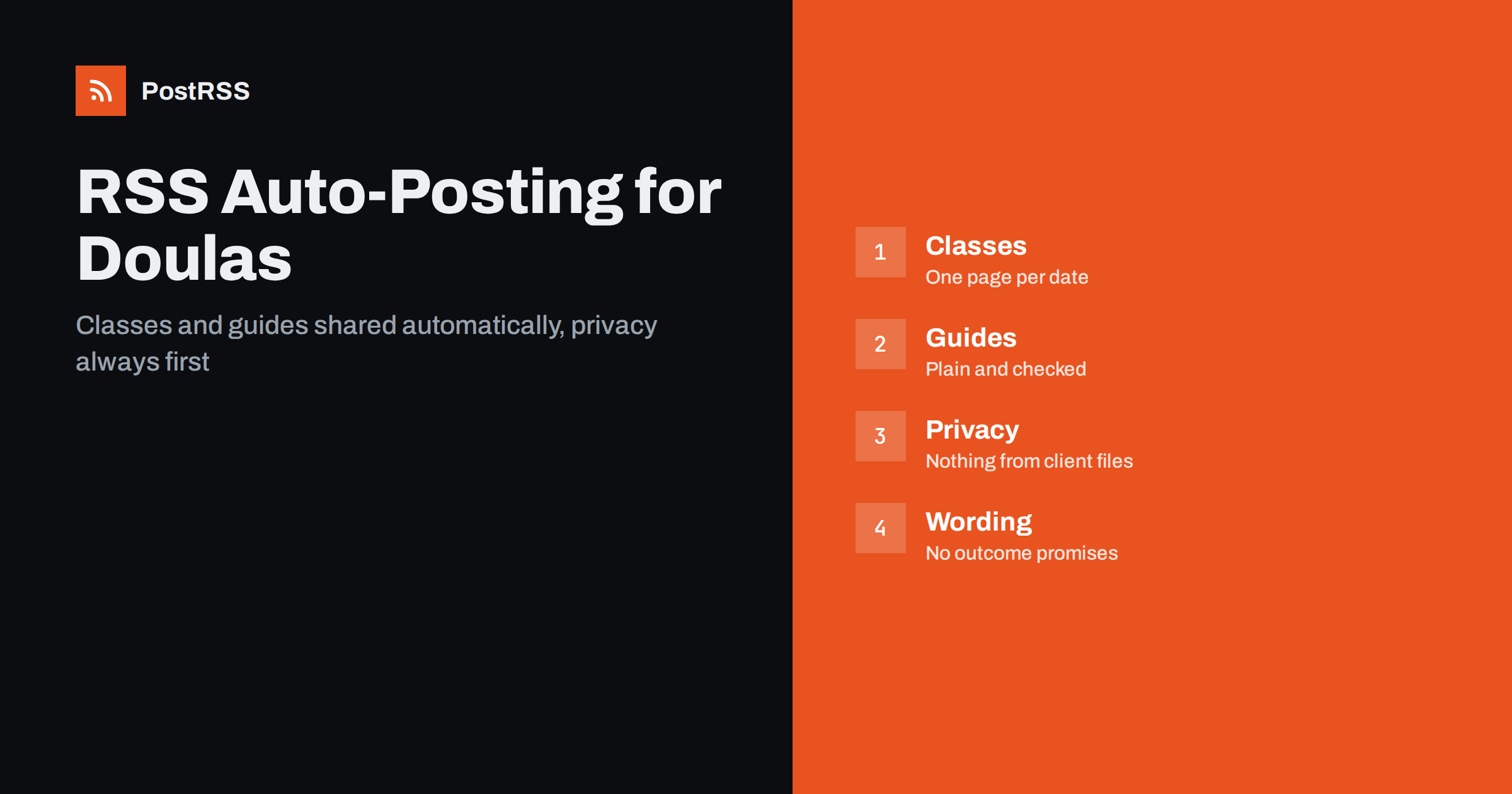
Short answer: RSS auto-posting lets doulas, midwifery practices and birth centers share class dates, open evenings, parent resources, lactation and postpartum support information and practice news on social media automatically. Publish each item as a page on your website, let an auto-poster read the RSS feed, and it appears on your Facebook Page, Pinterest boards, Telegram channel and other channels with its link and image. Families find reliable information while you are at a birth, in a class or asleep after a night shift, and nothing private ever goes into a feed.
Families look for a doula or a birth center long before they need one. They search in the evening, often with a partner, they read several websites, they follow a few practices on social networks and they remember the ones that explained things clearly and calmly. The people who can explain best are the ones with the least time: they are on call, at appointments and in classes, and their schedules are unpredictable by nature. A website can hold a short page for every class, every open evening, every guide and every announcement, and automation can carry those pages to the networks where expectant parents look. This guide explains how to set it up and where privacy, consent and careful wording must stay in human hands, because this is a field where trust matters more than reach.
A doula practice or birth center has a steady stream of information people want:
Each of these can be a short page on your own website. When the page is published, the feed announces it. You write it once, in a place that you own, and the automation spreads it to the networks where families spend time. Pages on your site also appear in search results when someone looks for support in your town, which social posts alone do not achieve.
Most practice websites run on platforms that publish feeds without extra work:
/feed/ and a feed for every category, such as /category/classes/feed/. If you are unsure of the address, see how to find your WordPress feed link.Use categories to separate the audiences: classes, events, guides, postpartum support and team news. Each category has its own feed, and each feed can go to the channel where it works best; class dates to the Facebook Page, guides to Pinterest, support group reminders to a Telegram channel. Routing by category is explained in category filtering for auto-posting.
| Content | Automate? | Notes |
|---|---|---|
| Class dates and open evenings | Yes | One page per class or event, with date, place and how to register |
| Guides and service explanations | Yes | Evergreen pages that answer common questions |
| Postpartum support and local resources | Yes | General information only, checked for accuracy |
| Team news and holiday cover | Yes | Short, factual and dated |
| Client stories and photographs | By hand | Only with explicit written consent, reviewed one by one |
| Questions, availability and anything medical | By hand | A person answers privately and refers to a qualified professional where needed |
A simple rule: if it is general information on a finished page of your website, automate it. If it concerns one family, one pregnancy or one decision about health, handle it personally and privately.
This is the part of the work that matters most. A practice holds some of the most personal information a family has, and one careless post can do lasting harm. Build the habits into the process:
Families make important decisions with the information you share, and professionals in this field are often held to strict standards about what they may say. Describe what you offer, such as support during labour, education before birth or help in the first weeks, and avoid promises about outcomes. Do not suggest that a service guarantees an easier birth, replaces medical care or contradicts the advice of a family’s doctor or midwife. When you link to health guidance, link to a recognised public health organisation and check that the page still says what you quote. Scheduled posts should contain no urgent advice: anything time-sensitive or medical belongs in a personal conversation.
A good class page answers the questions a parent would ask on the phone. What is the topic, and who is it for? When and where does it take place, and for how long? How many people attend, and what should they bring? How does registration work, and what happens if a date changes? Give each class its own page with those answers, a warm photograph of the room or the team and a clear link to registration. Publish the page well before the date, then let the feed carry the announcement to every channel. After the event, keep the page and add a short note about the next date so it keeps working in search results.
Evergreen content builds trust for years. A page that explains what a doula does, another on what to expect at a birth center tour, a checklist for partners, a guide to preparing older siblings and a list of local postpartum resources answer questions that people type into search engines late in the evening. Write in plain words, keep sentences short and avoid jargon. Have a colleague who is not a specialist read each page, and review the guides once a year so that hours, addresses and references stay correct.
Birth professionals rarely work alone. A doula refers families to lactation consultants, pelvic floor therapists, photographers and counsellors, and a birth center works with clinics, laboratories and community groups. A short page for each partner, written with their agreement, explains who they are and how they help, and each page can carry a link back to the partner. When such a page is published, the feed shares it, and the partner can share it again with their own audience. Partnerships built on pages that you own are easier to maintain than a list of tags in social posts, and they help families find a whole circle of support from one address.
Most practices do best with a Facebook Page and Pinterest, plus a messaging channel for groups that ask for it. Add others only if you can keep them active.
/feed/, and check that it lists recent items.PostRSS has been automating RSS posting since 2014. It checks your website feeds as often as every minute and publishes each class announcement, guide and team update, with its real image and link, to the channels you connect, from Facebook Pages and Pinterest boards to Telegram, LinkedIn and many more among its 66 supported networks. You can choose how each post is built, filter items by keywords, add UTM parameters and post only within chosen hours or at exact times in your time zone. See the PostRSS features page for everything it does and the pricing page for plan limits. More ideas for local practices are under the Local Business tag.
A doula practice or birth center earns trust by being clear, calm and discreet, and the people who provide that care are rarely at a desk. RSS auto-posting shares each class date, guide and team announcement automatically on your Facebook Page, Pinterest and other channels, on time and with the right image. Give every class and guide its own page, keep the feed to general information, never publish anything about a client without written consent, avoid promises about outcomes and handle questions and anything medical personally and privately.
Yes, for general information. If your website has a news or blog section, its RSS feed can be connected to an auto-poster that shares each new page on your Facebook Page, Pinterest boards and other channels. Anything about a particular family must stay out of the feed.
Classes, open evenings, explanations of your services, guides for partners and siblings, postpartum resources and team news. Each item should have its own page on your website so the feed can share it.
Only with explicit written consent that states where and how the story will appear, and reviewed one case at a time. Never let such material flow into an automated feed without a person approving it.
Keep scheduled posts general and link to recognised public health organisations. Anything that is clinical or time-sensitive should be handled in a personal conversation, and rules for professionals differ by country.
A Facebook Page reaches expectant parents and local groups, Pinterest suits guides and checklists that people save for later, and a Telegram channel can remind support groups of sessions.
What changed in the networks, what broke, and how to fix it before it costs you reach.
Loonud Internet Solutions, PostRSS-i taga olev meeskond. Iga toode säästab aega omal moel.
 English
 Lietuviškai
 Deutsch
 Français
 Русский
 Español
 Polski
 Italiano
 Українська
 Čeština
 Português
 日本語
日本語 Latviešu valoda
 Eesti
Eesti Magyar
 Bahasa Indonesia
 Türkçe
 हिन्दी
 Ελληνικά
 العربية
 ไทย
ไทย Tiếng Việt
 Română
 Bahasa Melayu
 বাংলা
বাংলা