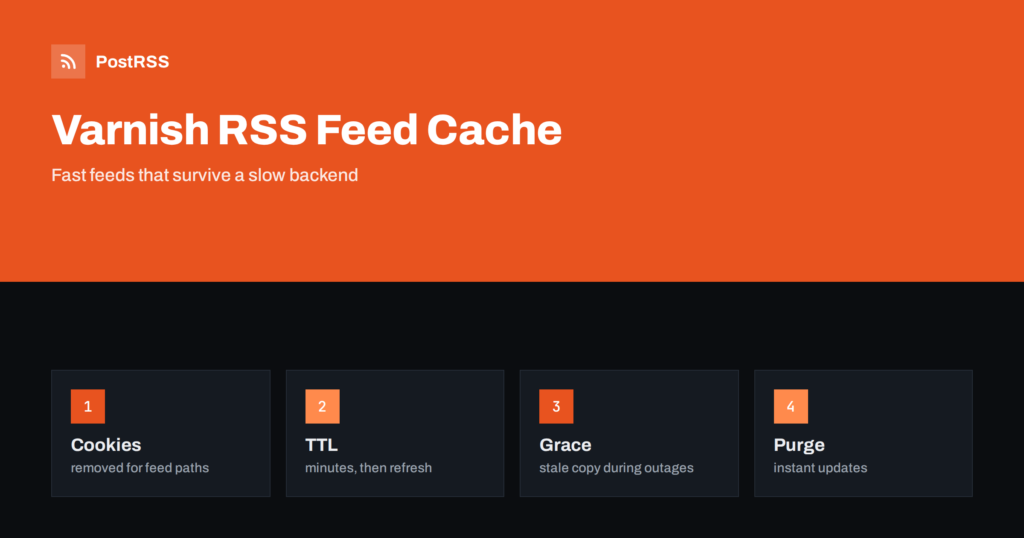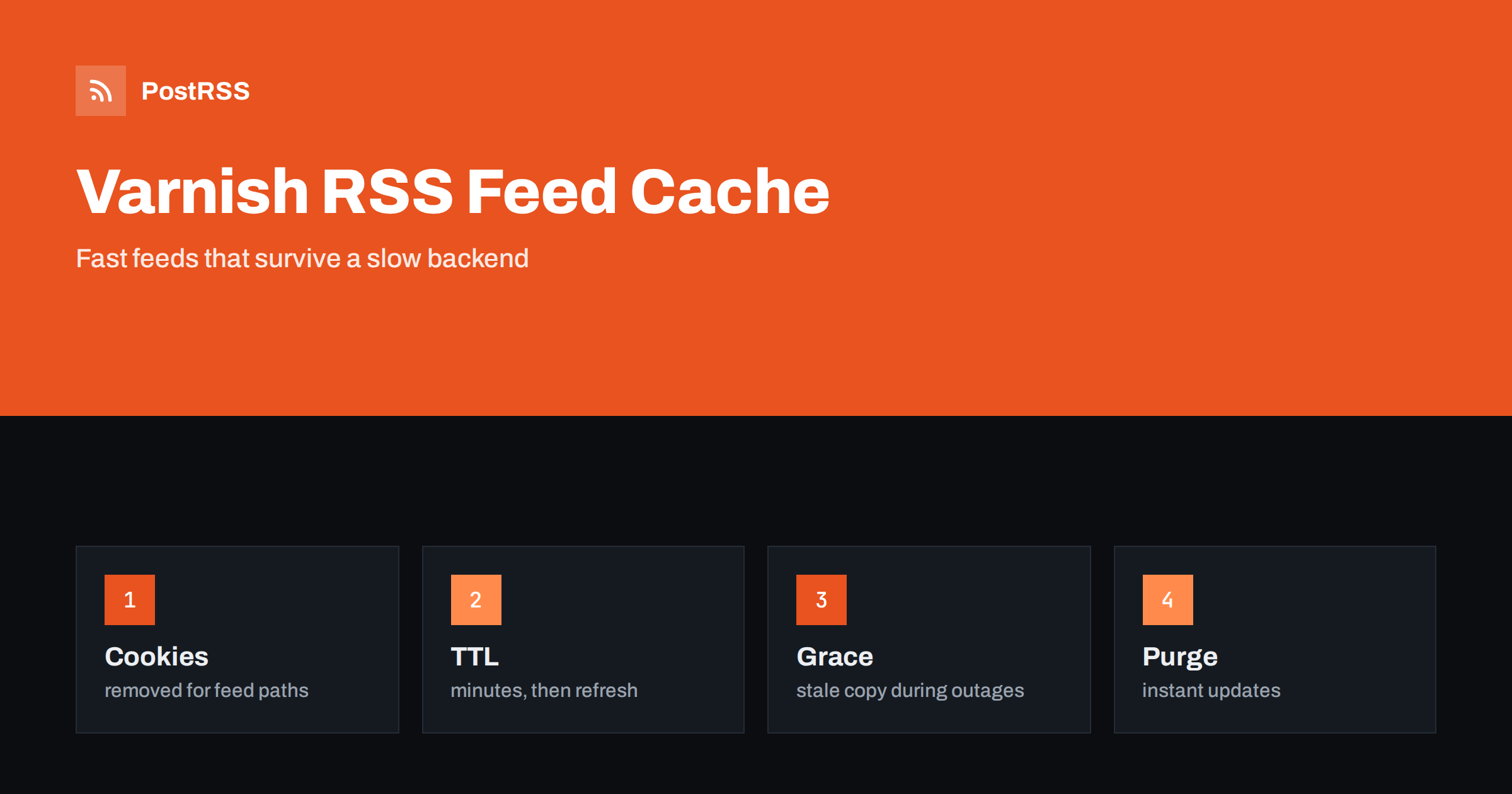
Short answer: Varnish can keep your RSS feed in memory and serve it in microseconds while the application behind it rests. In the VCL file, remove cookies from the feed request, give the cached object a lifetime of a few minutes, add a grace period so that readers still receive the last copy when the backend is slow or down, compress XML types, purge the feed when you publish and expose a hit or miss header for testing. Check that TLS is terminated in front of Varnish, validate the VCL before loading it and then connect the feed address to an auto-poster.
Varnish is an HTTP accelerator that sits in front of a web server or an application and answers repeated requests from memory. Sites use it to survive traffic peaks, and a feed is a perfect candidate: it is requested all day by readers, search engines and auto-posters, it is identical for everyone and it changes only when you publish. Without a cache, each request can start a template, a database query and an XML build. With Varnish, the first request fills the cache and the next ones are answered without touching the application. Varnish is also strict. It does not cache a request that carries a cookie, it follows the headers that the backend sends and a small mistake in the configuration can serve a stale feed for an hour. This guide shows the rules that matter for feeds, in the VCL language of version 4.1 and later.
By default, Varnish passes any request that has a Cookie header, and it does not store a response that sets a cookie. Many sites send a session or analytics cookie to every visitor, and some feed readers and tools send cookies that they received from a previous call. A request with a cookie then goes straight to the backend, and the cache hit rate for the feed falls to near zero without any visible error. The first fix is to tell Varnish that the feed does not depend on cookies, so that it removes them before the lookup.
vcl 4.1;

backend default {
    .host = "127.0.0.1";
    .port = "8080";
    .probe = {
        .url = "/health";
        .interval = 10s;
        .timeout = 2s;
        .window = 5;
        .threshold = 3;
    }
}

sub vcl_recv {
    if (req.url ~ "^/feed(\.xml)?/?(\?.*)?$" || req.url ~ "^/category/[^/]+/feed/?$") {
        unset req.http.Cookie;
    }
}
The probe lets Varnish learn whether the backend is healthy, which is needed for the grace rules below. The regular expression matches the main feed and category feeds, and you should adjust it to the addresses of your own site. Keep the list of feed paths short and exact. A pattern that is too broad removes cookies from ordinary pages, and visitors then lose their session or see another visitor’s page.
Two numbers control how Varnish treats a cached feed. The lifetime, called ttl, says how long the object is fresh. The grace period says how long Varnish may keep serving an expired object while it fetches a new one in the background, or when the backend is unhealthy. For feeds, a short lifetime and a long grace give you the best of both.
sub vcl_backend_response {
    if (bereq.url ~ "^/feed(\.xml)?/?(\?.*)?$" || bereq.url ~ "^/category/[^/]+/feed/?$") {
        unset beresp.http.Set-Cookie;
        set beresp.ttl = 5m;
        set beresp.grace = 6h;
        if (beresp.http.Content-Type ~ "xml") {
            set beresp.do_gzip = true;
        }
    }
}
With these lines, a feed is fresh for five minutes. After that, the first request receives the old copy at once and triggers a refresh, and the following requests receive the new copy when it arrives. If the backend is down, Varnish keeps serving the old copy for up to six hours, so readers and tools see a valid feed and not an error. The compression line asks Varnish to compress XML responses that the backend sent uncompressed, so that a text feed is delivered in a fraction of its size. Tools treat repeated errors as a reason to slow down their polling, and grace is the cheapest way to avoid that. The background on delays is in why auto-posted content sometimes lags.
| Setting | What it controls | Typical value for a feed |
|---|---|---|
| beresp.ttl | How long the object is fresh | A few minutes |
| beresp.grace | How long a stale copy may be served | Hours |
| beresp.do_gzip | Compress at the cache | True for XML |
| req.http.Cookie | Cookie sent to the cache | Removed for feed paths |
| Probe | Backend health check | A small health address |
Varnish reads the Cache-Control and Expires headers of the backend. If the application sends a Cache-Control header with a maximum age, Varnish uses that value as the lifetime unless the VCL overrides it, and it never caches responses that carry a Vary header with a value of star. Some frameworks add a header that forbids caching for every dynamic response. If you see that the feed is never cached, request it from the backend directly and read the headers. The cleanest arrangement is for the application to send a short Cache-Control header for the feed and for Varnish to use it. Then the lifetime lives in one place, and a developer who changes it in the application does not need to touch the VCL.
When the backend sends an ETag or a Last-Modified header, Varnish stores them with the object. A client that sends a conditional request receives a 304 answer from the cache, with no body and without waking the backend. This is the cheapest way to serve tools that poll often, and the mechanism is described in the guide to ETags and conditional requests. Do not change the ETag between requests for the same content, for example by adding the time of the build, or every poll will download the full document.
A lifetime of five minutes is acceptable for most sites. If you want a new article to appear in the feed at once, send a purge request from the publishing system, and allow it only from trusted addresses.
acl purge {
    "127.0.0.1";
    "10.0.0.0"/24;
}

sub vcl_recv {
    if (req.method == "PURGE") {
        if (!client.ip ~ purge) {
            return (synth(405, "Not allowed"));
        }
        return (purge);
    }
}
A request with the PURGE method to the feed address removes the object, and the next request fetches a new one. Remember that each feed that contains the new article needs a purge, including category and tag feeds. For many addresses at once, a ban expression removes every object whose URL matches a pattern, which is easier than a long list of purges. Never leave the purge method open to the internet, because it lets anyone empty your cache and send a wave of requests to the backend.
Open source Varnish does not terminate HTTPS. Put a TLS proxy such as Hitch, Nginx or a cloud load balancer in front of it, and let that component send the original client address in a header. Check that the backend and the logs see the real address and not the address of the proxy, because rate limits and statistics depend on it. Make sure that the feed address you publish uses HTTPS, so that tools do not start with an insecure request and follow a redirect. The meaning of each status code is explained in the guide to feed status codes.
A small header makes testing easy. It tells you at a glance whether an answer came from the cache.
sub vcl_deliver {
    if (obj.hits > 0) {
        set resp.http.X-Cache = "HIT";
    } else {
        set resp.http.X-Cache = "MISS";
    }
}
Remove or restrict the header later if you do not want to expose the details of your infrastructure. For continuous monitoring, the statistics tool shows the counters for hits and misses, and the log tools can filter by URL, so that you can see only the feed traffic. A healthy feed shows a hit rate above ninety percent, a few misses whenever the object expires and no errors from the backend.
Firewalls, bot rules and rate limits in front of Varnish can reject the tools that poll your feed. A rule that blocks empty or unknown user agents, or that challenges requests from data centres, also blocks auto-posters and feed readers. Give the feed path an exception in every layer, whether it is a firewall service, a TLS proxy or the application itself. When a tool reports that the feed is forbidden or unreachable, check these settings before you look anywhere else.
Compile the file before you load it, because a syntax error in a VCL file can keep the old version running or stop a restart.
varnishd -C -f /etc/varnish/default.vcl > /dev/null
sudo varnishadm vcl.load feed1 /etc/varnish/default.vcl
sudo varnishadm vcl.use feed1
curl -sI https://example.com/feed.xml
curl -sI -H 'Accept-Encoding: gzip' https://example.com/feed.xml
curl -sI -H 'If-None-Match: "paste-the-etag-here"' https://example.com/feed.xmlA longer routine is in the feed validation guide, and a shorter one in debugging a feed with curl.
PostRSS has been publishing RSS and Atom feeds to social networks since 2014. Paste the address of your feed, connect your accounts and choose how each post is built from the title, the description or the page title. PostRSS checks the feed as often as every minute and shares each new entry, with its image and link, to the channels you choose among 66 supported networks, messengers, team chats and blogs, including LinkedIn, X, Bluesky, Mastodon and Telegram. A cached feed with validators makes frequent checks cheap for your server. Keyword filters, UTM parameters and posting windows let you tune each channel. See the PostRSS features page and the plan limits on the pricing page. More developer guides are under the Technical Guide tag.
Varnish makes a feed fast and resilient with a few lines of VCL. Remove cookies for the exact feed paths, give the cached object a lifetime of a few minutes and a long grace period, compress XML, let validators produce cheap 304 answers, purge the feed when you publish and keep the purge method private. Put TLS in front, validate the file before loading it, check the hit header from outside and then connect the address to an auto-poster, so that every article you publish reaches your social channels while your backend stays calm.
Usually a cookie is sent with the request or the backend sets one. Remove cookies for the feed paths and check that the backend does not forbid caching in its headers.
A few minutes for the lifetime and several hours of grace is a good pattern. Readers get fresh content quickly and survive backend failures.
Yes. Set the gzip option for XML responses in the backend response rule, or let the backend send compressed data. Check the answer headers with curl.
Send a purge request for the feed address from your publishing system, from an address that is allowed in the access list.
Yes. PostRSS reads any valid RSS or Atom address that is reachable without a login. Paste the address, connect your channels and new articles are shared as soon as they appear.
What changed in the networks, what broke, and how to fix it before it costs you reach.
Creadas por Internet Solutions, el equipo detrás de PostRSS. Cada una te ahorra tiempo a su manera.
 English
 Lietuviškai
 Deutsch
 Français
 Русский
 Español
 Polski
 Italiano
 Українська
 Čeština
 Português
 日本語
 Latviešu valoda
 Eesti
 Magyar
 Bahasa Indonesia
 Türkçe
 हिन्दी
 Ελληνικά
 العربية
 ไทย
 Tiếng Việt
 Română
 Bahasa Melayu
 বাংলা