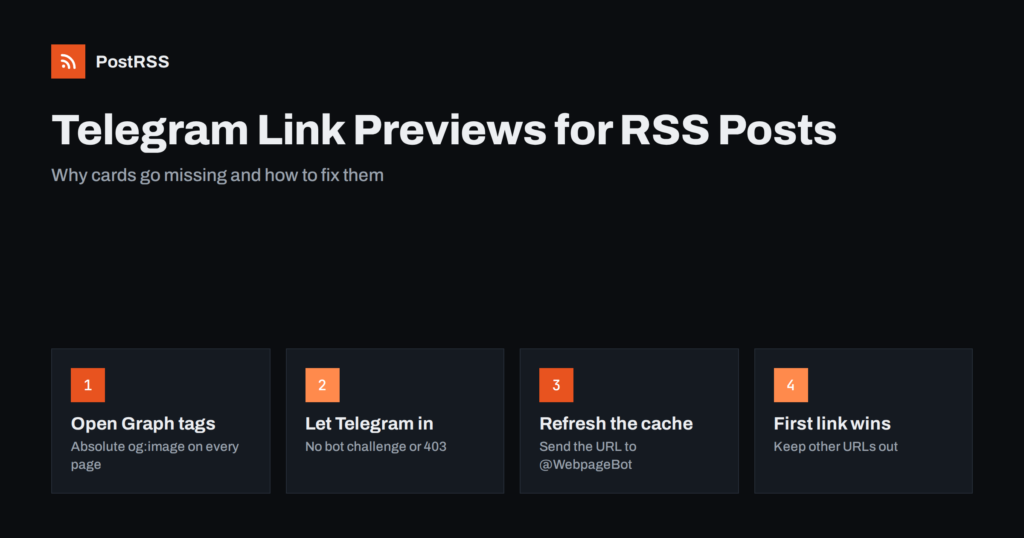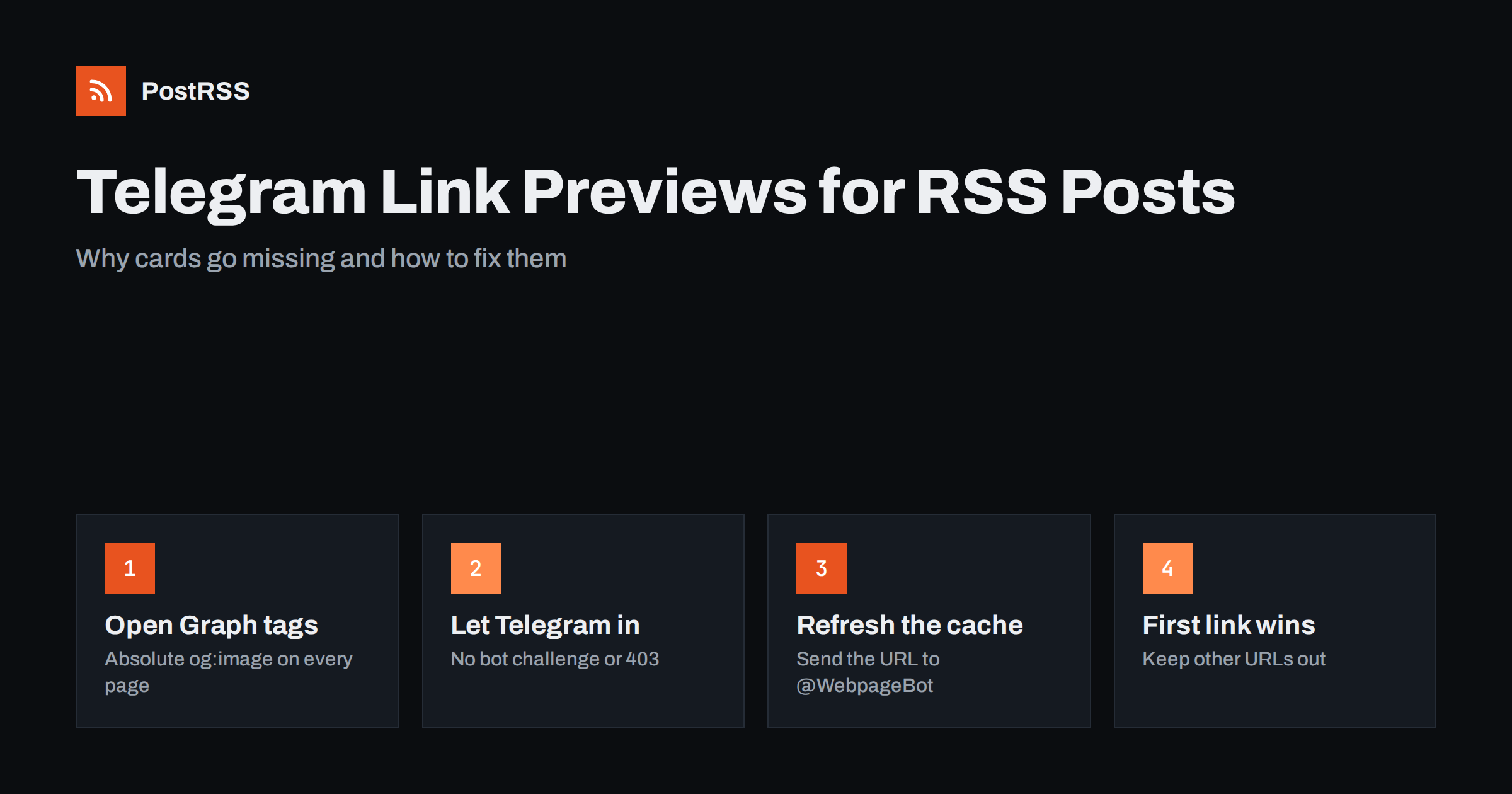
Short answer: When an RSS item is posted to a Telegram channel as a message with a link, Telegram builds the link preview itself by fetching your article page and reading its Open Graph tags. A missing or wrong preview almost always means the page did not give Telegram what it needed: no absolute og:image, a blocked or slow request, or an old copy in Telegram’s preview cache. Fix the tags on the page, make sure Telegram’s fetcher can load it, refresh the cache with @WebpageBot, and the next posts will show the right card.
Telegram channels are one of the most reliable places to send a feed. Messages arrive instantly, subscribers get a notification, and there is no algorithm deciding who sees what. The weak point is the preview card under each message: the title, short description and picture that make a link worth tapping. This guide explains how Telegram link previews work for auto-posted RSS items, what breaks them, how to check and refresh them, and how to set up your site and your feed so every post looks right.
A Telegram link preview is not part of the message that was sent. The sender, whether a person or a bot, sends text that contains a URL. Telegram’s servers then fetch that URL, read the page’s metadata and attach a preview to the message. Every subscriber sees the same preview because it is generated once on Telegram’s side and cached.
This matters for automation. When PostRSS posts an item to a Telegram channel, it sends a text message: the item text in the format you chose, followed by the article link on its own line. It does not upload a separate photo. The picture in the card comes from your page, read by Telegram, which is why the card usually looks like the article and not like a cropped screenshot. It also means the preview is only as good as the page metadata.
Telegram reads the standard tags of the Open Graph protocol:
og:title for the bold headline of the card;og:description for the grey text under it;og:image for the picture;og:site_name for the small site label at the top of the card.If Open Graph tags are missing, Telegram falls back to other signals such as the page title, the meta description or Twitter card tags. The fallback is often worse: a generic site title, a navigation snippet as the description, or no image at all.
A clean, predictable card comes from a page that answers quickly and declares everything explicitly. Use this checklist on one article before you connect a feed:
og:image must be a full address such as https://example.com/images/cover.jpg, not /images/cover.jpg.og:image tags, or a theme and a plugin both adding them, can make the result unpredictable.The same tags serve Facebook, LinkedIn, Mastodon and most other networks, so fixing them once improves every channel. The details for common platforms are in Open Graph tags and why auto-posted links show the wrong image.
A message with a bare link and no card at all usually has one of these causes:
TelegramBot. If it gets a challenge page or HTTP 403, there is nothing to read. The fix is to allow that user agent or lower the protection level for article pages. The same problem affects feeds, as explained in Cloudflare blocking your RSS feed.A card that appears but looks wrong is a different problem. The most common causes are:
og:image. If the post has no featured image, the logo is used every time.Once the page is fixed, Telegram still needs to fetch it again. Telegram offers an official bot for that: open a chat with @WebpageBot, send it the article URL, and it will fetch the page and update the cached preview. It answers with the result, so you can see straight away whether the new image and title were picked up.
A few practical notes:
The simplest test is private and costs nothing. Create a private channel or a chat with yourself, paste a link to a recent article, and look at the preview Telegram generates. Then compare it with what you want subscribers to see. Check at least one article of each type you publish: a normal blog post, a product page, an event or a podcast episode, because themes often use different templates for each.
Also open the page source and search for og:image. Copy the image URL into a new browser tab. If it does not open directly, Telegram will not load it either. For a structured approach to the feed side of the test, see RSS feed validation before auto-posting.
| Symptom in the channel | Most likely cause | Fix |
|---|---|---|
| Link with no card | Blocked, slow or private page | Allow the Telegram fetcher, cache the page, publish before the feed updates |
| Card with the site logo | Default og:image fallback | Give every post a featured image |
| Old image after a fix | Telegram preview cache | Send the URL to @WebpageBot |
| Card from another website | Another link earlier in the text | Use a title-only message format |
| Tiny thumbnail instead of a photo | Small or square image | Use a wide image around 1200 by 630 |
| Garbled title in the card | Encoding or HTML entities in og:title | Check the tag in the page source |
Because the card already shows the headline, description and image, the text above it can be short. Repeating the full description above a card that shows the same description makes posts long and harder to scan in a busy channel. Three patterns work well:
Telegram text messages can be up to 4,096 characters, so length is rarely a problem. If you use hashtags, keep them few. Telegram hashtags are clickable and help subscribers find older posts, a topic covered in more depth in our guide to automating a Telegram channel.
Some Telegram links show an Instant View button that opens the article inside Telegram. That is not the same as a link preview. Instant View works with templates that describe how to extract the article from a specific site’s HTML, and it is available for sites that have such a template. You do not need it for good previews. If you are interested in it, start by making sure your article pages have clean, semantic HTML: a clear title, author, date, main image and body, which also helps search engines and readers.
PostRSS has been posting RSS and Atom feeds to social networks since 2014, and Telegram channels are among its 66 supported networks. You connect the channel, add your feed, choose a message format and decide when posting is allowed. Each new item is sent as a text message with its link, Telegram builds the card from your page, and keyword filters, UTM parameters and posting windows let you control what each channel receives and when. Hashtags can come from each item’s own categories, or you can add your own. The setup steps are on the auto-post RSS to Telegram page, the full feature list is on the features page, and plan limits are on the pricing page.
Telegram previews come from your page, not from the auto-poster. Give every article absolute Open Graph tags with a wide image, let Telegram’s fetcher load the page quickly and without challenges, keep other links out of the first part of the message, and refresh old cards with @WebpageBot. Test one link of each content type in a private channel before the feed goes live, and the cards in your channel will stay consistent.
Telegram could not read the page. The most common reasons are bot protection blocking the Telegram fetcher, a slow page, a redirect chain, or an article that was not public yet when the message was sent.
Fix the Open Graph tags on the page, clear your site cache, then send the exact URL to @WebpageBot in Telegram. The bot fetches the page again and updates the cached preview.
Telegram uses the og:image tag of the linked page. If it is missing, Telegram may fall back to other tags or show no image, so every article should declare its own absolute image URL.
Telegram usually builds the card from the first link in the message. If the item text contains another URL before your article link, use a message format based on the title instead of the description.
Not when it posts a link message. PostRSS sends the text and the link, and Telegram creates the card from your page, so the picture comes from your Open Graph tags.
What changed in the networks, what broke, and how to fix it before it costs you reach.
Creadas por Internet Solutions, el equipo detrás de PostRSS. Cada una te ahorra tiempo a su manera.
 English
 Lietuviškai
 Deutsch
 Français
 Русский
 Español
 Polski
 Italiano
 Українська
 Čeština
 Português
 日本語
日本語 Latviešu valoda
 Eesti
Eesti Magyar
 Bahasa Indonesia
 Türkçe
 हिन्दी
 Ελληνικά
 العربية
 ไทย
ไทย Tiếng Việt
 Română
 Bahasa Melayu
 বাংলা
বাংলা