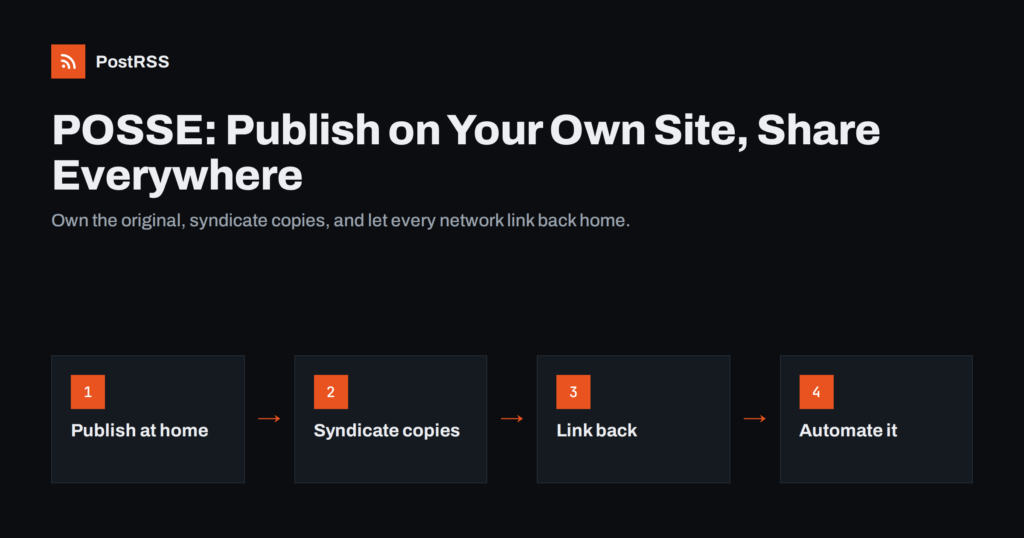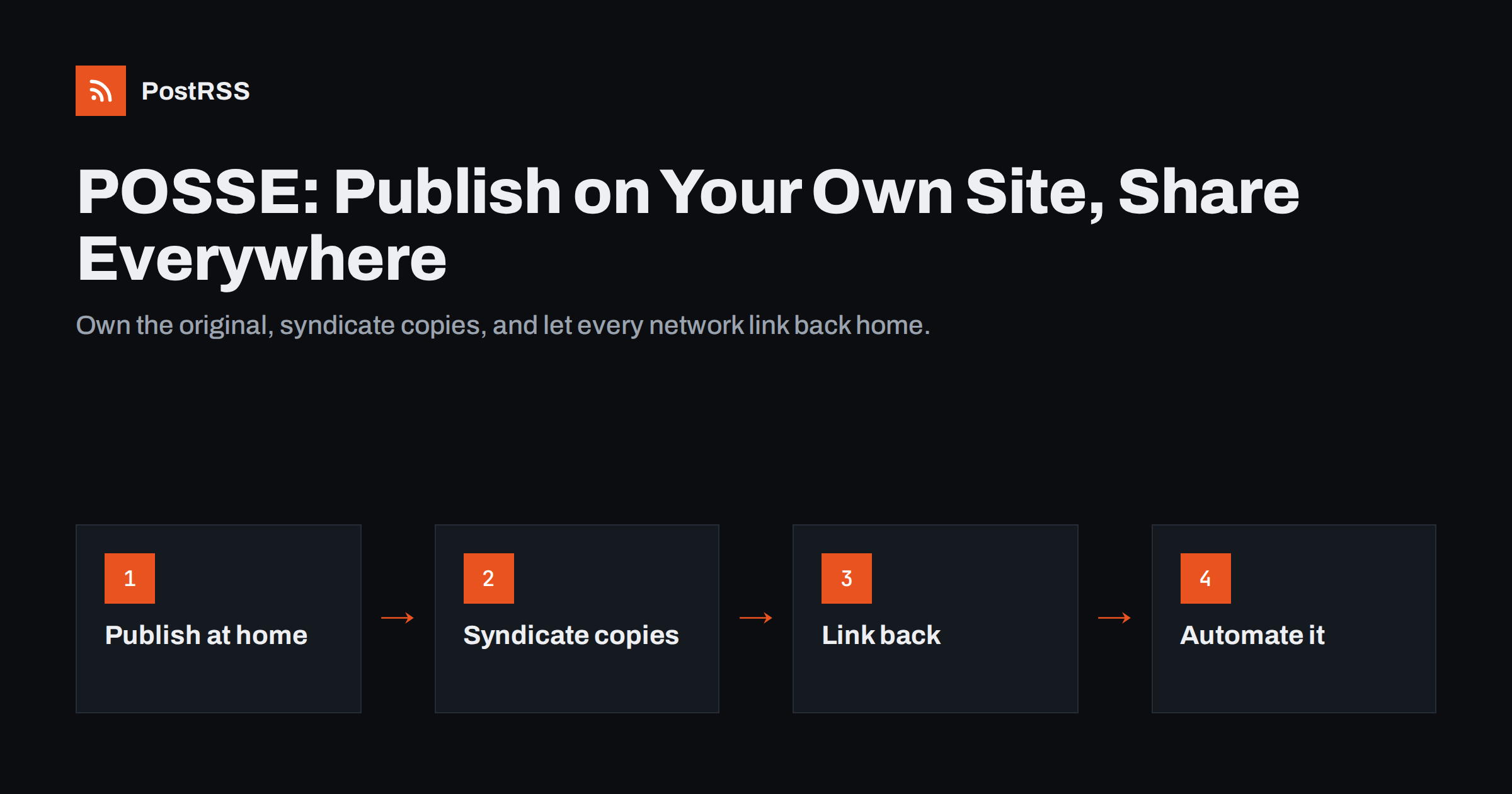
Short answer: POSSE stands for “Publish on your Own Site, Syndicate Elsewhere”. You publish every piece of content first on a website you control, then share copies or summaries to social networks, each linking back to the original. The approach protects you from platform shutdowns, algorithm changes and account problems, keeps search value on your domain, and is easy to automate because your site’s RSS feed can trigger the syndication to every channel.
POSSE is a publishing principle that grew out of the IndieWeb community, a loose group of people who prefer owning their online presence over depending on a single platform. The idea is simple. Your website is the home of your content. Social networks, messaging apps and other platforms receive copies, excerpts or links, but the canonical version always lives on your domain.
In practice, a POSSE workflow looks like this:
The opposite approach, publishing directly on platforms and perhaps copying the content back to your site later, is sometimes called PESOS: “Publish Elsewhere, Syndicate to your Own Site”. It works, but the original lives on someone else’s server.
Platforms change. Networks have closed, APIs have been restricted, features have disappeared and accounts have been suspended by mistake. Anyone who built their whole content library inside one platform learns how little control they had when something changes. A few well-known examples show the pattern: Google+ was shut down for consumers in 2019, Meta closed the Facebook Groups publishing API in April 2024, and many networks have changed their API access terms in recent years.
With POSSE, those changes are inconvenient rather than catastrophic. Your articles, photos and announcements remain on your site, searchable and linkable. If a network disappears, you lose an audience channel, not your archive. If a new network appears, you add it to your syndication list and your content starts flowing there too.
Ownership also has quieter benefits:
None of this means leaving social platforms. POSSE simply changes their role: they become distribution and conversation channels rather than the place where your work is stored.
A common worry is that copying content to other platforms might create duplicate content problems in search. In most POSSE setups this is not a real issue, for two reasons. First, social posts are usually short summaries with a link, not full copies of the article. Second, the original is published first on your site, and the social copies link to it, which helps search engines understand where the content originated.
The situation is different when you syndicate full articles to other blogging platforms. There, it is good practice to set a canonical link pointing to your original wherever the platform allows it, or to publish only an excerpt with a link. Our guide on duplicate content and canonical tags in RSS auto-posting covers this in detail, and platforms such as Ghost and DEV let you set the canonical URL when republishing.
POSSE does not mean posting the same text everywhere. It means the original is always at home, while each platform receives the version that suits it. A practical split:
| Platform type | What to send | Link back |
|---|---|---|
| Facebook Pages, LinkedIn | Title, short summary, image | Link preview to the article |
| X, Bluesky, Mastodon, Threads | Short text or title, image | Link in the post |
| Telegram, Viber and other channels | Title, summary, image | Link to read more |
| Team chats (Slack, Teams, Google Chat) | Title and link for colleagues | Link to the article |
| Other blogs (DEV, Ghost, WordPress, Blogger) | Excerpt or full copy | Canonical or “originally published at” link |
| Image and title | Pin links to the article |
You do not need every row. Pick the platforms where your readers already are and add others only when you can support them, because each channel also brings comments and messages that someone should answer. It is better to syndicate well to four channels than badly to fifteen.
The common rule is that every copy points home. A reader should always be one click from the full, original version.
Manual POSSE is tedious: after publishing, you open each platform, paste the link, adjust the text and upload an image. That is where most people give up and start posting directly on platforms again. Automation removes that step, and the RSS feed that almost every CMS already produces is the natural trigger.
The automated version works like this:
You can also syndicate to more than social networks. Blog platforms, team chats, read-later services and webhooks for tools like Zapier or n8n can all be targets. The key is that the feed stays the single source: you publish once, and distribution follows. If you use WordPress, auto-posting a WordPress blog to social media shows the setup step by step.
The principle applies well beyond personal blogs:
Moving to POSSE is mostly a change of habit rather than a technical project. A practical sequence for a small team looks like this:
The step that most teams skip is the sixth. It is tempting to keep writing longer posts directly on LinkedIn or Facebook because it feels faster. Over a year, that habit produces a large body of work that lives only on someone else’s platform. Writing it as a short post on your site first takes a few extra minutes and keeps it yours.
POSSE is not free of compromises, and it helps to know them:
One more practical point: POSSE works best when your website posts are short enough to publish often. If every post on your site must be a long, polished article, you will be tempted to put quick updates straight onto social platforms. Many POSSE practitioners add a “notes” or “updates” section to their site for short items, so small announcements also have a permanent home and flow through the same feed.
For most organisations, these trade-offs are worth it. You gain an archive you control and a distribution system that survives platform changes.
PostRSS automates the “syndicate elsewhere” half of POSSE. It checks your RSS or Atom feed every 5 minutes and posts each new item, with its image and a link back to your site, to the networks you connect: 66 in total, including Facebook Pages, X, LinkedIn, Telegram, Mastodon, Bluesky, WordPress, Blogger, Ghost, DEV and many team chats, plus webhooks for other tools. You can choose the message format per target, add UTM parameters to track which channel sends visitors, and use keyword filters to decide which items go where. The features page lists the networks and options.
POSSE is a simple rule with long-term payoff: publish the original on your own site, then send copies to the platforms where your audience spends time, each linking home. Your archive survives platform changes, search value builds on your domain, and with an RSS feed driving the syndication, the extra work after publishing drops to almost nothing.
POSSE stands for “Publish on your Own Site, Syndicate Elsewhere”. It describes publishing content first on a website you control, then sharing copies or links to other platforms. The term comes from the IndieWeb community.
Usually not. Social posts are short summaries that link to the original, which helps rather than hurts. When you republish full articles on other blog platforms, set a canonical link to your original or share only an excerpt.
POSSE publishes on your own site first and syndicates to platforms. PESOS, “Publish Elsewhere, Syndicate to your Own Site”, does the reverse and copies platform content back to your site. POSSE keeps the original under your control from the start.
The syndication step can be. Your CMS publishes the post and updates its RSS feed, and an auto-posting service shares each new item to the connected platforms. Replying to comments on each platform still needs a person.
You need a website that publishes new items with their own URLs, such as a blog, news section, product catalogue or podcast site. Most such sites already produce an RSS feed, which is all automation needs.
What changed in the networks, what broke, and how to fix it before it costs you reach.
 English
 Lietuviškai
 Deutsch
 Français
 Русский
 Español
 Polski
 Italiano
 Українська
 Čeština
 Português
 日本語
日本語 Latviešu valoda
 Eesti
Eesti Magyar
 Bahasa Indonesia
 Türkçe
 हिन्दी
 Ελληνικά
 العربية
 ไทย
ไทย Tiếng Việt
 Română
 Bahasa Melayu
 বাংলা
বাংলা