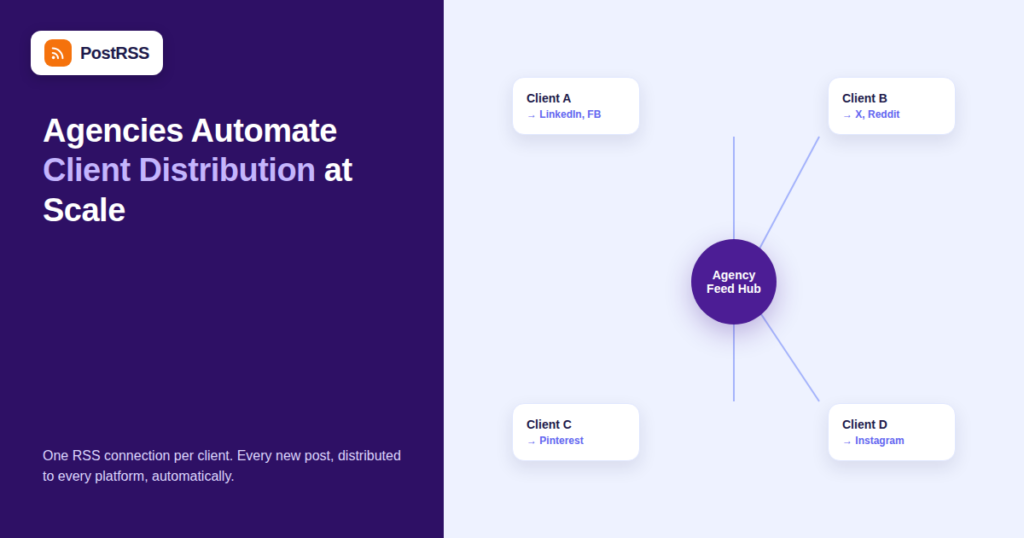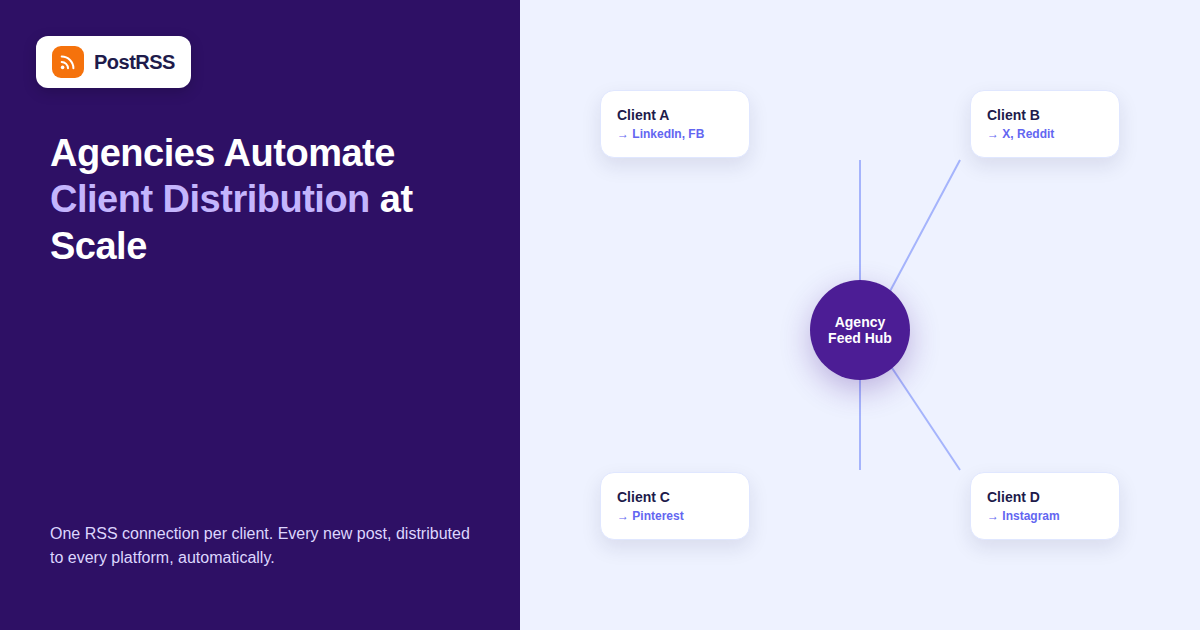
Marketing and SEO agencies live or die by how many client accounts one team member can competently manage, and social media distribution is often the single most time-consuming recurring task on that list. An agency running content distribution for 15-30 clients, each needing consistent posting across three or four platforms, either hires dedicated social schedulers or finds a way to automate the repetitive part of the job. RSS-based auto-posting is how a growing number of agencies solve this without adding headcount.
This guide covers how agencies actually structure RSS auto-posting across multiple client accounts, the account-separation and reporting considerations that don’t come up in single-brand setups, where automation should stop and human judgment should take over, and how to price and pitch the service to clients who haven’t seen it in action before.
Agencies have a structural problem that in-house marketing teams don’t: they’re managing distribution for content they didn’t necessarily write and publishing schedules across brands with completely different voices, audiences, and platform mixes. A few things make RSS-based automation a particularly good fit for this constraint:
The single most important operational decision an agency makes here is how strictly to separate client accounts and credentials. Mixing client social tokens under one shared login, or worse, one shared automation “project,” creates real risk: a scheduling mistake, a wrong feed connected to a wrong client’s Facebook Page, or a client offboarding that accidentally also disconnects another client’s feed because they were bundled together.
| Structure | Pros | Cons |
|---|---|---|
| One shared automation account, all clients as sub-projects | Centralized billing, easier team-wide oversight | Higher blast radius if something is misconfigured; harder to hand off a single client cleanly |
| Separate automation account per client | Clean isolation; easy to hand credentials back to the client on offboarding | More accounts to manage day-to-day; potentially higher combined cost depending on pricing tiers |
| Sub-accounts / workspaces under one agency login | Isolation between clients with centralized oversight and billing | Requires the automation tool to actually support this structure — not all do |
Most established agencies land on the third option once their client count grows past a handful, since it balances operational simplicity for the team with genuine separation between client social accounts.
The instinct to automate everything is understandable, but blanket automation across every client’s feed introduces real risk that a fully-manual process wouldn’t have. A practical split:
Agencies that auto-post on behalf of clients need to close the loop with reporting, since “we set up automation and haven’t touched it since” isn’t a monthly update clients find reassuring even when the system is working perfectly. The reporting that tends to land well:
Client churn is a fact of agency life, and how cleanly an agency can disconnect a departing client’s feeds and hand back social account access matters for the relationship’s final impression. Before offboarding: revoke the automation tool’s access token for that client’s social accounts specifically (not a blanket agency-wide token that other clients might also depend on), confirm the RSS feed connection is deleted rather than just paused, and document what was automated so either the client or their next agency can pick up cleanly. Agencies using the sub-account structure from the table above generally find this step far less error-prone than those on a single shared account.
Some clients push back on automated social posting, worried it will look robotic or generic compared to hand-crafted posts. The realistic answer: RSS auto-posting handles the distribution mechanics — getting a new blog post onto the right channels reliably and on time — not the strategic content calendar or the occasional native, platform-specific post that benefits from a human touch. Positioning it as “automating the distribution grunt work so your account team’s time goes toward strategy and native content instead of copy-pasting links” tends to land better than presenting it as a full replacement for a social strategy.
| Question | Why It Matters for Agencies |
|---|---|
| Does it support multiple isolated client workspaces? | Determines whether client separation requires separate paid accounts |
| Can captions be customized per platform, not just copied verbatim from the post title? | Generic, identical captions across platforms read as obviously automated |
| What happens when a client’s social account token expires? | Determines whether the agency gets proactively alerted or discovers it from a client complaint |
| Is there a white-label or agency-branded reporting option? | Affects how automation shows up (or doesn’t) in client-facing reports |
Agencies handle this a few different ways, and there’s no single right answer — it depends on how the service is packaged:
| Model | Cómo funciona | Best For |
|---|---|---|
| Bundled into retainer | Automation cost absorbed into the existing monthly management fee | Agencies where social distribution is a small part of a broader SEO/content retainer |
| Line-itemed as a tool fee | A specific monthly charge passed through at cost or with a small markup | Agencies that want full cost transparency with clients |
| Included free, positioned as a value-add | Not billed separately; used as a retention and differentiation lever | Agencies competing primarily on service breadth rather than lowest price |
The bundled and value-add models tend to work better for retention, since itemizing a small automation fee gives price-sensitive clients an easy line to question or cut during a budget review, even when the tool itself is doing meaningful work.
Agencies that scale this smoothly treat client onboarding as a fixed checklist rather than a one-off setup each time:
A documented checklist also makes it far easier to hand a client off between account managers without losing institutional knowledge about how their automation is configured.
For agencies whose core service is SEO rather than social media management, RSS auto-posting is usually a supporting tactic rather than the main deliverable — it amplifies the distribution of content that was already produced as part of the SEO content plan, generating the kind of consistent backlink-adjacent social signals and referral traffic that support the primary SEO goal without requiring a separate social team. Framed this way, it fits naturally into a monthly SEO retainer conversation: “every article we publish for your SEO plan also gets automatically distributed across your social channels,” which is an easy value-add to describe and an easy one for a client to appreciate concretely each month.
This depends entirely on the tool’s plan limits on feed and account connections rather than any inherent limit in RSS itself — agencies running 30+ client feeds through a single tool are common, provided the pricing tier and account structure support that volume.
No — auto-posting a link to a blog post on social media is functionally the same as manually sharing that link; it doesn’t create duplicate content issues since the canonical article lives at one URL and social posts are just links pointing to it.
Ideally not. Even basic customization — a shorter caption for X versus a longer one for LinkedIn — makes auto-posted content read as considered rather than copy-pasted, and most auto-posting tools support at least some per-platform customization.
Connecting every client’s feed to every platform by default instead of matching each client’s actual audience to the right subset of channels — not every client needs a Pinterest presence just because the option exists.
Most auto-posting tools that support this use a draft or review queue mode instead of full auto-publish, which keeps the distribution automation but adds a manual approval click before anything goes live — worth confirming a tool supports this if any client requires it.
No — it replaces the manual, repetitive act of copying a new post into each platform’s native composer. Strategy, community management, and native platform-specific content still need a human.
The automation simply stops finding new items until the feed is reachable again — no posts are lost, but nothing new goes out either, which is why proactive feed monitoring and alerting matters as much for agencies as it does for a single site owner.
Yes — agencies often demonstrate a live automated feed connection during a pitch as proof of operational maturity, showing a prospective client exactly how their future blog posts would flow to social automatically from day one, which is a concrete, visual differentiator compared to a slide describing “social media management” in the abstract.
Even at one or two posts a month, automation still removes a small recurring manual task from the account team’s plate, and the setup cost is a few minutes once — the return scales with volume, but it’s rarely negative even at low frequency.
For agencies managing distribution across many client blogs, RSS auto-posting turns a linearly-scaling manual task into a one-time setup per client. The work that actually matters shifts from copy-pasting links into platform composers to structuring account separation correctly, deciding what stays under human review, pricing the service sensibly, and reporting the results in a way clients actually value. Done well, it frees account teams to spend their time on strategy and native content instead of the mechanical part of getting a new post out the door.
What changed in the networks, what broke, and how to fix it before it costs you reach.
Creadas por Internet Solutions, el equipo detrás de PostRSS. Cada una te ahorra tiempo a su manera.
 English
 Lietuviškai
 Deutsch
 Français
 Русский
 Español
 Polski
 Italiano
 Українська
 Čeština
 Português
 日本語
日本語 Latviešu valoda
 Eesti
Eesti Magyar
 Bahasa Indonesia
 Türkçe
 हिन्दी
 Ελληνικά
 العربية
 ไทย
ไทย Tiếng Việt
 Română
 Bahasa Melayu
 বাংলা
বাংলা