Podcasters searching for a way to “auto-post to Spotify” usually mean one of two very different things, and mixing them up wastes a lot of setup time. The first is getting new episodes onto Spotify automatically — which Spotify already does for you once your show is submitted. The second is auto-posting an announcement, with a link and cover art, to your social accounts every time a new episode drops. Only the second one is something an automation tool can actually help with, and this guide walks through exactly where the line sits.
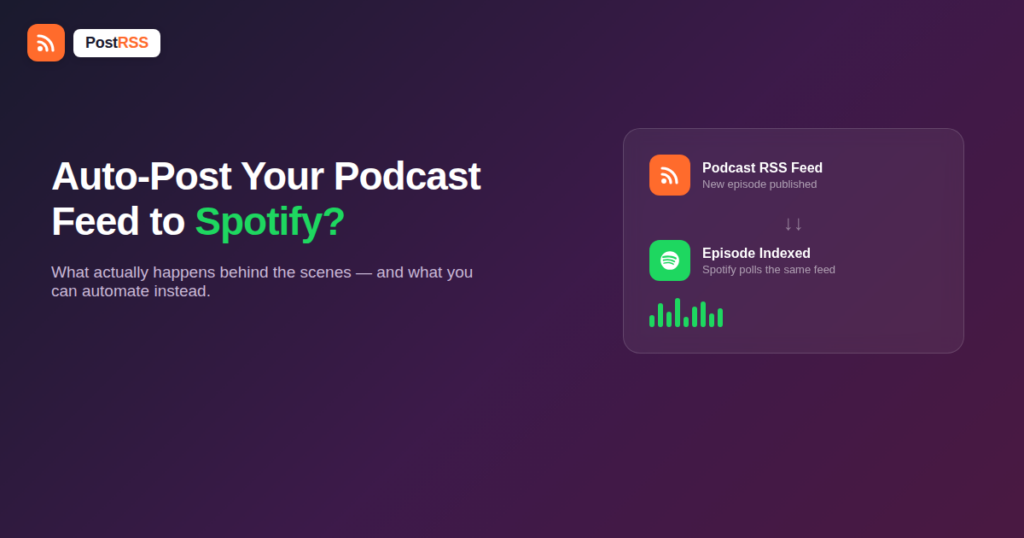
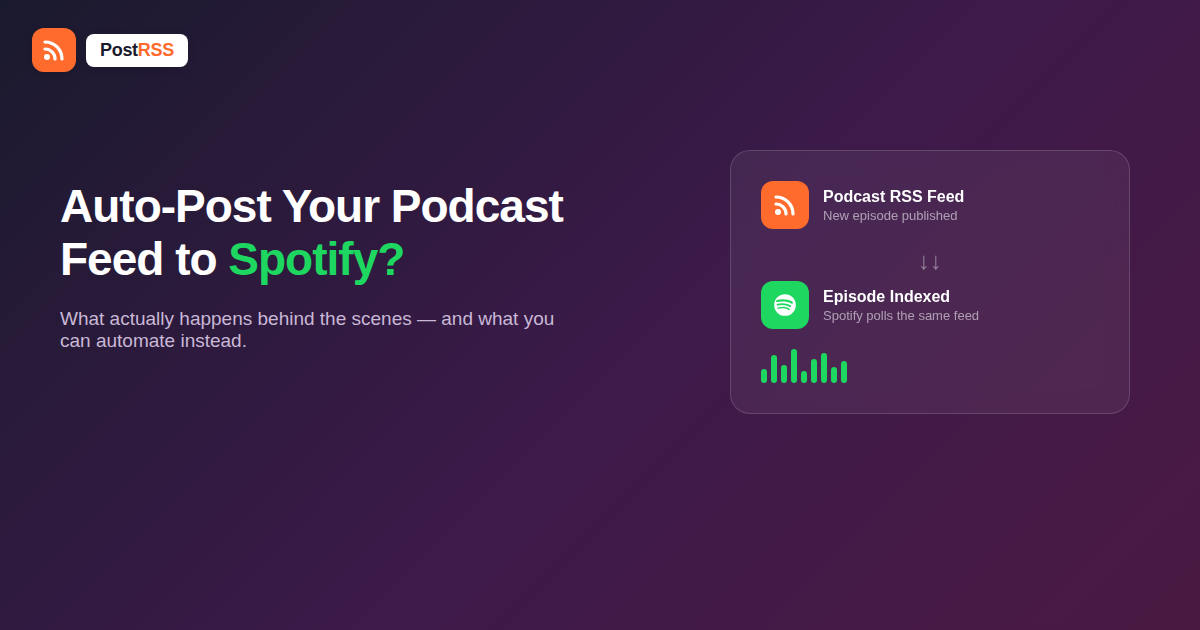
Every podcast on Spotify is built on an Feed RSS — the same XML format that powers blog syndication and, as it happens, the auto-posting tools covered throughout this site. When you submit a show through Spotify for Podcasters, you’re not uploading audio files directly to Spotify’s servers in most cases. You’re handing Spotify the URL of your feed, and Spotify’s own crawler polls that feed on a schedule, the same way a social auto-poster would, looking for new <item> entries.
When your hosting provider (Libsyn, Buzzsprout, Transistor, Captivate, RSS.com, or Spotify’s own Megaphone) publishes a new episode, it adds a new item to your feed with the audio enclosure, title, description, and episode artwork. Spotify’s crawler picks that up on its next pass — usually within a few hours — and the episode appears in your Spotify show page automatically. There is no manual “post” step, and there is no third-party automation tool involved in that part of the pipeline. It’s a pull-based sync, not a push.
This is why the phrase “auto-post to Spotify” is slightly misleading. You don’t post to Spotify. Spotify subscribes to you.
Facebook, X, LinkedIn, and Pinterest all expose publishing APIs that let a third-party tool create a post on your behalf. Spotify does not offer an equivalent for podcast content. There is no public endpoint that lets an external service publish a “post,” a clip, or a promotional card to your show’s Spotify page outside of the episode feed itself. A few specific features get asked about often enough to address directly:
If a tool advertises “auto-post to Spotify,” what it almost always means is one of two things: it’s helping you submit your feed once during onboarding, or it’s actually posting an episode announcement to a different platform (a real social network) that happens to link to Spotify. Neither is the same as publishing directly into the Spotify app.
Spotify folded its standalone Anchor hosting app into Spotify for Podcasters a while back, which confuses this further because Anchor used to have lightweight social-sharing tools built in. Those sharing tools generate a shareable audio clip or episode card you can post manually — they still don’t offer an automation hook. If your show migrated from Anchor, your feed URL and submission stay the same; only the dashboard branding changed.
Here’s the part that does work, and it’s the part that actually matters for growing an audience. Your podcast’s RSS feed — the exact same one Spotify polls — can also be watched by an RSS automation tool. The moment a new episode item appears in the feed, that tool can automatically publish a post to Facebook, X, LinkedIn, Pinterest, or other connected accounts, using the episode title, show notes excerpt, and cover art pulled straight from the feed, with a link back to the episode.
That link doesn’t have to point at Spotify specifically. Most shows point it at a universal “smart link” page (Spotify, Apple Podcasts, YouTube Music, and others listed together) or directly at the Spotify episode URL once it’s live. Either way, the automation is happening on the social side, using RSS as the trigger — not inside Spotify itself.
The two systems run in parallel off the same feed, on their own schedules, and never talk to each other. That’s fine — they don’t need to.
| Question | Auto-posting episodes onto Spotify itself | Auto-posting episode announcements to social media |
|---|---|---|
| Is it possible today? | Not via any third-party tool — Spotify has no publishing API for this | Yes, using standard RSS-to-social automation |
| What triggers it? | Spotify’s own crawler polling your feed | Your automation tool polling the same feed |
| What gets created | The episode listing inside Spotify | A Facebook/X/LinkedIn/Pinterest post announcing it |
| Who controls timing | Spotify (typically within hours of a feed update) | You, including scheduling delays or business-hours-only rules |
| Requires you to build anything | No — submit the feed once | No — connect the feed and pick platforms |
A few workarounds circulate in podcasting forums, and it’s worth knowing why each one is incomplete:
None of this is a limitation of any particular automation vendor. It’s a deliberate boundary Spotify has kept around its own platform: publishing episodes is pull-based and tied to feed submission, and there’s no equivalent push API open to outside tools for anything else.
A frequent point of confusion is a new episode showing up on social media (via your automation tool) before it’s visible on Spotify, or the reverse. Both directions are normal:
pubDate, a title, or a properly formatted enclosure) that’s causing it to be skipped.If you want the two to feel synchronized, add a short buffer — schedule your social announcement for 30–60 minutes after your host publishes, rather than instantly, so Spotify’s copy has time to go live before you link to it.
Both Spotify and your social automation tool are reading the same handful of fields out of each <item> in your feed, so it’s worth knowing what they are and what breaks if one is missing:
<image> — episode artwork. If this is missing, your automated post usually falls back to your show’s default cover art instead of the episode-specific one.pubDate set in the past (common when episodes are uploaded ahead of time with a future release date not yet reached) can cause a tool to skip it entirely until the timestamp catches up.Getting these five fields right in your podcast host’s settings is usually enough to make both integrations — Spotify’s and your social automation’s — work correctly without any special configuration on either end.
Since the social post and the Spotify listing are produced by two unrelated systems, you get to decide independently where the “listen now” link in your automated post actually points:
Many shows solve this by using the smart link for the automatic, same-day announcement, then manually pinning a direct Spotify link in a follow-up post once the episode is confirmed live — giving up nothing on speed while still linking precisely once it’s possible to.
No. RSS auto-posting tools connect to social platforms like Facebook, X, LinkedIn, and Pinterest — Spotify isn’t one of the connectable destinations because it doesn’t expose a publishing API for third parties. What you connect to Spotify separately, one time, is your feed URL itself.
No, one feed serves both. Spotify and your social automation tool each poll the same public RSS feed URL independently.
It can, since the two systems check your feed on separate schedules. If that bothers you, add a short scheduling delay to your social posts so Spotify has time to finish indexing first.
No. Canvas and video episode uploads are handled inside the Spotify for Podcasters dashboard and aren’t part of the RSS feed spec, so no external automation tool can set them.
Either works. Many shows use a universal smart link that lists all listening platforms, which avoids the timing-gap issue entirely since the link works before Spotify finishes indexing.
No, the two are unrelated integrations reading the same source feed. Submitting to Spotify doesn’t change your feed’s URL or structure, so your existing social automation keeps working exactly as before.
Check that the feed item has a valid, current pubDate and that the feed validates without errors — malformed items are the most common reason an otherwise-working RSS automation setup silently skips a new episode.
Yes, if you route the link through a smart link or your own site first and append UTM parameters before it reaches Spotify — Spotify’s own analytics won’t show referral source, so the tracking has to happen on the link itself, before the click lands in the app.
No, as long as the host publishes a standard, public RSS feed — which nearly every major host does by default. The automation reads the feed format itself, not anything specific to Libsyn, Buzzsprout, Transistor, or any other provider.
You can’t auto-post to Spotify the way you can to a social network, because Spotify doesn’t offer a publishing API for that — episode delivery is a one-time feed submission followed by Spotify polling your feed on its own schedule. What you can fully automate is everything downstream of that: turning each new episode into an announcement post on Facebook, X, LinkedIn, and Pinterest, pulled straight from the same RSS feed, the moment it’s published. Set both up once — submit your feed to Spotify, then point PostRSS at the same feed for your social announcements — and new episodes take care of themselves on every channel that matters.
What changed in the networks, what broke, and how to fix it before it costs you reach.
Creadas por Internet Solutions, el equipo detrás de PostRSS. Cada una te ahorra tiempo a su manera.
 English
 Lietuviškai
 Deutsch
 Français
 Русский
 Español
 Polski
 Italiano
 Українська
 Čeština
 Português
 日本語
日本語 Latviešu valoda
 Eesti
Eesti Magyar
 Bahasa Indonesia
 Türkçe
 हिन्दी
 Ελληνικά
 العربية
 ไทย
ไทย Tiếng Việt
 Română
 Bahasa Melayu
 বাংলা
বাংলা