RSS σε 66 κοινωνικά δίκτυα: Facebook, Instagram, X, LinkedIn, Telegram και άλλα Blog Συνεργατικό Πρόγραμμα Επικοινωνία
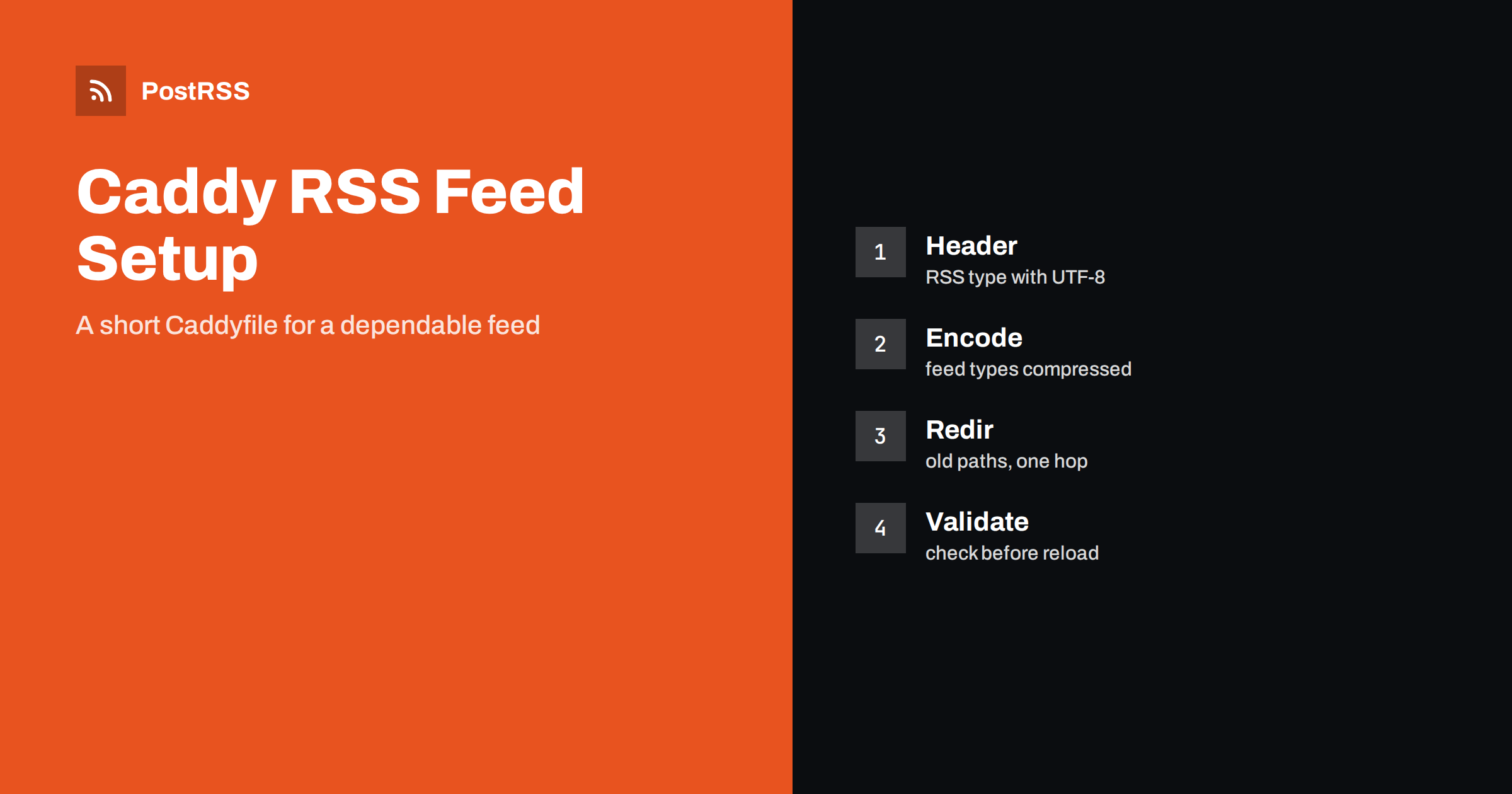
Short answer: Caddy can serve an RSS feed correctly with a short Caddyfile. Match the feed path, set the RSS content type with a UTF-8 charset, turn on compression for feed types, let the file server add its ETag and Last-Modified validators and send a Cache-Control header with a lifetime of a few minutes. Redirect old feed addresses with the redir directive, keep the feed out of any rate limit or bot rule, validate the file before reloading and test the live address with curl. Then connect the address to an auto-poster so that every new article reaches your social channels.
Caddy has become a favourite for small projects, side sites and container setups because it obtains and renews certificates by itself and needs very little configuration. That simplicity is a strength for feeds as well, but defaults are written for web pages, not for XML that tools fetch every few minutes. A feed that works in a browser can still be served with a generic type, without compression for its type or with a cache lifetime that does not match how often you publish. This guide shows a working Caddyfile for a static feed and for a feed that comes from an application, explains each directive in plain language and lists the traps that appear when you move a feed behind a new server. Directive names follow Caddy version 2.
If a script writes a file such as feed.xml into the site folder, Caddy can serve it with the file server directive and no other software. The block below defines a named matcher for the feed path and applies headers only to that path.
example.com {
    root * /var/www/example.com/public

    @feed path /feed.xml
    header @feed Content-Type "application/rss+xml; charset=utf-8"
    header @feed Cache-Control "public, max-age=300"

    encode zstd gzip
    file_server
}
The named matcher starts with an at sign and selects only the exact path, so the rest of the site is untouched. The first header line sets the type that readers expect, and the file server respects a type that is already set instead of guessing from the extension. The second line gives the feed a cache lifetime of five minutes. The encode line turns on response compression, and the file server answers with the validators that it computes from the file. The meaning of the header and the types that tools accept are explained in the guide to the content type header.
| Directive | What it does | Typical value |
|---|---|---|
| header | Sets or changes a response header for a matcher | Content-Type and Cache-Control |
| encode | Compresses responses that match | zstd and gzip |
| file_server | Serves files and adds ETag and Last-Modified | Default settings |
| reverse_proxy | Forwards requests to an application | Local address and port |
| redir | Sends a redirect to another address | Permanent for old feed paths |
An XML feed is repetitive text and compresses to a fraction of its size. The encode directive compresses responses that match a list of content types and a minimum length. The default list is written with web content in mind, so do not assume that the RSS type is included in your version. If a test shows no content encoding header, add a response matcher that names the feed types.
encode zstd gzip {
    match {
        header Content-Type application/rss+xml*
        header Content-Type application/atom+xml*
    }
}
The star at the end allows the charset parameter after the type. After a change, request the feed with a header that accepts compressed data and look at the answer headers, as shown in the test section below. Compression helps most when many tools poll the same feed, and the details are covered in the feed compression guide.
For static files, the file server adds an ETag and a Last-Modified header and answers a conditional request with a 304 status and no body. That is the best reason to keep a static feed when your content does not change every minute, because tools that poll often cost the server almost nothing. If a script rewrites the file, write it to a temporary name and rename it into place, so that no request reads half a document. The mechanism is described in the guide to ETags and conditional requests.
When a CMS or a service produces the feed, Caddy sits in front and forwards the request. The reverse proxy directive is short, and the headers for the feed can be set in the same block.
example.com {
    encode zstd gzip

    @feed path /feed.xml
    handle @feed {
        header Cache-Control "public, max-age=300"
        reverse_proxy 127.0.0.1:3000 {
            health_uri /health
            health_interval 30s
            transport http {
                response_header_timeout 10s
            }
        }
    }

    handle {
        reverse_proxy 127.0.0.1:3000
    }
}
The handle blocks are exclusive, so the feed path is processed by the first block and everything else by the second. The health check marks an unhealthy upstream and the timeout stops a slow application from keeping the connection open for minutes, which would only make tools give up and retry. Caddy’s core does not store responses, so a burst of requests all reach the application. If that matters, let the application keep its own short cache, or add a cache module built into your Caddy binary. Background on delays is in why auto-posted content sometimes lags, and on slow servers in the guide to feed timeouts.
Keep one address for the feed and use it everywhere: in the link tags of your pages, in your notes and in the auto-poster. If older addresses must keep working, redirect them directly to the canonical one.
redir /rss /feed.xml permanent
redir /feed /feed.xml permanent
Caddy redirects plain HTTP to HTTPS for any site that has a domain name, so tools that start with an insecure address are sent on without extra work. Tools follow redirects, but every redirect costs a request, and a chain of two or three is a common reason for a feed that works in a browser and fails elsewhere. If you moved the site from another server, keep the old paths alive for as long as any tool still uses them. The meaning of each status is explained in the guide to feed status codes.
Sites that offer a feed for each category or language need a rule that covers all of them. A path matcher with a wildcard, such as one for every file that ends in xml under a feeds folder, applies the same headers to the whole group. Keep the list of feed paths in one place and review it whenever a section is added or removed, so that no feed is left without the correct type, compression and cache settings. If feeds are generated dynamically from category pages, make sure that the matcher does not also catch ordinary pages that happen to end with the same word.
Two protection features cause quiet feed outages. The first is rate limiting. Caddy does not limit rates in its core, but many setups add a module for it or put another service in front, and a limit tuned for browsers can answer a polling tool with a 429 status when several tools share an address. The second is bot filtering. Rules that block empty or unknown user agents, or that challenge requests from data centres, also block auto-posters and feed readers. Give the feed path an exception in every layer, including a content delivery network or a firewall service that sits in front of Caddy. When a tool reports that the feed is forbidden or unreachable, check these settings before you look anywhere else.
Caddy writes access logs as structured JSON when you enable the log directive, which makes feed traffic easy to filter.
log {
    output file /var/log/caddy/access.log
}
Filter for the feed path and look at three things: the share of 304 answers, which should be high when validators work, the share of errors, which should be close to zero, and the interval between requests from the same client. A client that asks every few seconds is misconfigured, and a client that never comes is probably blocked. On a busy site, a separate log for the feed block keeps the numbers clear.
Caddy can check a file before it applies it, and a reload keeps existing connections alive. Format the file first so that mistakes in indentation are visible.
caddy fmt --overwrite /etc/caddy/Caddyfile
caddy validate --config /etc/caddy/Caddyfile
sudo systemctl reload caddy
curl -sI https://example.com/feed.xml
curl -sI -H 'Accept-Encoding: gzip' https://example.com/feed.xml
curl -sI -H 'If-None-Match: "paste-the-etag-here"' https://example.com/feed.xmlA longer routine is in the feed validation guide, and a shorter one in debugging a feed with curl.
PostRSS has been publishing RSS and Atom feeds to social networks since 2014. Paste the address of your feed, connect your accounts and choose how each post is built from the title, the description or the page title. PostRSS checks the feed as often as every minute and shares each new entry, with its image and link, to the channels you choose among 66 supported networks, messengers, team chats and blogs, including LinkedIn, X, Bluesky, Mastodon and Telegram. Keyword filters, UTM parameters and posting windows let you tune each channel. See the PostRSS features page and the plan limits on the pricing page. More developer guides are under the Technical Guide tag.
Caddy keeps feed serving short and readable. Match the feed path, set the RSS type with a UTF-8 charset, make sure that the feed types are compressed, let the file server provide validators, give the feed a lifetime of a few minutes, redirect old addresses straight to the final one and keep the path outside every rate limit and bot rule. Validate the file, test the headers from outside and then connect the address to an auto-poster, so that every article you publish reaches your social channels without surprises.
Use application/rss+xml with a UTF-8 charset. Set it with the header directive for the feed path, and the file server will keep it.
Only for the types in its default match list, so check the answer headers. If there is no content encoding line, add a match block for the feed types.
Not in its core. Let the application keep a short cache, or add a cache module. A lifetime of a few minutes suits most feeds.
Use the redir directive with the permanent keyword and point it directly at the final address, so that tools meet only one redirect.
Yes. PostRSS reads any valid RSS or Atom address that is reachable without a login. Paste the address, connect your channels and new articles are shared as soon as they appear.
What changed in the networks, what broke, and how to fix it before it costs you reach.
Από την Internet Solutions, την ομάδα πίσω από το PostRSS. Κάθε προϊόν σάς εξοικονομεί χρόνο με τον δικό του τρόπο.
 English
 Lietuviškai
 Deutsch
 Français
 Русский
 Español
 Polski
 Italiano
 Українська
 Čeština
 Português
 日本語
 Latviešu valoda
 Eesti
 Magyar
 Bahasa Indonesia
 Türkçe
 हिन्दी
 Ελληνικά
 العربية
 ไทย
 Tiếng Việt
 Română
 Bahasa Melayu
 বাংলা