WordPress Blog RSS Feed

This tag covers locating and using a WordPress blog's RSS feed for automated social media posting through PostRSS, including how to find custom feed URLs on sites with modified permalink structures. Because PostRSS runs its feed checks in the cloud rather than on the WordPress server itself, it avoids the resource drain that some self-hosted auto-posting plugins introduce during high-traffic periods. PostRSS can be pointed at a category-specific or tag-specific WordPress feed URL rather than the site-wide feed, which allows automating posting for only certain types of content. As with any connected feed, PostRSS checks a WordPress site's RSS output every 5 minutes on standard plans, and every 1 minute on Enterprise tiers, so new posts reach social media promptly. Some WordPress SEO or caching plugins can alter the default feed URL, so confirming the correct address before connecting to PostRSS is worth doing first. Articles here focus specifically on feed discovery rather than the posting setup that follows.
Post Automatically RSS Feeds to Social Networks with the PostRSS Tool
Aktualisiert: 20.08.2026

Updated: 2026-08-20 Manually sharing every new website update across multiple social profiles is an ineffective use of ...

Mehr lesen »
Auto Post WordPress and Blog RSS Feed to Facebook, X, LinkedIn, and VKontakte
Aktualisiert: 2026-08-30

Updated: 2026-08-20 If you run a WordPress website or a professional blog, consistently promoting your new content on s...

Mehr lesen »
Post Your RSS Feeds Easier and Faster Than Ever
Aktualisiert: 2026-08-30

Updated: 2026-08-20 Managing multiple social media accounts while regularly publishing fresh content on your website ca...

Mehr lesen »
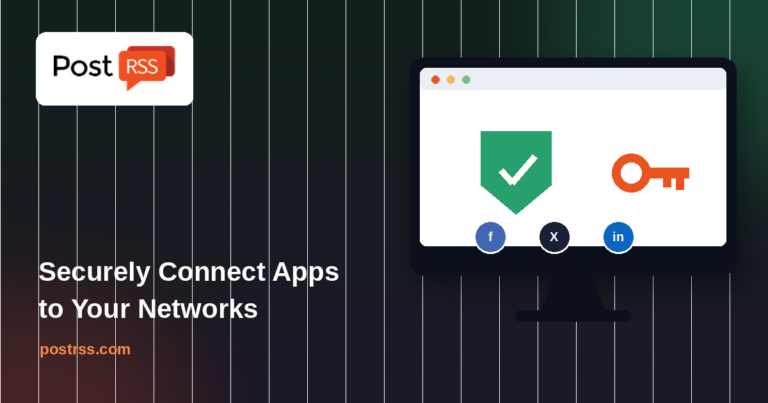
How to Connect Official PostRSS Apps to Securely Auto-Post to Major Social Networks
Aktualisiert: 2026-08-30

In the world of social media automation, security and ease of use are paramount. To broadcast your website’s RSS or Atom ...

Mehr lesen »
Which PostRSS Plan Supports Which Platform? A Clear 2026 Breakdown
Aktualisiert: 2026-08-30

Updated: 2026-08-20 This post originally announced, back in December 2016, that PostRSS's Start and Professional pl...

Mehr lesen »
Plan Your Free Time: Social Media Automation for Owners
Aktualisiert: 2026-08-30

Updated: 2026-08-20 As an entrepreneur, blogger, or digital marketer, your most valuable asset isn't capital — it's time. Be...

Mehr lesen »

Why SSL & HTTPS Matter for Secure Social Automation
Aktualisiert: 2026-08-30

Updated: 2026-08-20 In the modern digital landscape, web security is no longer an optional luxury — it is an absolute necess...

Mehr lesen »

How to Increase Your Sales Automatically Using E-Commerce RSS Syndication
Aktualisiert: 2026-08-30

Updated: 2026-08-20 For e-commerce store owners, digital marketers, and product creators, driving consistent revenue is...

Mehr lesen »
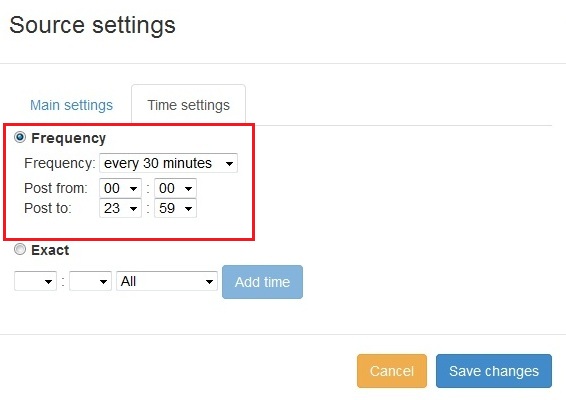
Neue Funktion in PostRSS: Erweiterte Auswahl der Posting-Zeit
Aktualisiert: 11.11.2015

  New feature added to PostRSS Advanced posting time selection. No source from Advanced time settings Possible to add i...

Mehr lesen »

Wie synchronisiere ich mein Social-Media-Konto mit den PostRSS-Apps?
Aktualisiert: 03.11.2015

We receiving many questions: How to synchronize social my accounts? I am don't see my Facebook page in listings? How po...

Mehr lesen »
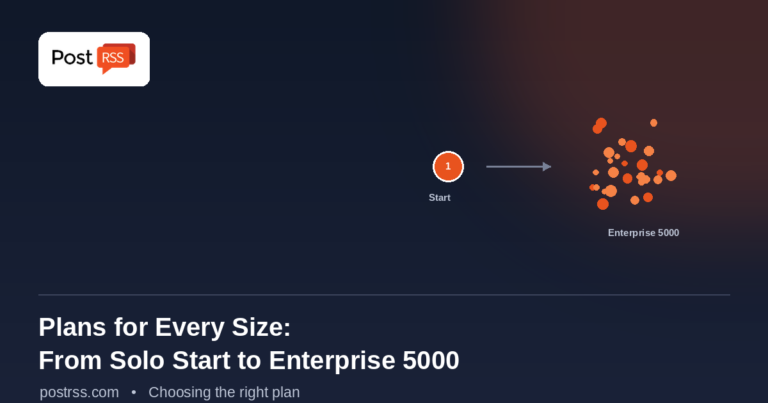
PostRSS Plans for Every Size: From Solo Start to Enterprise 5000
Aktualisiert: 2026-08-30

Updated: 2026-08-20 This post originally announced two additions to PostRSS's pricing lineup back in June 2015: a S...

Mehr lesen »
Automate Your Pinterest Marketing: How to Turn Visual Content into Continuous Web Traffic
Aktualisiert: 2026-08-30

Updated: 2026-08-20 Pinterest is not just another social network; it is a powerful visual search engine. For e-commerce...

Mehr lesen »
Menü
x
PostRSS - RSS-Feed-Automatisierungsplattform & Auto-Posting-Tool
Datenschutz-Übersicht

Diese Website verwendet Cookies, um Ihnen die bestmögliche Benutzererfahrung zu bieten. Cookie-Informationen werden in Ihrem Browser gespeichert und erfüllen Funktionen wie das Wiedererkennen bei Ihrer Rückkehr auf unsere Website sowie die Unterstützung unseres Teams dabei, zu verstehen, welche Bereiche der Website Sie am interessantesten und nützlichsten finden.