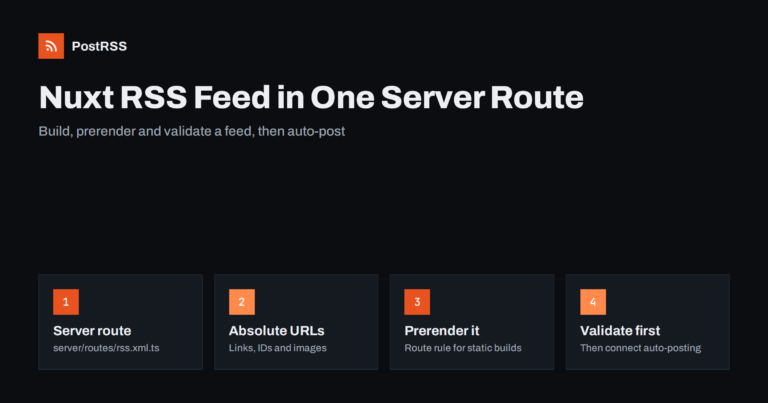
Short answer: Nuxt does not ship an RSS feed out of the box, but adding one takes a single server route. Create server/routes/r...
Mehr lesen »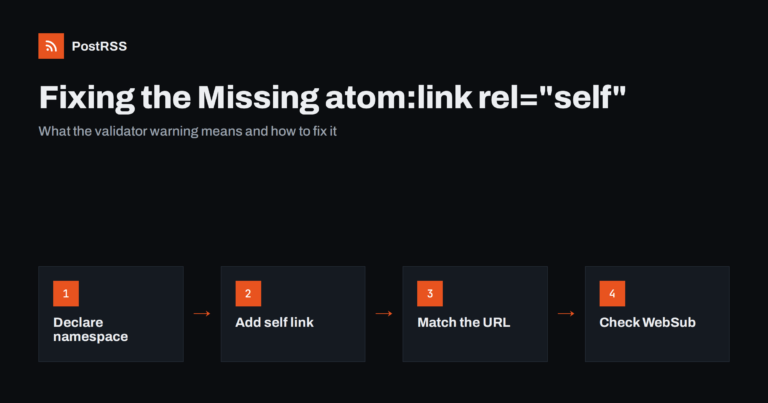
Short answer: The warning means your RSS feed does not state its own address. Declare the Atom namespace on the <rss> ele...
Mehr lesen »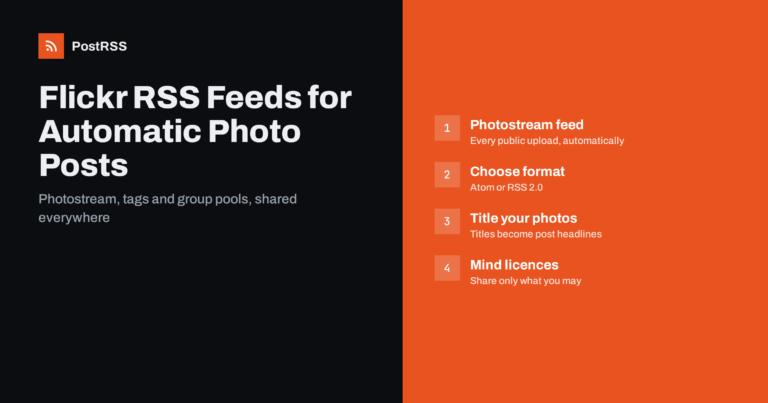
Short answer: Flickr provides public feeds for every photostream, as well as for tags and group pools. Your photostream feed li...
Mehr lesen »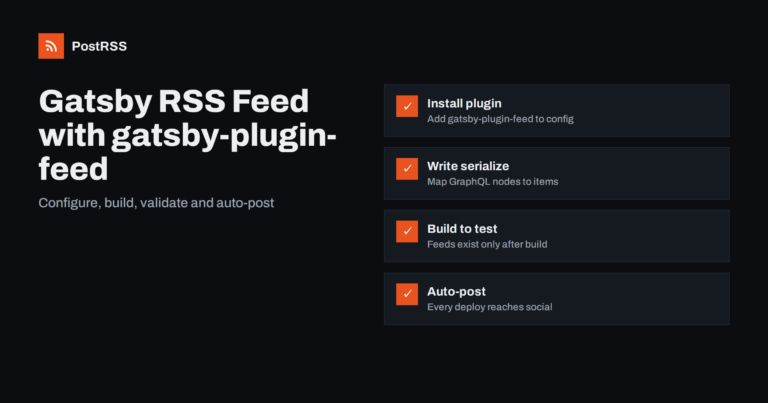
Short answer: Install gatsby-plugin-feed, add it to gatsby-config.js with a GraphQL query and a serialize function that maps yo...
Mehr lesen »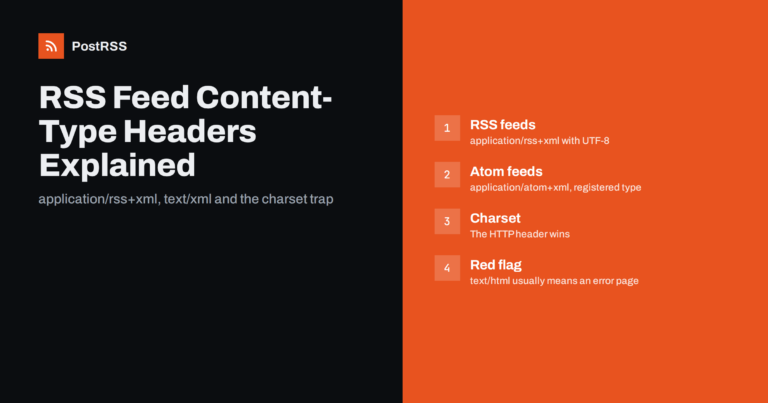
Short answer: Serve an RSS 2.0 feed as application/rss+xml; charset=utf-8 and an Atom feed as application/atom+xml; charset=utf...
Mehr lesen »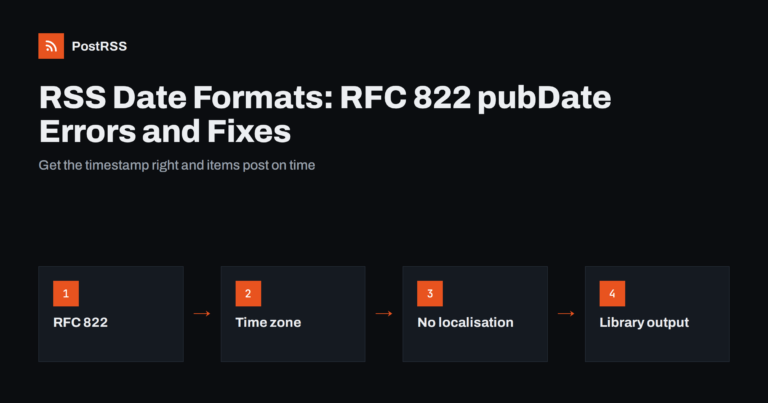
Short answer: In RSS 2.0, pubDate and lastBuildDate must use the RFC 822 date format, for example Tue, 29 Sep 2026 08:00:00 +00...
Mehr lesen »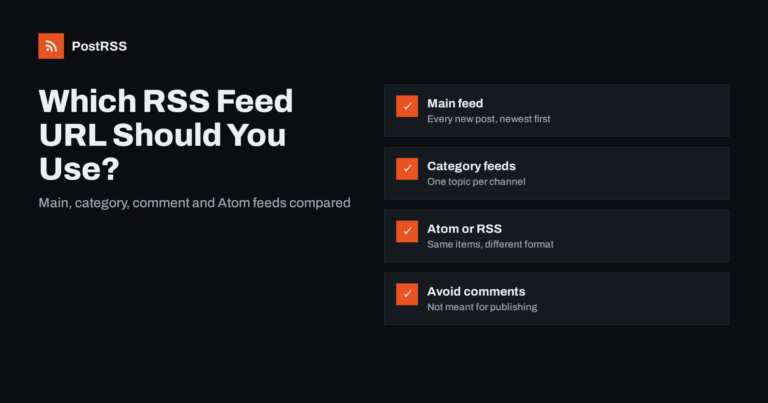
Short answer: For most sites, use the main posts feed: /feed/ on WordPress, /rss/ on Ghost, /feeds/posts/default on Blogger, or...
Mehr lesen »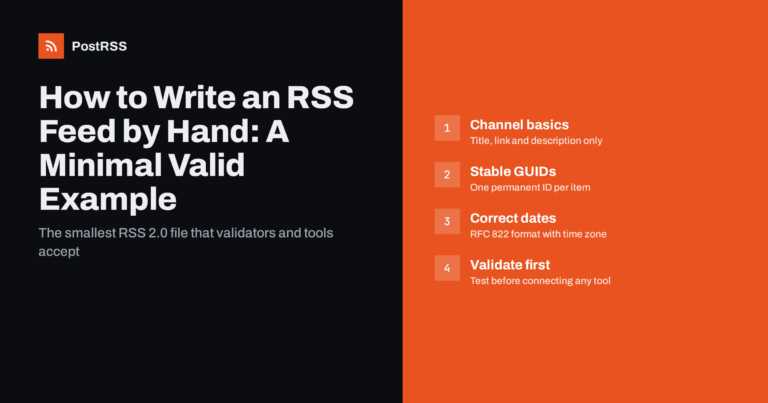
Short answer: A minimal valid RSS 2.0 feed is a UTF-8 XML file with an rss root element, one channel containing a title, link a...
Mehr lesen »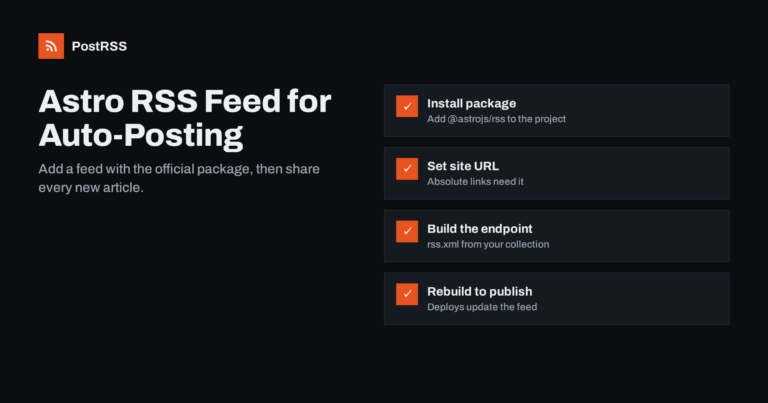
Short answer: Astro does not create an RSS feed by default, but the official @astrojs/rss package makes it easy. Install the pa...
Mehr lesen »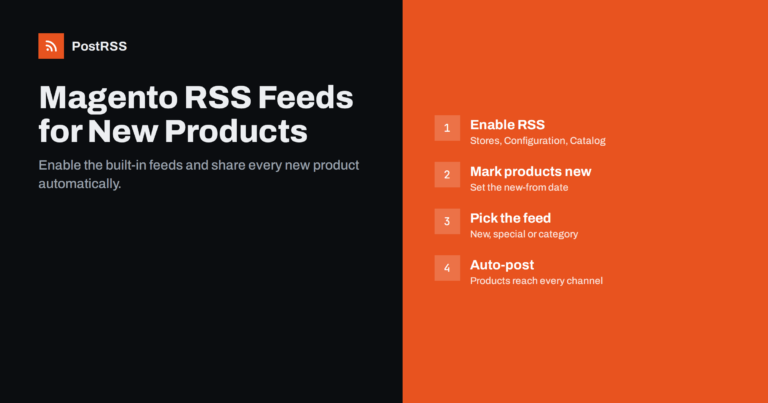
Short answer: Magento Open Source and Adobe Commerce include built-in RSS feeds, but they are switched off by default. Enable t...
Mehr lesen »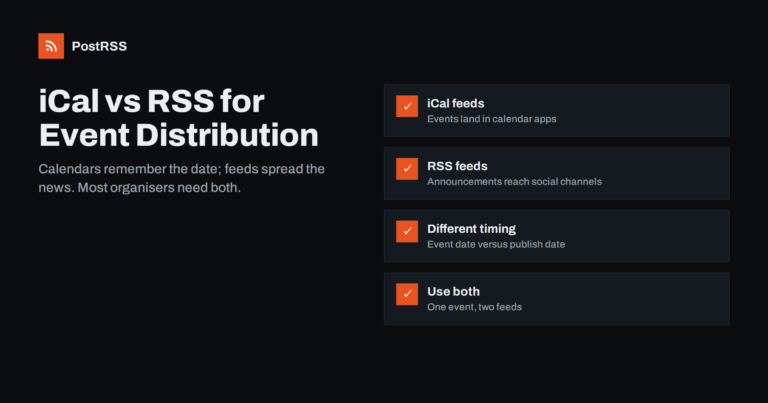
Short answer: An iCal feed (an iCalendar .ics file that people subscribe to) puts your events directly into calendar apps such ...
Mehr lesen »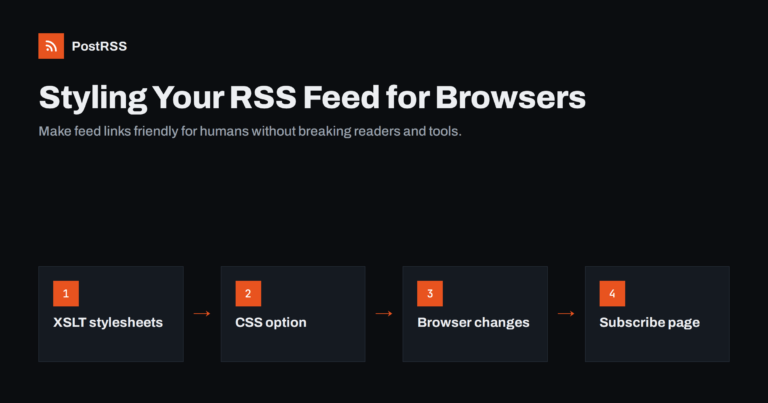
Short answer: When someone clicks your RSS feed link, most browsers show raw XML, which looks broken to non-technical visitors....
Mehr lesen »Entwickelt von Internet Solutions, dem Team hinter PostRSS. Jedes Produkt spart Ihnen auf seine Weise Zeit.
 English
 Lietuviškai
 Deutsch
 Français
 Русский
 Español
 Polski
 Italiano
 Українська
 Čeština
 Português
 日本語
日本語 Latviešu valoda
 Eesti
Eesti Magyar
 Bahasa Indonesia
 Türkçe
 हिन्दी
 Ελληνικά
 العربية
 ไทย
ไทย Tiếng Việt
 Română
 Bahasa Melayu
 বাংলা
বাংলা