
Short answer: Toy stores and hobby shops can use RSS auto-posting to share new arrivals, restocks, events and buying guides on ...
Mehr lesen »
Short answer: An outdoor gear shop or sporting goods store can publish new arrivals, seasonal guides, event announcements and r...
Mehr lesen »
Short answer: Electric cooperatives, water utilities and municipal utilities can publish every public update, from planned main...
Mehr lesen »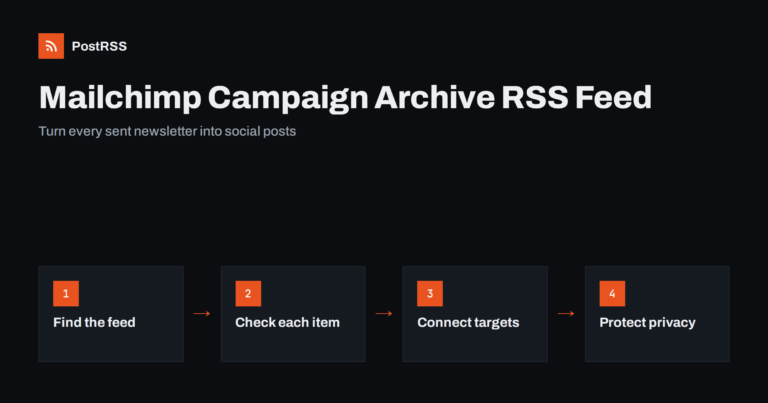
Short answer: Mailchimp publishes your sent campaigns in a public campaign archive, and that archive has an RSS feed. Each new ...
Mehr lesen »
Short answer: A grocery store can publish its weekly specials, new arrivals and store announcements as short posts on its own w...
Mehr lesen »
Short answer: Cinemas and independent movie theaters can publish their weekly programme, new releases, special screenings and e...
Mehr lesen »
Short answer: Fire departments and EMS agencies can publish safety tips, incident summaries, recruitment notices and community ...
Mehr lesen »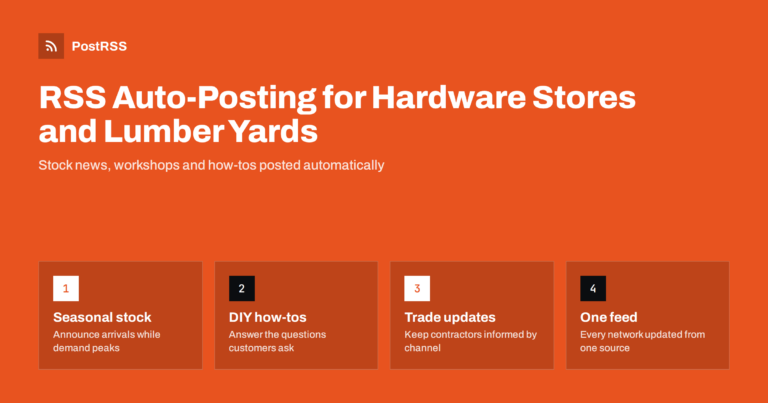
Short answer: A hardware store or lumber yard can publish short updates on its website (new stock, seasonal arrivals, workshops...
Mehr lesen »
Short answer: An independent car rental company can publish fleet news, seasonal offers, branch and airport pickup updates, and...
Mehr lesen »
Short answer: A furniture or mattress store can connect its online shop's product feed and its blog feed to an RSS auto-posting...
Mehr lesen »
Short answer: Tourism boards and destination marketing organisations publish a steady stream of events, travel guides, seasonal...
Mehr lesen »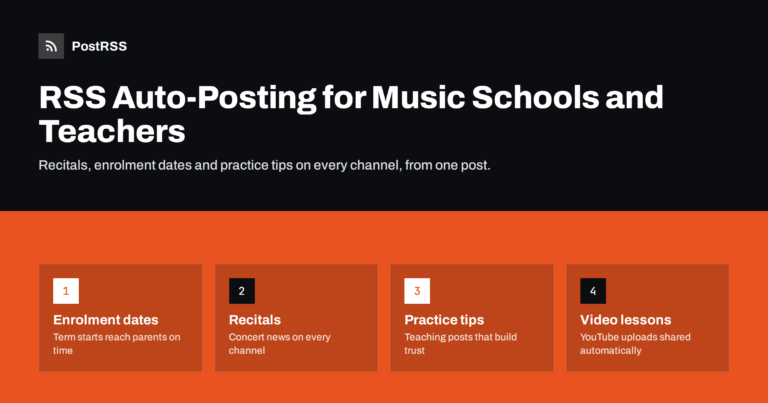
Short answer: A music school or private music teacher can post recital dates, enrolment deadlines, practice tips and new video ...
Mehr lesen »Entwickelt von Internet Solutions, dem Team hinter PostRSS. Jedes Produkt spart Ihnen auf seine Weise Zeit.
 English
 Lietuviškai
 Deutsch
 Français
 Русский
 Español
 Polski
 Italiano
 Українська
 Čeština
 Português
 日本語
日本語 Latviešu valoda
 Eesti
Eesti Magyar
 Bahasa Indonesia
 Türkçe
 हिन्दी
 Ελληνικά
 العربية
 ไทย
ไทย Tiếng Việt
 Română
 Bahasa Melayu
 বাংলা
বাংলা