Auto Post RSS to Pinterest
This tag covers auto-posting an RSS feed to Pinterest as Pins through PostRSS, including how featured images are extracted from a feed item and matched to Pinterest's image requirements. Each Pinterest board connected through PostRSS counts as a "Target" against your plan's limit, the same as any other supported network. Pinterest's discovery model rewards content that stays findable for months after publishing, so even PostRSS's standard 5-minute feed check is generally fast enough — the platform's own algorithm, not posting speed, drives most of the long-term traffic here. Pinterest is available starting on PostRSS's Professional plan, which also includes Facebook, VKontakte and LinkedIn at a $10/month entry point, below the Professional Plus tier required for X. Because Pinterest is visual-first, feed items without a clear featured image typically publish poorly or get skipped by PostRSS's Pinterest connector. Pinterest is available starting on PostRSS's Professional plan.
Updated: 2026-09-27
Recipe websites have a distribution problem that's a little different from most other blogging niches: the traffic almost entir...
Mehr lesen » 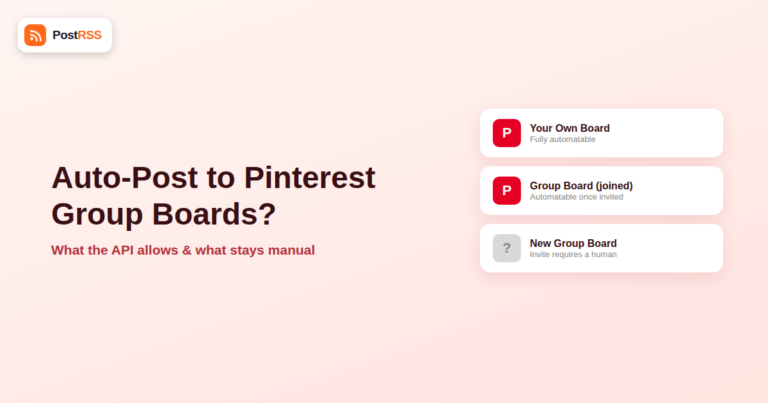
Updated: 2026-09-27
Group boards were, for years, one of Pinterest's biggest traffic levers: a single pin, shared to a board with dozens of contrib...
Mehr lesen » 
Updated: 2026-09-29
Updated: 2026-08-20 Pinterest is far more than just a social network — it's a massive, visual search engine with ...
Mehr lesen »  English
 Lietuviškai
 Deutsch
 Français
 Русский
 Español
 Polski
 Italiano
 Українська
 Čeština
 Português
 日本語
日本語 Latviešu valoda
 Eesti
Eesti Magyar
 Bahasa Indonesia
 Türkçe
 हिन्दी
 Ελληνικά
 العربية
 ไทย
ไทย Tiếng Việt
 Română
 Bahasa Melayu
 বাংলা
বাংলা