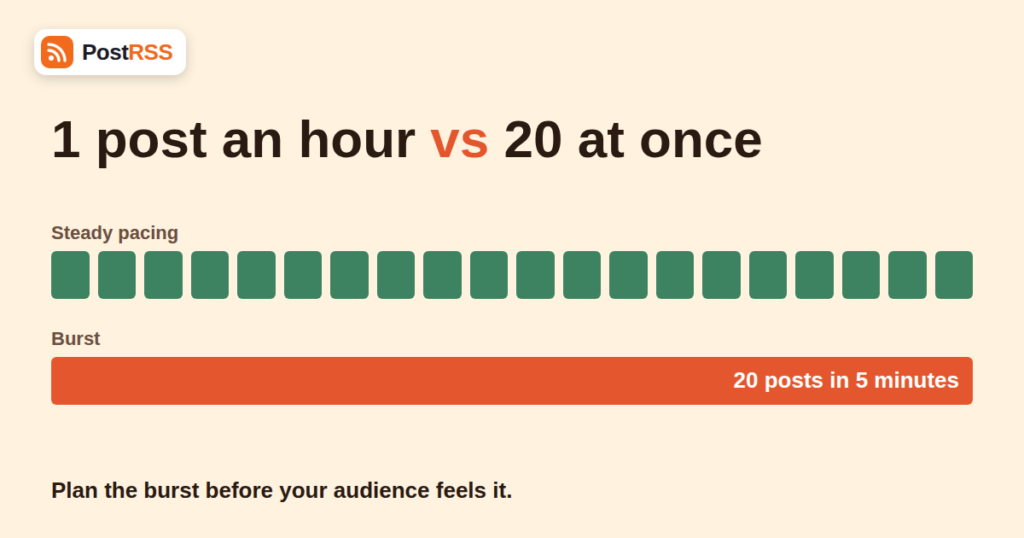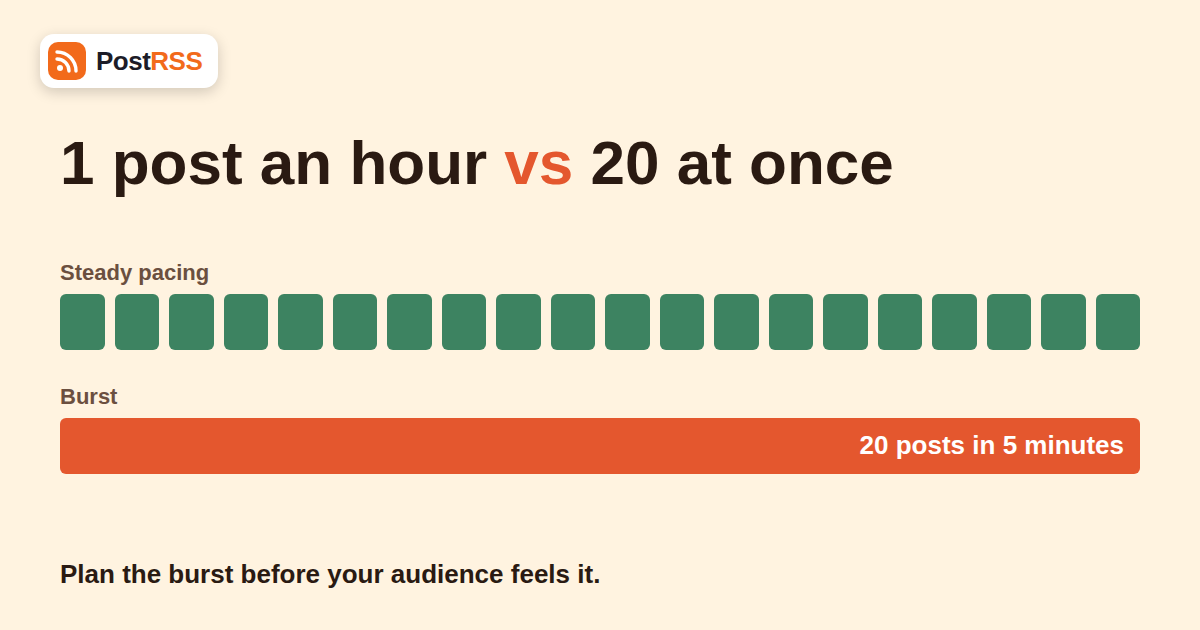
Most days your website publishes one or two articles and your feed grows by one or two items. Then comes the day you schedule a content push, migrate a blog, import an archive or finally clear a backlog, and the feed suddenly holds ten, twenty or fifty new entries. That is one of the RSS auto-posting bursts every publisher meets eventually, and how your automation handles it decides whether your audience sees a polished campaign or a noisy flood.
This guide explains what happens inside a feed when many items appear at once, which limits you can hit, and how to plan a burst so that it helps instead of hurting. The advice applies to any RSS-to-social workflow, and we point out where PostRSS plan limits matter. If you are new to the tool, the PostRSS homepage gives a short overview, and the auto-posting archive collects related guides.
An RSS auto-poster works by polling your feed at a fixed interval. PostRSS checks every 5 minutes on every plan except Enterprise, which checks every minute. Between two checks, the feed may gain zero, one or many new items. If it gains many, the tool sees all of them at once on the next check. Nothing about the feed says “this is a batch”; the items simply appear together.
Typical causes of a burst:
A burst is not a bug in the software. It is a mismatch between how quickly content appears and how quickly an audience can absorb it. Four problems follow.
Ten posts from one Page within a few minutes crowd each other out. Followers see the same account repeatedly, engagement on each post drops, and some people unfollow. The individual posts might all be good; the delivery is the problem.
Every plan has a monthly post allowance and a per-target allowance. The Free plan gives 10 posts per month to one target. Start ($5 per month) gives 500. Professional ($10 per month) gives 10,000 posts per month, spread over up to 10 targets with 2,000 per target. A burst of fifty items on a Free account would exhaust the entire month in one go, and everything after the tenth item would not be posted at all. Check the pricing page for current limits before a big push.
Social networks protect themselves against automated floods. A network may throttle an app that publishes many items quickly, return temporary errors, or reduce the reach of an account that suddenly posts far more than usual. The exact thresholds are not published and change over time, which is why cautious pacing is better than testing the limit. The Facebook Pages API documentation describes the general model of permissions and usage limits.
If ten items arrive in a random order with no spacing, the story you meant to tell, such as a five-part series building day by day, becomes a jumble. Readers arrive at part five first.
Most feeds list the newest item first. An auto-poster that processes items in feed order will therefore tend to publish the newest first, while a tool that sorts by publication date may go oldest first. Ask which behaviour your tool uses before you rely on it. It is also worth understanding which timestamp counts. Our explainer on pubDate versus lastBuildDate shows how the wrong field can change what looks new.
Identifiers matter just as much. Items are recognised by their GUID, so an item whose identifier changes appears new. That is a common reason for surprise bursts after a migration, and it is why the article on what GUID and pubDate actually do is worth reading before you change permalinks.
The cleanest fix is to avoid the burst entirely. Publish or schedule articles in your CMS at different times, ideally spaced by a couple of hours. Because the feed only changes when an article goes live, the auto-poster sees one item per check. This needs no special tool features and works everywhere. For a ten-part series, schedule one part per day at your audience’s best time.
When you connect a new feed, decide whether you want the existing items posted. If not, connect the feed while it already contains the old items and make sure only later items count as new. If you do want historic content shared, do it deliberately in small batches rather than all at once.
You can limit the size of a burst by limiting the feed itself. Many CMSs let you set how many items a feed contains, and you can filter by category so that only certain articles are eligible. Our walkthrough on filtering your RSS feed by category before auto-posting shows how to keep bulk imports out of a social feed.
If you must publish everything at once, for example during a redesign, pause the feed in your auto-posting account first. Finish the import, check the results, then re-enable posting only for items you actually want shared. Anything you do not want posted can be published while the connection is paused. Afterwards, confirm on the network that nothing unwanted appeared.
| Situation | Risk | Recommended approach |
|---|---|---|
| Series of 5-10 planned articles | Fatigue, jumbled order | Schedule one article per day at the source |
| Bulk import of old posts | Old content shared as new | Pause the feed, import, then resume |
| New feed with long history | Quota burned on day one | Connect after the archive exists; share highlights manually |
| Feed repaired after an outage | Many stale items at once | Check the queue, remove items that are no longer relevant |
| Permalink change or migration | Every article looks new | Keep GUIDs stable or pause until you verify |
| Product launch with several announcements | Competing posts | Stagger on purpose; use different networks for different angles |
Before any large publishing event, do a small piece of arithmetic. Count the items you expect, multiply by the number of targets each item will go to, and compare the result with the monthly and per-target limits of your plan. One feed posted to three targets consumes three posts per item, so twenty items become sixty posts.
An annual subscription is 20% cheaper on every paid plan. The full picture of which network needs which plan is on the supported networks page. Most publishers with a normal cadence never approach the limits; bursts are the exception that makes the arithmetic worth doing.
Myth: “The tool will space everything out for me.” Auto-posters publish what they find at each check. Spacing is a publishing decision, so make it in your CMS where you have full control over dates and times.
Myth: “More posts always means more reach.” Reach depends on engagement per post. A tidy series with one post a day usually earns more total attention than the same content dumped at once, because each post gets its own window in the feed.
Myth: “If it goes wrong I can just edit the feed.” Editing a feed changes future checks, not posts that already went out. Prevention is cheap; cleanup is manual on every network.
A few habits keep bursts rare. Keep identifiers stable across edits. Avoid schedule collisions by spacing scheduled posts at least an hour apart. Validate the feed after any structural change with the W3C Feed Validation Service. Keep a short list of “publishing days” in your editorial calendar, and treat those as events that need a plan. If you run WordPress, the RSS feed troubleshooting archive has more diagnostic guides for when a feed behaves oddly after a change.
Different networks tolerate different rhythms. A news-style X account can carry several posts a day, while a LinkedIn company page usually benefits from one thoughtful post daily. If a burst is unavoidable, prefer the networks where frequency is normal and hold back the rest.
Whenever you change permalinks, switch themes, move host or restore a backup, look at the feed and your queue within one hour. Catching a burst in the first five-minute check costs one deleted post. Catching it the next morning costs a public apology.
A burst is a situation where many new items appear in a feed between two checks, so the auto-poster sees them all at once and tries to publish a large batch of social posts together.
You should not rely on automatic spacing. Feeds are checked every 5 minutes (every minute on Enterprise) and new items are posted as they are found, so stagger publication at the source when order and pacing matter.
Yes. Each post to each target counts. Twenty items sent to three targets use sixty posts, and the Free plan allows only 10 posts per month.
Decide beforehand whether existing items should be posted. Connect when the archive is settled and share older highlights deliberately in small batches instead of all at once.
Item identifiers (GUIDs) probably changed. Auto-posters recognise items by GUID, so a new identifier looks like a new article. Keep GUIDs stable when you change permalinks.
Yes. Networks apply undisclosed rate limits and spam heuristics, so posting many items in minutes can cause errors or reduced reach. Pacing is safer than testing the boundary.
Delete them on the social network itself. Removing a feed from the auto-posting tool stops future posts but does not delete published ones.
An RSS auto-posting burst is predictable once you know how it starts: many items appear in the feed at the same time, and the tool posts what it finds. You control it at the source. Stagger your publishing, keep GUIDs stable, pause the connection during imports and migrations, and do the quota arithmetic before a launch. When you do that, ten new articles become ten well-spaced posts rather than one loud minute. Ready to set up steady automation? Start at the PostRSS homepage and pick the plan that matches your networks and volume.
What changed in the networks, what broke, and how to fix it before it costs you reach.
 English
 Lietuviškai
 Deutsch
 Français
 Русский
 Español
 Polski
 Italiano
 Українська
 Čeština
 Português
 日本語
日本語 Latviešu valoda
 Eesti
Eesti Magyar
 Bahasa Indonesia
 Türkçe
 हिन्दी
 Ελληνικά
 العربية
 ไทย
ไทย Tiếng Việt
 Română
 Bahasa Melayu
 বাংলা
বাংলা