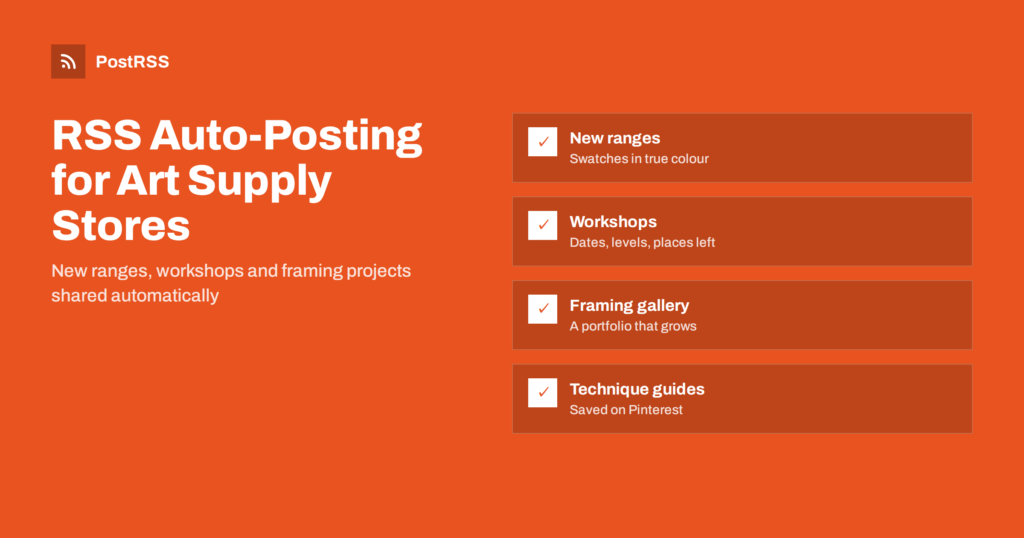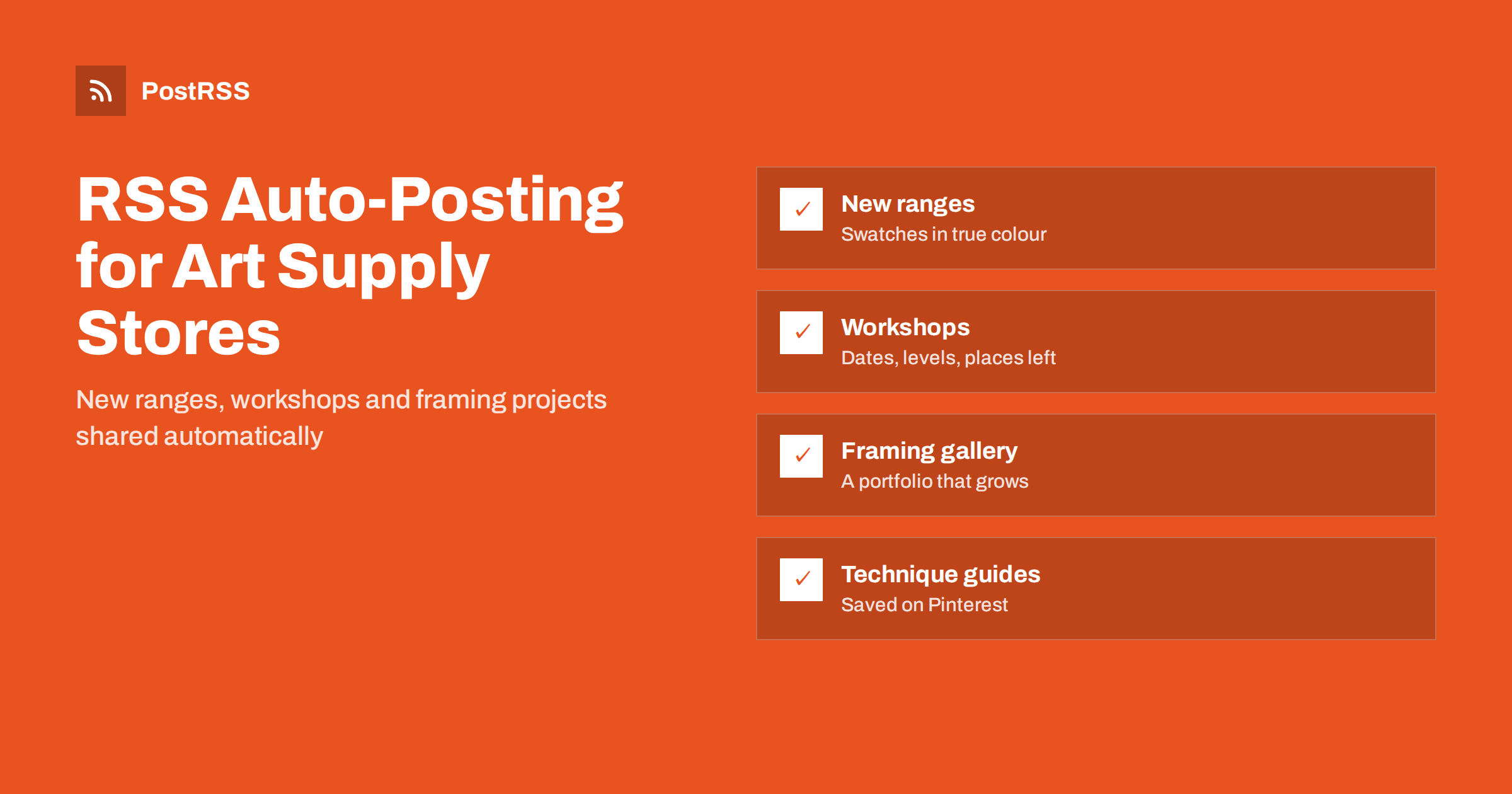
Short answer: RSS auto-posting lets art supply stores and picture framing shops share every new product line, workshop, demonstration, framing project and offer on social media automatically. Publish the item once on your website or online shop, connect its RSS feed to an auto-poster, and it appears on your Facebook Page, Pinterest boards and other channels with its photo and link. Staff keep advising artists at the counter, while new arrivals and class dates reach every channel on time.
Artists, illustrators, students and hobby painters are loyal, curious customers. They follow their local art shop for new paint ranges, papers and brushes, for demonstrations by visiting artists, and for workshops where they can try a new medium. Framing customers, on the other hand, often come once or twice a year, when they need a certificate, a print or a precious painting framed, and they choose a framer whose work they have seen. Both groups look at social media, but most independent art stores and framers are small teams who cut mats, mix advice with sales and pack online orders. This guide explains how to keep your channels active with RSS automation, what content suits it and which channels creative customers actually use.
An art supply store or framing studio produces plenty of content, much of it already on the website:
Workshops fill up, limited editions sell out and seasonal offers expire. Automation makes sure each new page reaches followers within minutes of being published, without anyone having to stop work and log in to several networks.
Most shop websites publish feeds without any extra effort:
/category/workshops/feed/; see how to find the WooCommerce product feed.Organise content in categories: new arrivals, workshops, framing gallery, offers and technique guides. Each category then has its own feed for the channels where it fits best. More product ideas are in how e-commerce stores automate new product announcements.
| Content | Automate? | Notes |
|---|---|---|
| New ranges and limited editions | Yes, from a product feed | Swatches and real colour photos |
| Workshops and demonstrations | Yes, from a workshops category | Date, level, materials and places left |
| Framing gallery projects | Yes, with the owner’s permission | Moulding, mount and glass named |
| Technique guides and tests | Yes | Evergreen; very popular on Pinterest |
| Customers’ artwork | By hand, with permission | Credit the artist by their chosen name |
| Advice on a specific project | By hand | Invite them into the shop |
A simple rule: if it is a finished page on your website, automate it. If it is a conversation with an artist or a moment in the shop, post it yourself.
For art materials, colour and texture are the product. A painter who sees a swatch on screen wants it to match the tube. Because automated posts use the image from your website, getting photos right once pays off on every channel:
If networks pick the wrong picture, the page’s Open Graph tags usually need adjusting; see why auto-posted links show the wrong image and the Open Graph protocol.
Framing is a craft that customers cannot judge until they see it. A framing gallery page for each interesting project, such as a wedding photo in a float mount, a signed football shirt in a deep box, a child’s first drawing or an antique map behind museum glass, shows what you can do. Name the moulding, the mount colour and the glass, explain why you chose them and give a rough idea of the time needed.
Always ask the customer before showing their piece, and avoid personal details such as names on certificates. Each gallery page is shared automatically through the framing feed, and over time the collection becomes a portfolio that people browse before their first visit. Framing projects are also excellent on Pinterest, where people save display ideas for their homes.
A good start is Pinterest plus a Facebook Page. Add art community channels if your audience is there.
Workshops bring people into the shop, and people who try a new medium buy materials to continue. Publish each workshop as a page with the date, time, skill level, materials included or to bring, the tutor and places left near the top. The workshops feed shares it automatically, and posting windows let announcements appear in the evening, when people plan their week.
Demonstrations by brand representatives or local artists work the same way. A short page with the time, the materials being shown and any offer on the day is enough. Afterwards, publish a short report with photos and links to the products used, so people who missed it can still buy the materials.
Helpful articles are one of the best ways for an art shop to reach new customers. People search for answers before they buy, and a shop that explains materials honestly earns their trust. Ideas that are easy to produce from the knowledge your staff already have:
Side-by-side tests, such as the same colour from three brands on one sheet of paper, are especially popular, because customers cannot easily make them at home. Each guide links to the products it mentions, brings visitors from search engines and is shared automatically through the guides feed. Over the years these pages often bring more visitors than any single product announcement.
Publish seasonal pages early and update expired offers so old posts never lead to wrong information. More ideas are in seasonal campaign planning with RSS automation.
An art shop restocks hundreds of items: single paint tubes, pencils, erasers and canvases. Posting every restock would bore followers. Send only a highlights category, such as new ranges and limited editions, to social channels, and use keyword filters to include or exclude items by words in the title or description, for example excluding “refill” or “single” while keeping “new range” and “limited”. Also limit the number of posts per update, so a large delivery added in one evening does not appear as dozens of posts at once.
PostRSS has been automating RSS posting since 2014. It checks your website and product feeds automatically, as often as every minute on Enterprise plans, and publishes each new range, workshop or framing project, with its real image and link, to the channels you connect, from Pinterest boards and Facebook Pages to DeviantArt, Pixelfed, Mastodon, Bluesky, Telegram, Viber and many more among its 66 supported networks. You can choose the post format, filter items by keywords, set the maximum number of posts per update, add UTM parameters and post only within chosen hours or at exact times in your time zone. Official plugins for WordPress, PrestaShop and OpenCart set up feeds for online shops. See the PostRSS features page for everything it does and the pricing page for plan limits.
Art supply stores and picture framers already publish what creative customers love: new ranges, workshops, demonstrations, framing projects and technique guides. RSS auto-posting shares each page from your website on Pinterest, Facebook and art community channels automatically, with true-to-life photos and the right details, while staff keep the advice and the artist relationships personal. Filter routine restocks, announce workshops early and let your framing gallery work as a portfolio.
Yes. A product or category feed from your website or online shop can be connected to an auto-poster that shares each new range, workshop or offer on Pinterest, Facebook and other channels with its photo and link.
Pinterest is usually the strongest, because people save techniques, palettes and framing ideas for later. A Facebook Page works well for local customers, workshops and offers.
Ask each customer before publishing their piece, leave out names and personal details, and focus the page on the moulding, mount and glass chosen. Customers are often happy to share when they are asked politely.
Send only a highlights category to social channels, or use keyword filters to exclude routine items. Limiting the number of posts per update also prevents bursts after a large delivery.
Yes. Publish each workshop as a page in a workshops category with the date, level and materials, and its feed shares it on your chosen channels at the hours you set.
What changed in the networks, what broke, and how to fix it before it costs you reach.
Entwickelt von Internet Solutions, dem Team hinter PostRSS. Jedes Produkt spart Ihnen auf seine Weise Zeit.
 English
 Lietuviškai
 Deutsch
 Français
 Русский
 Español
 Polski
 Italiano
 Українська
 Čeština
 Português
 日本語
日本語 Latviešu valoda
 Eesti
Eesti Magyar
 Bahasa Indonesia
 Türkçe
 हिन्दी
 Ελληνικά
 العربية
 ไทย
ไทย Tiếng Việt
 Română
 Bahasa Melayu
 বাংলা
বাংলা