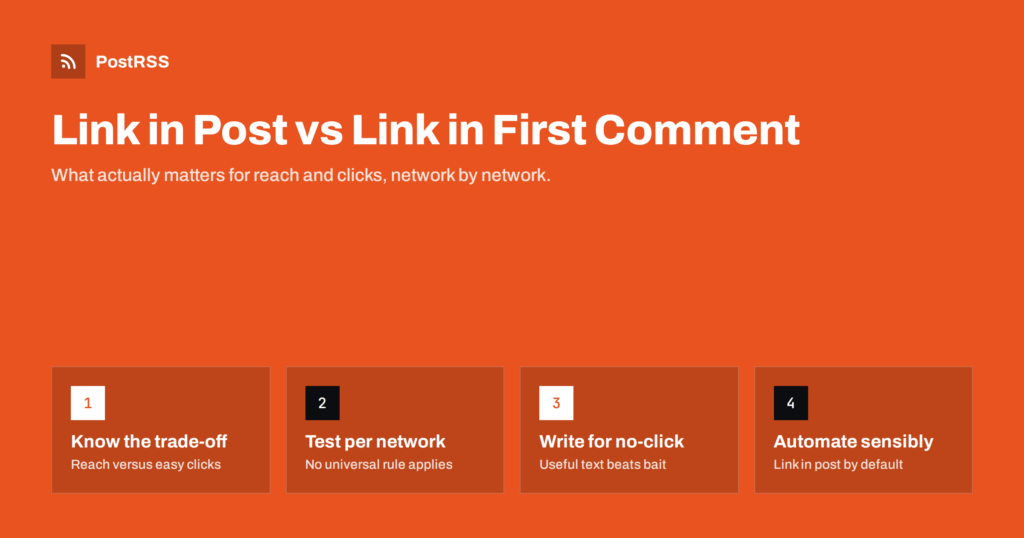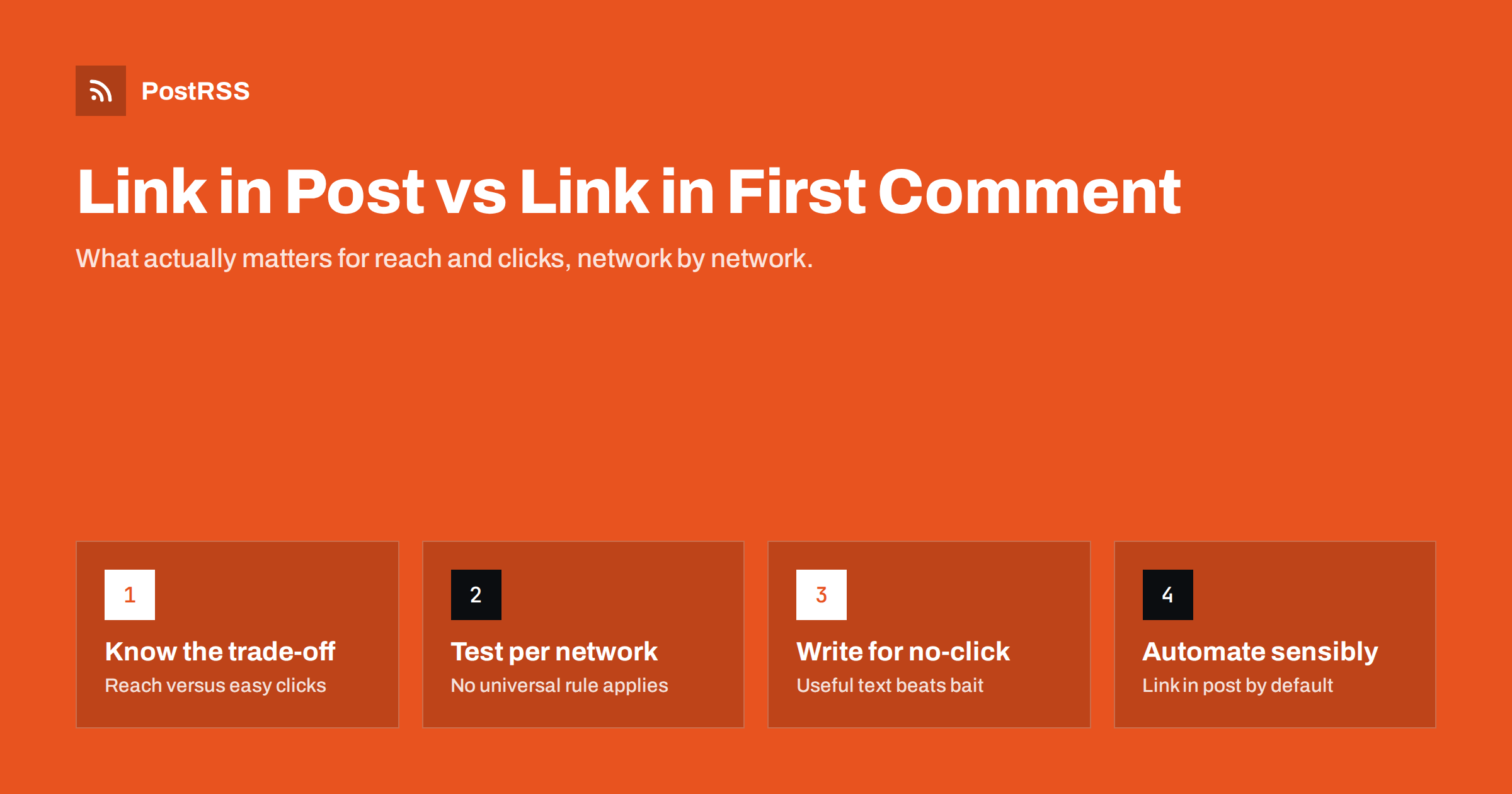
Short answer: Putting the link in the post is the simplest, most reliable option: readers see a preview card and can click immediately, and every auto-posting tool supports it. Moving the link to the first comment is a tactic some marketers use on LinkedIn and Facebook because they believe posts with external links get less reach, but platforms rarely confirm how links are treated and results vary by account. The honest answer is to test on your own audience, write posts that are useful even without a click, and keep the link in the post whenever you publish automatically.
Social networks earn money when people stay on the platform. A post that sends readers away to a website is, from the platform’s point of view, less valuable than a post that keeps them scrolling, commenting and reacting. For years, marketers have shared observations that posts with external links seem to reach fewer people than text-only or image posts on some networks, particularly LinkedIn and, at times, Facebook and X.
The “link in first comment” tactic grew from those observations. The idea is to publish the post without a link, so the ranking system treats it like native content, then add the link as the first comment so interested readers can still find it. Some people go further and edit the post later to add the link once it has gained initial engagement.
It is important to be clear about what is known. Networks do not publish exact rules about how links affect distribution, they change ranking systems often, and they sometimes say publicly that they do not penalise links while still optimising for time spent on the platform. Much of the evidence is anecdotal or based on individual accounts. That does not mean the effect is imaginary, but it does mean no single rule applies to every network, audience and year.
Whatever the ranking effect, moving the link has a cost. A reader who sees a post with a link can click the preview card in one tap. A reader who sees a post without a link has to open the comments, find the right comment and then tap. Each extra step loses some people.
So the decision is a trade-off between two numbers:
If moving the link increases reach a lot and the click rate drops only a little, it may send more visitors overall. If reach barely changes, you have simply made your post harder to use. The only way to know which applies to your account is to measure clicks, not just impressions. Tracking links with UTM parameters makes that comparison straightforward in your analytics.
There is also a trust dimension. Posts that say “link in the comments” have become so common on some networks that they can feel like a growth hack. For many brands, particularly local businesses and publishers, a clean post with a clear link simply looks more professional.
Each network handles links differently, and some make the question irrelevant:
In other words, the first-comment question mainly concerns LinkedIn, Facebook and X. For most other channels, the link simply goes in the post.
Link placement is a small lever compared with the quality of the post itself. Posts that are useful on their own tend to perform better whether or not they include a link. A few practices make a larger difference:
If your link posts underperform, check these basics first. A missing or wrong preview image, for example, reduces clicks far more reliably than link placement does. Our guide to posting a Facebook link with a large image thumbnail covers the image side.
If you want to know whether the first-comment tactic helps your account, test it properly rather than relying on a single post. A simple method:
utm_content=inpost und utm_content=comment.Repeat the test occasionally, because ranking systems change. A result from two years ago may not hold today. Our article on A/B testing auto-posted captions describes a similar approach for testing text variations.
When content is posted automatically from an RSS feed, the link in the post is the natural default. The feed item contains the link, the post is created with it, and the network builds a preview card from the page’s Open Graph tags. This works on every supported network and requires no manual follow-up.
The first-comment approach is harder to automate. It needs a tool that can post a comment immediately after the main post, and not every network’s API allows that for every account type. Doing it by hand defeats much of the purpose of automation, especially if you publish several times a day.
A practical middle path for teams that want to experiment:
This keeps your distribution reliable and consistent while leaving room to test the tactics that matter most for your audience.
Not every post has the same job, and the right link placement depends on what you want the post to achieve. Thinking in terms of goals makes the decision easier than following a blanket rule:
Most RSS-driven content falls into the first group: something new has been published and you want people to read it. That is exactly the case where a link in the post is most useful and where extra friction costs the most. If you also want awareness-style posts, write those natively and occasionally, and let automation handle the steady flow of traffic posts.
PostRSS posts each new item from your RSS or Atom feed to the networks you connect, with the link and the real image from the feed or the page’s Open Graph tags. You can choose one of nine message formats per target, built from the item title, description, page title or your own static text, so each network gets wording that suits it. UTM parameters can be added to every link automatically, which makes testing and measuring link posts straightforward in your analytics. The features page lists the formats and options.
There is no universal rule that links in posts kill reach. On some networks and accounts, moving the link to the first comment may help; on many others, it just adds friction. Keep the link in the post for automated, routine content, write posts that are valuable without a click, make sure your preview images are right, and test the first-comment tactic on your own account before adopting it.
On some networks, many marketers observe lower reach for posts with external links, especially on LinkedIn. Platforms rarely confirm the details and ranking systems change often. Test on your own account rather than assuming.
No network currently prohibits it as far as their public rules go. It is a common tactic on LinkedIn and Facebook. The downside is extra friction for readers, not a policy violation.
Some tools offer it for certain networks, but it depends on what each network’s API allows. Most RSS auto-posting setups put the link in the post itself. That is the most reliable option across all networks.
Instagram captions do not support clickable links at all, while Pinterest pins, Telegram channels and chronological feeds such as Mastodon handle links normally. The debate mainly concerns LinkedIn, Facebook and X.
Alternate the approach over several weeks and tag each link with different UTM parameters. Compare clicks and sessions, not just impressions. Look at averages across many posts.
What changed in the networks, what broke, and how to fix it before it costs you reach.
 English
 Lietuviškai
 Deutsch
 Français
 Русский
 Español
 Polski
 Italiano
 Українська
 Čeština
 Português
 日本語
日本語 Latviešu valoda
 Eesti
Eesti Magyar
 Bahasa Indonesia
 Türkçe
 हिन्दी
 Ελληνικά
 العربية
 ไทย
ไทย Tiếng Việt
 Română
 Bahasa Melayu
 বাংলা
বাংলা