Updated: 2026-09-28
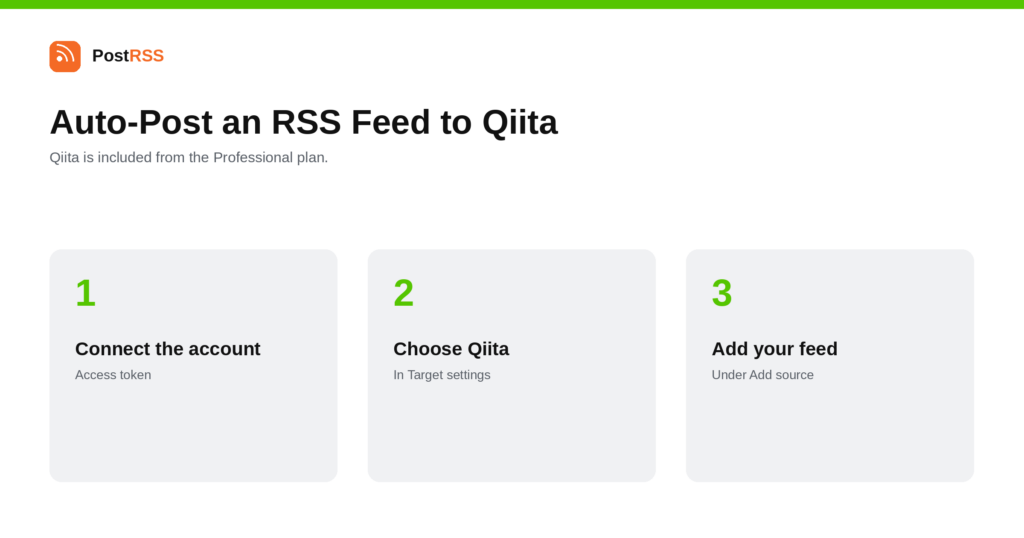
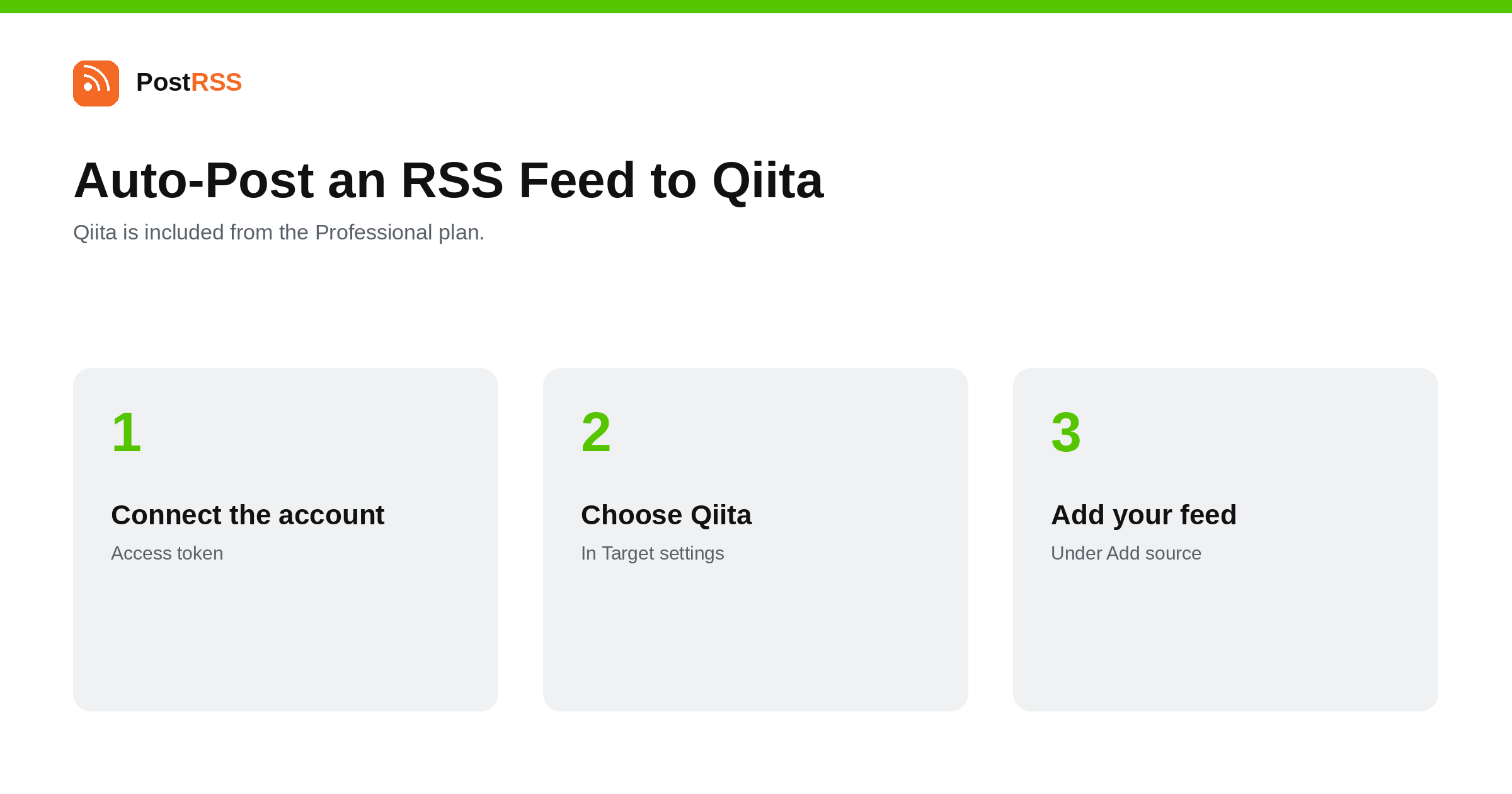
Short answer: create a personal access token in your Qiita account settings and paste it into PostRSS under Accounts → Add new Qiita account — there is no app to register. Then open Ziele → Add feed, choose Qiita in Target settings, set one to five tags (Qiita articles require them) and choose whether articles are public or shared only with people who have the link, then add your feed under Add source (Type = RSS feed, Link = your feed address). Qiita is included from the Professional plan.
Qiita is where Japanese engineers publish and read technical articles. It occupies roughly the position DEV holds in English — a community platform rather than a blog host — and for a developer-facing product with any Japanese market, it is the place technical content actually circulates. This guide is the long version; the auto-post RSS to Qiita page has the short one.
Qiita requires at least one tag and allows up to five, and PostRSS asks you to set them on the Target. This is not a formality to fill in and forget.
Qiita distribution runs on tags. An article tagged Python oder AWS appears in those tag feeds, where people browse; an article with a vague or wrong tag is published into a space where only your existing followers will see it. Worse, a tag that does not match the content is noticed — the community is small enough and attentive enough that articles turning up in a tag they do not belong to get remarked on.
Because tags are set per Target, the practical consequence is that a broad company blog is the wrong source. Point the Target at a category or tag feed from your own site that matches the Qiita tags you are setting, and create a second Target with different tags if you publish on a second subject.
The other Target setting decides visibility: articles can be published publicly, or with limited sharing so that only people holding the link can read them.
Limited sharing is genuinely useful for a first run. It lets you see how your feed's HTML renders as a Qiita article — code blocks in particular — without the result being public while you work it out. Once the output looks right, switch the Target to public.
Qiita is a technical community, and the same rules apply that apply to DEV or to any developer forum. Articles that explain something specific do well. Marketing posts dressed as tutorials do not, and the readership is quick about it.
Two practical points. First, the audience reads Japanese — an English feed will find a narrower readership than the platform's size suggests, though technical English is widely read. Second, Qiita is a place people comment. An account that publishes automatically and never replies loses credibility faster than one that publishes less.
The three sit in a sensible order. Your own site is the original and keeps the canonical URL. DEV reaches the English-speaking developer community and supports a canonical link back. Qiita reaches Japanese engineers, and its discovery runs on tags rather than on follows.
One feed can serve all three, which is the argument for doing it at all: the writing happens once, and the distribution is three Targets. Where they differ is in what you configure — DEV wants the canonical URL set, Qiita wants the right tags, and your own site wants neither because it is the source.
If you publish in both languages, the tidy arrangement is separate Targets from separate category feeds rather than one Target trying to serve both audiences.
PostRSS publishes items that appear in the feed after the Target starts running. It does not import the back catalogue — the alternative would be a destination flooded with years of archive on its first day.
These are full-post destinations, so the feed decides the quality of the result more than any setting does.
Qiita is included from the Professional plan. Each destination you connect counts as one Target, and your plan decides how many Targets and how many posts a month you get. An annual subscription is cheaper than paying monthly. Current limits per tier are on the pricing page, and the full lineup of 66 networks is on the supported networks page. The Qiita page has the short version of the setup. It sits alongside the Japanese blogging platforms and Chatwork on the same tier.
Yes. Every article needs at least one tag and can carry up to five. You set them on the Target, so all articles from that feed share them — which is a reason to point each Target at a narrow source feed.
Yes. The Target setting offers limited sharing, where only people with the link can read the article. It is the sensible choice for a first run while you check how your HTML renders.
No. A personal access token created in your Qiita account settings is the whole credential.
You can, and technical English is widely read there, but the platform's audience is Japanese and a Japanese-language feed will reach further.
Yes. Tags are a Target setting, so one connected account can publish a Python feed with Python tags and a front-end feed with different ones.
No. Only items appearing after the Target starts running are published, which also avoids arriving on the platform as a bulk poster.
The Professional plan.
Qiita's own article options are where that is handled if you want it. The important thing to be aware of is that publishing the same article on two domains is duplication, and the original is the version you usually want ranking.
Qiita is the Japanese developer community's publishing platform, and the setting that decides whether your articles are read is the tags. Use limited sharing while you check the formatting, point each Target at a source feed that matches its tags, and show up in the comments. It is included from the Professional plan.
What changed in the networks, what broke, and how to fix it before it costs you reach.
 English
 Lietuviškai
 Deutsch
 Français
 Русский
 Español
 Polski
 Italiano
 Українська
 Čeština
 Português
 日本語
日本語 Latviešu valoda
 Eesti
Eesti Magyar
 Bahasa Indonesia
 Türkçe
 हिन्दी
 Ελληνικά
 العربية
 ไทย
ไทย Tiếng Việt
 Română
 Bahasa Melayu
 বাংলা
বাংলা