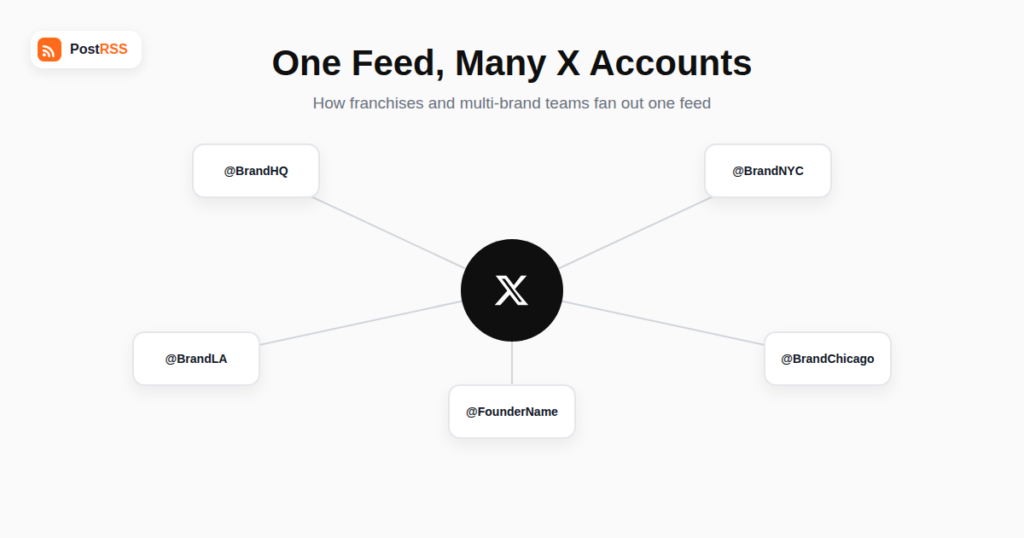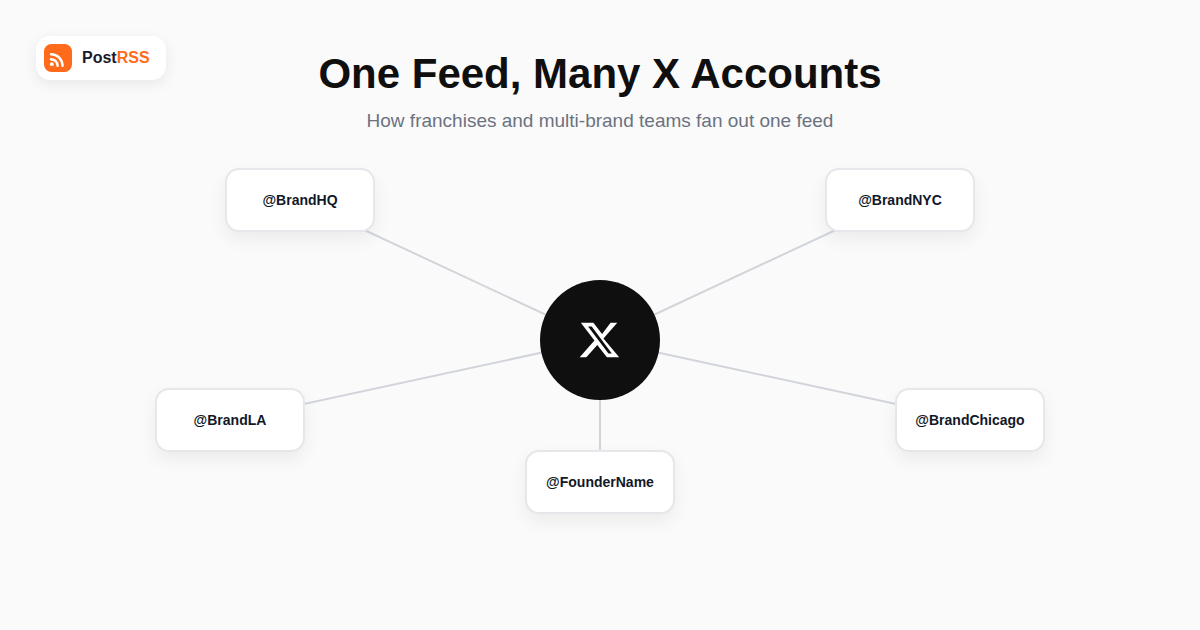
Most guides to RSS auto-posting on X assume a single account: one feed, one destination. But plenty of real setups need one feed to reach several X accounts at once — a franchise with regional handles, a company account plus its founder’s personal account, or an agency managing several branded accounts for the same underlying content. This guide covers how that actually works in practice, what to watch out for along the way, and when running one feed into multiple X accounts genuinely makes sense versus when it’s more likely to cause problems than it solves.
The mechanism is simpler than it might sound: rather than a single feed-to-single-account connection, you configure the same RSS feed as the content source multiple times, once per destination X account, each with its own separate account authentication. Each X account has to be individually connected and authorized through X’s own login and API authorization flow — there’s no way to authorize multiple accounts in one step, since X’s authentication model is built around one account per connected app authorization, which is a security design choice consistent across virtually every major social platform, not something unique to X or to any particular auto-posting tool.
Once each account is separately connected, most RSS auto-posting tools, including PostRSS, let you attach the same source feed to as many destination accounts as you need, with each connection running independently — meaning you can pause, customize, or disconnect one account without affecting the others.
| Setup Type | Content Identical? | Typical Use Case | Complexity |
|---|---|---|---|
| Same feed, identical captions across all accounts | Yes | Regional franchise accounts sharing corporate announcements | Low — one caption template applies everywhere |
| Same feed, customized captions per account | No — same links, different wording | Company account + founder’s personal account with a distinct voice | Moderate — separate caption templates per connection |
| Same feed, filtered by category per account | No — each account only gets relevant items | Sub-brands that only want news relevant to their specific product line | Moderate to high — requires feed category filtering per connection |
Posting byte-for-byte identical captions from closely related accounts (for example, a company account and its own regional sub-accounts) is generally fine and doesn’t create any platform penalty — X evaluates each account’s posts independently rather than penalizing accounts for sharing content with each other. That said, identical captions across accounts with genuinely different audiences (a company account versus a founder’s personal account, for instance) often perform worse than customized ones, simply because the tone and framing that works for a corporate announcement rarely matches how a person’s personal account is expected to sound. Most auto-posting tools let you set a distinct caption template per connected account precisely for this reason, and it’s worth using that flexibility rather than defaulting to identical text everywhere.
Multi-account distribution from a single feed isn’t the right fit for every situation. If your different X accounts serve genuinely distinct audiences with different content needs — not just different branding on top of the same news — a shared feed will likely produce content that feels irrelevant or off-tone on at least some of the accounts. It’s also not appropriate for managing entirely separate clients at an agency unless every client has explicitly agreed that shared campaign content is part of the engagement; treating client accounts as interchangeable content destinations without that agreement is both a trust problem and, depending on contract terms, potentially a real breach of what a client is paying for.
Consider a franchise business with a single corporate blog and eight regional X accounts, one per major market. Corporate marketing publishes a new post about a company-wide promotion. Rather than eight separate people manually copying the same announcement into eight different accounts — a process prone to inconsistent timing, typos introduced during manual re-entry, and someone inevitably forgetting to post at all — the corporate feed is connected once to each of the eight regional accounts through the auto-posting tool. Each connection uses the same base caption template with a small regional variable (a city name or a local promotion code) inserted automatically, so every market gets the announcement within minutes of publication, worded appropriately for its own audience, with zero manual coordination required between corporate and each regional office.
This example generalizes well beyond franchises: any organizational structure where multiple accounts need to reliably receive the same underlying news, with only minor per-account customization, benefits from exactly this pattern — connect once per account, apply small template variations, and let automation handle the coordination that would otherwise depend on multiple people remembering to act in sync.
Because each X account you connect authenticates and posts independently through its own authorization, X’s API rate limits apply per account rather than being shared across every account your auto-posting tool manages on your behalf. This means connecting ten accounts to the same feed doesn’t create ten times the rate-limit pressure on any single account — each one operates within its own normal posting allowance. The practical implication is that multi-account distribution from one feed scales cleanly from a rate-limit perspective; the constraints you’re more likely to hit are the ones already discussed — content relevance and account authorization — rather than API throughput.
As the number of connected accounts grows, it becomes easy to lose track of exactly which feed is going to which account with which caption template — worth solving with a simple internal reference document (even a basic spreadsheet) listing every connected account, its source feed, its caption template, and any category filters applied. This is especially valuable for agencies or larger companies where more than one person might need to troubleshoot or adjust the setup later, since a configuration that made sense when one person built it can be genuinely confusing to someone else auditing it months afterward without documentation.
Authorization works through each individual X account’s own login, not through a shared developer account, so you don’t need separate developer registrations — you do need each account owner’s login credentials or delegated access at the time of connection.
Not for legitimately connected, clearly separate accounts posting their own content through official API access — X’s spam detection is aimed at coordinated inauthentic behavior (fake accounts, manipulation networks), not at a real business running its own regional or sub-brand accounts through an authorized auto-posting tool.
Yes — since each connection runs independently, you can typically apply different delay or scheduling rules per account even though they’re pulling from the identical source feed.
No. Because each account connection is set up and authorized separately, disconnecting or pausing one has no effect on the others continuing to post from the same feed.
Limits are typically tied to your auto-posting plan’s total number of connected social accounts rather than a specific per-feed cap, so check your plan’s account limits rather than assuming an unlimited number is available.
Many founders do this successfully, but it works best with a genuinely personalized caption rather than a copy of the brand account’s wording — audiences following a founder’s personal account generally expect a more direct, first-person voice than a corporate announcement.
Yes, the same underlying pattern — one feed, multiple independently authorized destination connections — works the same way across Facebook Pages, LinkedIn Company Pages, and most other platforms an auto-posting tool supports, not just X specifically.
Publish a single, clearly test-labeled item to your source feed first and confirm it arrives correctly, with the right caption and image, on every connected account before assuming the setup is ready for real content. This catches template or filtering mistakes on a harmless test post rather than on an actual company announcement.
Not necessarily — while most setups use the same feed-provided image across every connected account for simplicity, some auto-posting tools allow per-account overrides if a specific account needs a different visual treatment, such as a regional account wanting a localized graphic instead of the generic corporate one used everywhere else.
Once the source feed itself is already working correctly, connecting each additional X account is usually a matter of minutes per account for authorization plus a few more for caption template setup, so a ten-account rollout is realistically an afternoon’s work rather than a multi-day project, even accounting for coordinating access with each account’s owner.
A useful test is asking whether the accounts share the same audience expectations. Regional accounts of the same brand, speaking to essentially the same type of customer with only geography differing, usually do fine with shared templates and minor local variables. Accounts with genuinely different relationships to their audience — a corporate brand versus a founder’s personal voice, or a professional services account versus a more casual community account — tend to need distinct captions even when the underlying news is identical, since the mismatch between a generic corporate tone and an account’s established personal voice is often what makes automated cross-posting feel obviously automated in a way that hurts engagement rather than helping it.
Feeding one RSS source into multiple X accounts is a straightforward, well-supported setup for franchises, multi-brand companies, and founder cross-posting, as long as each account is properly authorized on its own and you’re thoughtful about whether identical or customized captions make sense for each audience. The technical setup is simple repetition of the same single-account process, connection by connection; the part that actually deserves careful attention is making sure the content genuinely fits every account it’s landing on, rather than just confirming that it technically arrives there on schedule.
What changed in the networks, what broke, and how to fix it before it costs you reach.
 English
 Lietuviškai
 Deutsch
 Français
 Русский
 Español
 Polski
 Italiano
 Українська
 Čeština
 Português
 日本語
日本語 Latviešu valoda
 Eesti
Eesti Magyar
 Bahasa Indonesia
 Türkçe
 हिन्दी
 Ελληνικά
 العربية
 ไทย
ไทย Tiếng Việt
 Română
 Bahasa Melayu
 বাংলা
বাংলা