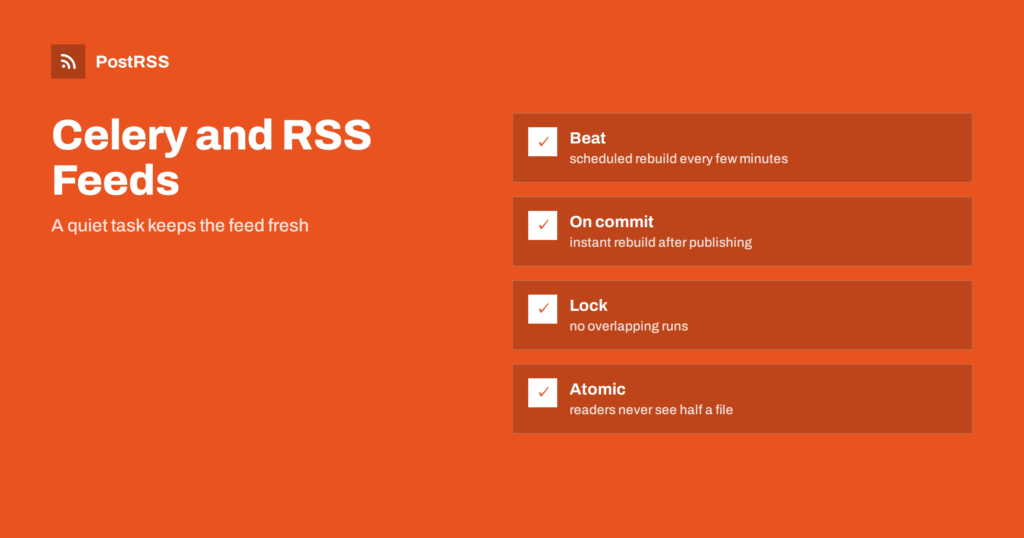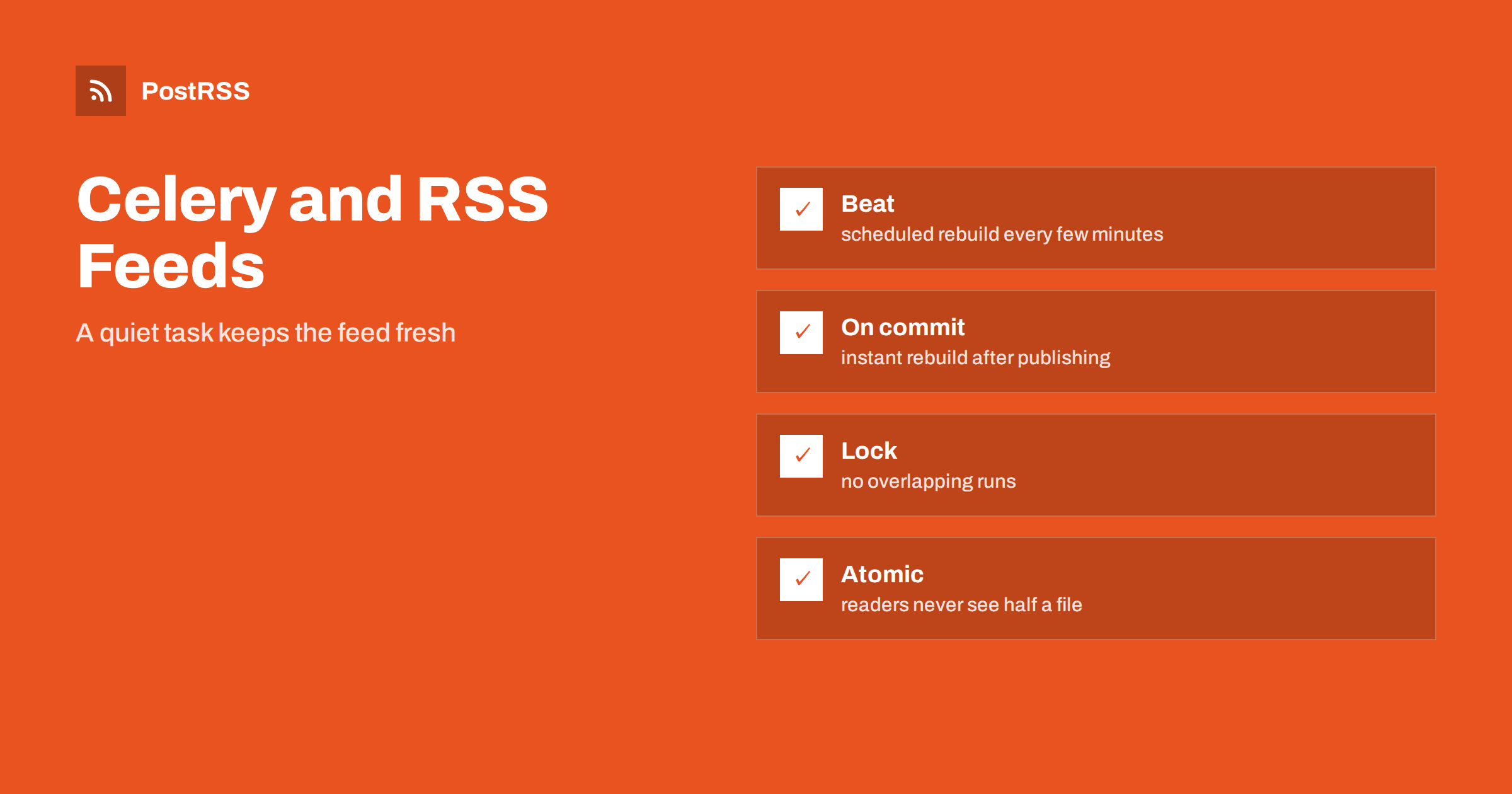
Short answer: With Celery you can keep an RSS feed fresh by defining one task that queries your database and rewrites the feed file, scheduling it with Celery beat every few minutes and also calling it right after an article is published. Protect it with a lock so that two copies never run together, write the file atomically, set time limits and retries, and monitor the age of the file. The finished address is an ordinary feed, so PostRSS can read it and post each new item to your social networks.
Python teams that already use Celery for emails, image processing and reports often ask the same question when they add a blog or a product catalog: where should the feed be generated? Building it on every request wastes resources and slows the page under load. Building it by hand is easy to forget. A Celery task solves both problems. It rebuilds the feed in the background, on a schedule and on demand, and serves a static file that any web server can deliver in microseconds. This guide walks through the design from the first task to a monitored production setup. The examples use Django-style names, but the ideas apply to Flask, FastAPI and plain scripts.
A feed is read by machines. Search engines, feed readers and auto-posting services request it again and again, often every few minutes, and sometimes from many places at once. If each request runs a database query and renders XML, your busiest hour for readers becomes your slowest hour for visitors. A background task changes the economics: the work is done once per change, the result is a static file and the web server only has to send bytes.
It also separates concerns. The code that renders the feed can be tested, retried and monitored as a unit. If the database is briefly unavailable, the old file keeps being served, and the next run repairs it. That graceful behavior is hard to get when the feed is rendered inside a web request.
Four pieces work together. A broker such as Redis or RabbitMQ carries task messages. A worker process executes the task. Celery beat is a scheduler that puts the task on the queue at fixed intervals. The web server serves the finished file from a directory or from object storage. In addition, your application code can queue the same task immediately after an article is saved, so that the feed updates within seconds instead of waiting for the next tick.
Start with a function that does one thing: build the whole feed from the current state and replace the file. Keep it free of arguments, because it should never depend on which article triggered it.
from celery import shared_task
from django.utils import timezone
from .models import Article
from .feed import render_feed, write_atomic

FEED_PATH = "/var/www/feeds/news.xml"

@shared_task(
    bind=True,
    autoretry_for=(Exception,),
    retry_backoff=True,
    retry_backoff_max=300,
    retry_kwargs={"max_retries": 5},
    soft_time_limit=60,
    time_limit=90,
)
def rebuild_feed(self):
    articles = (
        Article.objects.filter(status="published",
                               published_at__lte=timezone.now())
        .order_by("-published_at")[:30]
    )
    write_atomic(FEED_PATH, render_feed(articles))
    return len(articles)
Several details matter. The query filters on the published status and on a publication date that is not in the future, so scheduled or draft content can never leak into a public feed. The task retries with exponential backoff when something temporary fails, such as a database connection. The soft time limit raises an exception inside the task so it can clean up, and the hard limit kills it if it hangs.
Celery beat reads a schedule and sends the task to the queue at the right time. A simple interval is enough for most sites.
app.conf.beat_schedule = {
    "rebuild-news-feed": {
        "task": "news.tasks.rebuild_feed",
        "schedule": 600.0,
        "options": {"expires": 540},
    },
}
The schedule value is in seconds, so this runs every ten minutes. The expires option is easy to forget and very useful: if the workers are down for an hour, the queue does not fill with a pile of stale rebuild requests that all run at once when they return. Run exactly one beat process. Two beat instances would send every task twice, which is harmless for an idempotent rebuild but wasteful.
Waiting ten minutes for the next tick is acceptable for many blogs, but you can do better by queueing the task as soon as an article becomes public. In Django, use the commit hook so that the task never starts before the data is visible to the worker.
from django.db import transaction

def on_publish(article):
    transaction.on_commit(lambda: rebuild_feed.apply_async(countdown=3))
A countdown of a few seconds gives the transaction time to settle and combines naturally with the lock described below. The beat schedule stays in place as a safety net: if a signal is missed during a deployment, the next tick repairs the feed.
When an editor publishes ten articles in a minute, ten rebuild tasks land on the queue. They are safe to run one after another, but running them in parallel wastes work and can make two workers write the same file at the same time. A short lock in Redis solves this. The first task takes the lock and rebuilds; the others see the lock and exit immediately, because the running task will already pick up their articles.
import redis
r = redis.Redis()

def run_once(key, ttl, func):
    if not r.set(key, "1", nx=True, ex=ttl):
        return "skipped"
    try:
        return func()
    finally:
        r.delete(key)
Give the lock a time-to-live slightly longer than the hard time limit, so that a crashed worker cannot block the feed forever. There is a subtle race: an article published a moment after the running task has read the database but before it releases the lock is not included. The beat schedule catches it within minutes, and for stricter freshness you can queue one more rebuild when you detect that a skipped task was dropped.
Never write the feed in place. A reader that fetches the file during the write sees broken XML. Write to a temporary file in the same directory and rename it over the final name, which is an atomic operation on the same filesystem.
import os, tempfile

def write_atomic(path, xml):
    fd, tmp = tempfile.mkstemp(dir=os.path.dirname(path), suffix=".tmp")
    with os.fdopen(fd, "w", encoding="utf-8") as handle:
        handle.write(xml)
    os.chmod(tmp, 0o644)
    os.replace(tmp, path)
If the web servers and the workers run on different machines, write to shared storage or upload the file to object storage with a single request. Do not rely on a local disk that the web server cannot see.
The rendering function should output a well-formed RSS 2.0 or Atom document with a stable identifier for every item, a link, a title, a publication date in the correct format and an image. Escape special characters or wrap text in CDATA, and make sure dates include a time zone. Use the same item identifier forever; if it changes when you edit an article, readers may treat it as new. Validate the output with a standard feed validator whenever you change the template.
Auto-posting services run outside your site, so relative links and image paths break. Use full addresses with the public domain and HTTPS for every link and enclosure, and check that the image files are reachable without a login. A fast test is to open the feed in a browser, copy the first image address into a private window and confirm that it loads.
Decide what a failure means for readers. If the task fails once, the old file keeps working, and the retry usually fixes it. If it fails repeatedly, the feed slowly goes stale, which nobody notices until a reader complains. Treat the repeated failure as an incident: send the exception to your error tracker, and alert when the retry limit is reached. Do not swallow errors with a broad exception handler that returns success, because that hides the very problem you need to see.
The most useful single metric is the age of the file: how many minutes ago it was last written. A second metric is the age of the newest item inside it compared with the newest published article in the database. Together they reveal both a stopped scheduler and a broken query. Export the numbers to your monitoring system and alert when the file is older than three times the schedule interval. Tools such as Flower show task history, but a simple file-age check from outside the application is more reliable, because it fails when anything in the chain fails.
A feed task is cheap. Thirty articles rendered to XML take milliseconds, so one small worker is plenty. The real cost is database load if you query inefficiently. Select only the columns you need, add an index on the publication date and prefetch related data such as authors and images in one query, not one per article. If you serve several feeds, for example one per category, queue one task per feed and give them separate lock keys.
Test the rebuild in three layers. First, a unit test calls the rendering function with a few sample articles, including one with special characters and one without an image, and checks that the output is valid XML. Second, an integration test runs the task against a test database, confirms that drafts and future-dated articles are excluded and checks that the file appears at the expected path. Third, a staging check runs the real worker and beat, publishes an article and measures how many seconds pass before the new item appears at the public address. Run the staging check again after every deployment that touches the broker, the worker image or the web server configuration, because those are the places where a feed quietly stops updating.
PostRSS only needs a valid RSS or Atom address that can be opened without a login. It checks the address on the schedule of your plan, finds items it has not posted before and publishes them, with image and link, to the networks you connect. Because your task refreshes the file within seconds of publication and every few minutes at worst, new items are ready when the next check happens. See the features page for the networks, filters and scheduling options, and the pricing page for the plans.
A Celery task turns feed generation into a quiet background job. Write one idempotent task that reads the current state and replaces the file, schedule it with beat, trigger it after commits, guard it with a lock, write atomically, set limits and retries and watch the age of the file. Then point an auto-poster at the address, and every new article reaches your audience without anyone touching the feed again.
No. A simple cron job can do the same. Celery is a good fit when you already run workers and want retries, locks and an immediate rebuild after publication.
Every five to fifteen minutes is enough for most sites. Add an immediate task after publication if you want new items within seconds.
A task without arguments is idempotent. It reads the current state and rebuilds the whole feed, so duplicated or reordered messages cannot corrupt the result.
The web server keeps serving the last complete file. When the workers return, the next run repairs the feed, and the expiry option prevents a flood of stale tasks.
Yes. PostRSS reads any valid RSS or Atom address that is reachable without a login, regardless of how the file is produced.
What changed in the networks, what broke, and how to fix it before it costs you reach.
Entwickelt von Internet Solutions, dem Team hinter PostRSS. Jedes Produkt spart Ihnen auf seine Weise Zeit.
 English
 Lietuviškai
 Deutsch
 Français
 Русский
 Español
 Polski
 Italiano
 Українська
 Čeština
 Português
 日本語
 Latviešu valoda
 Eesti
 Magyar
 Bahasa Indonesia
 Türkçe
 हिन्दी
 Ελληνικά
 العربية
 ไทย
 Tiếng Việt
 Română
 Bahasa Melayu
 বাংলা