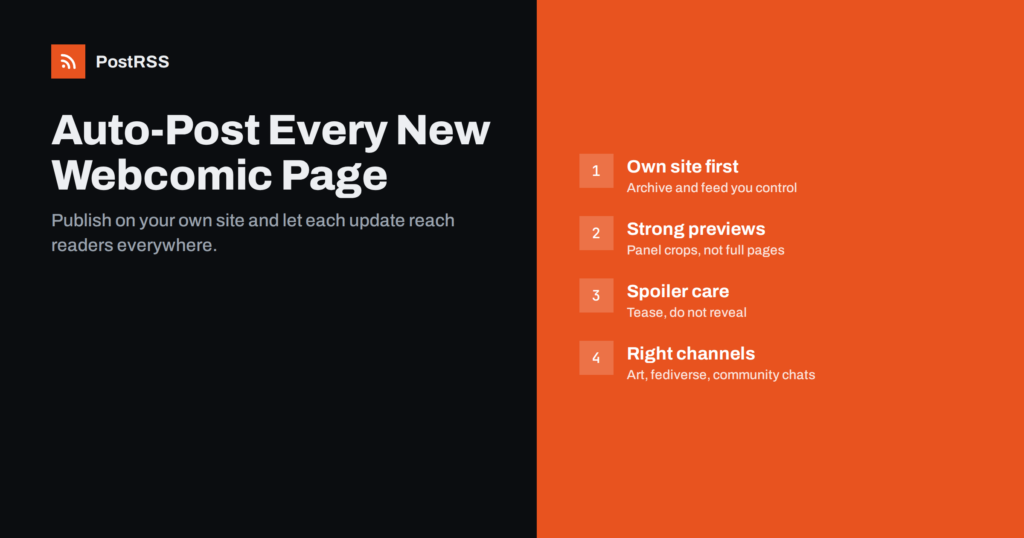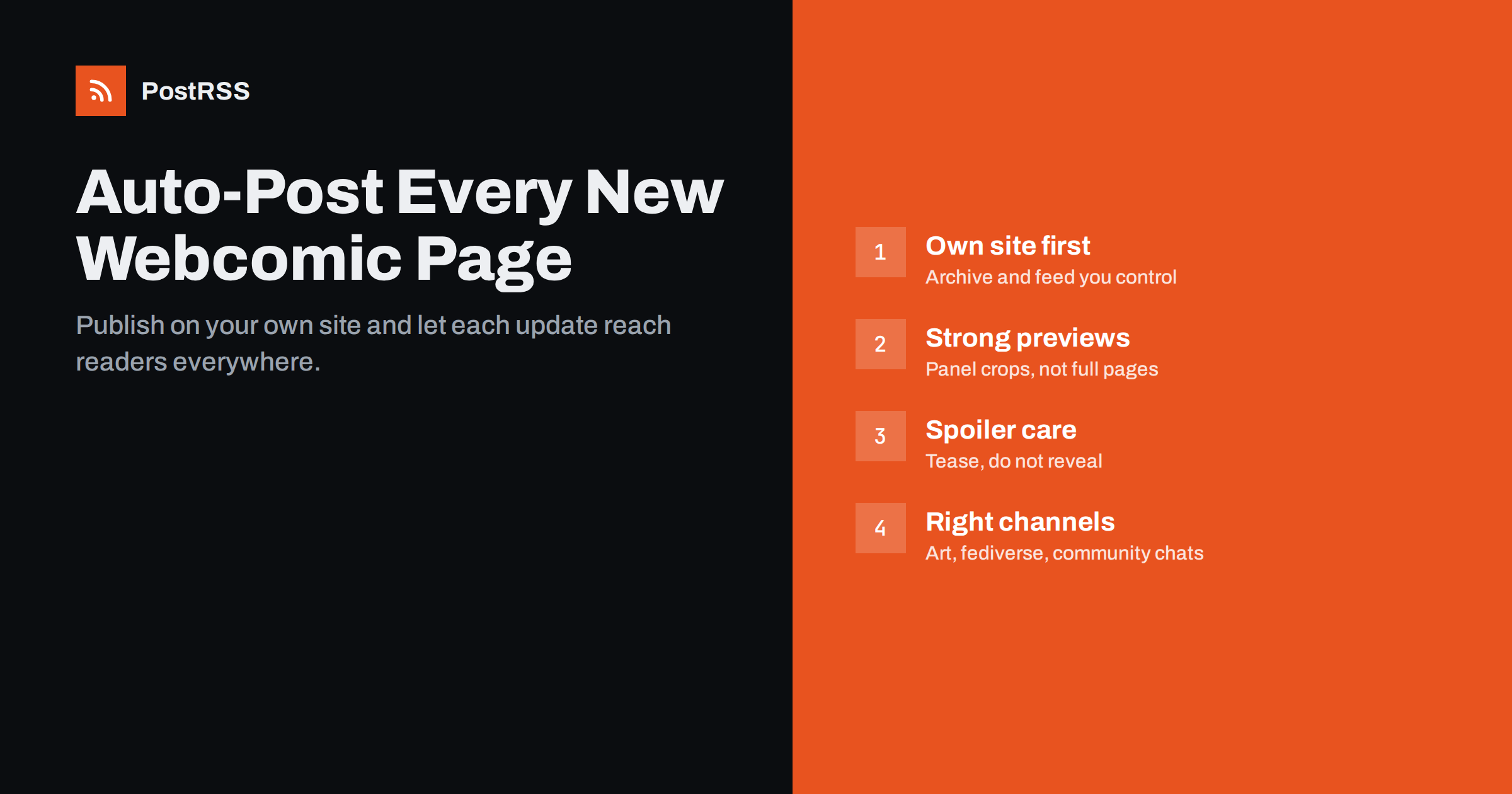
Short answer: If your webcomic lives on your own website, each new page or episode can appear in the site’s RSS feed, and an auto-posting tool can announce it on Tumblr, Bluesky, Mastodon, Pixelfed, DeviantArt, X, a Facebook Page, a Discord server, a Telegram channel and other channels automatically. Readers get a reliable update notice wherever they follow you, and you spend your time drawing instead of reposting. The details that make it work are a feed that includes comic pages, a good preview image for each update, careful spoiler handling and a sensible posting schedule.
Webcomics depend on regular updates and loyal readers. Many creators publish on a fixed schedule, such as every Monday or three times a week, and readers come back because they know when to expect the next page. Breaking that rhythm, or failing to tell readers that a page is up, costs readers over time.
At the same time, the audience is scattered. Some readers follow on Tumblr, others on Bluesky or Mastodon, some in a Discord server built around the comic, others through a Facebook Page, Instagram or a feed reader. Posting every update manually to five or six places, each with different image sizes and text limits, eats hours every week, which is time taken directly from drawing.
There is also the question of ownership. Comics published only on a social platform are subject to that platform’s algorithm, rules and future. Many creators keep their own website as the permanent home of the comic, with a full archive, a store and a way to support them, and use social networks as the places where readers discover each update.
Automation does not replace the personal side of a comics community. Readers love comments from the creator, sketches, process videos and replies to their theories. The point of automating update announcements is to free time for exactly those things: when the routine “new page is up” posts happen by themselves, your social time can go into conversation and extras that make readers feel part of the story.
Publishing on your own site first, and sharing to other platforms afterwards, is sometimes called POSSE: publish on your own site, syndicate elsewhere. For webcomics it has clear advantages:
A site also protects your work from platform changes. Social networks change their image compression, cropping, feed algorithms and rules on sensitive content from time to time. If your comic’s only home is one platform, each change affects how readers see it. When the site is the home, a platform change affects one announcement channel, not the comic itself.
Many creators run their comic on WordPress with a comic theme or plugin, others use static site generators or dedicated webcomic platforms. Whatever you use, check that new pages appear in a public RSS or Atom feed.
This is the most common technical issue. Some webcomic setups store comic pages as a special content type, separate from regular blog posts. The site’s main feed may then contain only blog posts, not comic pages. Check:
/feed/ on WordPress, and look for your latest comic page.Also check scheduled publishing. Many creators prepare a buffer of pages and schedule them in advance. When the scheduled time arrives, the page goes live and enters the feed, and the auto-posting tool picks it up. That combination lets you keep a steady public schedule even when your drawing time is irregular.
Before relying on the feed, test it end to end once. Publish a real page or a test post, wait for the auto-posting tool to pick it up, and check the announcement on each channel on a phone. Look at the preview image, the text and the link. Adjusting settings after the first real update is much less stressful than discovering a problem after a month of broken announcements.
The image in each announcement is what readers see first. Some choices work better than others:
Add alt text or an image description on your site where possible, and write a short description of the update in the page’s excerpt. Accessibility matters to many comic readers, and fediverse communities in particular value image descriptions.
A major plot twist in the preview image or title can spoil the page for readers who follow in order. A few habits help:
Different platforms suit different parts of the comics audience:
If you run a Discord server for readers, a dedicated announcements channel where only update posts appear works well. Readers can mute general chat but still get notified about new pages, and discussion stays in a separate channel. Telegram channels work in a similar way for readers who prefer a simple, notification-only stream.
Start with the places where your readers already talk about your comic. It is better to announce reliably on three channels than sporadically on eight.
Keep announcement text short and consistent: the comic name, the page or episode number, a hook of a few words, and the link. For example: “New page of Harbour Lights! Chapter 3 continues, and the lighthouse is not empty.” Many auto-posting tools build posts from the item title and description, so writing a short, hook-style excerpt for each page on your site gives you good announcements without extra work.
Timing matters for regular readers. Publish at the same time on each update day, in the time zone where most of your readers are, and let posting windows or scheduled publishing handle the rest. If you post at 2 a.m. because that is when you finish drawing, schedule the page for the morning instead.
Hashtags help discovery on some platforms. A consistent tag for your comic’s name, plus general tags such as webcomic, makes updates easier to find and follow. Some tools can turn your site’s categories and tags into hashtags automatically.
Think about milestone updates too. The first page of a new chapter, the end of an arc, an anniversary of the comic or the launch of a printed volume deserve a slightly bigger announcement. You can publish a short blog post on your site for these moments, with a special preview image, and let the same automation carry it to every channel alongside the regular page updates.
Finally, consider readers who prefer not to use social networks at all. Mention your RSS feed on the site, perhaps next to the subscribe or support links. Feed readers are still popular with many long-time webcomic readers, and they get every page without depending on any algorithm.
Watch which channels actually bring readers back to your site. Adding UTM parameters to the links in your announcements lets your analytics show whether most returning readers arrive from Tumblr, Bluesky, Discord or somewhere else, which helps you decide where to spend your limited social time.
PostRSS checks your site’s RSS or Atom feed every 5 minutes (every minute on Enterprise plans) and posts each new item with its image and link to the networks you connect. The features page lists 66, including Tumblr, Bluesky, Mastodon, Pixelfed, DeviantArt, X, Facebook Pages, Discord and Telegram, with Instagram listed as being tested. The image is taken from the feed item or the page’s Open Graph tags, so a dedicated preview image on each comic page carries through to every announcement.
Hashtags can be generated from your post categories and tags, keyword filters let you keep certain posts off certain channels, and the catch-up option can be left off so only new pages are announced. A free plan is available, and you can compare plans on the PostRSS pricing page.
A webcomic lives on its update schedule, and readers need to know when each new page is up. Keep your own site as the home of the comic, make sure comic pages are in its feed, give each page a readable preview image and a short hook, protect your readers from spoilers, and let RSS auto-posting announce every update on the channels where your readers are. You draw; the announcements take care of themselves.
Some webcomic themes and plugins store comic pages as a separate content type that the main feed does not include. Look for a dedicated comic feed in your theme or plugin, or a feed for that content type or category.
A cropped panel or a dedicated preview image works best. Full comic pages are usually too tall to read in social previews, and the last panel often spoils the joke or twist.
Yes. Auto-posting tools that support these networks can post each new feed item with its image and link. Follow each community’s norms, such as content warnings for sensitive content on Mastodon.
It should not, if you set the tool to post only new items. Check the start date or catch-up setting before activating, so hundreds of old pages are not announced at once.
Yes, a consistent schedule helps readers know when to expect updates. Schedule pages on your site for the same time on each update day, and the announcements will follow automatically.
What changed in the networks, what broke, and how to fix it before it costs you reach.
 English
 Lietuviškai
 Deutsch
 Français
 Русский
 Español
 Polski
 Italiano
 Українська
 Čeština
 Português
 日本語
日本語 Latviešu valoda
 Eesti
Eesti Magyar
 Bahasa Indonesia
 Türkçe
 हिन्दी
 Ελληνικά
 العربية
 ไทย
ไทย Tiếng Việt
 Română
 Bahasa Melayu
 বাংলা
বাংলা