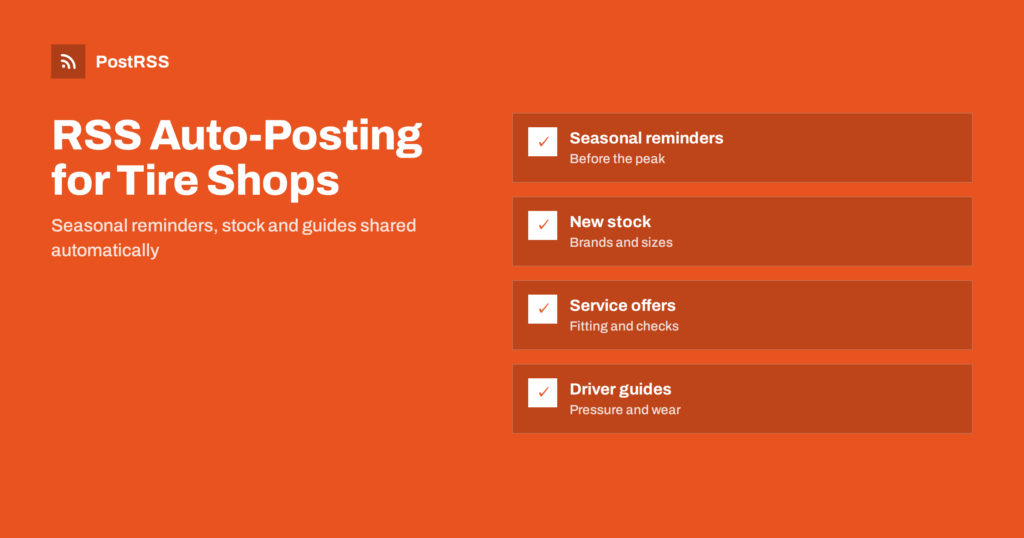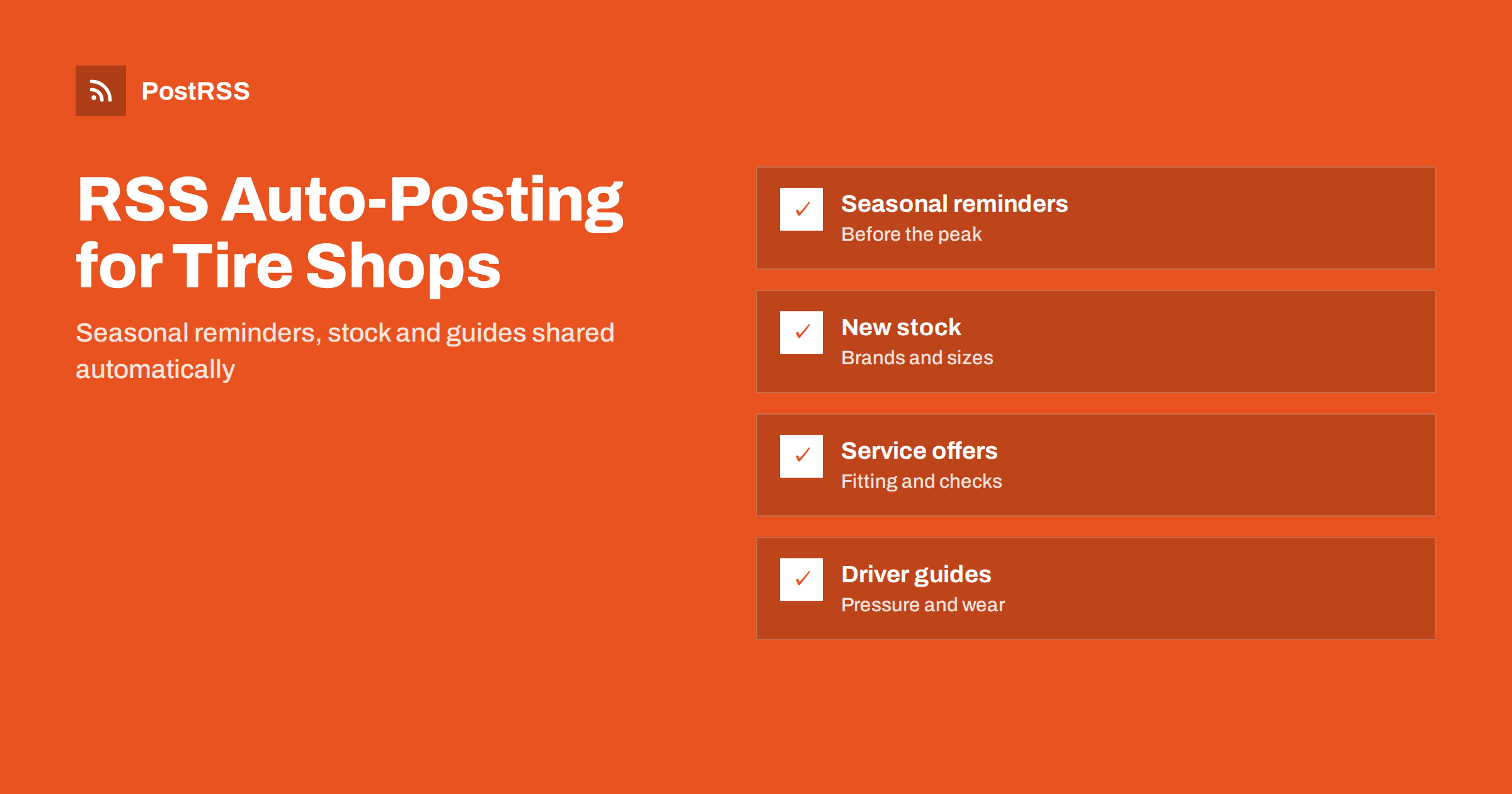
Short answer: RSS auto-posting lets tire shops and auto parts stores share seasonal changeover reminders, new stock, service offers, opening hours and maintenance guides on social media automatically. Publish each notice or guide as a page on your website, let an auto-poster read the RSS feed, and it appears on your Facebook Page, Pinterest boards and other channels with its photograph and link. The team keeps working on vehicles and customers while your messages reach drivers at exactly the right moment of the year.
Tire and parts businesses live by the calendar and the weather. When the first frost is forecast, every driver in town remembers that tires matter, and the shop that speaks first gets the appointments. The rest of the year the same shops answer questions about wear, pressure, batteries, wipers, brakes and noises. The owners are busy in the workshop and at the counter, so social media is usually something done on a quiet day, if at all. Because the website can hold seasonal pages and guides, automation can carry them to the networks without a second job. This guide explains how to set it up and where personal contact and professional judgement must stay in human hands.
An automotive business produces more useful content than most owners realise:
Each of these can be a short page on your own website. When the page is published, the feed announces it. You write it once, in a place that you own, and the automation spreads the news to the networks where drivers look for advice. Pages on your site also appear in local search results when someone searches for a tire shop nearby, which social posts alone do not achieve.
Most small business websites run on platforms that publish feeds without extra work:
/feed/ and a feed for every category, such as /category/seasonal/feed/. If you are unsure of the address, see how to find your WordPress feed link.Use categories to separate the audiences: seasonal reminders, new stock, service offers, guides and notices. Each category has its own feed, and each feed can go to the channel where it works best. Routing by category is explained in category filtering for auto-posting.
| Content | Automate? | Notes |
|---|---|---|
| Seasonal reminders | Yes | Prepare early and schedule on the website |
| New stock and brands | Yes | One clear photograph and a short description |
| Service pages and guides | Yes | Evergreen pages that keep bringing visitors |
| Opening hours and closures | Yes | Update the website page first |
| Advice about a specific vehicle | By hand | Safety depends on inspection, not on a post |
| Recalls and safety warnings | By hand | Link to the official source and check each case |
A simple rule: if it is a finished page on your website, automate it. If it concerns the safety of a particular vehicle, handle it personally.
The busiest weeks of the year are predictable, so prepare for them early. Write a short page for each seasonal moment: the changeover to winter tires, the return to summer tires, the pre-holiday check and the start of the wet season. Explain what drivers should look at, how to book and how long a visit usually takes. Avoid promising exact dates for the weather and use phrases such as when temperatures stay low, because conditions differ by region and by year. Set the publication dates on your website a few weeks ahead, and the feed posts them when drivers begin to think about the subject. After the first peak, publish a short reminder for those who have not booked. Rules about winter tires and minimum tread differ by country and region, so state the local rule only if you are sure of it and link to the official source.
Parts and tire businesses carry a wide range, and customers rarely know what is available. Give new product lines, brands and sizes their own pages, with a photograph, a plain description of who the product suits and how to order. Mention that you can order items that are not on the shelf, and how long it usually takes. Avoid listing prices unless they are fixed, because prices change with suppliers and seasons, and a post that outlives a price causes friction at the counter. Do not make performance claims you cannot support; point to the manufacturer’s information instead. A catalogue of short, accurate pages also helps search engines understand what you sell, which brings visitors who are ready to buy.
Drivers search for practical answers: how to check tire pressure, how to read the markings on a tire, how to tell when tires are worn, how to store a spare set, why a car pulls to one side or when to replace a battery. Write short, clear pages that answer one question each, with photographs or simple diagrams. Keep the advice general and safe, and always say when a professional inspection is needed. Avoid giving diagnoses over the internet; many symptoms have several causes. Pages like these are evergreen, they attract visitors from search engines and they make the shop the natural choice when the driver finally needs help. Because the feed shares them once and they stay on your site, they keep working long after the post itself is forgotten.
Tires and brakes are safety parts, and customers rely on the shop to be honest. Do not make claims about safety, grip or stopping distance that you cannot prove. Do not suggest that a post can replace an inspection. For product recalls and safety notices, link to the official source and let staff contact affected customers directly, rather than relying on a scheduled post. Describe warranties and fitting guarantees exactly as they are written, and publish the terms on a page. If you recommend replacing a part, explain why in plain language. Accurate, modest statements are better for trust than bold promises, and they protect the business if there is a dispute.
Keep file sizes reasonable so pages load quickly; see image optimization for RSS auto-posting. If a network shows the wrong picture, check the Open Graph tags of the page as described in why auto-posted links show the wrong image.
Many tire and parts businesses supply garages, delivery companies and fleets as well as private drivers. These customers value reliability, lead times and clear terms. Give them their own category, with pages that describe account arrangements, delivery, supported brands and how to contact a trade desk. Publish short notices about stock availability for common sizes and about changes to delivery times, and route them to the channels that trade customers use, such as LinkedIn or a messaging channel. Keep the language factual and avoid promotions aimed at private drivers. A separate feed lets each audience see only what concerns it.
Most shops do best with a Facebook Page and one more channel. Add others only if you can keep them active.
/feed/, and check that it lists recent items.PostRSS has been automating RSS posting since 2014. It checks your website feeds as often as every minute and publishes each reminder, product page and guide, with its real image and link, to the channels you connect, from Facebook Pages and LinkedIn to Pinterest, Telegram, Bluesky and many more among its 66 supported networks. You can choose how each post is built, filter items by keywords, add UTM parameters and post only within chosen hours or at exact times in your time zone. See the PostRSS features page for everything it does and the pricing page for plan limits. More ideas for small businesses are under the Local Business tag.
Tire shops and auto parts stores already know what drivers need and when they need it. RSS auto-posting shares each seasonal reminder, new product and guide automatically on Facebook, LinkedIn, Pinterest and your other channels, on time and with the right image, while the team keeps serving customers. Prepare seasonal pages early, give every product line and guide its own page, keep safety advice general and honest, handle recalls and vehicle-specific questions personally and route content by category.
Yes. If your website has a news or guides section, its RSS feed can be connected to an auto-poster that shares each new page on your Facebook Page, LinkedIn, Pinterest and other channels. Advice about specific vehicles and safety warnings are still best handled personally.
Seasonal reminders, new stock and brands, service offers, maintenance guides, opening hours and trade notices. Each item should have its own page on your website.
A few weeks before drivers usually start thinking about the change, using phrases tied to conditions rather than exact dates. Set the publication date on your website and let the feed post it automatically.
A Facebook Page reaches local drivers, who also look for hours and reviews there, and LinkedIn suits fleet and trade customers. Most shops do well with a Facebook Page plus one other channel.
One page for each seasonal reminder, product line, guide or notice is enough for most businesses. Prepare pages in advance and schedule them on your website so the feed keeps posting during busy weeks.
What changed in the networks, what broke, and how to fix it before it costs you reach.
Vytvořilo je Internet Solutions, tým za PostRSS. Každý produkt vám ušetří čas po svém.
 English
 Lietuviškai
 Deutsch
 Français
 Русский
 Español
 Polski
 Italiano
 Українська
 Čeština
 Português
 日本語
日本語 Latviešu valoda
 Eesti
Eesti Magyar
 Bahasa Indonesia
 Türkçe
 हिन्दी
 Ελληνικά
 العربية
 ไทย
ไทย Tiếng Việt
 Română
 Bahasa Melayu
 বাংলা
বাংলা