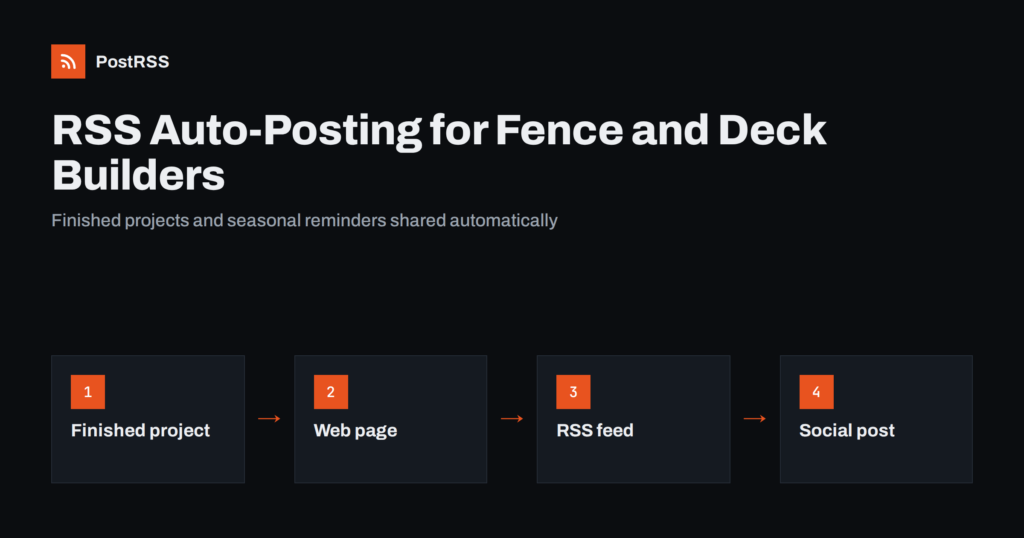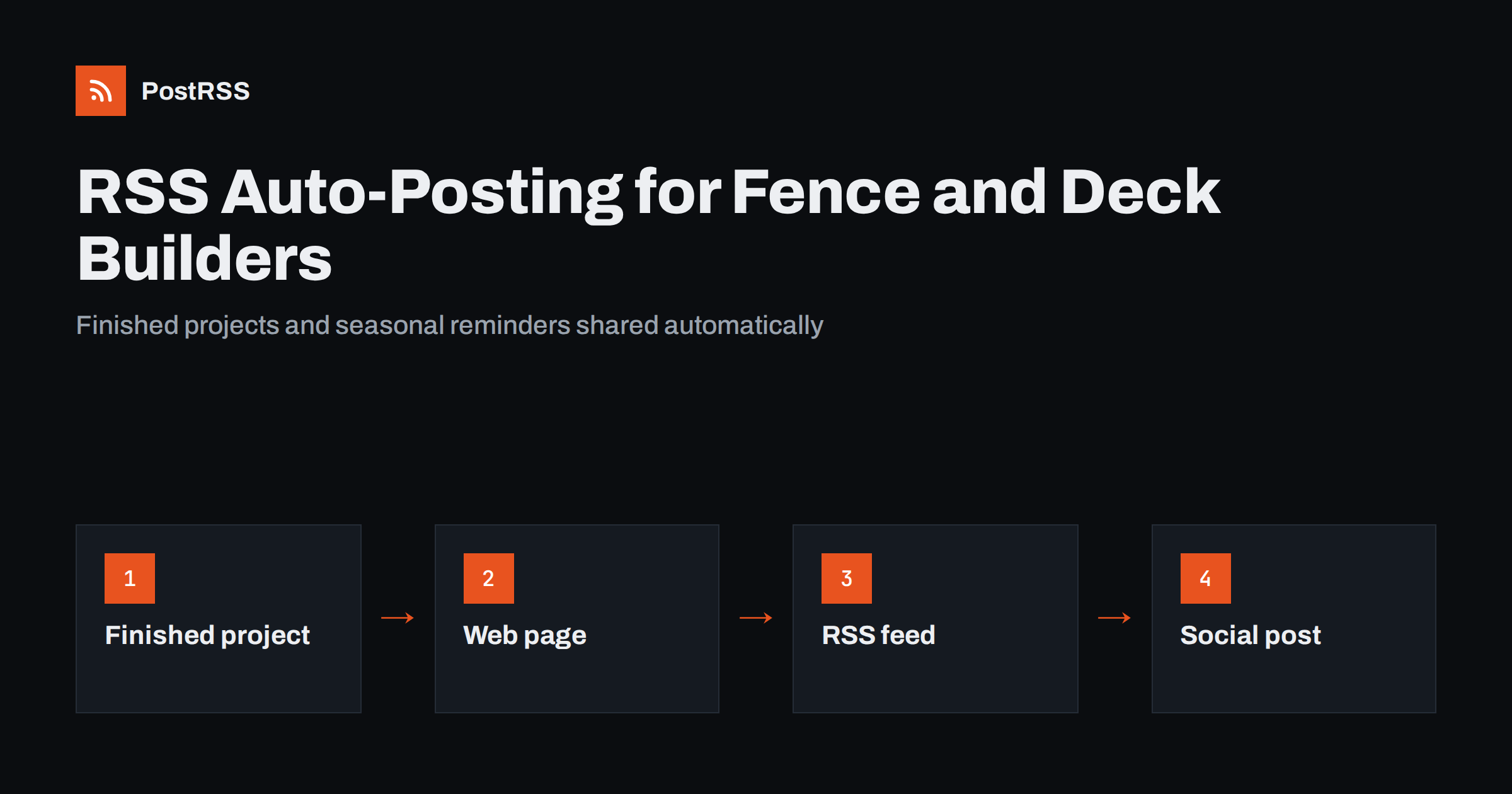
Short answer: RSS auto-posting lets fence, deck and paving contractors share finished projects, seasonal booking reminders, material guides, planning advice and team news on social media automatically. Publish each project or guide as a page on your website, let an auto-poster read the RSS feed, and it appears on your Facebook Page, Pinterest boards and other channels with its photograph and link. The crew keeps building while homeowners who are planning an outdoor project see your work at exactly the moment they start looking.
Outdoor building trades sell with pictures and trust. A homeowner who is planning a new fence, a deck or a driveway looks at finished work, reads how the contractor explains the process and checks whether the business seems active and reliable. Most contractors are on site from early morning and write quotes in the evening, so photographs sit unused on a phone and the social media page goes quiet for months. Because a website can hold a short page for every completed project and every guide, automation can carry them to the networks without adding another job. This guide explains how to set it up and where honesty, permission and safety must stay in human hands.
A contractor produces valuable content on every job, if it is written down in the right place:
Each of these can be a short page on your own website. When the page is published, the feed announces it. You write it once, in a place that you own, and the automation spreads it to the networks where homeowners look for ideas. Pages on your site also appear in local search results when someone looks for a fence or deck builder nearby, which social posts alone do not achieve.
Most small business websites run on platforms that publish feeds without extra work:
/feed/ and a feed for every category, such as /category/projects/feed/. If you are unsure of the address, see how to find your WordPress feed link.Use categories to separate the audiences: finished projects, guides, seasonal notices and company news. Each category has its own feed, and each feed can go to the channel where it works best. Routing by category is explained in category filtering for auto-posting.
| Content | Automate? | Notes |
|---|---|---|
| Finished projects | Yes | Add photographs once the customer has agreed |
| Guides and material comparisons | Yes | Evergreen pages that keep bringing enquiries |
| Seasonal booking reminders | Yes | Schedule weeks before the busy period |
| Company news and accreditations | Yes | Publish only what you can prove |
| Quotes and prices for a specific site | By hand | Every site is different and needs a visit |
| Delays, weather and complaints | By hand | Speak to the customer directly |
A simple rule: if it is a finished page on your website, automate it. If it concerns one customer’s site, price or problem, handle it personally.
A project page is your best advertisement. For each completed job, write a short page with a clear title, the type of work, the materials, the size in general terms, the time it took and what the customer wanted. Add a handful of photographs: the finished work, one detail and, if the customer agrees, the state before the work started. Describe the challenge you solved, such as a sloping garden, a tight access or a neighbour boundary, because it shows skill. Do not publish the exact address; give the town or district instead. Ask the customer for permission before you publish, and note it in the job file. A steady flow of project pages shows that the business is busy and careful, and the feed shares each page without extra effort.
Outdoor work follows the weather, and customers often wait too long. Write a short page for each seasonal moment: booking early for the spring rush, finishing a deck before the summer, preparing groundwork before frost, replacing a storm-damaged fence and planning a driveway for the next year. Explain how far ahead customers should call, what the survey involves and how long a typical job takes. Avoid promising exact start dates, because weather and ground conditions change, and use phrases such as typically a few weeks. Set the publication dates on your website ahead of the season, and the feed starts the conversation while people are still planning. After the peak, publish a short note that the diary is filling, if it is true.
Homeowners search for answers before they call: which fence lasts longest, whether composite decking is worth it, how to choose paving that does not get slippery, whether a driveway needs a permit. Write one page for each question, with a small comparison of options and the trade-offs of each, including the cost of upkeep. Be balanced. A contractor who says that timber needs regular treatment and composite does not, but that each has drawbacks, earns more trust than one who praises a single product. Avoid specific lifetimes and guarantees unless the manufacturer states them and you cite the source. These evergreen guides attract visitors from search engines for years, and the feed shares each one once when it appears.
Rules about heights, setbacks, materials and permissions differ widely between places, and mistakes are expensive. Do not publish rules as if they applied everywhere. Instead, write general guidance such as that some areas limit the height of fences next to a road, and link to the official source of the local authority. Explain that the customer is responsible for knowing the boundary, and describe what you check and what you do not. Include a note on safety, for example that underground services should be located before digging, in line with the practice in your country. Pages that are cautious and clear protect the customer and the business, and they show that you understand the work beyond the build.
Rules for trades differ by country and sometimes by region, so check the requirements that apply to you. Accurate, modest statements protect the business if there is ever a dispute.
Keep file sizes reasonable so pages load quickly; see image optimization for RSS auto-posting. If a network shows the wrong picture, check the Open Graph tags of the page as described in why auto-posted links show the wrong image.
Most contractors do best with a Facebook Page and one more channel. Add others only if you can keep them active.
/feed/, and check that it lists recent items.PostRSS has been automating RSS posting since 2014. It checks your website feeds as often as every minute and publishes each project, guide and notice, with its real image and link, to the channels you connect, from Facebook Pages and Pinterest to LinkedIn, Telegram, Bluesky and many more among its 66 supported networks. You can choose how each post is built, filter items by keywords, add UTM parameters and post only within chosen hours or at exact times in your time zone. See the PostRSS features page for everything it does and the pricing page for plan limits. More ideas for small businesses are under the Local Business tag.
Fence, deck and paving contractors already create the best marketing material there is: finished work. RSS auto-posting shares each project, guide and seasonal reminder automatically on Facebook, Pinterest and your other channels, on time and with the right image, while the crew keeps building. Give every project its own page with the customer’s permission, publish guides that compare materials honestly, link official sources for local rules, state only the accreditations and warranties you can prove, route content by category and handle quotes, delays and complaints personally.
Yes. If your website has a projects or news section, its RSS feed can be connected to an auto-poster that shares each new page on your Facebook Page, Pinterest and other channels. Quotes, delays and complaints are still best handled personally.
Finished projects, seasonal booking reminders, material guides, planning and permit information, maintenance advice and company news. Each item should have its own page on your website so the feed can share it.
Yes. Ask before you publish photographs of a customer’s property, leave out the exact address and note the permission in the job file. Many customers are happy to agree when asked politely.
A Facebook Page reaches local homeowners, who also read reviews there, and Pinterest suits outdoor design ideas. Most contractors do well with a Facebook Page plus one other channel.
One page for each finished project, guide or seasonal reminder is enough for most businesses. Prepare pages in advance and schedule them on your website so the feed keeps posting during busy weeks on site.
What changed in the networks, what broke, and how to fix it before it costs you reach.
Vytvořilo je Internet Solutions, tým za PostRSS. Každý produkt vám ušetří čas po svém.
 English
 Lietuviškai
 Deutsch
 Français
 Русский
 Español
 Polski
 Italiano
 Українська
 Čeština
 Português
 日本語
日本語 Latviešu valoda
 Eesti
Eesti Magyar
 Bahasa Indonesia
 Türkçe
 हिन्दी
 Ελληνικά
 العربية
 ไทย
ไทย Tiếng Việt
 Română
 Bahasa Melayu
 বাংলা
বাংলা