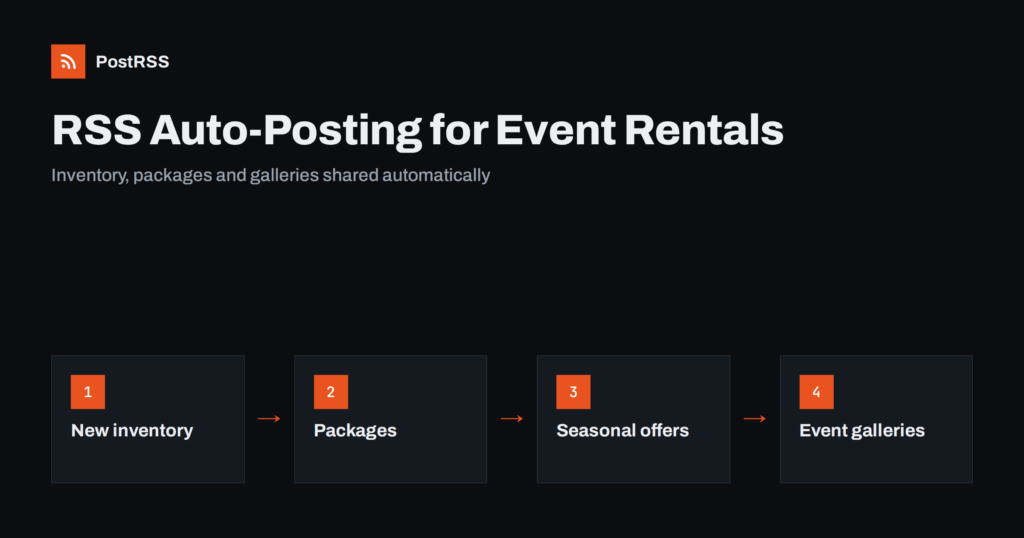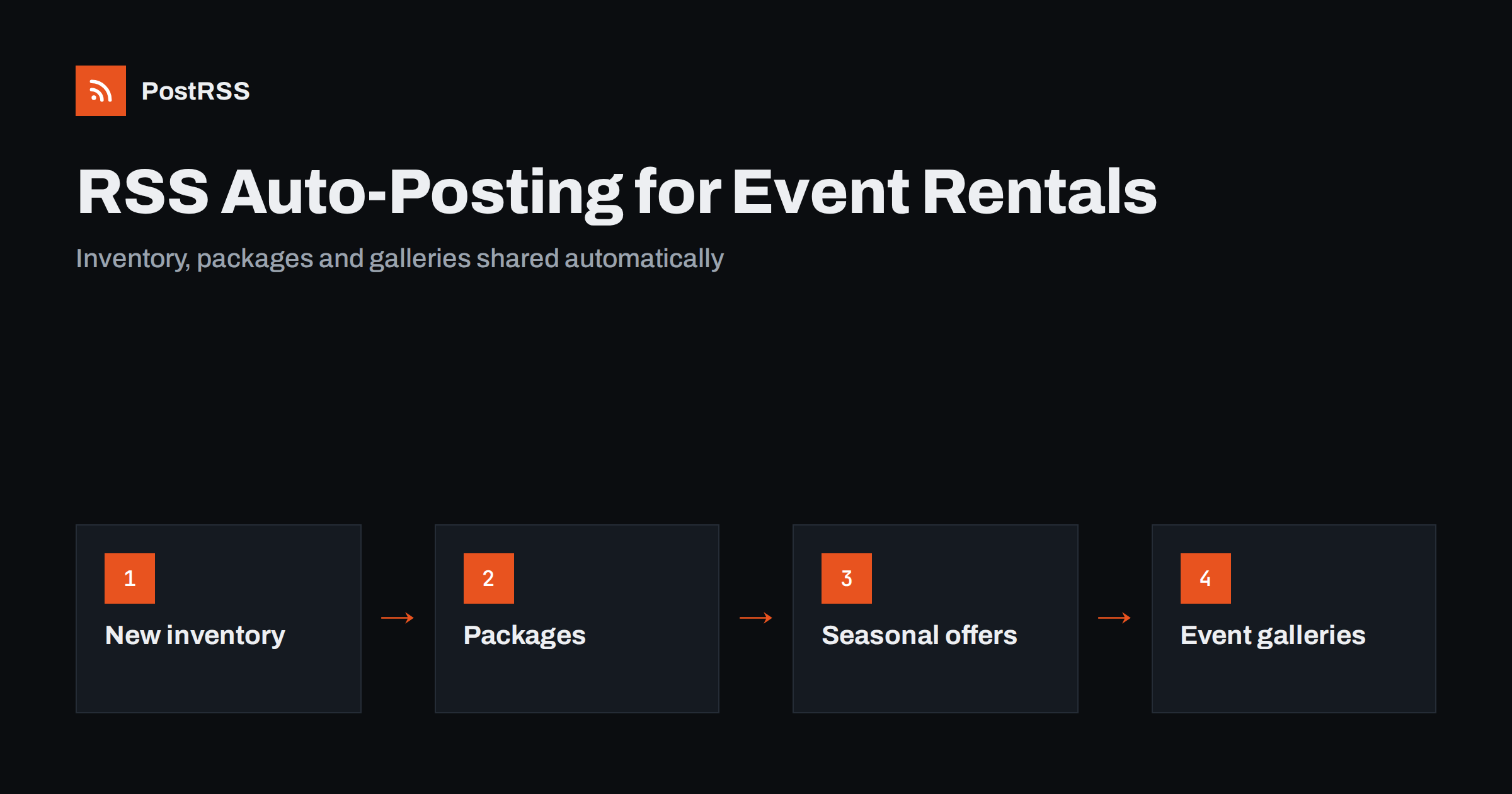
Short answer: RSS auto-posting lets event and party rental companies share every new rental item, package, seasonal offer, real event and booking-deadline reminder on social media automatically. Publish the page once on your website, let an auto-poster read its RSS feed, and it appears on your Facebook Page, Pinterest boards and other channels with its photo and link. You keep your time for deliveries, setups and customers while routine news reaches planners and families before the dates fill up.
Event rental is a business of dates. A tent, a bounce house, a set of chairs or a dance floor can be booked by only one customer on a given weekend, and the best dates disappear weeks ahead. Customers also buy with their eyes: they scroll through photographs of set tables, balloon arches and lit marquees before they ask for a quote. A company that is quiet on social media in March may miss the whole wedding and graduation season. Yet owners and dispatchers spend their days loading trucks and answering phones. This guide explains how to keep your channels active with RSS automation, what to publish and how to make rental photographs work on every network.
A rental business produces content all year, and most of it is time-sensitive:
Each item brings enquiries, but only if people see it before they choose a supplier. When posting is manual, the message that matters most, such as the last free Saturday in June, is often written late or never. With an RSS feed, every page on the website is shared the moment it goes live.
Rental websites usually run on platforms that publish feeds without extra work:
/feed/ and category feeds such as /category/weddings/feed/. Booking plugins and online catalogues often add inventory pages that appear in the same feed when they are published as posts.Use categories to separate the audiences: weddings, children’s parties, corporate events, new inventory and company news. Each category has its own feed, and each feed can go to the channel where it belongs. Routing by category is explained in category filtering for auto-posting.
| Content | Automate? | Notes |
|---|---|---|
| New inventory and packages | Yes | One page per product, with a clear photograph |
| Seasonal offers and booking deadlines | Yes | Publish early, update when dates are full |
| Real events and galleries | Yes | Only with the client’s permission |
| Opening hours and delivery areas | Yes | Short pages that stay accurate |
| Quotes and availability questions | By hand | Every date and address needs a real answer |
| Complaints and damage reports | By hand | Reply personally and privately |
A simple rule: if it is a finished page on your website, automate it. If it involves a conversation about a particular date, answer it yourself.
Rental items look very different once they are styled. A stack of chairs in a warehouse says little, while the same chairs at a decorated table say a lot. A few habits help:
Keep file sizes reasonable so pages load quickly; see image optimization for RSS auto-posting. If a network shows the wrong picture, check the page’s Open Graph tags as described in why auto-posted links show the wrong image.
Most rental companies do best with a Facebook Page and Pinterest. Add more only if you can keep them active.
Demand follows the calendar: spring and summer weddings, graduation parties, summer fairs, autumn school events and winter holiday parties. Plan the content a few weeks before each peak. Publish the seasonal offer early, add a reminder when popular dates start to fill, and update the page when a weekend is full so that a post never promises something you cannot deliver. Seasonal planning is covered in seasonal campaign planning with RSS automation. For periods when you are busiest, prepare the pages in advance and schedule them on your website; the feed will share them while you are on the road.
A package page is often the first page a customer reads. List what is included, the number of guests it suits, the setup and collection times, and what the customer has to prepare, such as a level surface or access to power. Avoid vague words and show a real photograph of the whole package. When a page is complete, the post that shares it needs little text: a clear title, a short sentence and a photograph. Customers then arrive on a page that answers their first five questions, and your phone rings with serious enquiries instead of basic ones.
Photographs from real events are the strongest proof that your items look as good as promised. Treat them with care. Ask clients for written permission to publish images of their event, and avoid showing identifiable guests, children or private addresses. A good option is to photograph the setup before guests arrive. Credit the venue or the planner when they agree. Over a season, a gallery page for each event type, such as weddings, children’s parties and corporate events, becomes a resource that is shared automatically when you add to it.
Practical advice builds trust and brings search visitors who are planning an event. Examples include how much floor space a tent needs, what ground is suitable for inflatables, how much power a sound system uses and what to do in wind or rain. Keep the advice general and refer customers to your own terms for the details. These pages stay useful for years, they support your search rankings, and the feed shares them without extra effort.
Planners, schools, churches, councils and companies book rentals again and again. They rarely search from scratch; they remember a supplier they have seen recently. A steady stream of useful posts keeps your name in front of them. Create a short page for each type of corporate event you serve, such as conferences, trade-show stands, staff parties and community festivals, and list the services you provide: delivery, setup, staff on site and collection. Add a page for your terms in plain language, including deposits, cancellations and weather. When these pages are shared automatically, a returning customer sees them at the moment they start planning the next event, and the first message they send you is usually a date and a number of guests.
/feed/, and check that it lists recent items.PostRSS has been automating RSS posting since 2014. It checks your website feeds as often as every minute and publishes each new package, product, offer and event gallery, with its real image and link, to the channels you connect, from Facebook Pages, Pinterest and LinkedIn to Telegram, Bluesky and many more among its 66 supported networks. You can choose how each post is built, filter items by keywords, add UTM parameters and post only within chosen hours or at exact times in your time zone. See the PostRSS features page for everything it does and the pricing page for plan limits. More ideas for small businesses are under the Local Business tag.
Event and party rental companies already have what their audience wants: new items, attractive packages, real event photographs and clear booking deadlines. RSS auto-posting shares each page automatically on Facebook, Pinterest and your other channels, on time and with the right image, while you keep the conversations about dates and details. Keep availability up to date, route content by category and let the feed keep your channels active through the busy season and the quiet one.
Yes. If your website has a news or blog section, its RSS feed can be connected to an auto-poster that shares each new product, package and event gallery on your Facebook Page, Pinterest and other channels. Quotes and availability questions are still best answered by hand.
New inventory, packages for each type of event, seasonal offers, booking reminders, real event photographs and practical planning advice. Each item should have its own page on your website.
Yes. People planning events save decoration ideas and table settings for later. A pin links back to your package page, so it can bring visitors for months after it was posted.
Update the page as soon as a weekend is full, and use wording such as limited dates for peak weekends. The feed shares the announcement once, and the page always shows the current situation.
One post for each new product or package and one for each seasonal offer is enough for most companies. Prepare pages in advance and schedule them on your website so the feed keeps posting while you work.
{“@context”: “https://schema.org”, “@type”: “FAQPage”, “mainEntity”: [{“@type”: “Question”, “name”: “Can an event rental company automate its social media?”, “acceptedAnswer”: {“@type”: “Answer”, “text”: “Yes. If your website has a news or blog section, its RSS feed can be connected to an auto-poster that shares each new product, package and event gallery on your Facebook Page, Pinterest and other channels. Quotes and availability questions are still best answered by hand.”}}, {“@type”: “Question”, “name”: “What should a rental company post about?”, “acceptedAnswer”: {“@type”: “Answer”, “text”: “New inventory, packages for each type of event, seasonal offers, booking reminders, real event photographs and practical planning advice. Each item should have its own page on your website.”}}, {“@type”: “Question”, “name”: “Is Pinterest worth using for party rentals?”, “acceptedAnswer”: {“@type”: “Answer”, “text”: “Yes. People planning events save decoration ideas and table settings for later. A pin links back to your package page, so it can bring visitors for months after it was posted.”}}, {“@type”: “Question”, “name”: “How do I avoid promising dates that are already taken?”, “acceptedAnswer”: {“@type”: “Answer”, “text”: “Update the page as soon as a weekend is full, and use wording such as limited dates for peak weekends. The feed shares the announcement once, and the page always shows the current situation.”}}, {“@type”: “Question”, “name”: “How often should a rental company publish?”, “acceptedAnswer”: {“@type”: “Answer”, “text”: “One post for each new product or package and one for each seasonal offer is enough for most companies. Prepare pages in advance and schedule them on your website so the feed keeps posting while you work.”}}]}
What changed in the networks, what broke, and how to fix it before it costs you reach.
Vytvořilo je Internet Solutions, tým za PostRSS. Každý produkt vám ušetří čas po svém.
 English
 Lietuviškai
 Deutsch
 Français
 Русский
 Español
 Polski
 Italiano
 Українська
 Čeština
 Português
 日本語
日本語 Latviešu valoda
 Eesti
Eesti Magyar
 Bahasa Indonesia
 Türkçe
 हिन्दी
 Ελληνικά
 العربية
 ไทย
ไทย Tiếng Việt
 Română
 Bahasa Melayu
 বাংলা
বাংলা