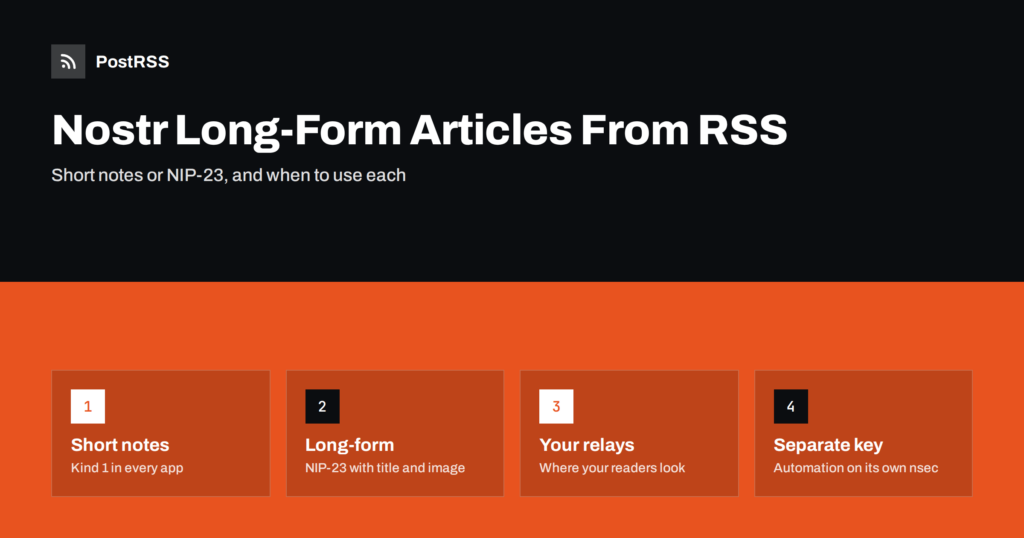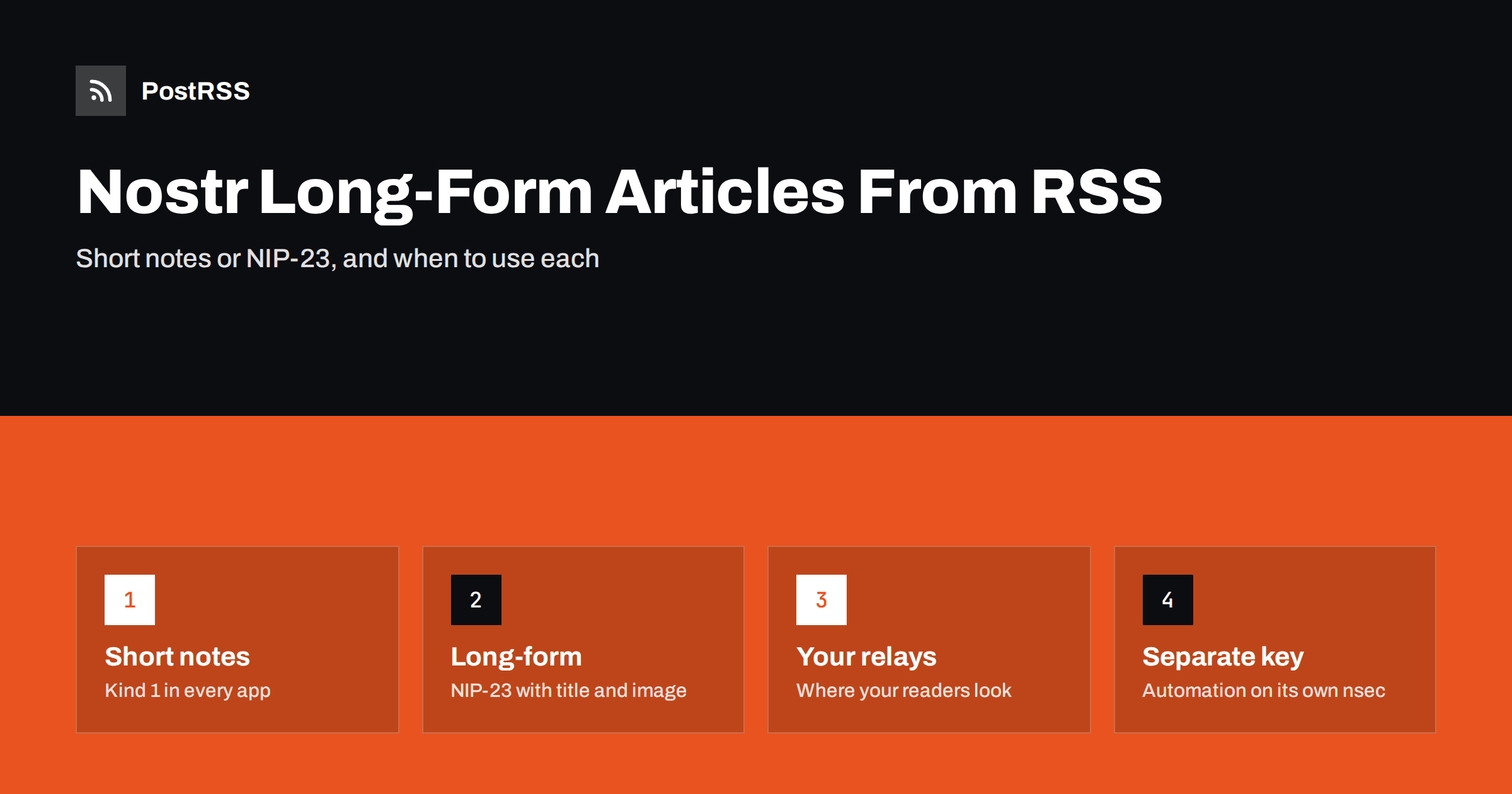
Short answer: Nostr has two useful formats for RSS items. A short note (kind 1) is a social post with text, a link and usually a picture, shown in apps such as Damus, Primal and Amethyst. A long-form article (NIP-23, kind 30023) is a full Markdown article with a title, summary, image and link, shown in reading apps such as Habla, Yakihonne and Highlighter. Use short notes to announce new posts to followers, and long-form articles when you want the content itself to live on Nostr. Either way, the post is signed with your key and sent to the relays you choose.
Nostr is not a platform with a company behind it. It is a protocol: your identity is a key pair, your posts are signed events, and relays store and forward them. Apps choose which kinds of events to display. That design is why one RSS feed can become two very different things on Nostr, depending on the event kind. This guide explains both formats, what each looks like when it comes from an RSS feed, how to prepare your feed, how updates and relays work, and how to keep your key safe while automating.
Every Nostr event has a kind, a number that tells apps what it is. The basic protocol is described in NIP-01, and two kinds matter for feeds:
The difference is not only visual. A short note is meant to be read in a timeline and discussed in replies. A long-form article is meant to be read on its own, like a blog post, and it is addressable: it has a stable identifier, so a newer version replaces the older one instead of appearing as a second post.
When PostRSS posts an RSS item as a short note, the note contains the text from your chosen message format, such as the item title, followed by the link. If the item has an image with an https address, the image address is added to the note and described with an image metadata tag, so apps that support it show the picture with a short description. The link is also recorded as a reference tag on the event.
Short notes can be long on Nostr, but they read best when they are short: a headline, perhaps one sentence of context, the picture and the link. Hashtags can be added from your item categories or from your own list, as on other social networks. For a general look at the network and its culture, see auto-posting to Nostr from RSS.
When the account is set to post long-form articles, each RSS item becomes a NIP-23 event with:
The body is built from the item text that your message format produces, as plain paragraphs. Special characters are escaped, so text from the feed never turns into unexpected formatting. The result is clean and readable in apps such as Habla, Yakihonne and Highlighter, which focus on long-form reading.
| Question | Short note | Long-form article |
|---|---|---|
| Main goal | Announce and drive visits | Publish the content on Nostr |
| Where it shows | Every timeline app | Reading apps, some timeline apps |
| Best feed | Any feed with titles and images | Feeds with full or rich text |
| Updates | A new note each time | Same link updates the same article |
| Reader action | Tap the link, reply, repost | Read in the app, then visit |
| Typical users | News sites, shops, podcasts | Writers, newsletters, essay blogs |
Many publishers start with short notes, because they reach the largest number of apps and send readers to the website. Writers who see Nostr as a home for their work, for example people who already cross-post to platforms like Write.as, often prefer long-form articles. The choice is made when you connect the account in PostRSS, under Post as.
A long-form article is only as complete as the text in your feed. Check these points before connecting:
Long-form articles on Nostr are replaceable. Each one carries an identifier, and when a newer event with the same identifier and the same key arrives, apps show the newer one. PostRSS derives that identifier from the item’s link, so the same RSS item always maps to the same Nostr article. If an item is posted again, it replaces the earlier version instead of creating a duplicate.
Short notes work differently: each note is a separate event, and a note cannot be edited after it is published. That is one more reason to check the first few automated notes carefully, and to make sure your feed does not change GUIDs, which can make an auto-poster see old items as new. Common causes are covered in why a feed auto-posts the same article twice.
Relays are the servers that store and pass on Nostr events. Readers’ apps connect to their own set of relays, so your posts must be on relays that your audience reads from. When you connect a Nostr account in PostRSS, you can list relays one per line, up to ten. If you leave the field empty, posts go to relay.damus.io, relay.primal.net and nostr.mom.
Relay addresses start with wss://. When you connect, PostRSS checks that the relays can be reached and tells you if none of them can.
Consider a writer who publishes a weekly essay on a blog with a full-text RSS feed and wants a presence on Nostr without extra work. A practical setup looks like this:
After the first essay is published, open it in a long-form app and in a timeline app. Check the title, the cover image, the paragraphs and the link back to the blog. If the body looks thin, the feed probably carries an excerpt rather than the full text, and the fix belongs in the blog’s feed settings.
Nostr has no central analytics dashboard. Reactions, reposts, replies and zaps are visible in apps, and some apps show simple counts per post. The most reliable measure for a publisher is still traffic to the website: add UTM parameters to links in PostRSS, so visits from Nostr appear separately in your analytics. Compare short notes and long-form articles over a few weeks before deciding which one suits your audience.
On Nostr, your private key, the nsec, is your identity. Whoever holds it can post as you, and it cannot be revoked. That makes key handling the most important part of automation:
PostRSS has been publishing RSS and Atom feeds since 2014, and Nostr is one of its 66 supported networks. You connect a Nostr key, choose relays or keep the defaults, and choose whether items are posted as short notes or as long-form NIP-23 articles. Every new item is then signed and sent automatically, with keyword filters, posting windows, hashtags and UTM parameters available as on other networks. See the Nostr page for the connection steps, the features page for every option and the pricing page for plan limits.
Nostr gives an RSS feed two roles. Short notes announce new items in every Nostr app and send readers to your site. Long-form NIP-23 articles put the content itself on Nostr, update cleanly when the same item is posted again, and read well in long-form apps. Pick the format that matches your goal, make sure your feed carries the text that format needs, post to the relays your audience uses, and keep automation on a separate, dedicated key.
It is a kind 30023 event with Markdown content and tags for the title, summary, image and publication date. Reading apps such as Habla, Yakihonne and Highlighter display it as a full article.
Use short notes to announce new posts and drive visits, because every Nostr app shows them. Use long-form articles when you want readers to read the content on Nostr and your feed carries enough text.
It contains the item text your feed provides in the chosen message format. A full-text feed gives a full article, while an excerpt feed gives a short article with a link to the original.
The newer version replaces the older one. The article identifier is based on the item link, so the same item maps to the same Nostr article instead of creating a duplicate.
Use the relays your Nostr profile already uses, usually three to five reliable ones. If you leave the relay list empty in PostRSS, posts go to relay.damus.io, relay.primal.net and nostr.mom.
What changed in the networks, what broke, and how to fix it before it costs you reach.
Vytvořilo je Internet Solutions, tým za PostRSS. Každý produkt vám ušetří čas po svém.
 English
 Lietuviškai
 Deutsch
 Français
 Русский
 Español
 Polski
 Italiano
 Українська
 Čeština
 Português
 日本語
日本語 Latviešu valoda
 Eesti
Eesti Magyar
 Bahasa Indonesia
 Türkçe
 हिन्दी
 Ελληνικά
 العربية
 ไทย
ไทย Tiếng Việt
 Română
 Bahasa Melayu
 বাংলা
বাংলা