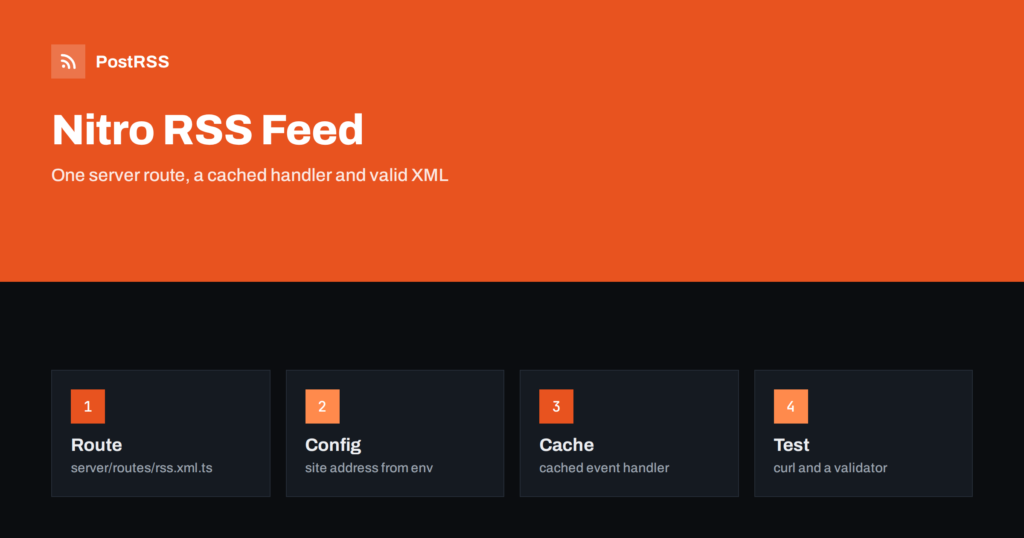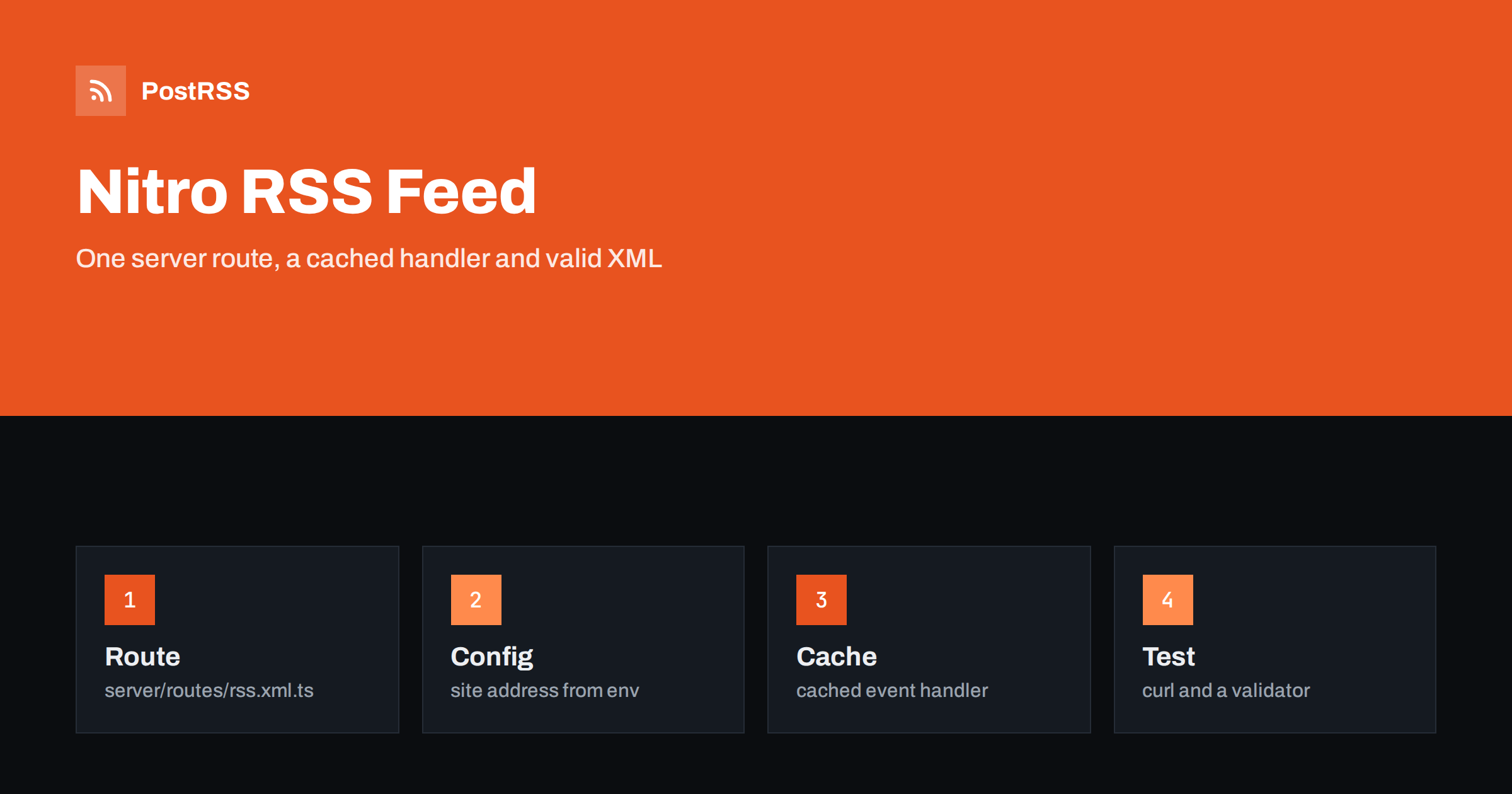
Short answer: In Nitro, the server engine behind Nuxt and several other frameworks, an RSS feed is a server route: a file in the routes folder whose default export is an event handler that returns the XML. Name the file so that it answers at /rss.xml, read the site address from runtime configuration, build absolute links and valid dates, escape every text value, set an XML content type, wrap the handler in the built-in cache, and test the deployed address with curl and a validator. Then give the address to an auto-poster so that new posts are shared on your social networks.
Nitro is a small server framework that compiles to many targets, from a Node process to edge workers and static output. It powers Nuxt, Analog, SolidStart and TanStack Start, which means that one feed pattern works across a family of tools. Whether you use Nitro on its own for a content API or you reach it through a framework, the steps are the same: a file, a handler, a string of XML and a few headers. This guide shows how to build the feed, how to configure the address and the cache, and how to avoid the mistakes that make feeds fail in production.
A feed is not a page. It needs no components, no client code and no layout, only a response with the right text and headers. A Nitro server route is exactly that. It runs on the server, can read your content from files, a database or an API, and returns a plain response. It also has a built-in cache layer, so the XML is not rebuilt on every request, and it follows the same deployment settings as the rest of your application. If you use Nuxt, the same code works in the server folder; see the Nuxt feed guide for the framework side.
Nitro builds routes from the files in the routes folder, and the file name becomes the path. A file named rss.xml.ts answers at /rss.xml. The example below reads the site address from configuration and gets its posts from a function that stands for your own source.
// server/routes/rss.xml.ts
import { getPosts } from "../utils/posts";

function esc(value: string) {
  return value
    .replaceAll("&", "&" + "amp;")
    .replaceAll("<", "&" + "lt;")
    .replaceAll(">", "&" + "gt;");
}

export default defineEventHandler(async (event) => {
  const site = useRuntimeConfig(event).siteUrl as string;
  const now = Date.now();

  const posts = (await getPosts())
    .filter((p) => new Date(p.date).getTime() <= now)
    .sort((a, b) => +new Date(b.date) - +new Date(a.date))
    .slice(0, 20);

  const items = posts
    .map(
      (p) => `
    <item>
      <title>${esc(p.title)}</title>
      <link>${site}/blog/${p.slug}</link>
      <guid isPermaLink="true">${site}/blog/${p.slug}</guid>
      <pubDate>${new Date(p.date).toUTCString()}</pubDate>
      <description>${esc(p.summary)}</description>
    </item>`,
    )
    .join("");

  setHeader(event, "content-type", "application/xml; charset=utf-8");
  return `<?xml version="1.0" encoding="UTF-8"?>
<rss version="2.0" xmlns:atom="http://www.w3.org/2005/Atom">
  <channel>
    <title>Example Journal</title>
    <link>${site}</link>
    <description>News and guides from Example Journal.</description>
    <atom:link href="${site}/rss.xml" rel="self" type="application/rss+xml" />${items}
  </channel>
</rss>`;
});
The helper names differ slightly between versions of the underlying h3 library, and the newest version moves response headers to the event object, so check the documentation of the version you use. The structure does not change: a default export, a header and a returned string. Nitro also lets you restrict a route to one method by adding .get to the file name, which is a good habit for a file that should only be read.
Never hard-code the domain in the handler. A feed with the wrong address in its links is the most common reason for a feed that looks right and does not work. Put the address in the runtime configuration and let the environment override it in each deployment.
// nitro.config.ts
export default defineNitroConfig({
  runtimeConfig: {
    siteUrl: "https://example.com",
  },
});

# production environment
NITRO_SITE_URL=https://example.com
With this in place, the same build can run on a staging address and on the real domain, and each produces links that match where it runs. In a framework that wraps Nitro, the configuration lives in that framework’s own file, and the same environment convention applies with its own prefix. Make sure the value includes https and has no trailing slash, because the template adds the path.
Building the feed requires reading content, and a burst of requests from readers and bots should not repeat that work. Nitro includes a cache wrapper for event handlers. Replace the default export with a cached handler and choose how long the result lives.
export default defineCachedEventHandler(
  async (event) => {
    // same body as before
  },
  { maxAge: 60 * 15, swr: true, name: "rss" },
);
Fifteen minutes is a reasonable default for a blog. The swr option lets the server return the stored copy immediately while it refreshes in the background, which keeps the response fast even when your data source is slow. If you publish rarely and want updates to appear quickly, lower the time. You can also set caching rules by route in the configuration, so that the feed has a different policy from the rest of the site. The effect on tools that fetch the feed is explained in why auto-posted content sometimes lags.
The pubDate of an RSS 2.0 item uses the format of an email date, and toUTCString produces a value that validators accept. Parse dates carefully. A string without a time zone is read in the zone of the server, so a post written late in the evening can slide to the next day when the code runs in a different region; store dates in UTC or with an explicit offset. Remove posts dated in the future and drafts before you build the list, as the filter above does. An auto-poster shares an item as soon as it appears in the feed, and an article that is visible in the feed but not yet on the website gives readers a broken link.
An RSS file is XML, and one unescaped ampersand makes it invalid. Titles with an ampersand, summaries with a less-than sign and names with accents are common sources of errors. The helper in the example escapes the three characters that matter in text content, and the file declares UTF-8. If you include full content in a content element, wrap it in a CDATA section and check that the text does not contain the closing sequence. More examples are in why special characters and emoji break auto-posted content.
| Feed element | Source in your app | Rule |
|---|---|---|
| Title | post title | Plain text, escaped |
| Link | runtime site address plus slug | Absolute, https, returns 200 |
| Date | post date in UTC | In the past, never changes |
| Summary | description field | One or two complete sentences |
| Identifier | the permanent link | Does not change when the title does |
| Image | cover image address | Absolute, at least 1200 pixels wide |
The identifier is the field to protect. If a post gets a new slug, its link changes, and an auto-poster that stores identifiers treats the new address as a new post. Keep slugs stable and add redirects when you must rename. The full story is in why a feed auto-posts the same article twice.
Nitro can also produce static output. If you deploy to a static host, ask Nitro to render the feed at build time by listing the route in the prerender settings, and the file is written next to your pages. The trade-off is the same as for any static site: the feed changes only when you rebuild, so schedule a rebuild after you publish, for example with a webhook from your content source or a timed job. For a server deployment, the cached handler is simpler and keeps the feed fresh without a rebuild.
// nitro.config.ts
export default defineNitroConfig({
  prerender: { routes: ["/rss.xml"] },
});Add a link element to the head of your pages so that browsers, feed readers and tools can find the feed from any page. The address should be the absolute one that readers use.
<link
  rel="alternate"
  type="application/rss+xml"
  title="Example Journal"
  href="https://example.com/rss.xml"
>
The details are in the guide to feed autodiscovery.
Run the production build the way you will deploy it and look at the response before you publish anything.
node .output/server/index.mjs &
curl -i http://localhost:3000/rss.xml
curl -I https://example.com/rss.xml
Work through a short list of checks:
There is a longer routine in the feed validation guide and a short one in debugging a feed with curl. If the file opens as plain text in a browser, see the content type header guide.
PostRSS has been publishing RSS and Atom feeds to social networks since 2014. Paste the address of your feed, connect your accounts and choose how each post is built from the title, the summary or the page title. PostRSS checks the feed as often as every minute and shares each new entry, with its image and link, to the channels you choose among 66 supported networks, messengers, team chats and blogs, including LinkedIn, X, Bluesky, Mastodon and Telegram. Keyword filters, UTM parameters and posting windows let you tune each channel. See the PostRSS features page and the plan limits on the pricing page. More developer guides are under the Technical Guide tag.
Nitro needs one server route to publish a dependable feed: a file that answers at the feed address, a handler that builds the XML from published posts with absolute links, valid dates and escaped text, a site address read from configuration, an XML content type and a cached response. Keep the address and the slugs unchanged, make the feed discoverable, test the deployed file with curl and a validator and connect it to an auto-poster. After that, every post you publish can reach your readers and your social channels automatically.
Add a file named rss.xml.ts to the server routes folder and export an event handler that returns the XML string with an XML content type. Nitro maps the file name to the path.
Wrap the handler in the cached event handler helper and set maxAge, for example fifteen minutes. The swr option serves a stored copy while the feed is rebuilt in the background.
Yes. Nuxt uses Nitro for its server folder, so the same route file works there. Read the site address from the runtime configuration of the framework.
The site address is hard-coded or the environment variable is missing in production. Read it from runtime configuration and set it in each deployment.
Yes. PostRSS reads any valid RSS or Atom address that is reachable without a login. Paste the address, connect your channels and new posts are shared as soon as they appear.
What changed in the networks, what broke, and how to fix it before it costs you reach.
Vytvořilo je Internet Solutions, tým za PostRSS. Každý produkt vám ušetří čas po svém.
 English
 Lietuviškai
 Deutsch
 Français
 Русский
 Español
 Polski
 Italiano
 Українська
 Čeština
 Português
 日本語
日本語 Latviešu valoda
 Eesti
Eesti Magyar
 Bahasa Indonesia
 Türkçe
 हिन्दी
 Ελληνικά
 العربية
 ไทย
ไทย Tiếng Việt
 Română
 Bahasa Melayu
 বাংলা
বাংলা