Most guides to RSS auto-posting assume you’re setting it up for new content going forward — but a common, rarely-addressed situation is starting with years of existing blog posts already sitting on a site with zero social media history behind them. A new brand, a site that switched CMS platforms, or a business that simply never got around to social media until now all face the same question: should the entire archive get auto-posted at once, and if not, what’s the right way to work through a backlog without flooding followers or breaking the automation tool in the process?
Standard RSS auto-posting is built around a simple assumption: the feed publishes new items occasionally, and the automation tool checks periodically and posts whatever’s new. That assumption breaks down completely when the feed already contains hundreds of existing articles the moment automation gets connected. Most tools, on first connection, will either post everything currently in the feed all at once, post only the single most recent item and treat everything else as “already seen,” or offer some kind of controlled backfill option — and the difference between these three behaviors matters enormously for how the first hours and days of a new social presence look to anyone watching it.
| Approach | What Happens | Best For | Risk |
|---|---|---|---|
| Post everything at once | Every existing feed item gets posted immediately, often dozens or hundreds of posts in a short window | Never recommended for a live account with real followers | Floods the feed, looks like spam, can trigger platform rate limits or account flags |
| Skip the backlog, start fresh | Automation treats everything currently in the feed as “already posted” and only picks up new items going forward | Sites where the archive isn’t worth resurfacing, or where a clean start matters more than backlog visibility | Loses the opportunity to give old, still-relevant content a first social exposure |
| Controlled, paced backfill | A set number of older items get posted per day/week until the backlog is worked through, then normal real-time posting resumes | Most sites with a valuable, still-relevant archive | Requires slightly more setup, but avoids the downsides of both other approaches |
Not every old post deserves a second life on social media. Before connecting automation to a full historical feed, it’s worth pulling a list of the archive’s contents and filtering out anything genuinely outdated — old promotions, outdated pricing, superseded product information — so the backfill only surfaces content that’s still accurate and useful today.
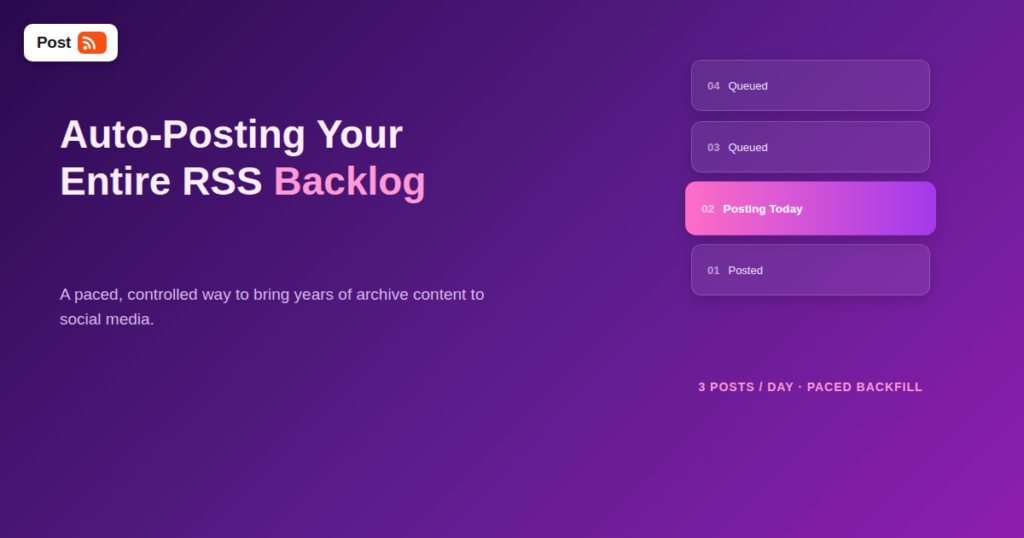
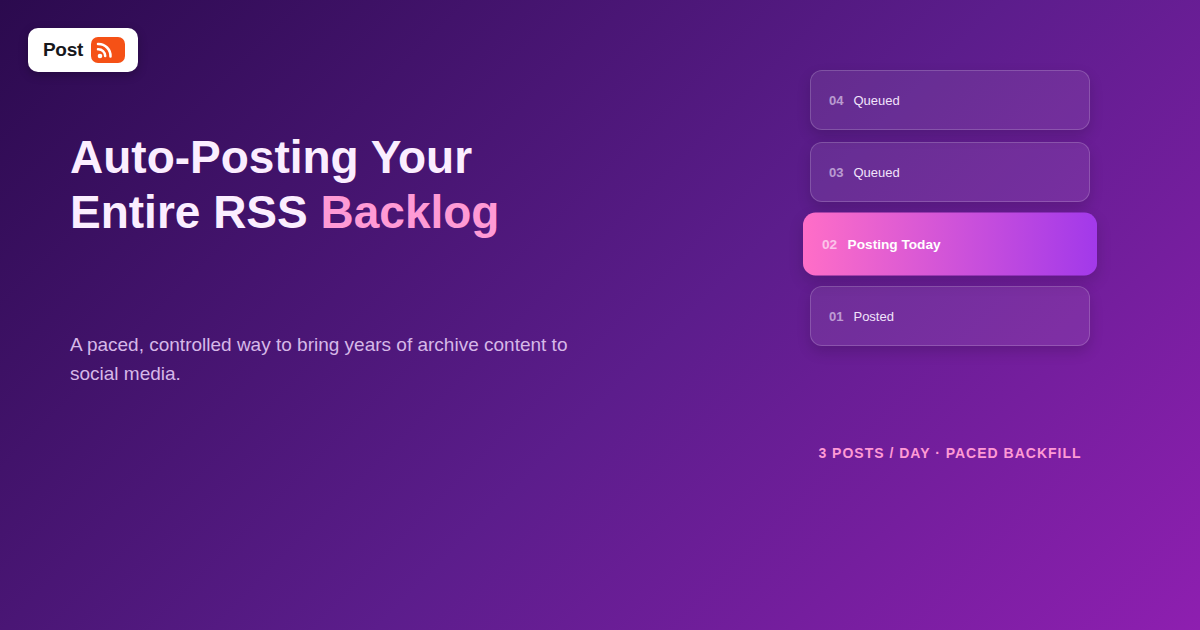
Rather than posting the entire backlog at once, most automation tools that support backfill let you cap how many older items get posted per day. A pace of two to five posts per day from the archive, layered alongside any genuinely new content, keeps a new account’s feed looking active without overwhelming new followers with an unbroken wall of old material.
Chronological order (oldest first) tends to feel the most natural to new followers, since it mirrors how a normal, long-running account would have posted originally. Some sites prefer reverse-chronological (newest-first) instead, prioritizing the most currently relevant content early in the backfill — either works, but it’s worth being deliberate about the choice rather than leaving it to whatever default order the feed happens to provide.
Facebook, X, and other platforms impose posting-frequency limits on connected apps and pages, and a backfill that’s too aggressive can hit those limits, causing posts to fail or get delayed unpredictably. Staying comfortably under a platform’s typical rate limit — generally well under ten posts per day per platform during a backfill — avoids this problem entirely.
A site migration can reset GUIDs or publish dates on every article, even though the content itself hasn’t changed. If a backfill is happening because of a platform migration rather than a genuinely new blog, it’s worth being especially careful to filter out content that’s already been shared on social media under the old system, to avoid an unintentional wave of duplicate posts on top of the intentional backfill.
Some archives don’t exist as a clean RSS feed at all — older content might only be exportable as a spreadsheet or database dump. In that case, a one-time CSV import to seed the initial backfill, followed by a switch to normal RSS-based automation for everything published going forward, is a practical combination that handles both the historical gap and future content with the right tool for each.
If the archive is small or genuinely not worth surfacing (a handful of outdated placeholder posts from a soft launch, for instance), skipping the backfill entirely and starting clean with only new content going forward is often the simpler and more sensible choice. There’s no rule that says every historical post has to make it to social media.
For a typical archive of 100 to 300 posts, a pace of three to five backfilled posts per day means the entire archive gets worked through in roughly two to three months, running quietly alongside any genuinely new content the site publishes in the meantime. This is deliberately slow by design — the goal of a backfill isn’t to catch up as fast as possible, but to give old content a legitimate, unhurried second life without ever making the account’s feed look like an obvious, automated dump of years of backlog all at once.
A backfill is one of the rare cases in social media automation where slower is genuinely better, and it’s worth communicating that clearly to anyone else on the team who might be watching the account’s activity closely in the first few weeks. It’s easy for a marketing lead or business owner, eager to see the new automated setup “working,” to ask why only three or four posts went out today when a hundred-post archive is sitting there ready to go. Framing the backfill pace as a deliberate choice — protecting the account’s credibility and avoiding platform rate limits — up front avoids a well-meaning but counterproductive request to “just post it all now” partway through the process.
This is also a good moment to align on what “done” looks like. A backfill isn’t finished when every old post has technically been queued — it’s finished when the automation has smoothly transitioned back to posting only genuinely new content as it publishes, with the historical gap fully closed. Having that endpoint defined ahead of time makes it much easier to recognize when the process is actually complete, rather than leaving it as an open-ended, ambiguous task.
Not every RSS-to-social automation tool is built with backfill scenarios in mind, since most are designed primarily around ongoing, real-time posting. When evaluating a tool specifically for this use case, look for a few concrete capabilities: the ability to cap posts per day independent of how many feed items are available, control over posting order (oldest-first versus newest-first), the ability to exclude specific items or date ranges from the feed before they ever reach the posting queue, and a clear way to confirm when the initial connection is made whether the tool’s default behavior is “post everything now” or “start fresh from here forward.” Confirming these settings before making the live connection saves the awkward cleanup of deleting a flood of accidental posts after the fact.
Generally not, as long as the content itself still reads as accurate and relevant. A well-written, still-useful article from two years ago doesn’t announce its age in a social post the way a dated timestamp on the original blog would, and most readers engage with the content on its own merits rather than checking its original publish date.
There’s no universal number, but staying in the two-to-five-per-day range per platform is a reasonable, sustainable pace for most accounts, and staying comfortably under each platform’s technical rate limits avoids posts failing or getting silently delayed.
Not necessarily different styles, but it can help to occasionally flag backfilled content as “from the archive” or similar in the caption, particularly for time-sensitive topics, so readers have context for the original publish timing without it feeling deceptive.
Check whether the tool at least supports connecting to a feed without immediately posting its full existing contents, so you can then manually and gradually select or approve older items to post over time rather than relying on a fully automated pace.
It depends on how much of the archive is still genuinely useful. If most of the older content holds up well and would provide real value to a new reader today, a backfill is usually worth the modest setup effort; if the archive is thin, outdated, or not particularly relevant anymore, starting fresh is a perfectly reasonable choice.
No — sharing a link to an existing page on social media doesn’t create duplicate content in the way that matters for search engines, since the content itself only exists once, on your site; social posts are just links pointing back to it.
Yes, if the feed supports category filtering — many organizations choose to backfill their most evergreen, most broadly useful content category first, and save more niche or time-sensitive older categories for later in the schedule.
Starting social automation with a large existing archive is a genuinely different problem from ongoing, real-time posting, and treating it the same way — connecting the feed and letting the default behavior run — is the most common way a new account’s first impression goes wrong. A controlled, paced backfill that filters out outdated content, respects platform rate limits, and eventually hands off to normal real-time posting turns years of existing content into a genuine asset instead of either a flood of spam or a wasted opportunity sitting untouched in the archive.
What changed in the networks, what broke, and how to fix it before it costs you reach.
Vytvořilo je Internet Solutions, tým za PostRSS. Každý produkt vám ušetří čas po svém.
 English
 Lietuviškai
 Deutsch
 Français
 Русский
 Español
 Polski
 Italiano
 Українська
 Čeština
 Português
 日本語
日本語 Latviešu valoda
 Eesti
Eesti Magyar
 Bahasa Indonesia
 Türkçe
 हिन्दी
 Ελληνικά
 العربية
 ไทย
ไทย Tiếng Việt
 Română
 Bahasa Melayu
 বাংলা
বাংলা