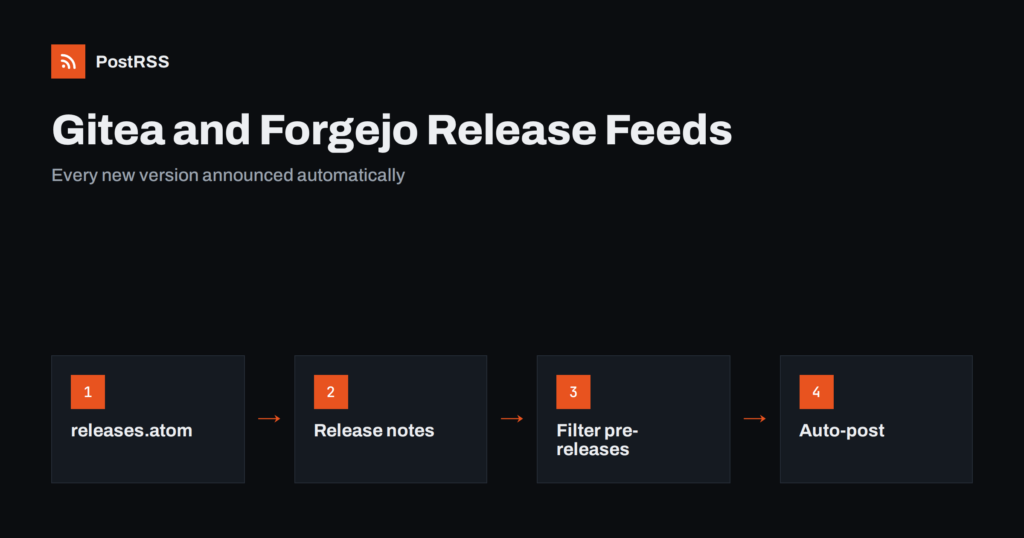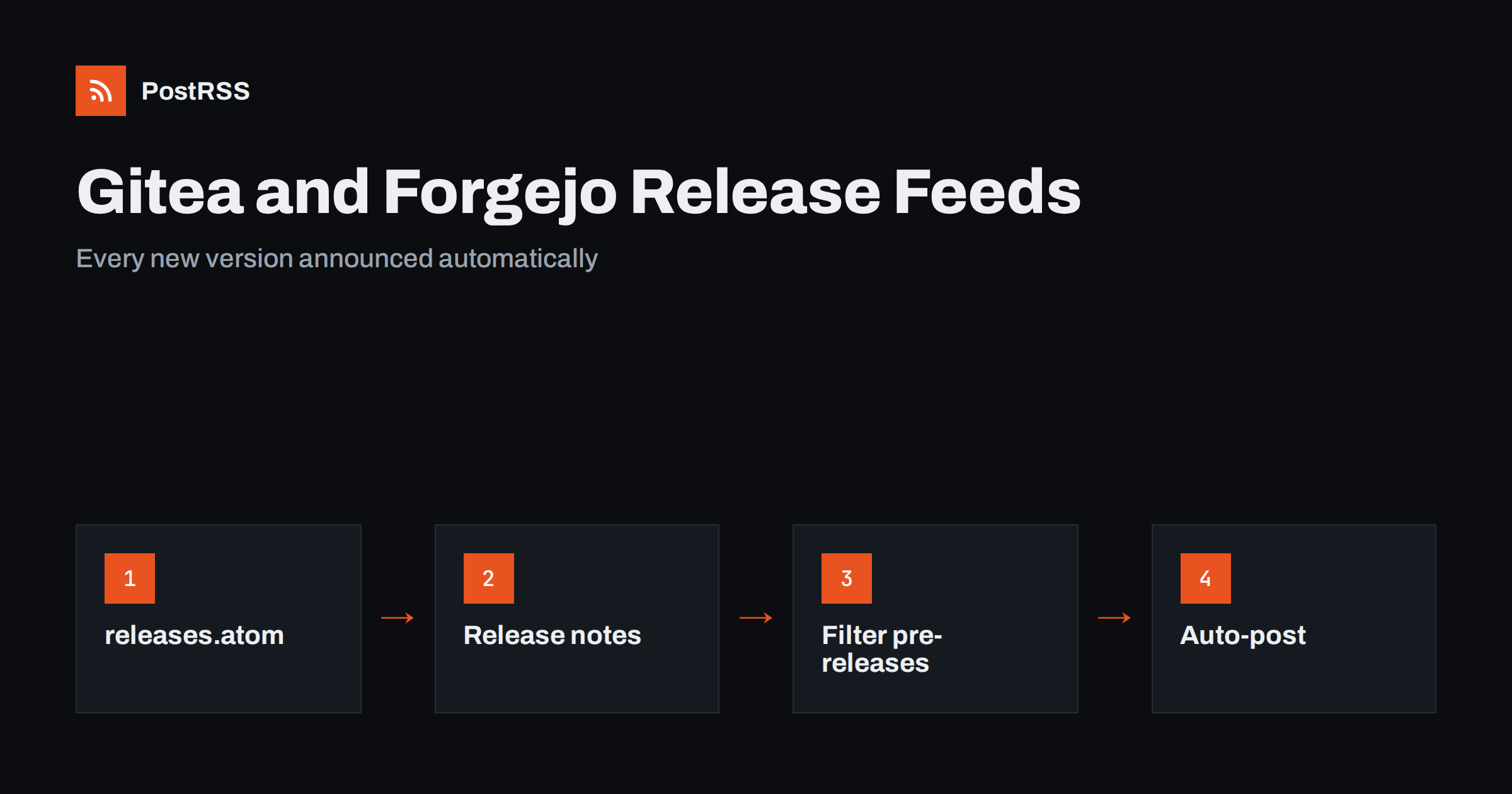
Short answer: Gitea and Forgejo, including the public service Codeberg, publish Atom and RSS feeds for repositories, releases and tags. Open the releases page of a project, add .atom nebo .rss to the address of the releases list, check that the feed shows your latest release, and paste its address into an auto-poster. Every new release then appears on your social channels with its name, notes and link, without anyone copying the announcement by hand.
Many teams now host their code on a self-managed forge instead of a large commercial platform. Gitea, and its community fork Forgejo, are light, easy to run and popular with open-source maintainers, small companies, schools and hobbyists. Codeberg, a non-profit service, runs on Forgejo. Whatever the instance, the problem is the same: a new version is released, and users only learn about it when they happen to visit the repository. This guide explains which feeds these forges provide, how to find them, how to make release notes readable, and how to share each release automatically.
A release is the moment when a project is most newsworthy. Users want to know about bug fixes and security updates, contributors want to see their work shipped, and potential users want proof that the project is alive. A feed turns each release into a message that can be sent wherever your community is: a Mastodon account, a Telegram channel, a team chat or a Discord server. It removes the chore of writing the same announcement in five places and the risk of forgetting one. It also keeps the facts consistent, because all channels carry the text of the release page.
If your project is hosted elsewhere, the principle is identical. See auto-posting GitHub releases for the largest platform.
The exact list depends on the version of the instance, so always check on your own forge. Recent releases of both Gitea and Forgejo offer feeds in these places:
/owner/repo/releases.atom nebo /owner/repo/releases.rss./owner/repo/tags.atom nebo /owner/repo/tags.rss..atom nebo .rss, which lists recent commits and events..atom nebo .rss.For announcements, the releases feed is the best choice. Tags are useful when a project creates tags but not release pages. Commit feeds are noisy and rarely suitable for public posts. Open the address in a browser and look at the result; the difference between Atom and RSS is small, and the choice is covered in Atom or RSS for auto-posting.
https://git.example.com/team/project/releases..atom to the end, giving https://git.example.com/team/project/releases.atom.On Codeberg the same pattern works with the domain codeberg.org. If your instance sits behind a firewall, the auto-poster cannot reach it, because the feed must be available on the public internet. Private repositories are not suitable for public auto-posting, and you should not put access tokens into a feed address that an automation service stores.
Each entry in the feed carries the release title, the link to the release page, the publication date and the release notes as HTML. The title is usually the version name, such as v2.4.0 or “Spring release”, and the notes are whatever the maintainer wrote when the release was created. That means the quality of your posts depends on the quality of your release notes. A title that says only “v2.4.0” with an empty description produces a poor post. A title with a name and a three-line summary produces a good one. Use the same pattern for every release so that followers recognise it.
Release notes serve two readers: the developer who needs details and the follower who wants a headline. Start the notes with one sentence that says what changed for users, then list fixes and features in short bullets. Put the most important item first. Avoid internal ticket numbers in the first line, and avoid abbreviations that outsiders do not know. For security releases, say clearly that an update is recommended, and link to the full advisory instead of repeating details in the post. Keep the first 200 characters useful, because that is the part most networks show.
If you generate release notes automatically from commit messages, review them before publishing. A list of “fix typo” and “merge branch” lines is accurate but does not make anyone want to update.
Forges let you mark a release as a draft or as a pre-release. Drafts normally do not appear in the public feed, which is what you want. Pre-releases may appear, and you must decide whether to announce them. If you do not want release candidates on your public channels, use a keyword filter in the auto-poster to skip titles that contain “rc”, “beta” or “alpha”, or publish pre-releases only from a separate feed. The idea is similar to the one in filtering a feed before auto-posting. Tags without release pages have no notes at all, so they make poor posts; create a release page for every version you want to announce.
Organisations often maintain several projects and want one announcement channel. You have two options. The first is to add each repository feed as a separate source and send them all to the same account. The second is to build a single combined feed. The first approach is simpler and keeps each project’s name in the title, which helps readers; the second suits cases where you need common filtering. The combination strategies are described in combining multiple RSS feeds. For very active organisations, spread posts over the day rather than publishing ten announcements within a minute.
Most projects do best with one developer-friendly channel and one general channel. Add more only if you can answer questions that appear under the posts.
Sometimes the feed does not give you what you need. A project may want to announce only releases that have a certain label, or to add a line such as a download link or a checksum that is not in the notes. Gitea and Forgejo both provide a REST API that returns releases as JSON, with names, notes, dates and download links. A small script can read the API, build a custom feed with exactly the fields you want and publish it on your own website. The auto-poster then reads that feed instead. This takes more work than using the built-in feed, so start with the standard address and add a script only when you have a real reason. If you do build your own feed, the rules for escaping, dates and stable identifiers in writing an RSS feed by hand apply.
An announcement feed should contain only what you are happy to show to everyone. Check release notes for internal host names, private issue links and details of unfixed vulnerabilities before you publish a release, because the text is copied automatically to every channel. Do not post the technical details of a security problem until users have had time to update. Be considerate toward the server that hosts your repository as well: a feed that is checked every minute is a small load, but if you run a small self-hosted instance, enable caching in front of it, as described in RSS feed caching explained. Finally, remember that once a post is public, deleting the release does not delete the copies on other networks.
.atom to the address.PostRSS has been publishing RSS and Atom feeds to social networks since 2014. Paste the address of your releases feed, connect your accounts and choose how each post is built from the title, the description or the page title. PostRSS checks the feed as often as every minute and shares each new release, with its link, to the channels you choose among 66 supported networks, messengers, team chats and blogs, including LinkedIn, X, Bluesky, Mastodon and Telegram. Keyword filters, UTM parameters, hashtags from categories and posting windows let you tune each channel, and the REST API and webhooks connect PostRSS to your own systems. See the PostRSS features page and the plan limits on the pricing page. More developer guides are under the Technical Guide tag.
Gitea, Forgejo and Codeberg already publish the feed you need. Find the releases address, add the Atom or RSS extension, check the newest item and write release notes that read well as a post. Skip drafts and release candidates with a filter if you do not want them announced, keep private repositories out of public automation and route the posts to the channels where your users are. After that, every version you ship announces itself.
Recent versions of Gitea and Forgejo provide Atom and RSS feeds for releases and tags. Add the extension to the releases address and open it to check. If you get a 404 error, your instance may be older.
Codeberg runs on Forgejo, so the same address pattern works with the codeberg.org domain for public repositories.
It is not a good idea. A public auto-poster cannot read a feed that needs a login, and you should never place a secret token in a feed address. Announce releases from a public repository or a public news page instead.
Mark them as pre-releases and use a keyword filter in the auto-poster to skip titles that contain words such as rc, beta or alpha. You can also keep them out of the public feed by publishing them in a separate repository.
Yes. Paste the public feed address as a source in PostRSS, connect your social accounts and each new release is posted automatically. Make sure the address opens without a login first.
{“@context”: “https://schema.org”, “@type”: “FAQPage”, “mainEntity”: [{“@type”: “Question”, “name”: “Does Gitea have an RSS feed for releases?”, “acceptedAnswer”: {“@type”: “Answer”, “text”: “Recent versions of Gitea and Forgejo provide Atom and RSS feeds for releases and tags. Add the extension to the releases address and open it to check. If you get a 404 error, your instance may be older.”}}, {“@type”: “Question”, “name”: “Is the feed the same on Codeberg?”, “acceptedAnswer”: {“@type”: “Answer”, “text”: “Codeberg runs on Forgejo, so the same address pattern works with the codeberg.org domain for public repositories.”}}, {“@type”: “Question”, “name”: “Can I auto-post a private repository?”, “acceptedAnswer”: {“@type”: “Answer”, “text”: “It is not a good idea. A public auto-poster cannot read a feed that needs a login, and you should never place a secret token in a feed address. Announce releases from a public repository or a public news page instead.”}}, {“@type”: “Question”, “name”: “How do I avoid announcing release candidates?”, “acceptedAnswer”: {“@type”: “Answer”, “text”: “Mark them as pre-releases and use a keyword filter in the auto-poster to skip titles that contain words such as rc, beta or alpha. You can also keep them out of the public feed by publishing them in a separate repository.”}}, {“@type”: “Question”, “name”: “Can I use these feeds with PostRSS?”, “acceptedAnswer”: {“@type”: “Answer”, “text”: “Yes. Paste the public feed address as a source in PostRSS, connect your social accounts and each new release is posted automatically. Make sure the address opens without a login first.”}}]}
What changed in the networks, what broke, and how to fix it before it costs you reach.
Vytvořilo je Internet Solutions, tým za PostRSS. Každý produkt vám ušetří čas po svém.
 English
 Lietuviškai
 Deutsch
 Français
 Русский
 Español
 Polski
 Italiano
 Українська
 Čeština
 Português
 日本語
日本語 Latviešu valoda
 Eesti
Eesti Magyar
 Bahasa Indonesia
 Türkçe
 हिन्दी
 Ελληνικά
 العربية
 ไทย
ไทย Tiếng Việt
 Română
 Bahasa Melayu
 বাংলা
বাংলা