66টি সোশ্যাল নেটওয়ার্কে RSS: Facebook, Instagram, X, LinkedIn, Telegram এবং আরও অনেক কিছু ব্লগ অ্যাফিলিয়েট যোগাযোগ
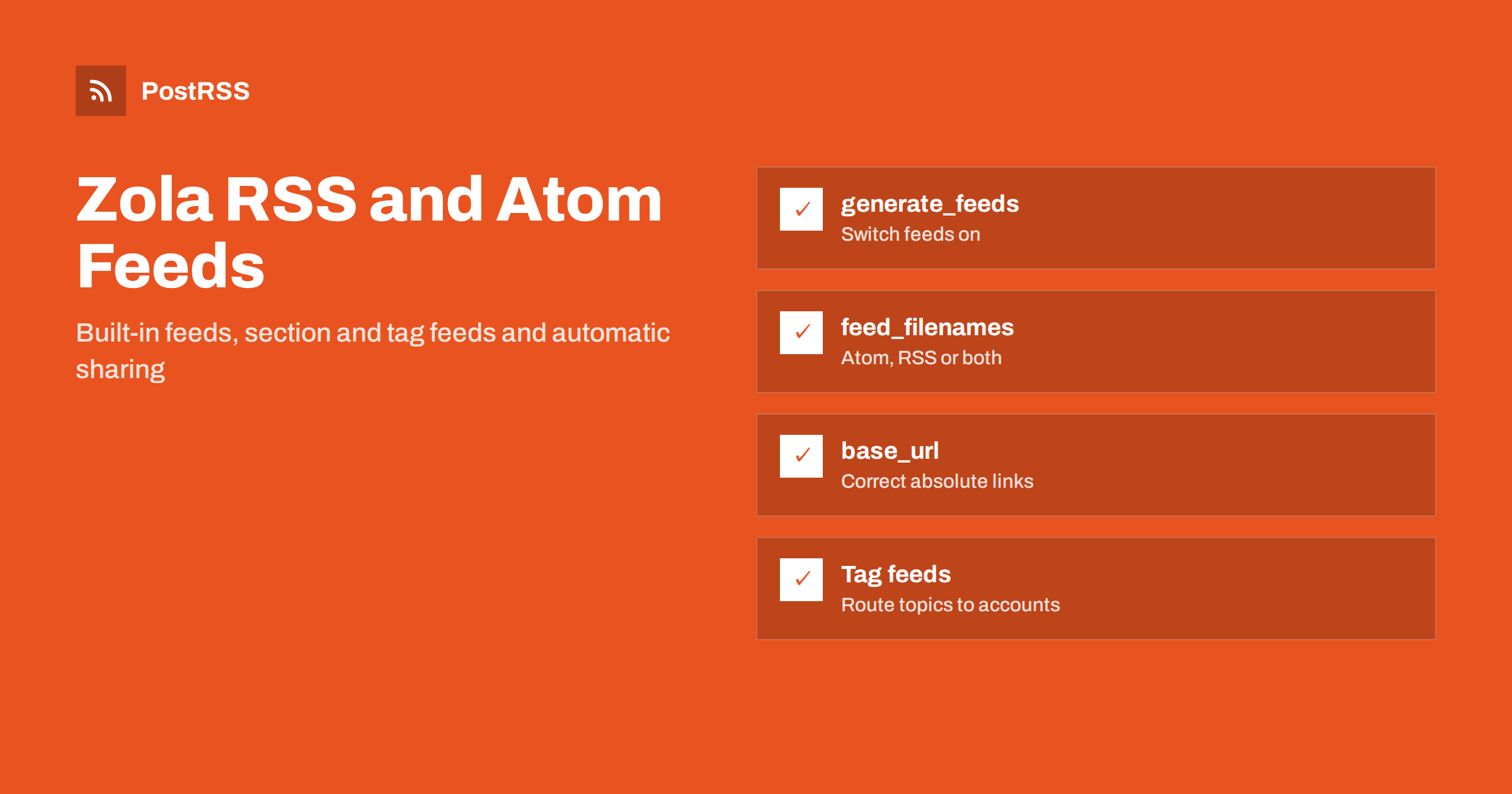
Short answer: Zola can generate RSS and Atom feeds itself; you only need to switch them on. In config.toml, set base_url to your public https address, enable generate_feeds = true and list the files you want in feed_filenames, for example ["atom.xml", "rss.xml"]. Enable feeds for individual sections and taxonomies too if you need them, rebuild with zola build and deploy. Then point an RSS auto-poster at the feed and every new page is shared automatically.
Zola is a fast static site generator written in Rust and distributed as a single binary. It is popular for personal blogs, developer sites, documentation and small company websites because it needs no runtime, no package manager and very little configuration. Feeds are built in, but they are not enabled in a new project, and a couple of settings changed names between versions. This guide explains how to enable feeds correctly, which details cause broken links or missing posts, and how to use the feed for automatic social sharing.
No. A new Zola site does not produce a feed until you enable it in config.toml. Many themes show a feed icon anyway, which links to a file that does not exist yet. Open your live site and add /atom.xml অথবা /rss.xml to the address; if you get a 404, the feed is not enabled.
Once enabled, Zola renders the feed from built-in templates, so you get valid XML without writing any template code. You can override those templates later if you need custom elements.
In recent Zola versions, the site-wide settings look like this:
base_url = "https://blog.example.com"
title = "Example Blog"
description = "Notes on software, travel and photography"

generate_feeds = true
feed_filenames = ["atom.xml", "rss.xml"]
feed_limit = 20
What each setting does:
base_url is used to build every absolute link in the site and in the feeds.generate_feeds switches feed generation on for the whole site.feed_filenames chooses the formats: atom.xml uses the built-in Atom template, rss.xml the built-in RSS template. You can list one or both.feed_limit caps the number of items. Without it, the feed includes every page, which can become very large on an older blog.Older Zola versions used singular names, generate_feed এবং feed_filename, with only one format at a time. If you upgrade Zola and the feed disappears, or zola build reports an unknown key, this rename is the usual reason. Check the documentation for your version; the Zola feeds documentation describes the current options.
Atom is the classic default in Zola and is well supported by readers. RSS 2.0 is the format that the widest range of tools understands, including many social posting services and older integrations. Since Zola can produce both from the same content at no cost, enabling both is a sensible choice. Give tools the RSS feed unless they prefer Atom, and keep the address stable once they subscribe.
For more on whether the format matters, see JSON Feed vs RSS for auto-posting.
Every link in the feed comes from base_url. Common mistakes:
zola init ask for the URL; a quick answer such as https://example.com ends up in every feed link.https://user.github.io/project needs the full path in base_url.zola serve replaces base_url with a local address, so feeds generated during development contain localhost links. Always check the feed produced by zola build on your CI or hosting platform.Platforms such as Netlify and Cloudflare Pages let you pass a different URL for preview deployments, for example with zola build --base-url. Make sure production builds use the real address. After deploying, open the feed and click the first link; it should open the page exactly as visitors see it. Relative or wrong links are covered in relative URLs in RSS feeds.
Zola can generate feeds for individual sections and taxonomies, which is ideal for routing content to different social accounts.
Section feeds are enabled in the section’s _index.md front matter:
+++
title = "Blog"
sort_by = "date"
generate_feeds = true
+++
The feed then appears inside the section, for example at /blog/atom.xml এবং /blog/rss.xml. This is useful when the site also has documentation, projects or other pages that should not appear in a blog feed.
Taxonomy feeds are enabled per taxonomy in config.toml:
[[taxonomies]]
name = "tags"
feed = true

[[taxonomies]]
name = "categories"
feed = true
Each term then gets its own feed, such as /tags/rust/atom.xml. A personal blog might send the “programming” feed to Mastodon and LinkedIn, and the “travel” feed to Pinterest and Facebook. Keep term names consistent, because Rust এবং rust-lang become different terms with half-empty feeds. Routing ideas are in RSS feed category filtering.
Zola sorts and dates feed items from each page’s front matter:
+++
title = "Moving our build pipeline to a single binary"
date = 2026-10-11
description = "Why we replaced four build tools with one, and what we learned."
[taxonomies]
tags = ["rust", "devops"]
+++
date cannot be placed correctly in a feed, so give every post one. Add a time, such as 2026-10-11T16:15:00Z, if you publish several posts on the same day.draft = true are excluded from builds unless you pass --drafts, so they never reach the feed. Keep unpublished posts as drafts until the day they should go out.<!-- more --> marker in a post to define its summary. The built-in feed templates use it, and many auto-posters use the feed description as post text.description in front matter is useful for meta tags and for custom feed templates.Because Zola is static, nothing changes on the live site until you build and deploy. If you prepare posts in advance, schedule a regular CI build and flip the draft flag when a post should go live. Our article on RSS date format errors covers date pitfalls in general.
The built-in templates are a good start, but you may want extra elements, such as an image enclosure, categories from tags, or a different description. Copy Zola’s built-in template into your templates folder under the same name, for example templates/rss.xml, and edit it. Zola uses your file instead of the built-in one.
Inside the template you have access to the pages, their titles, permalinks, dates, summaries, content and front matter extra fields. A typical addition is an image from page.extra.image, output as an absolute URL in an enclosure element. Use Tera’s escaping filters for any text you add, so titles with ampersands do not break the XML.
Many auto-posters also read the page’s og:image tag, so make sure your theme outputs it from the same front matter field. Use images at least 1200 pixels wide. See how to control which image gets auto-posted.
Zola supports multiple languages, with translated pages stored as files such as post.fr.md next to post.md. Feeds follow the same structure, and each language can have its own:
[languages.fr] block in config.toml, with the same generate_feeds এবং feed_filenames settings;/fr/atom.xml, and contains only pages in that language;Treat each language feed as a separate source and connect it to the social accounts for that audience. A French account posting English articles looks like a mistake to followers, so keep the streams apart. For strategy, see automating multi-language website content.
Feed readers and auto-posters remember items by their ID, which in Zola’s feeds is based on the page permalink. Permalinks come from the file path, the slug front matter field and section paths. If you rename files, move a section, change slugs or switch domains, the IDs change and tools may treat your archive as new.
Decide on a structure early, set explicit slug values for important posts, and use Zola’s aliases front matter to create redirects when you must move a page. Before a domain change, read why a feed auto-posts the same article twice.
Add an autodiscovery link to your base template so browsers, readers and tools can find the feed:
<link rel="alternate" type="application/rss+xml"
      title="{{ config.title }}" href="{{ get_url(path='rss.xml', trailing_slash=false) }}">
Many Zola themes already include such a link when feeds are enabled; check your page source. A visible feed link in the footer helps human subscribers. More on discovery is in RSS ফিড অটোডিসকভারি.
| Symptom | Cause | Fix |
|---|---|---|
| atom.xml returns 404 | Feeds not enabled | generate_feeds = true |
| Build error after upgrade | Old singular setting names | Use generate_feeds এবং feed_filenames |
| Links point to localhost | Feed copied from zola serve | Use the output of zola build |
| Links miss the subfolder | Incomplete base_url | Include the full path |
| Docs pages in the blog feed | Only the site-wide feed used | Enable a section feed for the blog |
| Archive reshared | Moved files or changed slugs | Stable slugs and aliases |
After deploying, open the feed, check that the newest post is first and links work, and validate it with the W3C Feed Validation Service. Then connect it to an auto-poster. A few tips for static sites:
PostRSS has been publishing RSS and Atom feeds to social networks since 2014. Paste the address of your Zola feed, or several section and taxonomy feeds, connect your accounts and choose the post format. PostRSS checks the feeds as often as every minute and shares each new page, with its image and link, to the networks you choose among 66 supported networks, messengers, team chats and blogs, including Mastodon, Bluesky, LinkedIn, Telegram, Discord and DEV. Keyword filters, UTM parameters, hashtags from categories and posting windows let you tailor each channel. See the PostRSS features page and the plan limits on the pricing page. More developer guides are under the Technical Guide tag.
Zola’s feeds are built in and need only a few settings: a correct base_url, generate_feeds = true, the formats in feed_filenames and a sensible feed_limit. Add section and taxonomy feeds for routing, give every page a date and summary, keep slugs stable and validate the production feed once. Then every new post can reach your social channels automatically.
Set generate_feeds to true in config.toml and list rss.xml, atom.xml or both in feed_filenames. Make sure base_url is your public address, then rebuild and deploy the site.
Recent versions renamed the settings from generate_feed and feed_filename to generate_feeds and feed_filenames. Update config.toml to the new names and rebuild.
Yes. Set generate_feeds to true in a section’s _index.md for a section feed, and feed to true in a taxonomy definition for one feed per term, such as each tag.
The zola serve command replaces base_url with a local address for previews. Use the feed generated by zola build with the production base_url, which is what your host serves.
Yes. Once the feed is live, an RSS auto-poster such as PostRSS can watch it, or individual section and tag feeds, and share every new post with the networks you connect.
What changed in the networks, what broke, and how to fix it before it costs you reach.
PostRSS-এর পেছনের টিম Internet Solutions-এর তৈরি। প্রতিটি পণ্য নিজের মতো করে আপনার সময় বাঁচায়।
 English
 Lietuviškai
 Deutsch
 Français
 Русский
 Español
 Polski
 Italiano
 Українська
 Čeština
 Português
 日本語
日本語 Latviešu valoda
 Eesti
Eesti Magyar
 Bahasa Indonesia
 Türkçe
 हिन्दी
 Ελληνικά
 العربية
 ไทย
ไทย Tiếng Việt
 Română
 Bahasa Melayu
 বাংলা
বাংলা