66টি সোশ্যাল নেটওয়ার্কে RSS: Facebook, Instagram, X, LinkedIn, Telegram এবং আরও অনেক কিছু ব্লগ অ্যাফিলিয়েট যোগাযোগ
In the modern digital landscape, content marketing is one of the most powerful engines for driving business growth, building br...
আরও পড়ুন »
In the modern digital environment, content distribution is just as important as content creation. You can write the most insigh...
আরও পড়ুন »
In the crowded digital landscape, visibility is everything. If your audience doesn't see your updates regularly, your brand...
আরও পড়ুন »
When distributing content to a global audience, timing is everything. A brilliant blog post or product announcement won't g...
আরও পড়ুন »
Social networks are an inseparable helper when it comes to attracting massive traffic to your website, gaining the trust of you...
আরও পড়ুন »
If you are looking for an efficient way to autopost your website content directly to major social networks, you are in the righ...
আরও পড়ুন »
Maintaining an active presence across multiple digital channels is a fundamental requirement for modern business growth. Your p...
আরও পড়ুন »
As a WordPress publisher, you have likely come across the term RSS multiple times. Every standard WordPress website automatical...
আরও পড়ুন »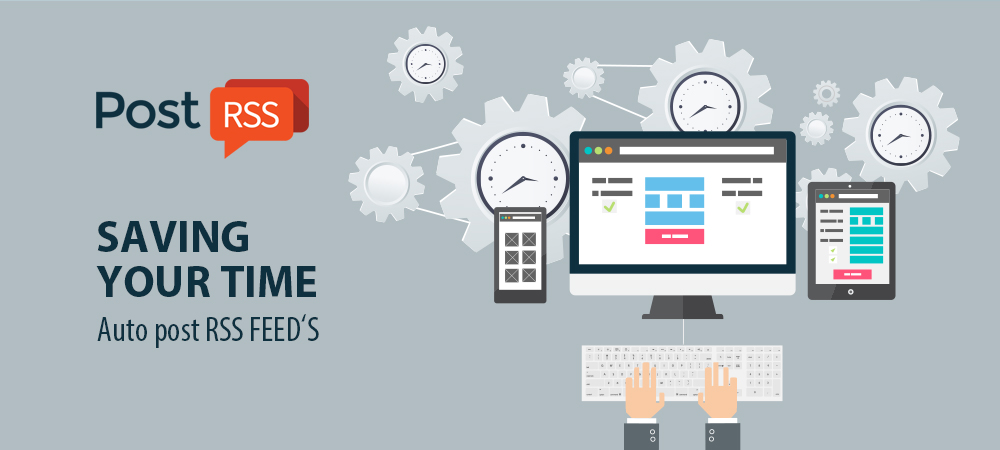
Time is the most valuable asset for any digital creator, entrepreneur, or marketer. If you are still manually copying titles, u...
আরও পড়ুন »
Building and maintaining a consistent brand presence across multiple social networks often feels like a full-time job. Between ...
আরও পড়ুন »
Facebook remains one of the most powerful platforms for driving organic traffic, engaging with your community, and building bra...
আরও পড়ুন »
Consistently updating your brand's social media profiles can easily turn into a demanding chore. For digital creators, publ...
আরও পড়ুন »PostRSS-এর পেছনের টিম Internet Solutions-এর তৈরি। প্রতিটি পণ্য নিজের মতো করে আপনার সময় বাঁচায়।
 English
 Lietuviškai
 Deutsch
 Français
 Русский
 Español
 Polski
 Italiano
 Українська
 Čeština
 Português
 日本語
日本語 Latviešu valoda
 Eesti
Eesti Magyar
 Bahasa Indonesia
 Türkçe
 हिन्दी
 Ελληνικά
 العربية
 ไทย
ไทย Tiếng Việt
 Română
 Bahasa Melayu
 বাংলা
বাংলা