66টি সোশ্যাল নেটওয়ার্কে RSS: Facebook, Instagram, X, LinkedIn, Telegram এবং আরও অনেক কিছু ব্লগ অ্যাফিলিয়েট যোগাযোগ
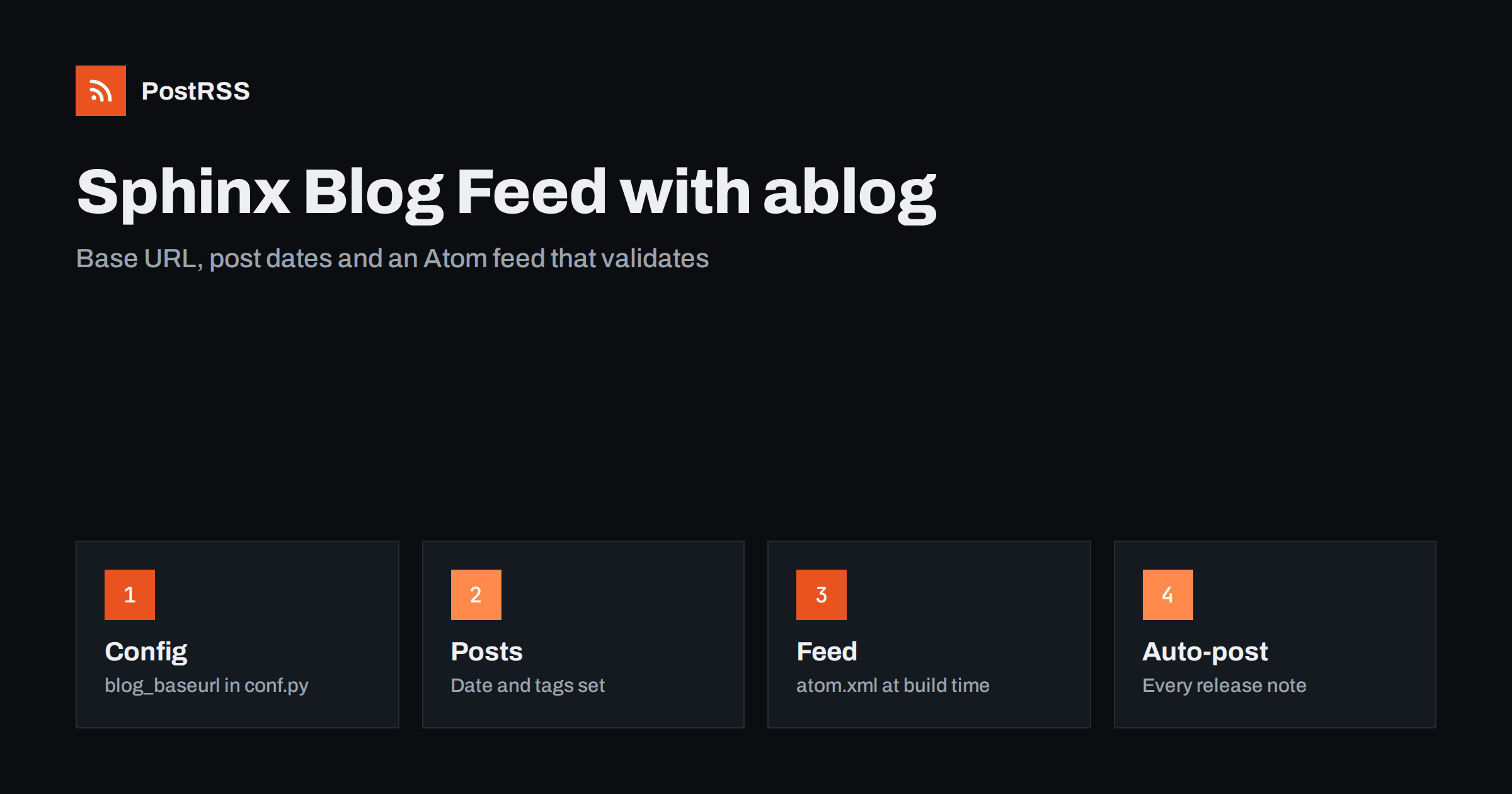
Short answer: Sphinx has no feed of its own, but the ablog extension adds a blog to a documentation site and writes an Atom feed at build time, usually at blog/atom.xml. Add ablog to the extensions list, set blog_baseurl to the public address of the site so that every link in the feed is absolute, write each announcement with a post directive that has a date and tags, build the site, and open the generated feed. Validate it, make sure the address stays the same across versions of the docs, add an autodiscovery link to the page head, and give the public address to an auto-poster so each new post is shared automatically.
Sphinx is the documentation generator behind a large part of the Python world and many other open source projects. Its output is static HTML, which is wonderful for documentation and awkward for news: there is no database, no publishing date for pages and no built-in way to tell people that a release has just been published. Projects usually solve this with a mailing list, a social media account or a changelog that readers must remember to check. A feed solves it in a better way, because anyone can subscribe without an account and an auto-poster can turn every announcement into a social media post. The ablog extension is the standard way to get one. This guide shows how to configure it, what the generated feed looks like, which mistakes are common and how to keep the feed dependable once other systems rely on it.
A feed is worth adding whenever new items appear on a schedule you do not control: release announcements, security notices, migration guides, conference talks or community news. Readers who follow it in a feed reader get every item in order. Search engines and aggregators discover new pages faster. And an auto-poster such as PostRSS can share each new item on social networks the moment it is published, which turns a quiet release routine into a steady stream of visibility for the project.
If your project already publishes releases on a platform that provides its own feed, such as a package index or a code hosting site, you may not need a second one; see the guide to PyPI release feeds. Add an ablog blog when you want announcements written in your own words, on your own domain and next to your documentation. If your documentation is built with another tool, see the MkDocs guide অথবা the Docusaurus guide.
Install the extension in the same environment as Sphinx, and add it to your documentation requirements, so that a hosted build also has it.
pip install ablogThen edit conf.py. The setting that matters most is blog_baseurl. Atom feeds need absolute links, and ablog builds them from this value, so it must be the public address of the published site, with a trailing slash.
# conf.py
extensions = [
    'ablog',
]

blog_baseurl = 'https://docs.example.com/'
blog_title = 'Example Project News'
blog_path = 'blog'
blog_authors = {
    'maintainers': ('Example Project maintainers', 'https://example.com/team/'),
}
blog_default_author = 'maintainers'

blog_feed_fulltext = False
blog_feed_length = 10
blog_feed_archives = False

templates_path = ['_templates']
The options work like this. The path is the folder inside your documentation where the blog lives. A full-text feed contains the whole post in every entry, while a feed with summaries contains only the first paragraph, and for an auto-poster the summary is usually the better choice, because it needs a title and a short description and a link back to your site. The length limits how many entries the feed holds, and ten to twenty is plenty. Archive feeds create a separate feed for each tag and category if you turn them on, which is useful when you want to send security notices and release notes to different channels.
A post is a normal reStructuredText or MyST page with a post directive at the top. The directive carries the date, the tags and the category, and it is what tells ablog that the page belongs in the blog.
.. post:: Oct 26, 2026
   :tags: release, announcement
   :category: News
   :author: maintainers

Version 2.4 is released
=======================

Version 2.4 adds a faster parser, drops support for the oldest Python
version and fixes three security issues. Upgrade with pip, and read the
migration guide before you deploy.
Keep the first paragraph self-contained, because it becomes the summary in the feed and the text that an auto-poster may show. Use the same date format in every post, and check the generated feed once to make sure each date was read as you intended, especially for days that could be mistaken for months. Add your posts to a table of contents, or Sphinx will warn that a document is not included in any toctree, and read the build output for warnings after every change.
Build the site in the usual way with sphinx-build, or with the ablog command if you prefer its wrapper, and look for the feed in the output folder.
sphinx-build -b html . _build/html
ls _build/html/blog/atom.xml
head -c 1200 _build/html/blog/atom.xml
The file is an Atom feed. It has a title, an updated date, a list of entries and, for every entry, a title, an identifier, a link, an updated date and a summary or content. Atom is a standard format that readers and auto-posters understand in the same way as RSS, and PostRSS reads both. A few things to look at on the first build: the links must be absolute and begin with your real domain, not with localhost or a relative path; every entry must have a distinct identifier; and the dates must look right. If something is wrong, the cause is almost always blog_baseurl or a post directive.
| Atom element | Source | Rule |
|---|---|---|
| title | First heading of the post | Plain text, descriptive, under about 70 characters |
| link | blog_baseurl plus the page path | Absolute, with https, returning 200 directly |
| id | Generated from the address | Never changes after publication |
| updated | Post directive date | Written in one format for every post |
| summary | First paragraph | One or two self-contained sentences |
| category | Tags and category | A short, stable vocabulary |
The identifier is the most important decision. An auto-poster remembers which items it has already shared by their identifier. Because ablog builds it from the address of the post, renaming a file or moving a post to another folder changes it, and the same announcement is shared again. Decide on a naming scheme for your posts before you publish the first one and keep the file names unchanged afterwards.
A post directive carries a date and no time, so every post written on the same day has the same timestamp in the feed. That is fine for most projects, but it means two announcements on one day have no reliable order for an auto-poster. If you publish several posts a day, give them different dates only when the content really belongs to different days, and keep your announcements to one a day. Because the build runs on your machine or on a hosted service, also avoid dates in the future: a post dated tomorrow would appear in the feed today and be shared before its day. Do not count on the build to hold such a post back.
Documentation hosts often serve several versions of a site under different paths, for example latest and stable, or one folder per release. The feed lives inside each version, which means a blog written in one version is not part of another, and the address of the feed changes if you move it. Choose one canonical version for the blog, set blog_baseurl to the path of that version and give the address of its feed to every reader and auto-poster. If your blog is part of a versioned build, a good alternative is to host it as a separate small Sphinx project at its own address, which keeps the feed address independent from the version of the software.
Add a link element to the head of your pages so that browsers, feed readers and tools can find the feed from any page. If your theme does not already include one, a small override of the layout template does it. Create _templates/layout.html with the following content.
{% extends "!layout.html" %}
{% block extrahead %}
{{ super() }}
<link rel="alternate" type="application/atom+xml"
      title="Example Project News"
      href="https://docs.example.com/blog/atom.xml">
{% endblock %}
Most Sphinx themes support the extrahead block, but check the rendered page source after the build to confirm that the link appears once. The details of discovery are in the guide to feed autodiscovery.
A few minutes of testing prevents days of confusion later. Besides the usual external checks, a short script can read the built file and fail when it finds a problem, which is easy to run in a continuous integration job.
import sys
import xml.etree.ElementTree as ET

NS = {'a': 'http://www.w3.org/2005/Atom'}
root = ET.parse(sys.argv[1]).getroot()
entries = root.findall('a:entry', NS)
ids = [e.findtext('a:id', namespaces=NS) for e in entries]

problems = []
if not entries:
    problems.append('the feed has no entries')
if len(ids) != len(set(ids)):
    problems.append('duplicate entry identifiers')
for entry in entries:
    link = entry.find('a:link', NS).get('href', '')
    if not link.startswith('https://'):
        problems.append('link is not absolute: ' + link)

print('problems:', problems or 'none')
sys.exit(1 if problems else 0)
Run it with the path to the built file, then check the deployed site from the outside:
curl -i https://docs.example.com/blog/atom.xml and confirm a 200 status and an XML content type.There is a longer checklist in the feed validation guide and a short curl routine in the guide to debugging a feed with curl.
PostRSS has been publishing RSS and Atom feeds to social networks since 2014. Paste the address of your ablog feed, connect your accounts and choose how each post is built from the title, the description or the page title. PostRSS checks the feed as often as every minute and shares each new item, with its image and link, to the channels you choose among 66 supported networks, messengers, team chats and blogs, including LinkedIn, X, Bluesky, Mastodon and Telegram. Keyword filters, UTM parameters and posting windows let you tune each channel, and webhooks connect PostRSS to your own systems. See the PostRSS features page and the plan limits on the pricing page. More developer guides are under the Technical Guide tag. The ablog project documents every option at ablog.readthedocs.io.
A Sphinx documentation site can have a dependable feed with one extension: add ablog, set blog_baseurl, write each announcement with a post directive that has a date and tags, build the site and read the generated Atom file. Keep post file names unchanged so that identifiers stay stable, avoid future dates, choose one canonical address across versions, add an autodiscovery link, validate the feed with a script and a validator, and connect the address to an auto-poster. After that, every release note you publish can reach your community automatically.
No. Sphinx produces static documentation without publication dates. The ablog extension adds a blog with an Atom feed, and PostRSS reads Atom feeds in the same way as RSS.
By default at blog/atom.xml inside the build output, based on the blog_path setting. Open the built file to confirm the address before you give it to anyone.
Almost always because blog_baseurl is missing or points to the wrong address. Set it to the public address of the published site, with a trailing slash, and rebuild.
Yes. Turn on archive feeds with blog_feed_archives and give each tag or category its own feed address to the channel where it belongs.
Yes. PostRSS reads any valid RSS or Atom address that is reachable without a login. Paste the address, connect your channels and new items are shared as soon as they appear.
What changed in the networks, what broke, and how to fix it before it costs you reach.
PostRSS-এর পেছনের টিম Internet Solutions-এর তৈরি। প্রতিটি পণ্য নিজের মতো করে আপনার সময় বাঁচায়।
 English
 Lietuviškai
 Deutsch
 Français
 Русский
 Español
 Polski
 Italiano
 Українська
 Čeština
 Português
 日本語
日本語 Latviešu valoda
 Eesti
Eesti Magyar
 Bahasa Indonesia
 Türkçe
 हिन्दी
 Ελληνικά
 العربية
 ไทย
ไทย Tiếng Việt
 Română
 Bahasa Melayu
 বাংলা
বাংলা