66টি সোশ্যাল নেটওয়ার্কে RSS: Facebook, Instagram, X, LinkedIn, Telegram এবং আরও অনেক কিছু ব্লগ অ্যাফিলিয়েট যোগাযোগ
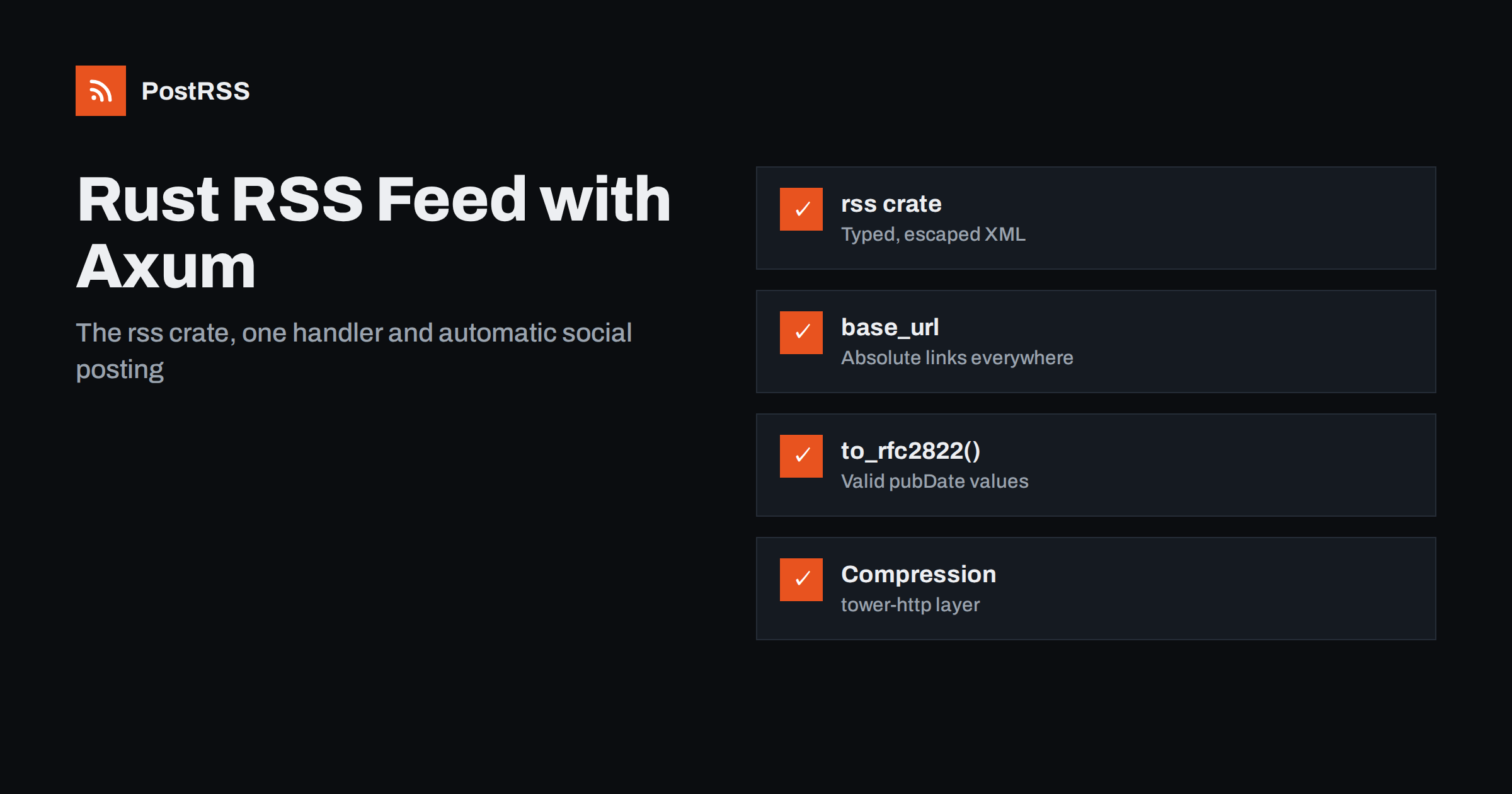
Short answer: To add a Rust RSS feed to an Axum application, build the channel with the rss crate, which escapes all text for you, and return it from a handler together with a Content-Type: application/rss+xml header. Load recent published posts from your database, use a configured base URL for absolute links, format dates with chrono’s RFC 2822 output and add a short cache header. Once the feed validates, any RSS auto-poster can share each new post on social networks.
Rust web services built on Axum are increasingly common for content platforms, internal portals, documentation back ends and personal blogs. They are fast and dependable, but they tend to start as JSON APIs, and the RSS feed is often missing. A feed is still the most widely understood way to announce new content: feed readers, aggregators, team chat integrations and social auto-posting tools all read it without any custom integration. This guide builds a clean feed endpoint, explains the details that typically go wrong, and shows how to use the feed for automatic sharing.
A feed that works for readers and automation tools:
guid;Images and categories are covered later. For a quick refresher on the elements, see what guid and pubDate actually do.
Add the crates to Cargo.toml. The versions shown are examples; use the current releases in your project:
[dependencies]
axum = "0.8"
tokio = { version = "1", features = ["full"] }
rss = "2"
chrono = { version = "0.4", features = ["serde"] }
sqlx = { version = "0.8", features = ["runtime-tokio", "postgres", "chrono"] }
tower-http = { version = "0.6", features = ["compression-gzip"] }
The rss crate provides typed builders for channels and items and serialises them to valid RSS 2.0. Building XML with format! is tempting, but a single title with an ampersand or a less-than sign breaks the whole document. Let the crate escape it.
Load only content that is published and whose publication time has passed. The second condition matters if you schedule posts: without it, an article prepared for next week appears in the feed today, and tools may share a link that does not work yet.
#[derive(sqlx::FromRow)]
struct Post {
    slug: String,
    title: String,
    summary: String,
    published_at: chrono::DateTime<chrono::Utc>,
}

async fn latest_posts(db: &sqlx::PgPool) -> sqlx::Result<Vec<Post>> {
    sqlx::query_as::<_, Post>(
        "SELECT slug, title, summary, published_at FROM posts
         WHERE published AND published_at <= now()
         ORDER BY published_at DESC LIMIT 30",
    )
    .fetch_all(db)
    .await
}
Store timestamps as timestamptz and read them as DateTime<Utc>. Mixing local and UTC times is one of the most common reasons why feed items appear hours early or late in readers.
The handler builds the channel and returns the XML with the right headers. Axum lets you return a tuple of headers and a body, which keeps this short:
use axum::{extract::State, http::header, response::IntoResponse};
use rss::{ChannelBuilder, GuidBuilder, ItemBuilder};

#[derive(Clone)]
struct AppState {
    db: sqlx::PgPool,
    base_url: String, // e.g. "https://example.com"
}

async fn rss_feed(State(state): State<AppState>) -> Result<impl IntoResponse, AppError> {
    let posts = latest_posts(&state.db).await?;

    let items: Vec<rss::Item> = posts
        .iter()
        .map(|p| {
            let url = format!("{}/blog/{}", state.base_url, p.slug);
            ItemBuilder::default()
                .title(Some(p.title.clone()))
                .link(Some(url.clone()))
                .guid(Some(GuidBuilder::default().value(url).permalink(true).build()))
                .description(Some(p.summary.clone()))
                .pub_date(Some(p.published_at.to_rfc2822()))
                .build()
        })
        .collect();

    let channel = ChannelBuilder::default()
        .title("Example Blog")
        .link(format!("{}/", state.base_url))
        .description("New articles from Example Blog")
        .language(Some("en".to_string()))
        .items(items)
        .build();

    Ok((
        [
            (header::CONTENT_TYPE, "application/rss+xml; charset=utf-8"),
            (header::CACHE_CONTROL, "public, max-age=300"),
        ],
        channel.to_string(),
    ))
}
Register the route with the state:
let app = axum::Router::new()
    .route("/feed.xml", axum::routing::get(rss_feed))
    .with_state(state);
AppError stands for your own error type that implements IntoResponse. Map database errors to a 500 response and log them; a feed that silently returns an empty channel on errors is much harder to debug than one that fails visibly.
RSS links must be absolute. The handler builds them from a base_url value loaded from configuration or an environment variable, rather than from the request’s Host header. That is deliberate. An Axum service usually runs behind a reverse proxy, a load balancer or a container router, and the request it sees may say localhost:3000 or plain HTTP. A configured base URL is predictable everywhere, including in tests and background jobs.
Use the same value for the channel link, item links and any image URLs, and make sure it has no trailing slash if you add one in the format strings. After deployment, open the feed and click the first item link. Broken or relative links are a classic reason why shared posts lead nowhere, as explained in relative URLs in RSS feeds.
RSS requires dates in the RFC 822 style, which in practice means the RFC 2822 format. chrono’s to_rfc2822() produces exactly that, for example Fri, 9 Oct 2026 13:30:00 +0000. Avoid ISO 8601 strings such as 2026-10-09T13:30:00Z in pubDate: they are fine in Atom, but RSS validators reject them and some readers misinterpret them. Our article on RFC 822 pubDate errors lists more pitfalls.
When the feed drives social posts, the image decides how the post looks. The rss crate supports enclosures:
use rss::EnclosureBuilder;

let enclosure = EnclosureBuilder::default()
    .url(cover_url)
    .length(cover_bytes.to_string())
    .mime_type("image/jpeg".to_string())
    .build();
// ItemBuilder::default().enclosure(Some(enclosure)) ...
Many auto-posters also read the article page’s og:image tag, so set it in your HTML templates as well. Categories can be added with CategoryBuilder, one per tag, which helps route topics to different accounts and generate hashtags. Full HTML belongs in the content field (serialised as content:encoded); keep the description short and plain. See how to control which image gets auto-posted.
Feeds are polled often, so make repeated requests cheap:
max-age=300 header lets proxies and CDNs reuse the response for five minutes. Do not cache for hours; that delays every reader and auto-poster.HeaderMap in the handler, compare If-None-Match with your value, and return StatusCode::NOT_MODIFIED when they match.tower_http::compression::CompressionLayer to the router. XML compresses very well, and the layer negotiates with each client automatically.Arc<RwLock<...>> or a cache crate, and invalidate it when a post is published.Overly long caches are a frequent cause of delayed auto-posts; see RSS feed caching explained.
Axum routers are tower services, so you can test the endpoint without starting a server:
use axum::{body::Body, http::Request};
use tower::ServiceExt;

#[tokio::test]
async fn feed_is_rss() {
    let app = build_app(test_state().await);
    let res = app
        .oneshot(Request::builder().uri("/feed.xml").body(Body::empty()).unwrap())
        .await
        .unwrap();
    assert_eq!(res.status(), 200);
    let ct = res.headers()["content-type"].to_str().unwrap();
    assert!(ct.starts_with("application/rss+xml"));
}
You can go further and parse the body with rss::Channel::read_from to assert that items have absolute links. Then validate the deployed feed once with the W3C Feed Validation Service. The rss crate documentation lists every builder and field.
| Symptom | Cause | Fix |
|---|---|---|
| Feed served as text/plain | Returning a bare String | Return headers with application/rss+xml |
| XML breaks on one title | Hand-built XML with format! | Use the rss crate builders |
| Links show localhost | URLs built from the request | Use a configured base_url |
| Validator rejects dates | ISO 8601 in pubDate | to_rfc2822() on UTC values |
| Scheduled posts appear early | Query ignores publication time | published_at <= now() |
| Old posts reshared after migration | guid values changed | Keep guids permanent |
The last row is easy to trigger when you move a blog to a new domain or change URL structure. Every tool that remembers items by guid sees a completely new list. Read duplicate guid fixes before such a change.
Add an autodiscovery link to the head of your HTML templates so browsers and tools can find the feed:
<link rel="alternate" type="application/rss+xml"
      title="Example Blog" href="https://example.com/feed.xml">
For topic feeds, add .route("/category/{slug}/feed.xml", get(category_feed)), reuse the same builder with a filtered query, and return 404 for unknown categories so mistakes are noticed immediately.
RSS 2.0 is the format almost every reader and auto-posting tool understands, so it is the right first feed. There are still situations where a second format helps:
atom_syndication crate offers builders similar to the rss crate, so a second handler at /atom.xml can reuse the same query.serde_json, but support among social posting tools is less universal than RSS.If you add formats, generate them from one shared list of items so titles, links and dates never drift apart, and advertise each with its own autodiscovery link. Keep the item IDs identical across formats where the specification allows it. For a comparison of the formats in practice, see JSON Feed vs RSS for auto-posting.
Whichever you choose, keep the RSS feed as the canonical one you give to tools. Changing the feed address later means updating every subscription and integration that relies on it.
You could spawn a Tokio task that calls each network’s API when a post is published, but every network brings its own OAuth flow, token refresh, rate limits and media rules, and they change often. For content, the feed is a simpler contract: publish the post, let the feed announce it, and let an auto-poster take care of the networks.
PostRSS has been turning RSS and Atom feeds into social posts since 2014. Paste your feed address, connect accounts and choose the post format. PostRSS checks the feed as often as every minute and publishes each new item, with its image and link, to the networks you choose among 66 supported networks, messengers, team chats and blogs, from Mastodon and Bluesky to Telegram, Discord and DEV. Keyword filters, UTM parameters, hashtags from categories, posting windows, a REST API v1 and outgoing webhooks are available too. See the PostRSS features page and the plan limits on the pricing page. More developer articles are collected under the Technical Guide tag.
A Rust RSS feed in Axum is one query and one handler: load published posts, build the channel with the rss crate, return it with an RSS content type and a short cache header. Use a configured base URL, RFC 2822 dates and permanent guids, add compression and ETags, and validate once. Then the feed can carry every new post to your social channels automatically.
The rss crate is the common choice. It provides builders for channels and items, escapes all text and serialises valid RSS 2.0. For Atom, the atom_syndication crate offers a similar API.
Return a tuple with a headers array and the body string. Put the CONTENT_TYPE header with application/rss+xml and charset utf-8 in the array, and Axum sends it with the XML.
Store UTC timestamps and call to_rfc2822 on the chrono DateTime. The output matches the date format RSS readers and validators expect. Do not use ISO 8601 strings in RSS pubDate.
It is safer to use a configured base URL. Behind a proxy or container router, the request host is often internal, which would put localhost addresses into the feed.
Yes. Once the feed is public and valid, an RSS auto-poster such as PostRSS can read it and share each new post to the networks you connect, without extra code in your Axum service.
What changed in the networks, what broke, and how to fix it before it costs you reach.
PostRSS-এর পেছনের টিম Internet Solutions-এর তৈরি। প্রতিটি পণ্য নিজের মতো করে আপনার সময় বাঁচায়।
 English
 Lietuviškai
 Deutsch
 Français
 Русский
 Español
 Polski
 Italiano
 Українська
 Čeština
 Português
 日本語
日本語 Latviešu valoda
 Eesti
Eesti Magyar
 Bahasa Indonesia
 Türkçe
 हिन्दी
 Ελληνικά
 العربية
 ไทย
ไทย Tiếng Việt
 Română
 Bahasa Melayu
 বাংলা
বাংলা