66টি সোশ্যাল নেটওয়ার্কে RSS: Facebook, Instagram, X, LinkedIn, Telegram এবং আরও অনেক কিছু ব্লগ অ্যাফিলিয়েট যোগাযোগ
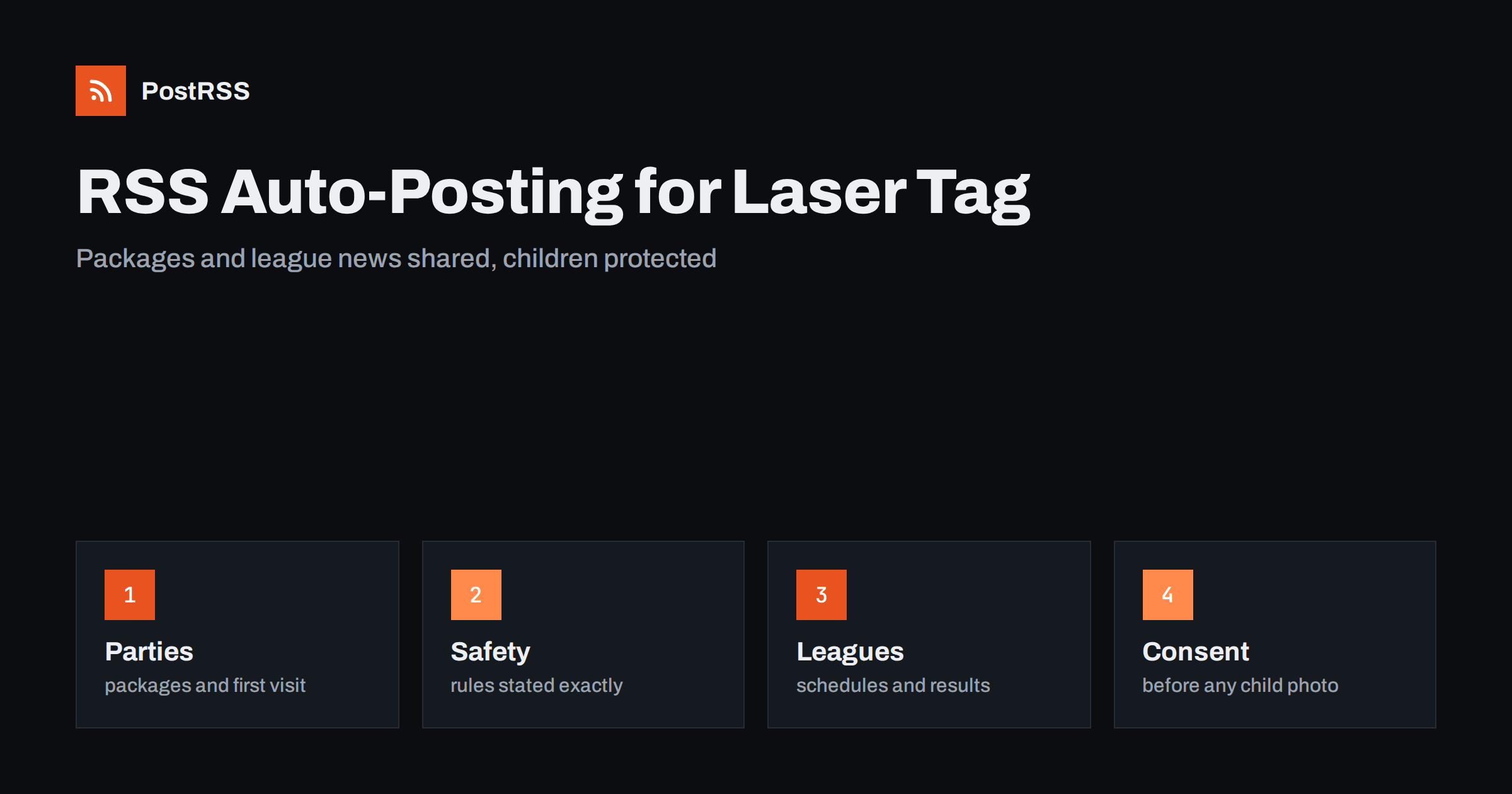
Short answer: RSS auto-posting lets paintball fields, laser tag arenas and similar action venues share party and group packages, safety rules, league schedules, event nights, seasonal opening hours and job openings on social media automatically. Publish each item as a page on your venue website, let an auto-poster read the feed, and every new page appears on your Facebook Page, Pinterest boards, LinkedIn page and other networks with its link and image. Parents, team leaders and players see what is on and how to book, while pictures of children, signed waivers, injury stories and booking details stay out of every automated post.
Action venues sell an experience that is easy to describe and hard to picture before the first visit. A parent planning a birthday party wants to know the age range, how many players fit, how long the session lasts and what happens if one child is nervous. A manager booking a team day wants a package, a price structure and a plan for the weather. A league captain wants dates, rules and results. Players want to know what is new, when the next night event happens and whether the field is open after rain. A venue has all this information, and most of it can be written once as a page and used for a season. Much of it is also seasonal, which makes planning easy. A feed turns each page into a post as soon as it is published. This guide explains what to publish, how to connect it and where to be careful, because your customers include children, you handle safety rules and every session carries some risk.
The advice fits many kinds of venues that run organised active games:
Each has bookings, a calendar and groups that range from nervous first-timers to experienced teams. The venue website is the natural source for every other channel.
Most of the useful content can be turned into a short page:
Each page appears on your website, where a person who searches for a party venue can find it. The feed then announces it automatically, and a short post about a new package reaches the people who follow your venue.
Most venues already use a system that creates feeds:
/feed/ and one for every category, such as /category/events/feed/. If you are unsure of the address, see how to find your WordPress feed link.Use categories to separate audiences: parties and groups, corporate, open sessions, leagues, safety and careers. Each category has its own feed, and each feed can go where it works best: party packages and holiday sessions to a Facebook Page, corporate days to LinkedIn, league news to a messaging channel for captains. Routing by category is explained in category filtering for auto-posting.
| Content | Automate? | Notes |
|---|---|---|
| Package and first-visit pages | Yes | Clear steps, honest limits |
| Safety rules and age policy | Yes | Exactly as applied at the venue |
| Calendar, events and closures | Yes | Keep them current |
| League schedules and results | Yes | Team names only, with consent |
| Pictures of children | Only with permission | Written consent from a parent |
| Bookings, waivers and injury reports | No | Private and sometimes legally sensitive |
A simple rule: if it helps many people plan a safe and enjoyable visit, automate it. If it concerns one booking, one player or one incident, it needs a person and a private channel.
Birthday parties and school groups are the core of the business for many venues, and action photographs are the best marketing. They also show children, often in masks and protective gear but sometimes without it. Do not publish a picture that shows an identifiable child unless a parent or guardian has given written permission for that use, and make the permission part of the booking form, with a clear choice to refuse. Never mention names, schools or ages together with a picture. Do not tag children or post lists of party guests. Use pictures of staff, empty fields, equipment and groups photographed from behind or at a distance, and illustrations. If a parent asks you to remove a picture, do it at once. Posts that involve minors also reach people you do not want to reach, so treat every image as permanent. Careful handling earns the trust of the adults who book.
Action games involve running, projectiles or equipment, and some risk of injury. Honest safety pages are the best protection for your venue and for your players, but they must be accurate. Describe the rules, the briefing, the protective equipment you provide and the role of marshals, exactly as they are practised. Do not claim that a game is completely safe, and do not promise that nobody gets hurt. Do not publish stories of injuries or near misses, even funny ones, and do not use images that glorify violence or show unsafe behaviour such as removing protection. Rules for age limits, insurance, waivers and the legal status of equipment differ between countries and regions, so link to the relevant authority or trade body instead of summarising the law. If your venue handles realistic-looking equipment, remember that public perception matters, and keep content calm and family-friendly. A modest and accurate page protects the business.
For outdoor fields, weather decides whether a day goes ahead. For indoor arenas, a private booking or maintenance can close a session. Customers want to know quickly, and a feed is a good channel for short notices, if the notices are accurate and removed when they are no longer true. Create a category for closure notices and route it to a channel that regular players follow. Publish a page when the field is closed and another when it reopens, and keep the website calendar as the single source of truth. Do not use a social post as the only way to tell party guests about a change: contact the booking holder directly and use the feed to inform everybody else. Old notices should be marked as finished, so that a visitor who finds a closure notice from last month is not confused.
Most revenue comes from groups, and groups are booked by one organiser who has to convince others. Give that person pages they can forward: a page for parents with a plain explanation of what a party includes, one for school staff with supervision and group sizes, one for companies with a sample schedule and a way to ask for an offer. Add a page on what to bring and what to wear, one on food and drinks and one on how to book and pay in general terms. Avoid price tables that change, and link to the booking page for current prices. Seasonal pages work well: a summer holiday programme in spring, a Halloween night in September, a winter league in autumn and gift vouchers in November. Use the scheduling features of your website to prepare the pages in advance, and let the feed announce them when they go live.
Most venues do best with a Facebook Page and one more channel, plus the website and a phone number that is answered during opening hours. Two active channels beat five forgotten ones.
/feed/, and check that it lists recent pages with their images.PostRSS has been automating RSS posting since 2014. It checks your website feeds as often as every minute and publishes each new page, with its real image and link, to the channels you connect, from Facebook Pages and LinkedIn pages to Pinterest, Bluesky, Mastodon, Telegram and many more among its 66 supported networks. You can choose how each post is built, filter items by keywords, add UTM parameters and post only within chosen hours or at exact times in your time zone. See the PostRSS features page for everything it does and the pricing page for plan limits. More ideas for local venues are under the Local Business tag.
An action venue sells adrenaline, teamwork and a good story to tell afterwards. RSS auto-posting shares every package, first-visit guide, safety page, event, league update and job opening automatically, as soon as it is published on your website. Write each page for a nervous parent or a first-time group, describe your rules and equipment exactly, obtain written consent for every picture of a child, keep bookings, waivers and incidents out of automated posts, close old notices and let your marshals and hosts spend their time on the field and not at the keyboard.
Yes. If your venue has a website with a news or events section, its RSS feed can be connected to an auto-poster that shares each new page on Facebook, LinkedIn and other channels. Bookings and details of players must stay out of automated posts.
Package pages, first-visit guides, safety rules, calendar and closure notices, league schedules and job openings. Describe the rules exactly and link to the authority or trade body for legal questions.
Only with written consent from a parent or guardian, collected in the booking form, and never with names or ages. Otherwise use pictures of staff, equipment, empty fields or groups from a distance.
Publish a short page in a closure category, route it to the channel that regular players follow, contact booked groups directly and mark the page as finished when the field reopens.
Yes. PostRSS reads any valid RSS or Atom address that is reachable without a login. Paste the address, connect your channels and new pages are shared as soon as they appear.
What changed in the networks, what broke, and how to fix it before it costs you reach.
PostRSS-এর পেছনের টিম Internet Solutions-এর তৈরি। প্রতিটি পণ্য নিজের মতো করে আপনার সময় বাঁচায়।
 English
 Lietuviškai
 Deutsch
 Français
 Русский
 Español
 Polski
 Italiano
 Українська
 Čeština
 Português
 日本語
 Latviešu valoda
 Eesti
 Magyar
 Bahasa Indonesia
 Türkçe
 हिन्दी
 Ελληνικά
 العربية
 ไทย
 Tiếng Việt
 Română
 Bahasa Melayu
 বাংলা