66টি সোশ্যাল নেটওয়ার্কে RSS: Facebook, Instagram, X, LinkedIn, Telegram এবং আরও অনেক কিছু ব্লগ অ্যাফিলিয়েট যোগাযোগ
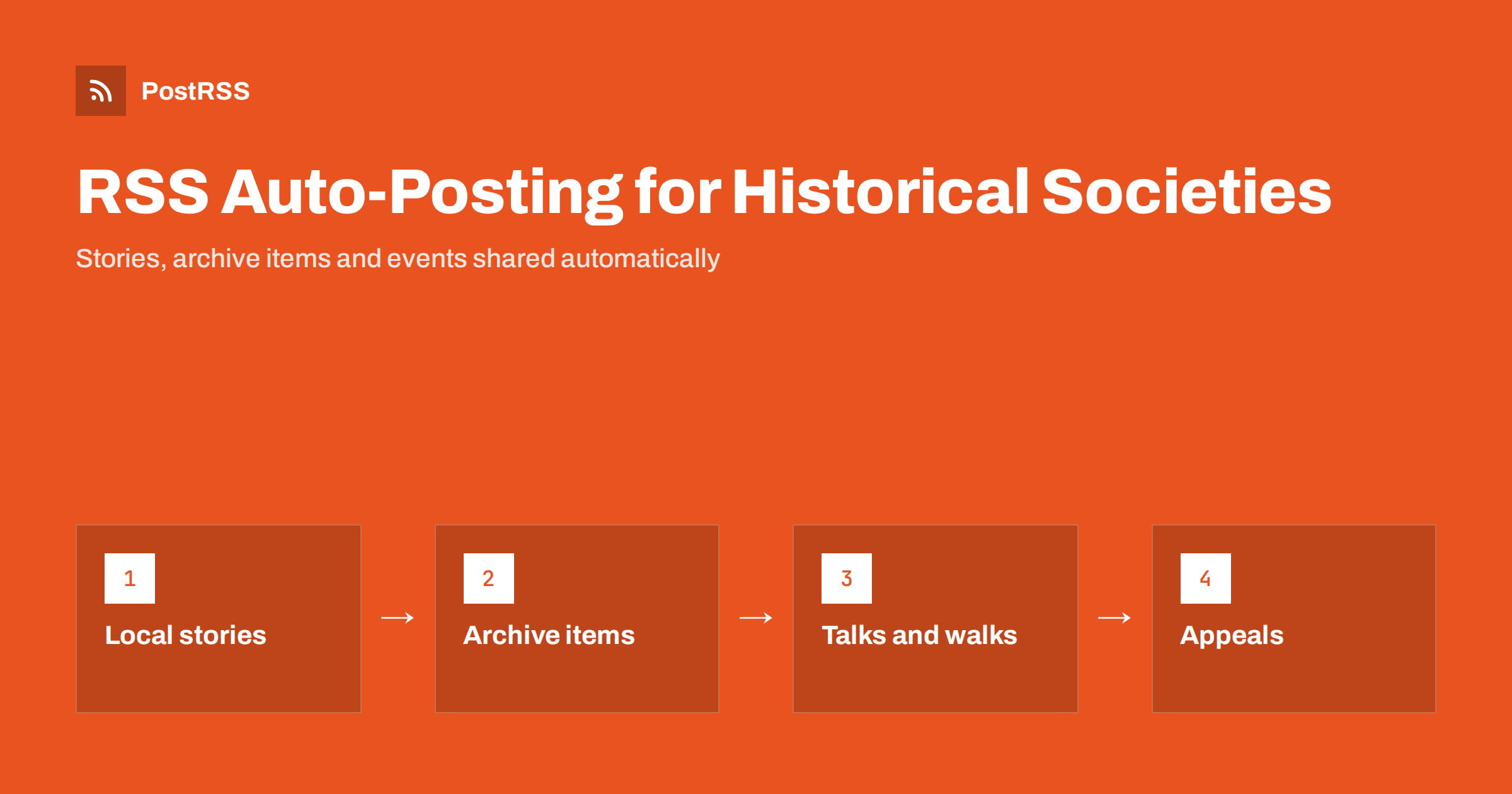
Short answer: RSS auto-posting lets historical societies and heritage groups share every new archive item, local history story, talk, walking tour and membership notice on social media automatically. Publish each item as a page on your website, let an auto-poster read the RSS feed, and it appears on your Facebook Page, Pinterest boards and other channels with its photograph and link. Volunteers spend their time on research and collections while the story of your town keeps reaching new readers.
Historical societies hold something communities value deeply: photographs, maps, letters, objects and the memories of people who are no longer here to tell them. Most are run by volunteers with limited time, a small budget and an audience that is passionate but scattered. A rich archive is useless if nobody sees it, and a newsletter that goes out twice a year cannot compete with the daily rhythm of social media. Automation helps because the website already holds the stories. This guide explains how to turn them into a regular stream of posts, how to protect people and rights, and where human care must stay in charge.
A society produces more material than most members realise:
Each of these can be a short page on your own website. When the page is published, the feed announces it. You write it once, in a place that you own, and the automation spreads the news to the networks where local people, former residents and researchers look for history. Pages on your site also appear in search results when somebody searches for the history of a place, which social posts alone do not achieve.
Most society websites run on platforms that publish feeds without extra work:
/feed/ and a feed for every category, such as /category/local-history/feed/. If you are unsure of the address, see how to find your WordPress feed link.Use categories to separate the audiences: stories, new archive items, events, membership and appeals. Each category has its own feed, and each feed can go to the channel where it works best. Routing by category is explained in category filtering for auto-posting.
| Content | Automate? | Notes |
|---|---|---|
| Local history stories | Yes | Evergreen pages with a strong photograph and a clear source |
| New archive items | Yes | Include date, place, donor credit and rights information |
| Talks, walks and exhibitions | Yes | Date, time, place and how to book |
| Volunteer and donation appeals | Yes | Say clearly what is needed and how to help |
| Replies to research questions | By hand | People value a knowledgeable personal answer |
| Sensitive or disputed history | By hand | Check wording and context before sharing |
A simple rule: if it is a finished page on your website, automate it. If it needs judgement, sensitivity or conversation, handle it personally.
The most shared posts in local history are short, specific and visual. Give each story its own page with a title that names the place and the hook, such as “The lost cinema on Mill Street”. Add a few paragraphs: who built it, what changed, what people remember, and what remains today. Use one strong photograph as the featured image, with a caption that names the year or period, and put the full set of images on the page. Tell the reader how you know what you say, by naming sources, collections and interviewees. If something is uncertain, say so; a respectful note that asks readers to share corrections often brings new information and new members. Because the feed shares the page once and the page stays on your site, a good story keeps working for years.
Few societies can publish their entire collection, and most do not need to. A regular series of archive highlights works better: one item with its story, published weekly. Prepare several in advance and schedule them on your website, so the feed posts them while volunteers are busy with other things. “On this day” articles connect your collection to the calendar and give you a reason to publish regularly. Keep a simple list of anniversaries, such as the opening of a bridge, a famous visit or a flood, and write short pages ahead of each date. Describe the object or image, its date and where it is held, and invite visitors to see more at the archive or to contact the society.
Heritage work carries responsibilities that ordinary business posting does not. Treat them seriously:
These principles do not slow automation down. They are applied once, when the page is written, and the feed then shares only what has already been approved. If your society uses a review step, such as a second volunteer who reads each page before it goes live, the feed simply follows that decision.
Old photographs are the main attraction, but scans are often large, dark or low in contrast. Scan at a resolution that suits your purpose, keep the originals safe and publish a web version with a sensible size. Crop only when it helps and never alter an image in ways that change its meaning. Write alternative text that describes what is visible, such as the people, the street and the clothing, because many readers use screen readers and search engines rely on it. Use one strong image per page as the featured image; landscape format works best on most networks. Keep file sizes reasonable so pages load quickly; see image optimization for RSS auto-posting. If a network shows the wrong picture, check the Open Graph tags of the page as described in why auto-posted links show the wrong image.
Talks, exhibitions and guided walks are the main way societies meet new people. Give every event its own page with the date, the start time, the meeting point, how long it lasts, whether booking is needed and how accessible the venue is. Publish the page several weeks ahead and add a short reminder close to the date. Update the page first if anything changes, and only then post a note. After the event, publish a short report with a few photographs, with permission, so that people who could not attend feel part of it and the next event is easier to fill. For a wider view of announcing events, read iCal vs RSS for event distribution.
Most societies do best with a Facebook Page and one more channel. Add others only if you can keep them active.
/feed/, and check that it lists recent items.PostRSS has been automating RSS posting since 2014. It checks your website feeds as often as every minute and publishes each story, event and appeal, with its real image and link, to the channels you connect, from Facebook Pages and Pinterest to Telegram, Bluesky and many more among its 66 supported networks. You can choose how each post is built, filter items by keywords, add UTM parameters and post only within chosen hours or at exact times in your time zone. See the PostRSS features page for everything it does and the pricing page for plan limits. More ideas for community organisations are under the Small Business tag.
Historical societies already hold what people love to discover: the stories, faces and places of their own community. RSS auto-posting shares each story, archive highlight and event automatically on Facebook, Pinterest and your other channels, on time and with the right image, while volunteers keep researching and caring for the collection. Give every story its own page, cite your sources, check rights and privacy before publishing, keep sensitive questions and replies personal and route content by category.
Yes. If your website has a stories or news section, its RSS feed can be connected to an auto-poster that shares each new page on your Facebook Page, Pinterest and other channels. Research replies and sensitive subjects are still best handled personally.
Local history stories, archive highlights, on this day articles, talks and walks, volunteer and donation appeals and membership news. Each item should have its own page on your website.
Only if you own the image or have permission to share it, and if no living person is shown without consent. Check rights and privacy when you write the page, and the feed will share only what has already been approved.
A Facebook Page is where local history communities gather and share memories, and Pinterest suits maps, postcards and photographs. Most societies do well with those two.
One story or archive highlight a week is a sustainable rhythm for volunteers. Prepare pages in advance and schedule them on your website so the feed keeps posting when nobody has time.
What changed in the networks, what broke, and how to fix it before it costs you reach.
PostRSS-এর পেছনের টিম Internet Solutions-এর তৈরি। প্রতিটি পণ্য নিজের মতো করে আপনার সময় বাঁচায়।
 English
 Lietuviškai
 Deutsch
 Français
 Русский
 Español
 Polski
 Italiano
 Українська
 Čeština
 Português
 日本語
日本語 Latviešu valoda
 Eesti
Eesti Magyar
 Bahasa Indonesia
 Türkçe
 हिन्दी
 Ελληνικά
 العربية
 ไทย
ไทย Tiếng Việt
 Română
 Bahasa Melayu
 বাংলা
বাংলা