66টি সোশ্যাল নেটওয়ার্কে RSS: Facebook, Instagram, X, LinkedIn, Telegram এবং আরও অনেক কিছু ব্লগ অ্যাফিলিয়েট যোগাযোগ
Short answer: A furniture or mattress store can connect its online shop’s product feed and its blog feed to an RSS auto-posting tool, so every new sofa, bed, table or mattress and every buying guide is posted automatically to Facebook, Pinterest, X, LinkedIn, Telegram and other channels, with the product photo and a link to the page. The store publishes once, on its own website, and its social channels stay active with real products instead of occasional sale banners. The main care points are good photography, clear availability information on the linked page and not flooding followers when a whole catalogue is imported at once.
Furniture is a considered purchase. People rarely buy a sofa or a mattress on impulse; they browse for weeks, save pictures, compare fabrics and sizes, visit showrooms and ask partners and friends for opinions. During that long decision period, the stores that stay visible have an advantage. A customer who has followed a store’s page for a month and seen dozens of real products and room ideas is more likely to visit that showroom than one they found once in a search result.
Yet many independent furniture stores post irregularly. The owner or sales team is busy with customers on the floor, deliveries, suppliers and returns. Product photos exist on the website, but copying them into several social apps one by one takes time nobody has. Social media ends up with a burst of posts during a sale and silence in between.
Most furniture stores already have what automation needs: an online catalogue or website with product pages, each with photos and descriptions. The platforms behind these sites, such as WooCommerce, Shopify, PrestaShop, OpenCart and many others, can provide RSS feeds of new products or blog posts. Connecting those feeds to social channels turns every new item on the website into a post.
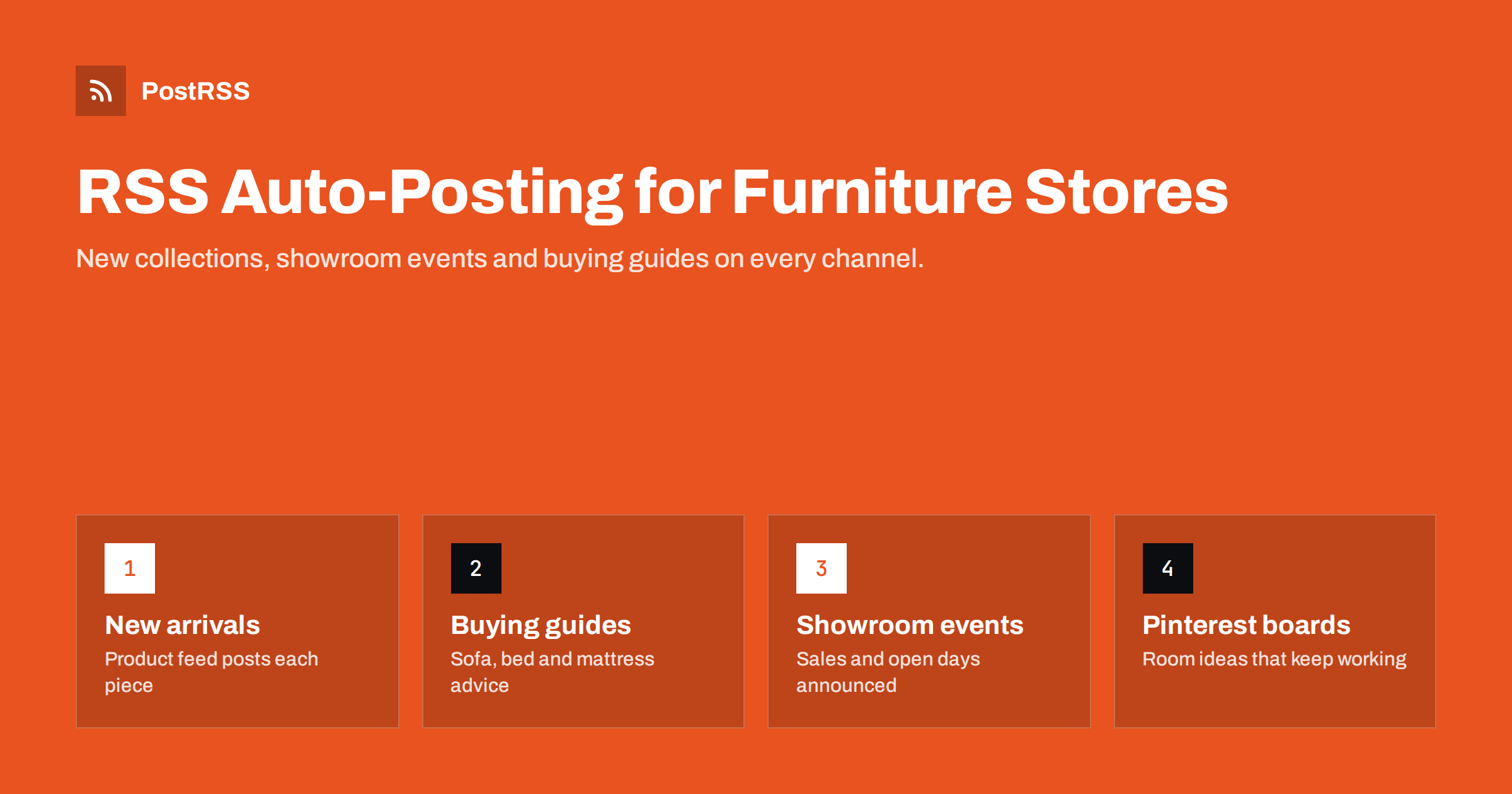
A good mix keeps followers interested over the long buying cycle. Useful content types include:
Mattress retailers have a particular opportunity here. Mattresses are hard to judge from a photo, so customers look for explanations: firmness scales, materials, sizes, trial periods and how to dispose of an old mattress. Clear, factual guides on those topics answer real questions and give social channels something more useful to share than another product shot.
The buying guides are especially valuable. They answer the questions customers are already typing into search engines, they stay relevant for years and they bring people to your website rather than to a marketplace.
Most stores can offer two kinds of feed, and each suits different content:
Keeping them separate lets you send each to the right place with the right format. New products might go to Pinterest and Facebook with the product title and link, while buying guides go to Facebook, LinkedIn and a Telegram channel with the title and a short description. If you use WooCommerce, our guide to finding the WooCommerce product feed explains where to find it. Shopify and Squarespace users can start with the Shopify and Squarespace feed guide.
A third, optional feed can be useful for larger stores: a category feed for a specific range, such as outdoor furniture in spring or home office furniture when people return from holidays. Seasonal category feeds make it easy to focus a channel on what is relevant right now without changing the main setup.
Once the setup is running, check it weekly for the first month. Look at the posting log and at the posts themselves on each network. It is common to discover small issues early, such as a product category that always posts without an image or a description that is cut off awkwardly, and they are easy to fix while the setup is new.
Furniture is sold by images. On social networks, the product photo is the post; the text is secondary. Automated posting takes the image from your feed or product page, so the quality of your product photography directly decides how your social channels look.
og:image. Make sure that is the one you want shared.If your posts ever show the wrong picture, our guide on controlling which image gets auto-posted explains how to fix it.
For furniture and home décor, Pinterest is often one of the most useful channels. People use it specifically to collect ideas for rooms, renovations and moves, and pins link directly to a page. A pin of a dining table can keep bringing visitors months after it was posted, which suits the long buying cycle of furniture.
To make the most of Pinterest:
Our complete guide to auto-posting an RSS feed to Pinterest covers board setup in more detail.
Pinterest is also forgiving about timing. Unlike a news feed, where posts fade within hours, pins are found through search and recommendations for a long time. That makes it a good home for evergreen buying guides as well as products, so consider sending your blog feed to a “Furniture buying tips” board too.
Furniture retail runs on seasonal sales and clearance events, and those deserve to be announced. A few principles keep promotion effective and trustworthy:
For the calendar side of promotions, seasonal campaign planning with RSS automation shows how to schedule campaign content in advance.
PostRSS is an RSS auto-posting service that has been running since 2014. It checks your product and blog feeds every 5 minutes and posts each new item, with its image and link, to the networks you connect, including Facebook Pages, Pinterest boards, X, LinkedIn, Telegram and many others. Furniture stores can send different feeds to different boards and pages, limit the number of posts per update, add UTM parameters to product links and, on paid plans, post only during chosen hours. Official plugins for WordPress, PrestaShop and OpenCart can build the feed and targets for you. Plans and supported networks are on the pricing page.
Furniture customers take their time, and the stores that stay visible during that time win more visits. By connecting product and blog feeds to social channels, a furniture or mattress store can share every new piece, buying guide and showroom event automatically, with strong photos and links back to its own website. Invest in good images, keep promotions accurate, control posting volume, and let automation keep your channels full of real products.
Yes, if the shop platform provides a feed of new products, which most do directly or through a plugin. Each new product can then be posted with its image and link. Check the feed first to confirm that images and links are correct.
Facebook Pages and Pinterest are usually the most useful, because customers use them for local shopping and room inspiration. Messaging channels suit loyal customers. Choose the channels where your customers already look for ideas.
Set a maximum number of posts per update in your auto-posting tool, or publish new products gradually. That spreads a large catalogue import over several days instead of one burst.
Yes, publish them as website posts with clear dates and conditions, and let the feed share them. Keep offers accurate and balanced with useful content, so followers do not tune out between sales.
Supplier images work, but your own photos of pieces in your showroom make posts more recognisable. Lifestyle images of styled rooms usually perform better on social networks than plain cut-outs.
What changed in the networks, what broke, and how to fix it before it costs you reach.
 English
 Lietuviškai
 Deutsch
 Français
 Русский
 Español
 Polski
 Italiano
 Українська
 Čeština
 Português
 日本語
日本語 Latviešu valoda
 Eesti
Eesti Magyar
 Bahasa Indonesia
 Türkçe
 हिन्दी
 Ελληνικά
 العربية
 ไทย
ไทย Tiếng Việt
 Română
 Bahasa Melayu
 বাংলা
বাংলা