66টি সোশ্যাল নেটওয়ার্কে RSS: Facebook, Instagram, X, LinkedIn, Telegram এবং আরও অনেক কিছু ব্লগ অ্যাফিলিয়েট যোগাযোগ
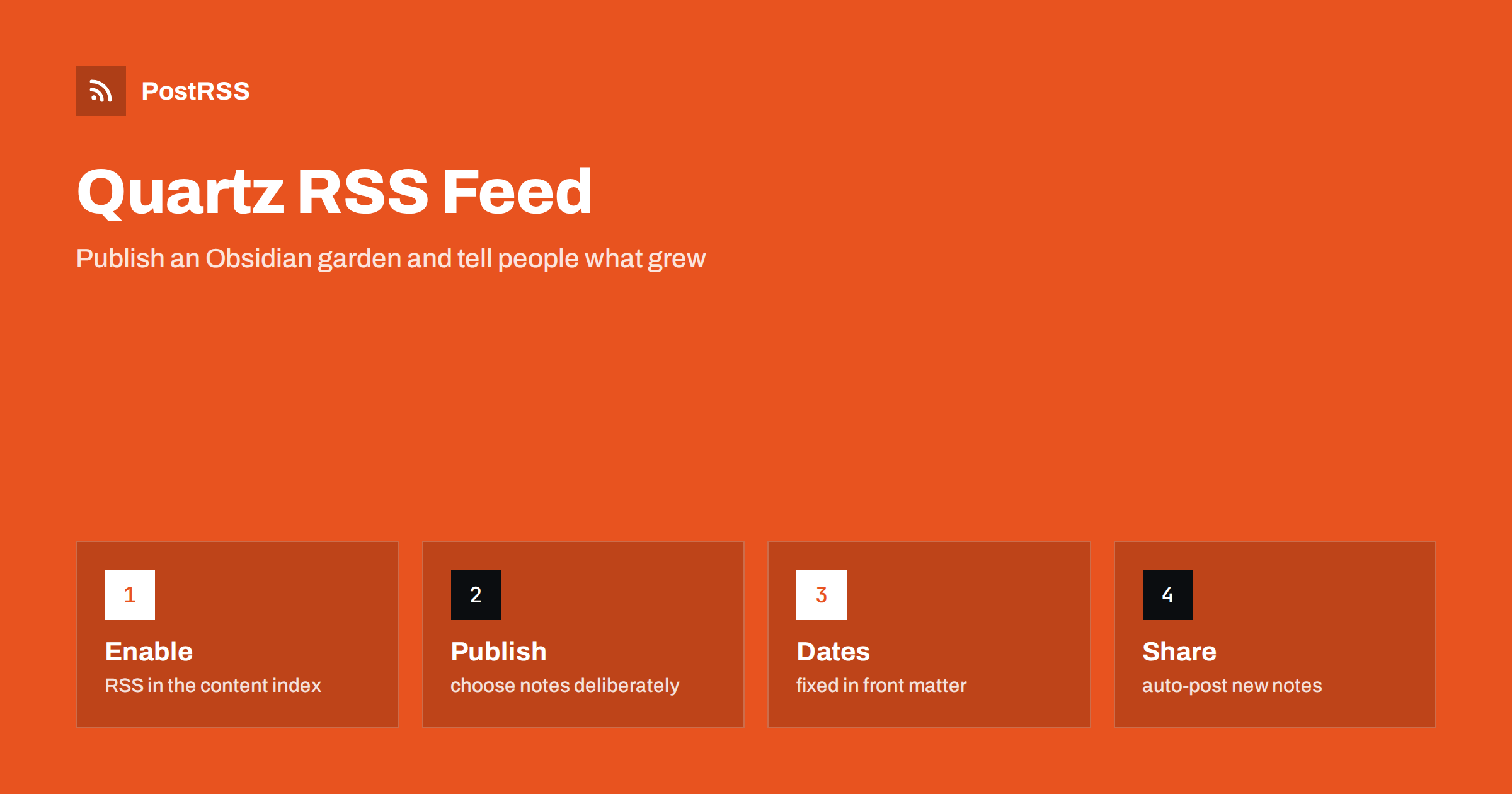
Short answer: Quartz, the static site generator that publishes Obsidian vaults as a digital garden, can write an RSS feed for you. Turn on the RSS option of the content index plugin, set the base URL of your site, give each note a title, a description and a date, decide which notes are published, build and deploy, and test the file at /index.xml with curl and a validator. Make sure dates survive your build, and keep private notes out of the published set. Then give the feed address to an auto-poster so that new notes are shared on your social networks.
A digital garden is a website made of notes that grow over time: short ideas, longer essays, lists of links and half-finished thoughts, all linked to each other. Quartz turns a folder of markdown files, usually an Obsidian vault, into a fast static site with backlinks, search and a graph. Because a garden is updated in small steps, readers rarely notice new notes unless something tells them. A feed does that, and an auto-poster can carry the news to the places where your readers already are. This guide explains how to switch the feed on, how to control what it contains and how to avoid the problems that are specific to gardens: dates that move, private notes that leak and edits that look like new posts.
A garden has no front page full of new articles. Notes are connected by links rather than by dates, and a visitor can land on any of them. That is a strength for reading and a weakness for discovery, because nobody knows what changed this week. A feed gives the garden a timeline without changing its structure. Readers can follow it in a feed reader, search engines and aggregators learn about new pages sooner, and an auto-poster such as PostRSS can announce each new note on your social channels. For a writer who tends the garden in short sessions, that removes the chore of sharing every note by hand.
In Quartz version 4, the feed is produced by the content index plugin, which is one of the emitters in the configuration file. The same plugin writes the sitemap and the search index. Enable the RSS option and set how many items you want.
// quartz.config.ts
const config: QuartzConfig = {
  configuration: {
    pageTitle: "Example Garden",
    baseUrl: "garden.example.com",
    // other settings
  },
  plugins: {
    emitters: [
      Plugin.ContentIndex({
        enableSiteMap: true,
        enableRSS: true,
        rssLimit: 20,
        rssFullHtml: false,
      }),
      // other emitters
    ],
  },
}
Option names and defaults can change between releases, so check the documentation of the version you use. In current versions, the feed is written to the root of the site as index.xml, the limit defaults to a small number and the full HTML option is off, which means that each item carries a short summary and not the rendered page. The base URL is written without the protocol; Quartz adds https when it builds links. A wrong base URL is the most common reason for a feed whose links point to the wrong place, so set it before anything else.
Obsidian vaults often contain material that you never meant to share: daily notes, drafts, templates and personal records. Quartz offers several ways to keep these out of the site, and since the feed is built from the same set of pages, whatever is excluded from the site is excluded from the feed as well. Use them deliberately.
Check the result by opening the built feed and the sitemap before the first deployment. A single private note in a public feed is far worse than a missing public one, and an auto-poster will share it within minutes.
A feed item is only as good as the note behind it. Quartz reads the title, the description and the date from the front matter, and falls back to other sources when they are missing. Make a small template for notes that you intend to share.
---
title: Notes on spaced repetition
description: How I schedule reviews, what I changed after a year and what I would skip.
date: 2026-10-28
tags:
  - learning
---

The first paragraph of the note goes here.
The description matters most. If it is missing, the summary is cut from the start of the text, and an auto-poster copies that into a social post. Write one or two complete sentences for every note that you want to announce. The title should read well on its own, outside the garden, because a social post shows it without the surrounding notes. If a note has a cover image, add it to the front matter and make sure the file is large enough to be a good preview; the Open Graph image of each page is used by many networks, as explained in why auto-posted links show the wrong image.
Quartz can take the date of a note from the front matter, from the history of the git repository or from the modification time of the file, in an order that you can set. This is where gardens differ from blogs, and where feeds break.
The last point deserves attention. An edit that changes the date used by the feed makes an old note jump to the top, and some auto-posters will announce it again. Keep the published date fixed and use a separate field for the last change if you want to show it on the page.
| Feed element | Quartz source | Rule |
|---|---|---|
| Title | title in front matter | Reads well outside the garden |
| Link | base URL plus the note path | Absolute, https, returns 200 |
| Date | date in front matter | Fixed once published, in the past |
| Summary | description in front matter | One or two complete sentences |
| Identifier | the link of the note | Changes if you rename or move the note |
| Feed address | /index.xml | Never changes once published |
Renaming and moving notes is natural in a garden, and it is a trap for feeds. When a note moves to another folder or gets a new file name, its address changes, and an auto-poster that stores identifiers treats it as a new post. Decide on addresses early, avoid reorganising notes that have already been announced and use redirects where your host allows them. The causes and fixes are covered in why a feed auto-posts the same article twice.
Build the site as it will be built in production and look at the result before you publish anything.
npx quartz build
head -c 1200 public/index.xml
curl -i https://garden.example.com/index.xml
Many gardens are deployed from a repository with a workflow that builds on every push and publishes the output to a static host. If you do that, give the checkout step the full history when your dates come from git, and keep the workflow’s schedule in mind: the feed changes only when the site is built, so a note that you commit in the evening appears in the feed after the next run. That is usually just minutes, and the delay is acceptable for an auto-poster that checks the feed regularly.
Add a link to the feed in the head of your pages, or in a footer link, so that browsers, readers and tools can find it. Quartz themes differ, so check whether your layout already includes the link. If it does not, add the line to a custom component or mention the feed address on an about page. The details are in the guide to feed autodiscovery. For static generators in general, the address of the feed also appears in this guide to finding Hugo, Jekyll and Eleventy feeds, which shows the same idea in other tools.
Work through a short list of checks before you share the address with anyone:
There is a longer routine in the feed validation guide and a short one in debugging a feed with curl.
Not every note deserves an announcement. A garden holds seedlings, which are rough ideas, saplings and mature essays, and the audience for each is different. If you share every small edit, followers tire quickly. Consider keeping rough notes out of the feed with the draft flag or the explicit publishing filter, and publishing a note to the feed only when it is ready to be read by strangers. You can also use tags to split the garden into topics and send each to a different channel, using the approach in category filtering for auto-posting.
PostRSS has been publishing RSS and Atom feeds to social networks since 2014. Paste the address of your garden feed, connect your accounts and choose how each post is built from the title, the summary or the page title. PostRSS checks the feed as often as every minute and shares each new entry, with its image and link, to the channels you choose among 66 supported networks, messengers, team chats and blogs, including LinkedIn, X, Bluesky, Mastodon and Telegram. Keyword filters, UTM parameters and posting windows let you tune each channel, so that only the notes you want to announce are shared. See the PostRSS features page and the plan limits on the pricing page. More developer guides are under the Technical Guide tag.
Quartz can publish a dependable feed with one plugin option: enable RSS in the content index, set the base URL, decide deliberately which notes are published, give every note a title, a description and a fixed date, and keep addresses stable once notes have been announced. Build in the environment you deploy to, test the feed with curl and a validator, make it discoverable and connect it to an auto-poster. After that, every note you decide to publish can reach your readers and your social channels without extra work.
Yes. The content index plugin can write an RSS feed at index.xml when you enable the RSS option in the configuration, along with the sitemap and the search index.
Use ignore patterns for folders, the draft flag for single notes, or the explicit publishing filter so that only notes marked for publication are built. The feed contains only pages that are part of the site.
The build probably takes dates from file times or from a shallow git clone. Set the date in the front matter of each note, or fetch the full history in the build.
Not if the date used by the feed stays fixed. Keep the published date unchanged and use a separate field for the last modification.
Yes. PostRSS reads any valid RSS or Atom address that is reachable without a login. Paste the address, connect your channels and new notes are shared as soon as they appear.
What changed in the networks, what broke, and how to fix it before it costs you reach.
PostRSS-এর পেছনের টিম Internet Solutions-এর তৈরি। প্রতিটি পণ্য নিজের মতো করে আপনার সময় বাঁচায়।
 English
 Lietuviškai
 Deutsch
 Français
 Русский
 Español
 Polski
 Italiano
 Українська
 Čeština
 Português
 日本語
日本語 Latviešu valoda
 Eesti
Eesti Magyar
 Bahasa Indonesia
 Türkçe
 हिन्दी
 Ελληνικά
 العربية
 ไทย
ไทย Tiếng Việt
 Română
 Bahasa Melayu
 বাংলা
বাংলা