66টি সোশ্যাল নেটওয়ার্কে RSS: Facebook, Instagram, X, LinkedIn, Telegram এবং আরও অনেক কিছু ব্লগ অ্যাফিলিয়েট যোগাযোগ
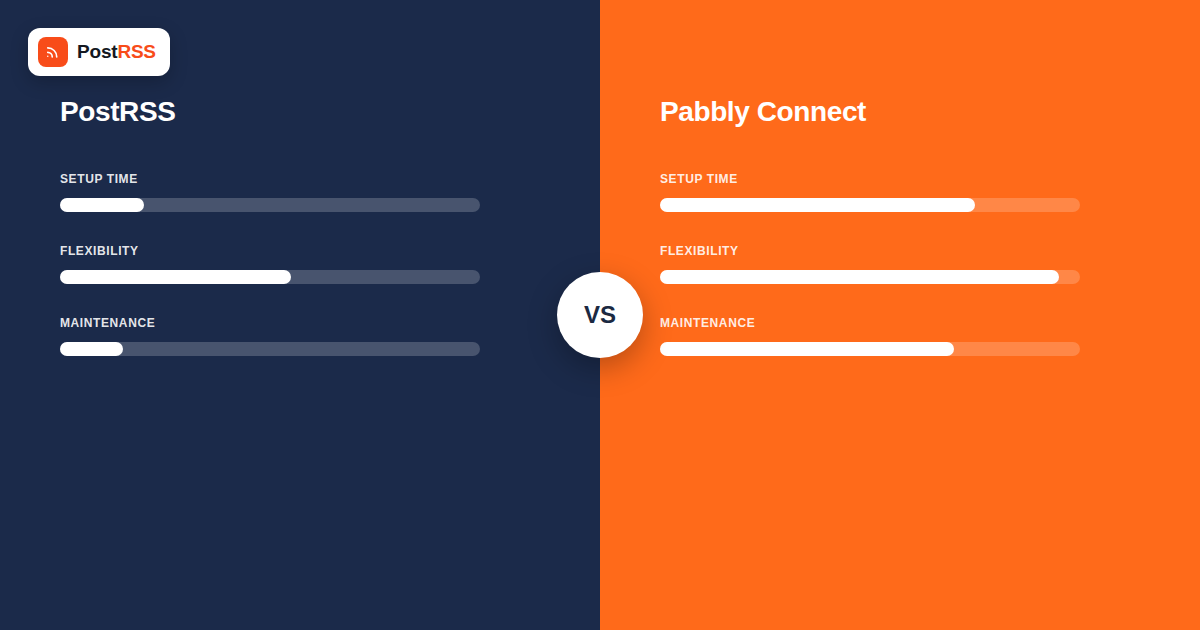
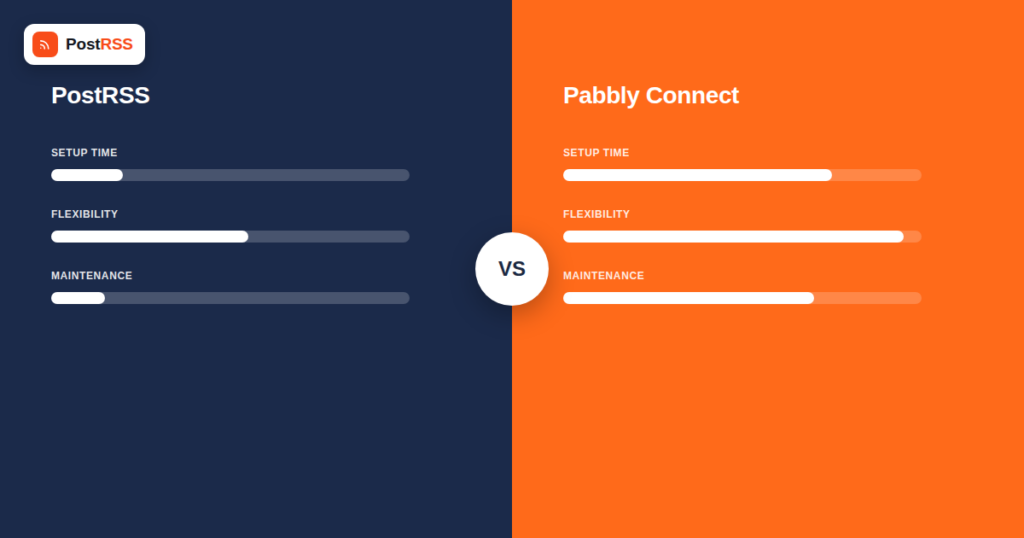
Pabbly Connect gets recommended a lot in the same breath as Zapier and Make — usually by someone pointing out that it does roughly the same job for a fraction of the price, including a one-time “lifetime” payment option that the bigger players don’t offer. It’s a legitimate comparison. Pabbly Connect is a general-purpose integration platform with an RSS trigger buried inside a catalog of 2,000+ apps, and you can absolutely wire that trigger up to Facebook, X, LinkedIn, and Pinterest action steps to get a working RSS-to-social pipeline.
The question this article actually answers isn’t “can Pabbly Connect do this” — it can. It’s whether you want to be the person who builds, tests, and maintains that pipeline, versus paying for a tool where the pipeline already exists. That’s the same fault line that runs through every entry in PostRSS’s comparison series, and it holds here too, just with a different pricing model attached.
Pabbly Connect is one product in a small suite from Pabbly (which also sells subscription billing, email marketing, and form-building tools). Connect is the company’s Zapier/Make alternative: a visual workflow builder where you pick a trigger app, add one or more action apps, map the data fields between them, and turn the workflow on. It supports well over 2,000 apps by Pabbly’s own count, spanning CRM, e-commerce, marketing, productivity, and social platforms, plus generic building blocks — webhooks, filters, routers, iterators, delays, and formatters — for handling logic that no pre-built app integration covers.
RSS shows up in that catalog as “RSS by Pabbly,” a polling-based trigger app. You give it a feed URL and a “New Item in Feed” trigger, and Pabbly checks that feed on a schedule you set yourself — anywhere from every 10 minutes up to once every 24 hours, with 60 minutes commonly suggested in Pabbly’s own documentation as a reasonable default. Every time the poll finds a new item, it fires the workflow, and whatever action steps you’ve attached run in sequence: post to Facebook, post to X, post to LinkedIn, notify a Slack channel, add a row to a spreadsheet, or all of the above in one chain.
That’s the appeal in one sentence: one trigger, unlimited destinations, and none of it restricted to social media. If your actual goal is “when my feed updates, do five different things across five different tools,” Pabbly Connect can be the single place that happens.
PostRSS is built around one job: watch an RSS or Atom feed and post new items to social accounts automatically. There’s no workflow canvas, no trigger-to-action mapping, and no separate app to configure per platform. You connect your feed once at app.postrss.com, authorize the social accounts you want it to post to — Facebook Pages, X, LinkedIn profiles and company pages, Pinterest Boards, and VKontakte, with Instagram still being tested on the Professional Plus plan — and PostRSS checks the feed every 5 minutes on every plan, including the free one, and posts automatically from there. This is the “connect and forget” model: the pipeline isn’t something you assemble, it’s the entire product.
The tradeoff for that simplicity is scope. PostRSS doesn’t reach WhatsApp or YouTube, and it isn’t a general automation tool — it has keyword filters, but no data transformation steps or multi-step workflows. Slack and Microsoft Teams are covered through a webhook target (Start plan and above), which can also hand each new item to Zapier, Make or n8n. What it does reach is wider than a quick glance suggests: 66 networks in all, with Telegram channels, Mastodon and Bluesky on every plan, Discord and Tumblr from the $5/month Start plan and Threads from Professional, while Reddit is listed but temporarily unavailable. If your feed-to-somewhere pipeline needs to send an internal Slack alert alongside the social posts, PostRSS does that with a webhook; if it needs to touch a CRM, PostRSS can pass each new item through the same webhook to a platform like Pabbly Connect, Zapier, or Make which handles that half of the job.
To actually compare the two fairly, it helps to walk through what building an RSS-to-social pipeline in Pabbly Connect looks like, step by step, because the difference isn’t abstract — it’s concrete setup work:
None of that is difficult in isolation — Pabbly Connect’s builder is genuinely easy to use, with a clean drag-and-drop field mapper and clear step-by-step logs. But it is work, and it’s work per platform, repeated for every feed you want to automate. Add a second website with its own feed, and you’re building the whole workflow again (or cloning and re-pointing it, which carries its own risk of missing a field).
In PostRSS, the equivalent of that six-step build is: connect the feed, click to authorize each destination account, and set your post format once per platform (which fields appear, whether an image is pulled in, any hashtags or link parameters). There’s no separate “action step” concept because posting logic for each supported platform is already built and tested against that platform’s current API — PostRSS’s team maintains the LinkedIn, X, Facebook, Pinterest, and VK integrations centrally, so when a platform changes something on its end, that gets fixed once, for every customer, rather than once per workflow you happen to have built.
This is really the core structural difference. Pabbly Connect gives you the pieces and expects you to assemble and maintain the machine; PostRSS is the machine, pre-assembled for the specific job of feed-to-social distribution. That’s a meaningfully different value proposition than the flexibility argument usually made in favor of general automation tools, and it’s worth being precise about which one actually matters for your situation.
| Factor | PostRSS | Pabbly Connect |
|---|---|---|
| Setup complexity | Connect feed, authorize accounts, done — minutes per platform, no workflow logic to build | Build a multi-step workflow: trigger + one action step per destination, each with its own field mapping and auth |
| Feed check frequency | Every 5 minutes on every plan, fixed | User-configurable, 10 minutes to 24 hours; higher frequency consumes more of your monthly task quota |
| Native social destinations | 66 networks, including Facebook (Pages only), X, LinkedIn (profiles and company pages), Pinterest, VKontakte, Telegram and Discord, plus webhooks for Slack, Microsoft Teams, Zapier, Make and n8n | Facebook, X, LinkedIn, Pinterest, Instagram, and (via generic apps, webhooks, or app-specific integrations) many more, including Telegram, Discord, Slack, and WhatsApp |
| Non-social use cases | Webhooks pass each new item to Slack, Microsoft Teams, Zapier, Make or n8n; REST API v1 for your own system | Extensive — CRM updates, email, spreadsheets, Slack alerts, and 2,000+ other apps, alongside or instead of social posting |
| Pricing model | Flat tiers by number of connected “Targets” (accounts) and monthly post (“Task”) volume | Tiered subscriptions by monthly task volume across all workflows, plus one-time lifetime-access plans at higher upfront cost |
| ফ্রি প্ল্যান | Yes — limited targets and tasks, still checks every 5 minutes | Yes — around 100 tasks/month across up to 2 workflows, each capped at 2 steps |
| Maintenance burden | Low — platform API changes are handled by PostRSS centrally | Higher — each workflow’s field mappings and authentications are yours to monitor and fix when something upstream changes |
| Best for | Auto-posting a website’s feed to social accounts with no ongoing management | Multi-app pipelines where social posting is one piece of a broader automation, or where you need a platform PostRSS doesn’t cover |
| Networks reachable from one feed | 66 networks incl. Fediverse, Asian and team-chat platforms | Varies by plan — check their current list |
It would be dishonest to frame this as PostRSS beating Pabbly Connect on every axis, because it doesn’t. Pabbly Connect’s real strength is reach and flexibility that a purpose-built tool can’t match by design:
If your use case genuinely needs any of that, Pabbly Connect (or a comparable tool like Zapier) is a reasonable, well-priced choice, and building the RSS-to-social piece inside it isn’t unreasonable engineering — it’s just more engineering than a dedicated tool requires.
For the specific job this comparison is about — turning a feed into ongoing, automatic social posts — PostRSS’s advantages come from being scoped to exactly that:
This is the same pattern that shows up across PostRSS’s RSS automation comparisons against Zapier, Make, and n8n: the general tools are more powerful and more flexible in the abstract, and a tool built for one job does that job with dramatically less setup and lower ongoing risk of silent breakage.
The two products bill differently enough that a direct price-per-price comparison is misleading without context. Pabbly Connect meters usage in “tasks” — roughly, each action a workflow performs — shared across every workflow in the account, with a free tier (around 100 tasks/month, capped at 2 workflows with 2 steps each), paid subscription tiers that scale task allowance up with price, and separate one-time lifetime plans at higher upfront cost that lock in a fixed monthly task ceiling permanently. Running a five-platform RSS-to-social workflow at a fast polling interval can consume tasks faster than someone budgeting around Pabbly’s marketing examples (which are often built around simpler two-step workflows) might expect.
PostRSS prices around “Targets” (how many social accounts you’ve connected) and monthly posting volume, with a genuinely free plan and paid tiers — Start, Premium/Professional, Enterprise, Ultimate — that scale with how many accounts and how much posting volume you need, independent of how many separate automation steps that requires internally, because there aren’t any steps to count. For someone whose only need is feed-to-social distribution, that model tends to be more predictable, since it scales with actual usage (accounts and posts) rather than with the number of workflow steps behind the scenes.
For the platforms both tools support, yes — you can build a working RSS-to-social pipeline in Pabbly Connect using its RSS trigger plus native action apps for Facebook, X, LinkedIn, and Pinterest. What you’re trading for that flexibility is the build-and-maintain work: field mapping, per-platform formatting, and ongoing monitoring for breakage that PostRSS handles for you as part of the product.
Not by default, and not necessarily even at maximum settings without cost tradeoffs. PostRSS polls as often as every minute. Pabbly Connect’s RSS trigger is configurable from every 10 minutes up to every 24 hours, with a 60-minute interval commonly recommended in Pabbly’s own guidance — checking more often is possible but consumes your task allowance faster.
It depends heavily on volume and which plan tier you compare. Pabbly Connect’s free plan and entry subscription tiers can look cheaper on paper, and its one-time lifetime plans are a pricing structure PostRSS doesn’t offer at all. But a fair comparison has to account for the extra tasks a multi-platform RSS workflow consumes (one poll plus one action per platform, repeated every cycle) against Pabbly’s task-based billing, versus PostRSS’s flat per-account, per-post model built specifically for this use case.
Yes, and this is Pabbly Connect’s clearest advantage over PostRSS. Because it’s a general integration platform with thousands of apps, you can build a workflow that posts your feed to WhatsApp or other destinations outside PostRSS’s supported list, where those platforms’ APIs technically allow it. Telegram, Discord and Slack aren’t in that group, though — PostRSS posts to Telegram and Discord itself and reaches Slack through a webhook, so you don’t need a second subscription for them.
PostRSS, by a wide margin, for this specific job. There’s no concept of triggers, actions, or field mapping to learn — you connect a feed and authorize accounts. Pabbly Connect’s builder is well-designed as automation tools go, but it’s still a general workflow canvas, and building a reliable multi-platform pipeline on it requires understanding how triggers, actions, and field mapping relate to each other.
In PostRSS, that’s handled centrally — the team updates the integration once, and it applies to every customer automatically. In Pabbly Connect, each affected workflow can break independently, and it’s on you (or whoever manages the account) to notice the failure and rebuild the affected action step.
Some teams reasonably do — PostRSS for the social platforms it supports natively, and Pabbly Connect (or a similar tool) for whatever else needs to happen off the back of the same feed, like a CRM update; a Slack notification PostRSS can send itself through a webhook. They’re not mutually exclusive, and there’s no technical conflict in pointing the same feed at both.
Pabbly Connect and PostRSS aren’t really competing for the same customer once you get past the surface-level “both can post an RSS feed to social media” similarity. Pabbly Connect is a capable, fairly priced general automation platform that happens to include an RSS trigger among 2,000+ apps — it’s the right tool when your RSS pipeline needs to do things PostRSS was never built to do, whether that’s reaching WhatsApp or triggering non-social actions in the same workflow.
PostRSS is the right tool when the job is specifically and only “post my feed to my social accounts, automatically, without me building or maintaining anything.” That scope is a limitation in the abstract and an advantage in practice: there’s no workflow to design, no field mapping to get wrong, and no per-platform breakage to monitor, because the entire product is already built around this one job across Facebook, X, LinkedIn, Pinterest, and VK.
If you’re choosing between them for pure feed-to-social distribution across the platforms both cover, the honest answer is that PostRSS will get you there faster and keep working with less attention. If your needs extend past social media, or specifically toward a platform outside PostRSS’s supported list, Pabbly Connect’s flexibility earns its more manual setup — you’re just signing up to be the one who keeps that setup working.
What changed in the networks, what broke, and how to fix it before it costs you reach.
PostRSS-এর পেছনের টিম Internet Solutions-এর তৈরি। প্রতিটি পণ্য নিজের মতো করে আপনার সময় বাঁচায়।
 English
 Lietuviškai
 Deutsch
 Français
 Русский
 Español
 Polski
 Italiano
 Українська
 Čeština
 Português
 日本語
日本語 Latviešu valoda
 Eesti
Eesti Magyar
 Bahasa Indonesia
 Türkçe
 हिन्दी
 Ελληνικά
 العربية
 ไทย
ไทย Tiếng Việt
 Română
 Bahasa Melayu
 বাংলা
বাংলা