66টি সোশ্যাল নেটওয়ার্কে RSS: Facebook, Instagram, X, LinkedIn, Telegram এবং আরও অনেক কিছু ব্লগ অ্যাফিলিয়েট যোগাযোগ
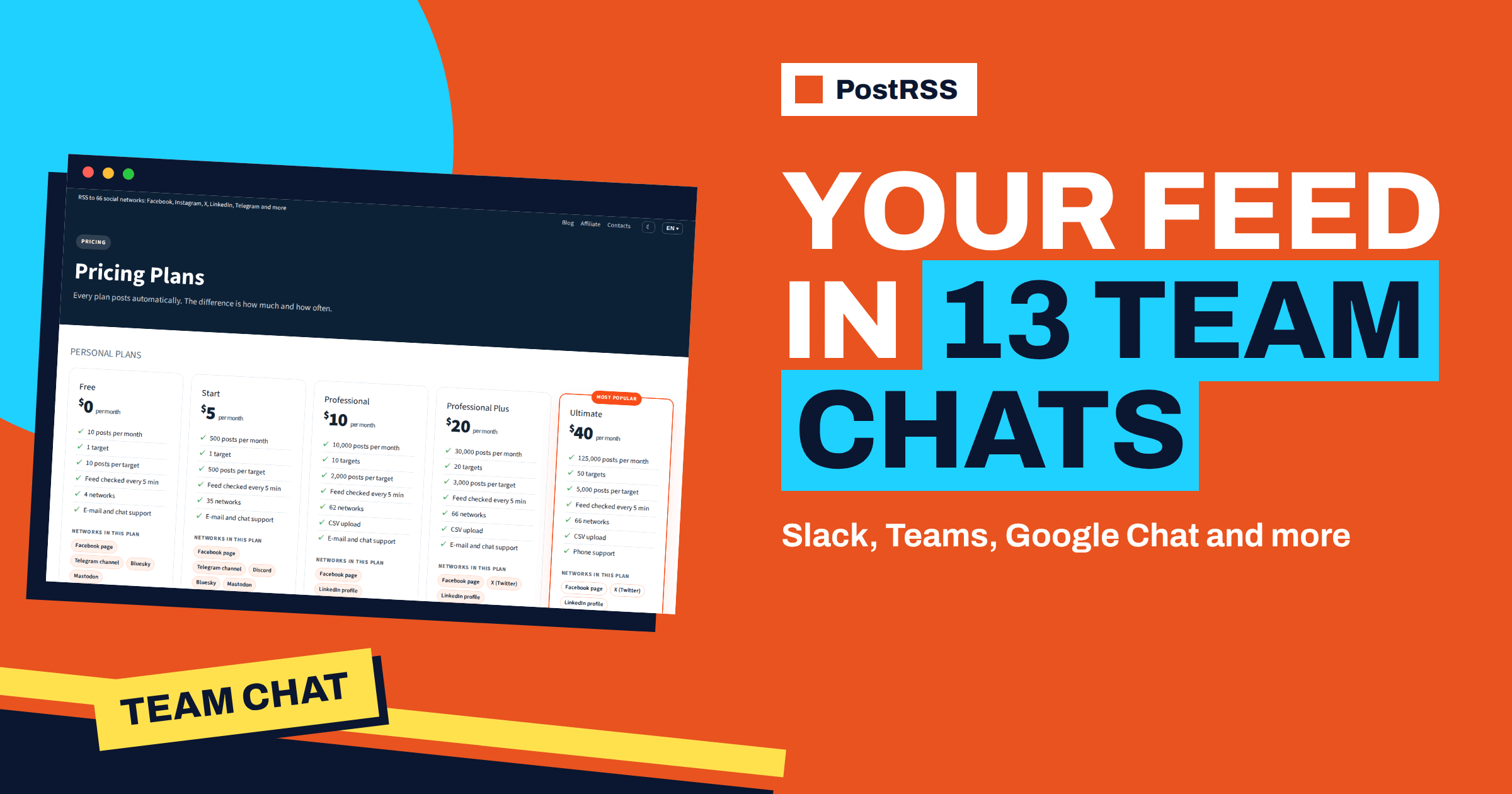
Short answer: PostRSS can send every new item of an RSS or Atom feed to thirteen team chat tools: Microsoft Viva Engage, Zoom Team Chat, Google Chat, Mattermost, Rocket.Chat, Zulip, Webex, Pumble, Flock, RingCentral Team Messaging, Zoho Cliq, Twist and Chatwork. Most of them connect with an incoming webhook that you create in the chat and paste into PostRSS, and most are included from the Start plan. Slack and Microsoft Teams are reached through the webhook target. This guide explains the connection method for each tool, the exceptions, the plan that includes it and how to keep a chat channel useful instead of noisy.
When people hear auto-posting they think of public social networks, but some of the most useful feeds end up in a private chat. The company blog that colleagues should read, the release notes that support must know, the job posts that recruiters share, the status page of a supplier, the security advisories that the operations team watches: all of these are feeds, and all of them are better delivered into the channel where the team already works than into an inbox that nobody opens. PostRSS treats team chat tools as one of its network types and offers thirteen of them on the features page. The facts below come from the network pages of PostRSS, the plan list and the API documentation, and they can change, so check the live pages when you decide.
A chat channel is a shared reading room. A feed item that lands there is visible to everyone in the channel at the same time, can be discussed in a thread and stays in the history for search. A link sent by email reaches one person, while a link in a channel reaches the whole team and starts a conversation.
The reverse is also true: a channel that receives too much becomes a place that people mute. The whole art of using feeds in team chat is to send the right items to the right channel and no more. PostRSS helps with that through keyword filters, limits on posts per update, exact times and a posting window, all of which are described below.
For most team chat tools the method is the same. You create an incoming webhook in the tool, copy its address and paste it into PostRSS. No bot has to be built and nothing has to be approved. The exceptions are Chatwork, which uses an API token and a room, Microsoft Viva Engage, which uses a Microsoft sign-in, and Zoom Team Chat, which uses the Incoming Webhook app from the Zoom App Marketplace.
| Tool | Connection | Plan |
|---|---|---|
| Mattermost | Incoming webhook from Integrations | শুরু করুন |
| Rocket.Chat | Incoming webhook integration in administration | শুরু করুন |
| Zulip | Incoming webhook in your organization | শুরু করুন |
| Webex | Incoming Webhooks integration in the space | শুরু করুন |
| Pumble | Incoming webhook for the channel | শুরু করুন |
| Flock | Incoming webhook in the channel | শুরু করুন |
| RingCentral Team Messaging | Incoming Webhook integration in a conversation | শুরু করুন |
| Zoho Cliq | Incoming webhook URL of the channel | শুরু করুন |
| Twist | Incoming webhook integration in the channel | শুরু করুন |
| Chatwork | API token and choice of room | শুরু করুন |
| Zoom টিম চ্যাট | Incoming Webhook app from the Zoom App Marketplace | শুরু করুন |
| Google Chat | Webhook of the space under Apps and integrations | প্রফেশনাল |
| Microsoft Viva Engage | Sign in with a Microsoft work account | প্রফেশনাল |
The setup for Mattermost, Rocket.Chat, Zulip, Webex, Pumble, Flock, RingCentral, Zoho Cliq, Twist and Google Chat follows the same four steps. Open the settings for integrations in the chat tool and create an incoming webhook for the channel or space where the feed should appear. Copy the address that the tool shows. In PostRSS, connect the account of the right type and paste the address. Then create a target, choose the feed as the source and pick how often it should be checked.
Each item arrives as a message with its text and a link to the article. A webhook belongs to one channel, so you decide exactly where the posts land, and deleting the webhook in the chat tool stops the posts at once. Self-hosted servers of Mattermost, Rocket.Chat and Zulip work as well, as long as they can be reached over HTTPS on the standard port.
Chatwork asks for an API token that you create in your Chatwork settings. After you paste it into PostRSS you choose the room where new articles should appear, and each item arrives as a message with its text and a link.
Microsoft Viva Engage, which was formerly known as Yammer, uses the official Microsoft sign-in with your work account, and PostRSS never sees your password. Some organisations require a one-time consent from their Microsoft 365 administrator, so ask your administrator before you start. You choose the community, and each item is posted as a message with a link card, which makes it suitable for internal news, company blogs and newsletters. This tool is included from the Professional plan.
Zoom Team Chat uses the Incoming Webhook app from the Zoom App Marketplace. The network page notes that the app needs a paid Zoom plan and that your Zoom administrator may need to approve it. You paste the webhook details that the app gives you into PostRSS.
Slack and Microsoft Teams are not in the list of thirteen because they are handled by the webhook target of PostRSS. The features page describes the webhook as a way to send each new item to Slack, Microsoft Teams, Zapier, Make or n8n, and the integrations page says that webhooks are included from the Start plan. If your company uses one of those tools, use the webhook target and paste the address that the tool gives you. The article on autoposting to Slack and Microsoft Teams describes the process.
The feeds that work best in a team chat are those that people would otherwise check by hand. A company blog gives colleagues the chance to read and share what marketing has published. A product changelog keeps support and sales informed about releases. A job board feed helps recruiters and managers see new openings. A status page or incident feed from a supplier shows problems early. A security advisory feed gives the operations team a heads-up. A news feed about your industry, filtered by keyword, builds a shared reading list.
Choose feeds that carry information and avoid feeds that produce a constant drip of low-value items. A channel with ten useful messages a week will be read. A channel with a hundred will be muted.
PostRSS has four controls that protect a channel. Keyword filters send only items that match words or phrases you choose and drop those that match words you exclude. The documentation notes that PostRSS adds hashtags only on networks where they make sense and never on webhooks or chat tools, so you will not see stray hashtags in a team channel. The maximum number of posts per update prevents a burst when a feed publishes many items at once. Exact times and posting windows, which are available on paid plans, let you deliver messages at a time that suits the team, for example one slot in the morning, so that nobody is interrupted at night.
Several network pages suggest sending different feeds, or filtered parts of one feed, to different channels. A company might send the product changelog to a product channel, the security feed to an operations channel and the company blog to a general channel. Each of these is a separate target with its own source settings. The guide to include and exclude keyword filters explains the rules.
The Free plan does not include team chat tools. The Start plan includes eleven of the thirteen, and Google Chat and Viva Engage start with the Professional plan. Start has one target, which means one channel. If you want several channels, you need a plan with more targets, and the Professional plan has ten. Every connected channel counts as one target, and every item sent to it uses a post from your monthly allowance. Check the figures on the pricing page before you design a setup with many channels.
A software company with thirty employees uses Mattermost. It creates three incoming webhooks: one for a news channel, one for a releases channel and one for an operations channel. In PostRSS it adds three targets on a plan with at least three. The news channel receives the company blog with a limit of one post per update. The releases channel receives the changelog feed as soon as it changes. The operations channel receives a security advisory feed filtered by the names of the products the company uses. After two weeks the team reviews the reports and the channel activity, removes one filter that was too broad and keeps the rest.
A school or a university department can use a team chat as a notice board. The site of the department publishes news, exam schedules and events, and the feed goes to a channel that staff already read. Because the channel is internal, the messages can be short, and a keyword filter can keep only the categories that staff need. A support team can do the same with a public status page of a vendor: when the vendor posts an incident, the item appears in the support channel within the next check, and the team can discuss the impact in a thread before customers start to ask.
In both cases the benefit is the same. The information is already published somewhere, and PostRSS moves it to the place where the team looks. Nobody has to remember to open a website, and nobody has to forward a link.
The answer depends on how urgent the information is. A status page or a security feed deserves the shortest interval that your plan allows, because early information is the point. A company blog or a newsletter archive does not need frequent checks, and a calm schedule with one slot a day is easier on the team. PostRSS lets you choose an interval from as often as every minute up to once a week, or exact times on chosen days on paid plans. Choose per source, not for the whole account, so that each channel gets the rhythm it deserves.
The thirteen team chat tools of PostRSS turn a feed into a shared reading list for a team. Most connect with a webhook, three have their own method, and Slack and Teams are reached through the webhook target. Choose feeds that carry information, send each one to the channel that needs it, use filters and limits to keep the channel readable and check the plan for the number of channels you need. The full list is on the features page, and plan details are on the pricing page.
Microsoft Viva Engage, Zoom Team Chat, Google Chat, Mattermost, Rocket.Chat, Zulip, Webex, Pumble, Flock, RingCentral Team Messaging, Zoho Cliq, Twist and Chatwork, plus Slack and Microsoft Teams through the webhook target.
Most of the tools are included from the Start plan. Google Chat and Microsoft Viva Engage are included from the Professional plan.
No. Most tools use an incoming webhook that you create in the chat and paste into PostRSS. Chatwork uses an API token, and Viva Engage uses a Microsoft sign-in.
Yes, as long as the server is reachable over HTTPS on the standard port.
No. PostRSS adds hashtags only on networks where they make sense and never on webhooks, chat tools or blog platforms.
What changed in the networks, what broke, and how to fix it before it costs you reach.
PostRSS-এর পেছনের টিম Internet Solutions-এর তৈরি। প্রতিটি পণ্য নিজের মতো করে আপনার সময় বাঁচায়।
 English
 Lietuviškai
 Deutsch
 Français
 Русский
 Español
 Polski
 Italiano
 Українська
 Čeština
 Português
 日本語
 Latviešu valoda
 Eesti
 Magyar
 Bahasa Indonesia
 Türkçe
 हिन्दी
 Ελληνικά
 العربية
 ไทย
 Tiếng Việt
 Română
 Bahasa Melayu
 বাংলা