66টি সোশ্যাল নেটওয়ার্কে RSS: Facebook, Instagram, X, LinkedIn, Telegram এবং আরও অনেক কিছু ব্লগ অ্যাফিলিয়েট যোগাযোগ
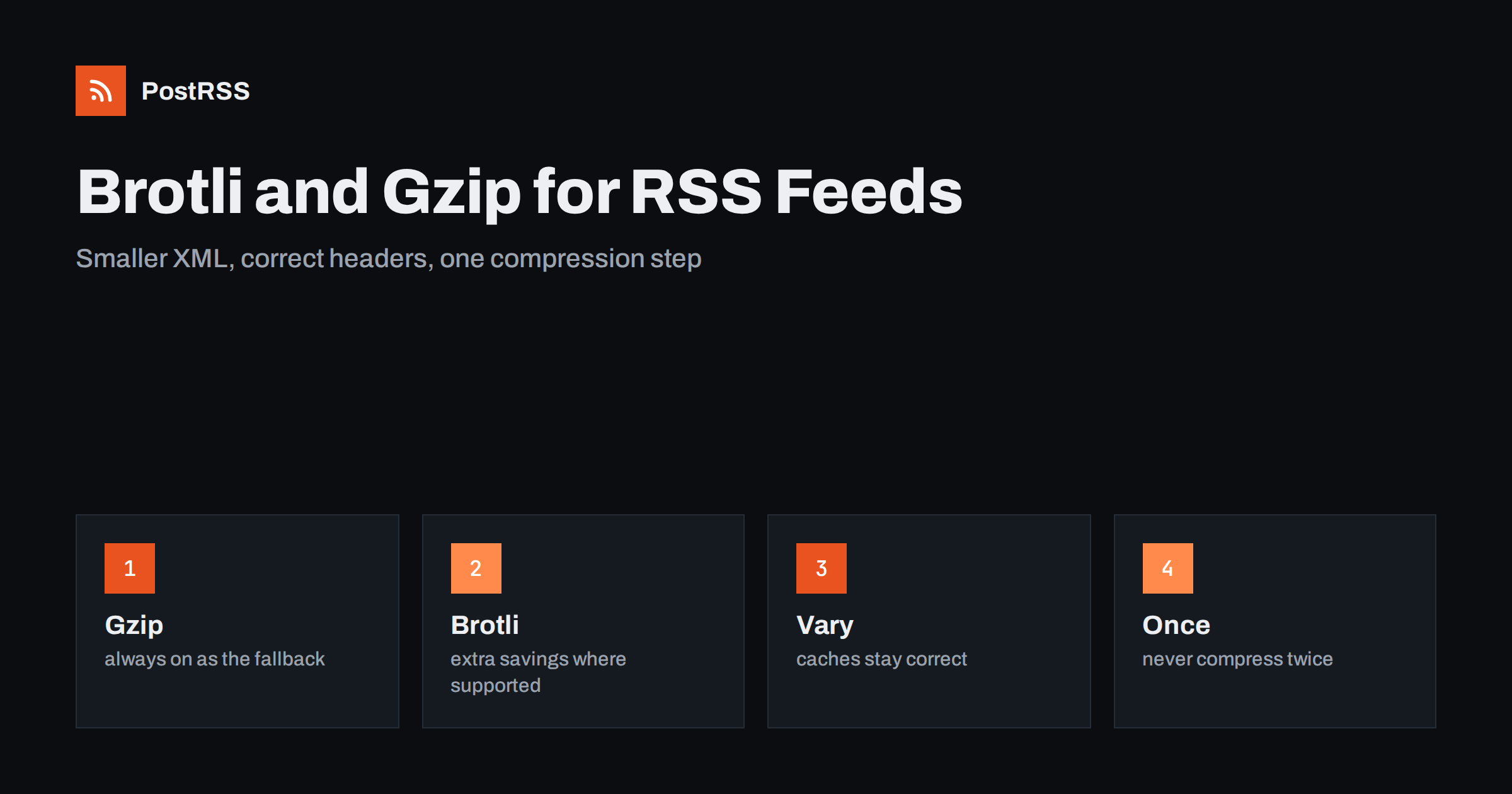
Short answer: To compress an RSS feed safely, enable gzip for the RSS and Atom content types and add Brotli where your server or CDN supports it, make sure the response carries a Vary header for the encoding, compress only once, keep the content type and the validators unchanged and test with a command line client that asks for each encoding. Compression typically shrinks a repetitive XML feed to a small fraction of its size, which speeds up readers and reduces the cost of frequent checks by tools such as PostRSS, as long as the feed still validates after decompression.
An RSS feed is text with many repeated tags, which is exactly what compression algorithms handle best. A feed of thirty items can be a hundred kilobytes of XML and shrink to a fraction of that when compressed. Because feeds are fetched again and again by readers, search tools, podcast apps and auto-posters, the savings add up quickly on bandwidth and on the time each client waits. At the same time, compression is a place where small configuration mistakes cause strange failures: a feed that downloads as unreadable bytes, a cache that serves the wrong encoding to a client that cannot decode it, or a document compressed twice. This guide explains the difference between gzip and Brotli, how a client and a server agree on an encoding, how to configure common servers, what to do with caches and CDNs and how to test the result. Module names and directive names change between versions, so check the documentation of your own server for exact syntax.
When a client requests a document it sends a header that lists the encodings it understands, for example gzip and br, the short name of Brotli. The server may choose one of them, compress the body and answer with a header that names the chosen encoding. If the client lists nothing, or only encodings the server does not offer, the server sends the plain document. Because the answer depends on a request header, the server should also send the Vary header with the encoding header named in it. That tells every cache between the server and the client that the stored copy is valid only for requests with the same encoding preference. Without it, a cache might store a compressed answer and hand it to a client that cannot read it.
GET /feed/ HTTP/1.1
Host: example.com
Accept-Encoding: gzip, br

HTTP/1.1 200 OK
Content-Type: application/rss+xml; charset=UTF-8
Content-Encoding: br
Vary: Accept-Encoding| Feature | Gzip | Brotli |
|---|---|---|
| Support in clients | Almost universal, including old tools | Wide in browsers and modern libraries, less certain in small scripts |
| Size of text files | Good | Usually somewhat smaller |
| Speed to compress | Fast at every level | Slower at high levels, fine at medium ones |
| Typical use | Default fallback for everything | Extra savings where supported |
The practical conclusion is simple. Always offer gzip, because every tool that fetches feeds understands it. Add Brotli as a bonus for clients that ask for it. Do not remove gzip when you add Brotli, and do not set Brotli to its highest level for content that is generated on every request, because the compression time would be longer than the time saved.
Servers compress only the types that you list. Feeds use several names, and a common mistake is to compress HTML and JSON but not the feed types. Include the RSS type, the Atom type and the general XML types, because some servers and frameworks send feeds with the older XML type.
application/rss+xml
application/atom+xml
application/xml
text/xml
Do not compress files that are already compressed, such as images and audio enclosures, because you would burn processor time for no gain. Do not compress tiny responses either; most servers have a minimum length below which they skip compression.
In nginx, gzip is built in, and Brotli is available through a separate module that you must install or enable. The following block turns on both for feed types.
gzip on;
gzip_vary on;
gzip_comp_level 5;
gzip_min_length 512;
gzip_types application/rss+xml application/atom+xml application/xml text/xml;

brotli on;
brotli_comp_level 5;
brotli_types application/rss+xml application/atom+xml application/xml text/xml;
If the module is not installed, remove the Brotli lines, because the server will refuse to start with directives it does not know. A medium level is a good balance for dynamic content. For a feed file that changes only when you publish, you can precompress it at the highest level once and serve the stored copy with the matching setting for static compressed files.
Apache uses output filters. The deflate module handles gzip, and a separate module handles Brotli. Add the feed types to the filter, and set the header for varying responses.
AddOutputFilterByType DEFLATE application/rss+xml application/atom+xml application/xml text/xml
AddOutputFilterByType BROTLI_COMPRESS application/rss+xml application/atom+xml application/xml text/xml
Header append Vary Accept-Encoding
When both filters are present, Apache applies the one that matches what the client asks for. Test it, because the order of modules and the version matter. If your site runs on shared hosting and you cannot edit the main configuration, many hosts allow these lines in a per-directory file, or offer a switch in the control panel.
Content delivery networks usually compress text responses automatically and may prefer Brotli for clients that support it. Check three things. First, that the feed type is on the list of compressible types, because some networks apply a short default list. Second, that the origin does not compress as well, which can lead to double encoding or to a cache that stores a variant for each encoding. Third, that the cache key includes the encoding in the right way, normalized into a few variants and not every spelling a client might send. The same caching principles are discussed in the guide to a Cloudflare Workers feed.
Double compression happens when an application compresses its own output and the server compresses it again. The result is a response with one encoding header and a body that needs two decompression steps, so clients see garbage. Decide which layer is responsible. For most sites it is best to let the web server or the CDN do it and to disable compression inside the application. If you cannot be sure, request the feed with a client that does not decode automatically, save the body and check whether it can be decompressed once and then read as XML.
Feeds are often fetched with conditional requests, where the client sends the entity tag or the date it saw last and the server answers that nothing has changed. Compression can interfere with this. Some servers turn a strong entity tag into a weak one when they compress, which is correct, and some strip the tag. Make sure that the unchanged answer still works with compression on, because it saves most of the transfer. Also do not set a content length header yourself before compression, because the length of the compressed body differs; let the server calculate it or use chunked transfer.
If your feed is a file that changes only when you publish, you do not need to compress it on every request. Generate the plain file, then create a gzip copy and a Brotli copy next to it at the highest level once, as part of the same step that writes the feed. Configure the server to serve the matching stored copy when the client accepts that encoding and the plain file otherwise. This removes the processor cost from each request, gives the smallest possible size and works well on busy sites. Remember to replace all three files together and atomically, because a plain file that is newer than its compressed siblings would show different content to different clients. A short script that writes the files to temporary names and renames them at the end avoids that problem.
Compression helps, but a small feed helps more. Thirty items are enough for most feeds, because readers and auto-posters look only at recent entries. Use a short summary in the description element and not the full article, unless you really need to deliver full text. Avoid embedding large inline images as data, because they compress poorly. Remove debugging comments and extra whitespace that a template may add. A lean, well-compressed feed is quick to download even over a weak mobile connection, which matters for podcast apps and for readers in regions with slow networks.
A longer routine is in the feed validation guide.
After you enable compression, check that your monitoring still works. An uptime check that looks for a word in the response may fail if it does not decode the body, and a log analysis tool may report a smaller number of bytes than before, which is the intended result. Compare the bytes sent per day before and after the change to see the saving, and keep an eye on the processor load of the server for a few days. If the load rises noticeably, lower the compression level or precompress the file. Document the final settings in the same place where you keep the rest of your server notes, so that the next person who changes the configuration knows why each line exists.
PostRSS has been publishing RSS and Atom feeds to social networks since 2014. Paste the address of your feed, connect your accounts and choose how each post is built; PostRSS can check the feed as often as every minute and publishes each new item with its real image and link to the networks you select among its 66 supported networks. A feed that is compressed correctly is cheap to fetch, even when it is checked often. Add UTM parameters to the posted links to see which network brings readers. See the PostRSS features page for the options and the pricing page for plan limits.
Compression is one of the cheapest improvements you can make to a feed. Always offer gzip, add Brotli where it is supported, list the feed content types, send the Vary header, let only one layer compress, keep validators working and test each encoding with a client that shows the headers. A compressed, valid feed loads faster for readers and costs less for every tool that checks it, including the auto-poster that shares your new articles on social networks.
Yes. Feeds are repetitive text and shrink a great deal. Enable gzip for the feed content types and add Brotli where your server or CDN supports it.
Clients only receive Brotli if they ask for it in their request header. Keep gzip enabled as well, so tools that do not support Brotli still get a compressed answer.
Usually the response was compressed twice or the encoding header is missing. Let only one layer compress and check the headers with a command line client.
Yes. It tells caches that the answer depends on the encoding, so they do not send a compressed copy to a client that cannot decode it.
Yes. PostRSS reads any valid RSS or Atom address that is reachable without a login, and compression does not change what it reads.
What changed in the networks, what broke, and how to fix it before it costs you reach.
PostRSS-এর পেছনের টিম Internet Solutions-এর তৈরি। প্রতিটি পণ্য নিজের মতো করে আপনার সময় বাঁচায়।
 English
 Lietuviškai
 Deutsch
 Français
 Русский
 Español
 Polski
 Italiano
 Українська
 Čeština
 Português
 日本語
 Latviešu valoda
 Eesti
 Magyar
 Bahasa Indonesia
 Türkçe
 हिन्दी
 Ελληνικά
 العربية
 ไทย
 Tiếng Việt
 Română
 Bahasa Melayu
 বাংলা